Table of Contents
- Building Offline-First Web Applications for Unreliable Internet Connections
- What Is an Offline-First Web Application?
- Why Offline-First Development Matters
- How Offline-First Applications Work
- 1. Local Storage
- 2. Service Workers
- 3. Local Application State
- 4. Synchronization
- A Simple Offline-First Example
- With a Traditional Online Application
- With an Offline-First Application
- Designing a Synchronization Strategy
- Handling Conflicts
- Last Write Wins
- Server-Side Validation
- Merge Changes
- User Resolution
- Optimistic User Interfaces
- Network Status Should Be Visible
- Choosing What Should Work Offline
- Offline-First and Progressive Web Apps
- Benefits of Offline-First Applications
- Better Reliability
- Improved User Experience
- Wider Accessibility
- Reduced Dependence on Network Quality
- Better Business Continuity
- Potentially Faster Interactions
- Offline-First Applications for Different Industries
- Retail
- Logistics
- Healthcare
- Construction
- Agriculture
- Field Service
- Security Considerations
- Authentication in Offline Applications
- Testing Offline Functionality
- Common Mistakes to Avoid
- Treating Offline Support as an Afterthought
- Storing Too Much Data Locally
- Ignoring Synchronization Failures
- Not Designing for Conflicts
- Providing Poor Offline Feedback
- A Practical Offline-First Development Process
- Step 1: Identify Connectivity Problems
- Step 2: Identify Critical Workflows
- Step 3: Define Local Data Requirements
- Step 4: Design Synchronization
- Step 5: Define Conflict Handling
- Step 6: Implement Offline Storage
- Step 7: Add Connectivity and Sync Feedback
- Step 8: Test Real-World Conditions
- Step 9: Monitor Synchronization
- The Future of Offline-First Web Development
- Final Thoughts
Building Offline-First Web Applications for Unreliable Internet Connections
Reliable internet connectivity is often taken for granted when building modern web applications. However, many users operate in environments where internet access is slow, unstable, expensive, or completely unavailable for periods of time.
This can happen in rural areas, during travel, on construction sites, in warehouses, at outdoor events, or in regions with inconsistent network infrastructure.
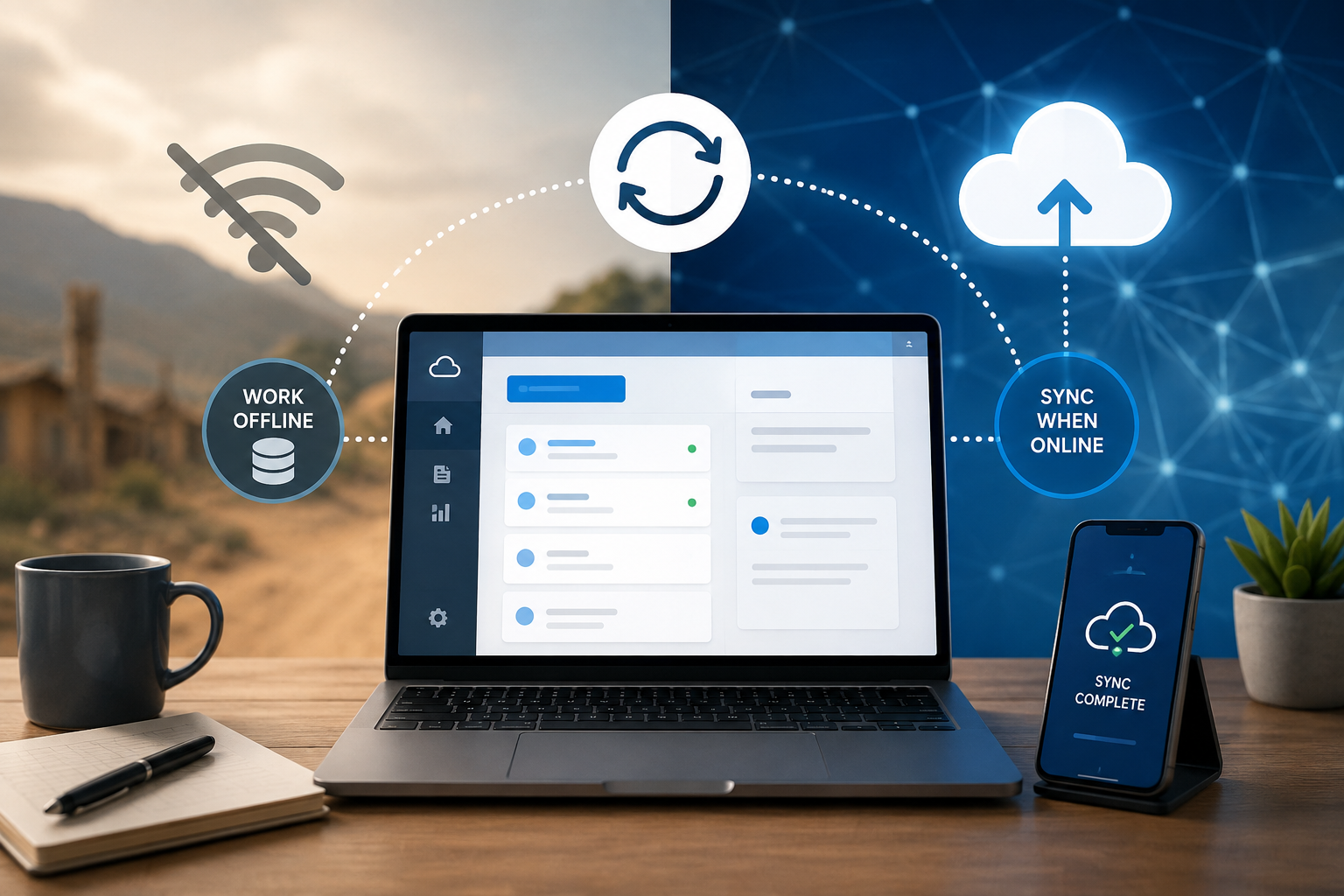
An offline-first web application is designed with these conditions in mind. Instead of assuming that the internet will always be available, the application is built to continue providing useful functionality even when the connection is interrupted.
This approach can improve reliability, user experience, and business continuity while allowing applications to work effectively in a wider range of environments.
What Is an Offline-First Web Application?
An offline-first application is a web application designed so that core functionality does not depend entirely on a continuous internet connection.
Traditional web applications often follow this model:
User Action → Internet → Server → Response → User Interface
If the network becomes unavailable, important functionality may stop working.
An offline-first application uses a different approach:
User Action → Local Application → Local Data → Synchronization When Online
The application can store necessary information locally and synchronize changes with the server when connectivity becomes available again.
This does not necessarily mean the entire application must work offline. Instead, businesses identify the most important features that users should be able to access without a reliable connection.
Why Offline-First Development Matters
Internet connectivity can vary significantly depending on location and circumstances.
A user may experience:
- Slow internet
- Intermittent connectivity
- Temporary network outages
- High latency
- Limited mobile data
- Weak Wi-Fi
- Complete offline periods
If an application requires a constant connection, users may lose access to important workflows.
For example, imagine a warehouse employee scanning products while moving through an area with poor Wi-Fi.
A connection-dependent application might fail to record scans.
An offline-first application could save the scans locally and synchronize them once the network becomes available.
How Offline-First Applications Work
An offline-first architecture generally includes several important components.
1. Local Storage
The browser can store application data locally so that it remains available even when the user loses connectivity.
Common browser technologies include:
- IndexedDB
- Cache Storage
- Service Workers
- Local Storage for appropriate small-scale data
For more complex applications, IndexedDB can be particularly useful because it supports structured client-side data storage.
2. Service Workers
A service worker runs separately from the main web page and can help control network requests and caching.
It can allow applications to:
- Cache important resources
- Serve previously cached content
- Handle certain requests while offline
- Support background synchronization strategies
This can help an application continue functioning when the network is temporarily unavailable.
3. Local Application State
The application should maintain enough local state to allow users to continue important workflows.
For example, a field-service application could store:
- Customer details
- Assigned tasks
- Inspection forms
- Work records
- Recently synchronized information
Users can then continue working even if the connection disappears.
4. Synchronization
When the connection returns, locally stored changes can be synchronized with the central server.
A simplified process looks like:
Offline Action → Local Storage → Connection Restored → Sync Queue → Server → Confirmation
Synchronization is one of the most important parts of offline-first development.
A Simple Offline-First Example
Consider a retail inventory application.
An employee scans a product.
With a Traditional Online Application
Scan Product → Send Request → Server → Update Inventory
If the network fails, the scan may not be recorded.
With an Offline-First Application
Scan Product → Save Locally → Continue Working
When the connection returns:
Local Records → Synchronization → Server → Updated Inventory
The employee does not necessarily need to stop working simply because the network is temporarily unavailable.
Designing a Synchronization Strategy
Synchronization needs careful planning.
A business should determine:
- Which data can be stored locally?
- Which actions can be performed offline?
- How frequently should synchronization occur?
- What happens when synchronization fails?
- How should duplicate actions be handled?
- What happens when two users modify the same record?
A simple synchronization queue might contain:
Action 1: Product Scanned
Action 2: Quantity Updated
Action 3: Stock Transfer Created
Action 4: Inventory Count Completed
When connectivity is restored, the application can process these actions in an appropriate order.
Handling Conflicts
One of the biggest challenges in offline applications is data conflict.
Imagine two employees edit the same inventory record while working offline.
Employee A changes:
Stock = 20 → 15
Employee B changes:
Stock = 20 → 12
When both devices reconnect, the server receives conflicting updates.
The application needs a defined conflict-resolution strategy.
Possible approaches include:
Last Write Wins
The most recent update replaces the previous value.
This is simple but may not always be appropriate.
Server-Side Validation
The server checks whether the submitted change is still valid before applying it.
Merge Changes
If changes can be combined safely, the system may merge them.
User Resolution
For important conflicts, the application can notify a user and allow them to choose the correct version.
The appropriate approach depends on the business workflow.
Optimistic User Interfaces
Offline-first applications often use an optimistic UI approach.
Instead of waiting for the server to confirm every action, the interface immediately reflects the user's action.
For example:
User clicks "Save" → UI shows the record as saved locally
The application can then synchronize the change with the server later.
A clear status indicator can communicate whether information is:
- Saved locally
- Synchronizing
- Successfully synchronized
- Waiting for connection
- Synchronization failed
This prevents users from wondering whether their actions were recorded.
Network Status Should Be Visible
Offline-first applications should make connectivity status easy to understand.
For example, the interface could display:
Online
or
Offline — Changes will sync when connection returns
This is particularly important when users are performing business-critical tasks.
However, developers should not rely only on the browser's network-status indicator. A device may report that it is connected to Wi-Fi while the actual internet connection is unavailable.
Applications should also handle failed requests and synchronization errors gracefully.
Choosing What Should Work Offline
Not every feature needs offline support.
Businesses should identify the workflows where offline functionality provides the most value.
Good candidates might include:
- Data entry
- Product scanning
- Field inspections
- Task management
- Forms
- Note-taking
- Order creation
- Inventory updates
- Customer information access
Some functions may still require an online connection.
For example:
- Real-time financial transactions
- Certain authentication operations
- Live collaboration
- External API requests
- Server-side reports requiring current data
The goal is to provide offline functionality where it is practical and valuable.
Offline-First and Progressive Web Apps
Progressive Web Apps (PWAs) can be a useful approach for building web applications with offline capabilities.
A PWA can use technologies such as:
- Service workers
- Web app manifests
- Browser caching
- Local storage
- Responsive interfaces
These technologies can help web applications provide app-like experiences across supported devices.
However, simply turning a website into a PWA does not automatically make it fully offline-capable. Offline functionality must be deliberately designed and tested.
Benefits of Offline-First Applications
Better Reliability
Users can continue important tasks when connectivity is interrupted.
Improved User Experience
Temporary network problems do not necessarily stop the user's workflow.
Wider Accessibility
Applications can serve users in locations with limited connectivity.
Reduced Dependence on Network Quality
Users can continue working despite slow or unstable connections.
Better Business Continuity
Employees can continue collecting information during network outages.
Potentially Faster Interactions
Frequently used information stored locally can sometimes be accessed faster than waiting for a network request.
Offline-First Applications for Different Industries
Retail
Offline functionality can support:
- Product scanning
- Inventory counting
- Stock management
- Order creation
- Store operations
Logistics
Delivery applications can allow drivers to record:
- Delivery status
- Customer signatures
- Delivery notes
- Package information
The information can synchronize later.
Healthcare
Field workers may need access to certain records or forms in locations with limited connectivity.
Healthcare applications require particularly strong security, privacy, and data-protection controls.
Construction
Workers at remote construction sites may need to record:
- Inspection information
- Task progress
- Equipment usage
- Safety observations
Agriculture
Applications used in rural environments can benefit from offline support for:
- Field records
- Crop information
- Equipment tracking
- Activity logs
Field Service
Technicians can access assigned jobs and record work performed even when connectivity is unreliable.
Security Considerations
Offline data creates additional security responsibilities.
Information stored on a user's device may remain accessible even when the application is offline.
Businesses should carefully consider:
- Data encryption
- Authentication
- Device security
- Session management
- Local data expiration
- Access control
- Secure synchronization
- Sensitive data minimization
Sensitive information should not be stored locally unless there is a clear business requirement and appropriate security controls.
Applications should also consider what happens when a user logs out or loses access to an account.
Authentication in Offline Applications
Authentication can be particularly challenging when users are offline.
A user may need to access previously synchronized information without contacting the authentication server.
Possible strategies depend heavily on the application's security requirements.
For sensitive applications, offline authentication should be carefully designed so that convenience does not create unacceptable security risks.
For example, a field application might allow limited offline access to previously downloaded tasks while requiring an online connection for sensitive account changes.
Testing Offline Functionality
Offline-first applications need more than standard browser testing.
Developers should test scenarios such as:
- Complete loss of internet connection
- Slow network
- Intermittent connection
- Connection returning during synchronization
- Browser refresh while offline
- Device restart
- Duplicate synchronization attempts
- Server errors
- Conflicting updates
- Expired authentication
- Large amounts of unsynchronized data
Testing these conditions helps ensure that offline functionality works in real-world situations.
Common Mistakes to Avoid
Treating Offline Support as an Afterthought
Adding offline functionality at the end of development can be difficult because the application's architecture may already depend heavily on server requests.
Offline requirements should be considered early.
Storing Too Much Data Locally
Local storage should contain only information that is necessary for offline functionality.
Ignoring Synchronization Failures
Synchronization may fail because of server errors, network problems, conflicts, or authentication issues.
Users need clear feedback when this happens.
Not Designing for Conflicts
Multiple users may modify the same data while offline.
A conflict strategy should be defined before implementation.
Providing Poor Offline Feedback
Users should know whether their changes have been:
- Saved locally
- Waiting to synchronize
- Successfully synchronized
- Rejected
- In conflict
Clear status information builds confidence.
A Practical Offline-First Development Process
Businesses can approach offline-first development through several stages.
Step 1: Identify Connectivity Problems
Determine where and when users experience unreliable connectivity.
Step 2: Identify Critical Workflows
Decide which tasks users must be able to complete offline.
Step 3: Define Local Data Requirements
Determine what information needs to be available on the device.
Step 4: Design Synchronization
Define how local changes will reach the server.
Step 5: Define Conflict Handling
Determine what happens when local and server data differ.
Step 6: Implement Offline Storage
Use appropriate browser technologies and data structures.
Step 7: Add Connectivity and Sync Feedback
Show users the current synchronization state.
Step 8: Test Real-World Conditions
Test slow, unstable, and unavailable networks.
Step 9: Monitor Synchronization
After deployment, monitor failed sync operations and other reliability issues.
The Future of Offline-First Web Development
As web applications become more capable, offline-first architecture is becoming increasingly relevant.
Businesses are no longer building applications only for users with fast desktop internet connections. Modern applications may be used on smartphones, tablets, laptops, remote devices, and field equipment in many different network environments.
Improvements in browser storage, service workers, local databases, synchronization technologies, and web capabilities are making it increasingly practical to build resilient web experiences.
AI-powered applications may also benefit from local processing in situations where sending every request to a remote server is impractical. However, privacy, device capabilities, model size, and synchronization requirements need to be considered carefully.
Final Thoughts
Building an offline-first web application means designing around the reality that internet connectivity can fail.
Instead of allowing a temporary network problem to completely stop the user, an offline-first application can store important information locally, allow users to continue essential tasks, and synchronize changes when connectivity returns.
The approach requires careful planning around local storage, synchronization, conflict resolution, security, authentication, and user feedback.
For businesses operating in remote locations, warehouses, retail environments, field services, logistics, or areas with unreliable internet, offline-first development can provide a significant improvement in application reliability.