Table of Contents
- Cloud-Based Business Software: Is It Right for Your Company?
- What Is Cloud-Based Business Software?
- 1. Access Business Information From Anywhere
- 2. Supports Growing Businesses
- 3. Reduces Dependence on Local Hardware
- 4. Makes Collaboration Easier
- 5. Helps Reduce Manual Data Management
- 6. Automatic Updates Can Simplify Maintenance
- 7. Backup and Recovery Matter
- 8. Security Requires Careful Planning
- 9. Role-Based Access Becomes Important
- 10. Can Integrate With Other Business Systems
- Cloud-Based vs Traditional Business Software
- When Is Cloud-Based Software a Good Choice?
- When Should You Be More Careful?
- Questions to Ask Before Choosing Cloud Software
- Is my data secure?
- How is my data backed up?
- Can I export my data?
- Can the software integrate with existing systems?
- Can I customize the workflow?
- How are user permissions managed?
- What happens if the service goes down?
- What is the total cost?
- Cloud Software Doesn't Mean One-Size-Fits-All
- What About Custom Cloud-Based Software?
- How to Move From Local Software to the Cloud
- Step 1: Review Existing Systems
- Step 2: Identify Important Data
- Step 3: Select the Right Platform
- Step 4: Plan Data Migration
- Step 5: Configure User Roles
- Step 6: Test the System
- Step 7: Train Employees
- Step 8: Monitor After Launch
- Final Thoughts
Cloud-Based Business Software: Is It Right for Your Company?
Businesses today rely on software for everything from managing employees and customers to handling invoices, inventory, sales, and reports. Traditionally, many companies installed software directly on office computers or maintained their own servers.
Cloud-based business software offers a different approach.
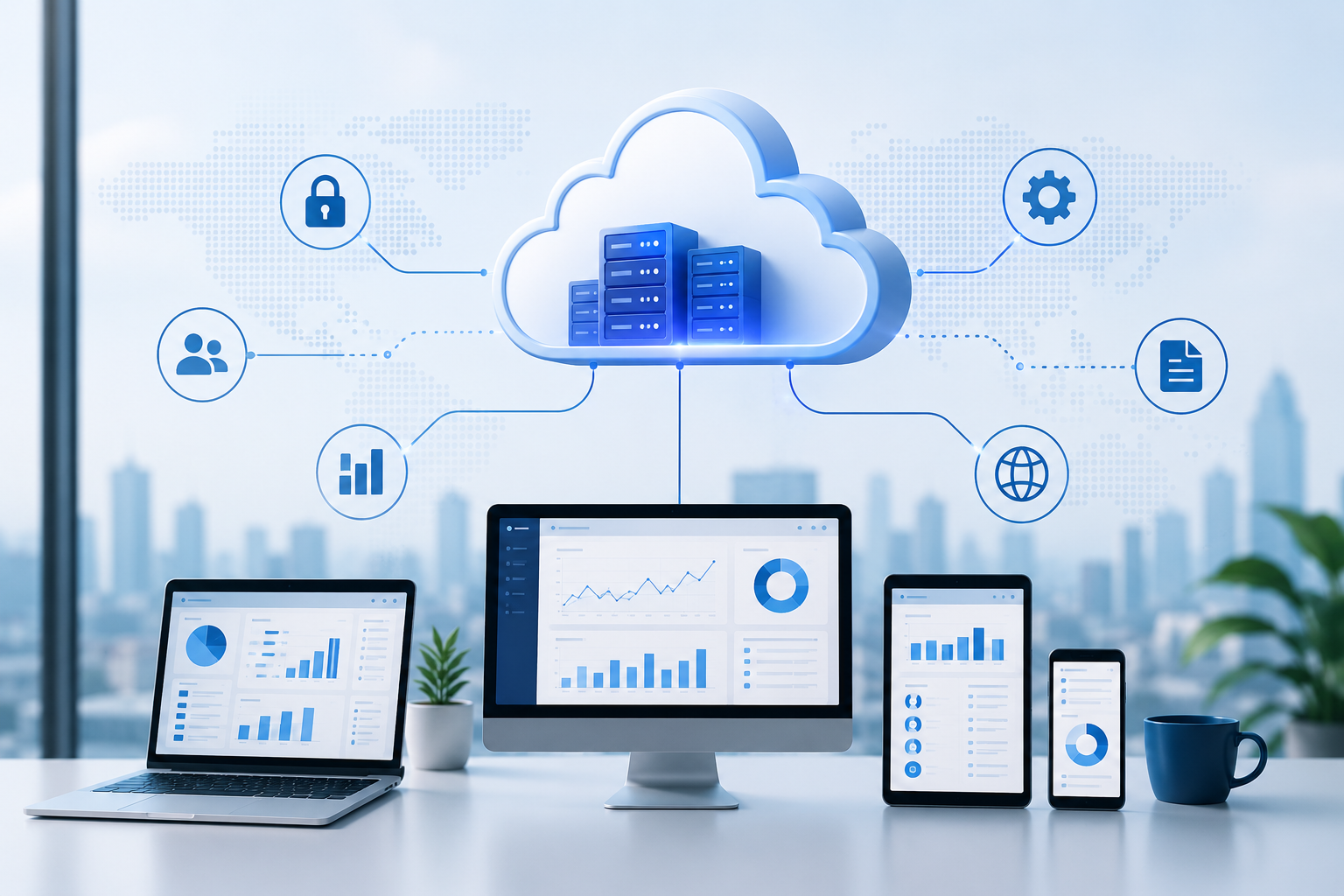
Instead of depending entirely on software installed on a specific computer or local server, cloud-based applications can be accessed through the internet. Business data and applications are hosted on cloud infrastructure, allowing authorized users to access them from different locations and devices.
But is cloud-based software the right choice for every company?
The answer depends on your business size, workflow, budget, security requirements, and future plans.
What Is Cloud-Based Business Software?
Cloud-based business software is an application that uses cloud infrastructure to store data and provide access to business functions.
Examples include:
- CRM systems
- ERP software
- Accounting applications
- HR management systems
- Inventory software
- Project management tools
- Business dashboards
- Customer support platforms
Instead of being restricted to one office computer, authorized users can typically access the system through an internet-connected device.
1. Access Business Information From Anywhere
One of the biggest advantages of cloud-based software is accessibility.
Employees may be able to access the system from:
- Office
- Home
- Branch locations
- Client meetings
- Business trips
- Remote workplaces
For businesses with multiple locations or hybrid teams, this can be particularly useful.
For example, a manager could review a sales report from a laptop while a salesperson updates customer information from another location.
2. Supports Growing Businesses
Business requirements change as a company grows.
A small company may start with a few employees and limited data. Later, it may have multiple departments, branches, customers, and transactions.
Cloud-based systems can make it easier to expand access and resources as requirements increase.
Instead of replacing an entire local infrastructure whenever the business grows, organizations can choose cloud services that support their changing needs.
However, scalability depends on the specific cloud platform and software architecture.
3. Reduces Dependence on Local Hardware
Traditional business applications may require local servers, storage devices, and dedicated IT infrastructure.
Cloud-based software can reduce the need for businesses to maintain all of this infrastructure themselves.
This can be particularly useful for smaller companies that don't want to manage physical servers.
Instead, infrastructure management is handled partly or entirely by the cloud service provider, depending on the service model.
4. Makes Collaboration Easier
Cloud software can make it easier for different employees and departments to work with shared information.
For example:
Sales Team
Updates a customer record.
↓
Accounts Team
Views relevant billing information.
↓
Management
Reviews updated reports.
Everyone can work from the same centralized system rather than maintaining separate spreadsheets or files.
This can reduce duplicate data and improve coordination between departments.
5. Helps Reduce Manual Data Management
Cloud-based business software can connect different business functions.
For example:
New Customer
↓
CRM Record
↓
Sales Activity
↓
Quotation
↓
Order
↓
Invoice
↓
Payment
When these processes are integrated, employees don't necessarily need to enter the same information into multiple systems.
This can reduce repetitive data entry and improve operational efficiency.
6. Automatic Updates Can Simplify Maintenance
With traditional locally installed software, businesses may need to manage software updates manually.
Many cloud-based software providers handle updates and maintenance as part of their service.
This can reduce the workload for internal teams.
However, businesses should still understand how updates are managed, whether downtime is possible, and whether changes could affect existing workflows.
7. Backup and Recovery Matter
Business data is extremely valuable.
Hardware failure, accidental deletion, system errors, or other incidents can affect important information.
Cloud platforms often provide backup and recovery features, but businesses should not assume that every cloud service automatically provides the same level of protection.
Before selecting a platform, check:
- Backup frequency
- Data retention
- Recovery options
- Disaster recovery policies
- Data redundancy
- Recovery time objectives
A business should understand how its data would be restored if something goes wrong.
8. Security Requires Careful Planning
A common misconception is that cloud software is automatically secure.
Cloud security depends on several factors, including:
- Provider security practices
- User authentication
- Access controls
- Encryption
- Software configuration
- Monitoring
- Backup policies
- Employee security practices
Businesses should use strong passwords, appropriate user permissions, multi-factor authentication where available, and regular access reviews.
For example, an employee who leaves the company should no longer have access to internal business systems.
9. Role-Based Access Becomes Important
Cloud-based systems may be accessible from many locations, making user permissions particularly important.
Not every employee needs access to every module.
For example:
Sales Employee
- Customers
- Leads
- Quotations
Accounts Employee
- Invoices
- Payments
- Financial records
HR Employee
- Employee information
- Leave management
Administrator
- System configuration
- Users
- Permissions
Role-based access helps businesses provide users with the access required for their responsibilities.
10. Can Integrate With Other Business Systems
Modern businesses often use several applications.
For example:
- Website
- CRM
- ERP
- Accounting software
- Payment gateway
- Email platform
- Inventory system
Cloud-based software can often integrate with other applications through APIs and other integration methods.
For example:
Website Inquiry
↓
CRM
↓
Sales Notification
↓
Customer Follow-Up
This can reduce manual movement of information between systems.
Cloud-Based vs Traditional Business Software
| Feature | Cloud-Based Software | Traditional Local Software |
|---|---|---|
| Access | Internet-based | Usually local/network-based |
| Hardware | Less local infrastructure | May require local servers |
| Remote access | Generally easier | May require additional setup |
| Updates | Often provider-managed | Often manually managed |
| Scalability | Often easier to scale | May require hardware upgrades |
| Maintenance | Provider handles much of it | Business handles more internally |
| Internet dependency | Usually required | Can often work locally |
| Customization | Depends on provider | Can be highly customizable |
| Cost model | Often subscription-based | May involve licenses + infrastructure |
Neither approach is automatically better for every business.
The right choice depends on the organization's requirements.
When Is Cloud-Based Software a Good Choice?
Cloud-based business software may be suitable when your company:
- Has multiple locations
- Has remote or hybrid employees
- Needs access from different devices
- Wants to reduce local infrastructure
- Is expanding quickly
- Needs centralized data
- Wants easier collaboration
- Uses multiple integrated applications
- Wants predictable software maintenance
For example, a growing company with offices in Surat, Mumbai, and Ahmedabad may benefit from having employees work with the same centralized business system rather than maintaining separate local databases.
When Should You Be More Careful?
Cloud software may require additional consideration if your business has:
- Very limited internet connectivity
- Strict data residency requirements
- Specialized offline requirements
- Highly customized workflows
- Legacy system dependencies
- Industry-specific compliance requirements
In these situations, businesses should evaluate the technical and operational requirements carefully before moving everything to the cloud.
Questions to Ask Before Choosing Cloud Software
Before selecting a cloud-based business system, consider asking:
Is my data secure?
Understand the provider's security controls and policies.
How is my data backed up?
Check backup frequency, retention, and recovery options.
Can I export my data?
A business should understand how its data can be retrieved if it changes providers.
Can the software integrate with existing systems?
Check API and integration capabilities.
Can I customize the workflow?
Make sure the software can support important business processes.
How are user permissions managed?
Look for role-based access and administrative controls.
What happens if the service goes down?
Understand availability and disaster recovery procedures.
What is the total cost?
Consider subscription fees, implementation, customization, training, integrations, and support.
Cloud Software Doesn't Mean One-Size-Fits-All
One of the biggest mistakes businesses make is selecting software simply because it has many features.
A system may offer hundreds of features but still be unsuitable if it doesn't match the company's workflow.
For example, a manufacturing company may need:
Production → Inventory → Quality → Dispatch → Billing
A service company may need:
Lead → Proposal → Project → Timesheet → Invoice
The software should support the actual workflow rather than forcing employees to completely change how they work.
What About Custom Cloud-Based Software?
Businesses with unique processes may consider custom cloud-based software.
A custom system can be designed around specific requirements such as:
- Custom dashboards
- Employee management
- CRM
- Inventory
- Billing
- Approvals
- Reports
- Notifications
- User permissions
- Branch management
- Third-party integrations
For example, instead of changing the business process to match an existing application, custom software can be developed around the company's existing workflow.
This can be useful when standard software doesn't provide the required flexibility.
How to Move From Local Software to the Cloud
Businesses planning a migration should avoid moving everything without preparation.
A practical approach is:
Step 1: Review Existing Systems
Identify current applications, databases, spreadsheets, and workflows.
Step 2: Identify Important Data
Determine what data needs to be migrated and what can be archived.
Step 3: Select the Right Platform
Compare functionality, security, scalability, integrations, and cost.
Step 4: Plan Data Migration
Prepare and clean the data before importing it into the new system.
Step 5: Configure User Roles
Define who can access each module and perform specific actions.
Step 6: Test the System
Test workflows, integrations, reports, permissions, and data.
Step 7: Train Employees
Employees should understand how the new system works before full deployment.
Step 8: Monitor After Launch
Track performance and user feedback and address issues quickly.
Final Thoughts
Cloud-based business software can provide businesses with greater accessibility, centralized information, easier collaboration, and reduced dependence on local infrastructure.
But moving to the cloud shouldn't be based simply on the idea that "cloud is better."
Businesses should evaluate their workflows, data, security requirements, integrations, budget, and future growth before choosing a solution.
For some companies, a ready-made cloud platform may be the ideal option. Others may benefit from a custom cloud-based ERP, CRM, or business management system designed around their specific processes.
The goal is simple:
Choose technology that makes your business easier to manage, not technology that makes your business adapt unnecessarily.
With the right planning, cloud-based software can become a reliable foundation for managing operations, connecting teams, and supporting business growth.