Table of Contents
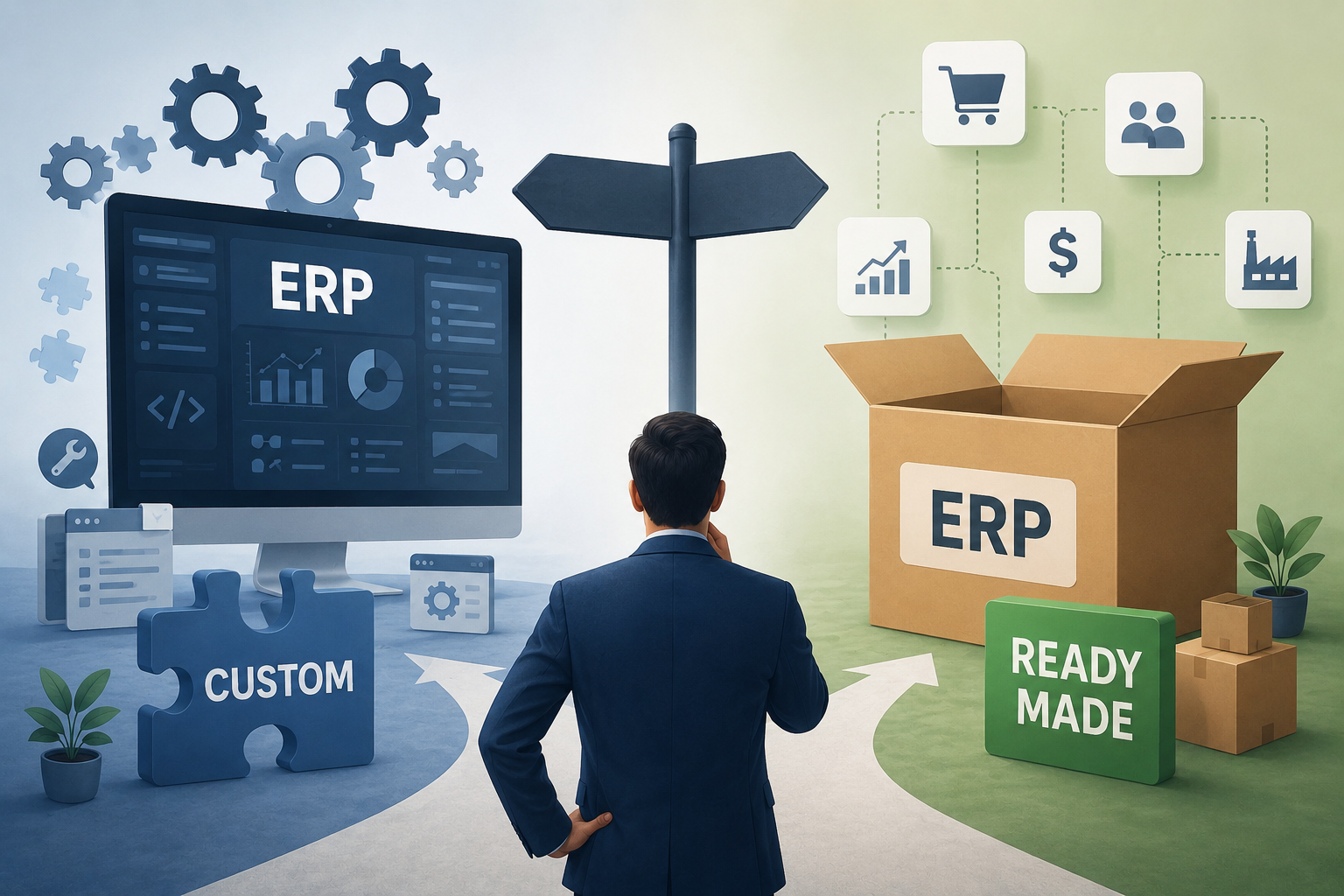
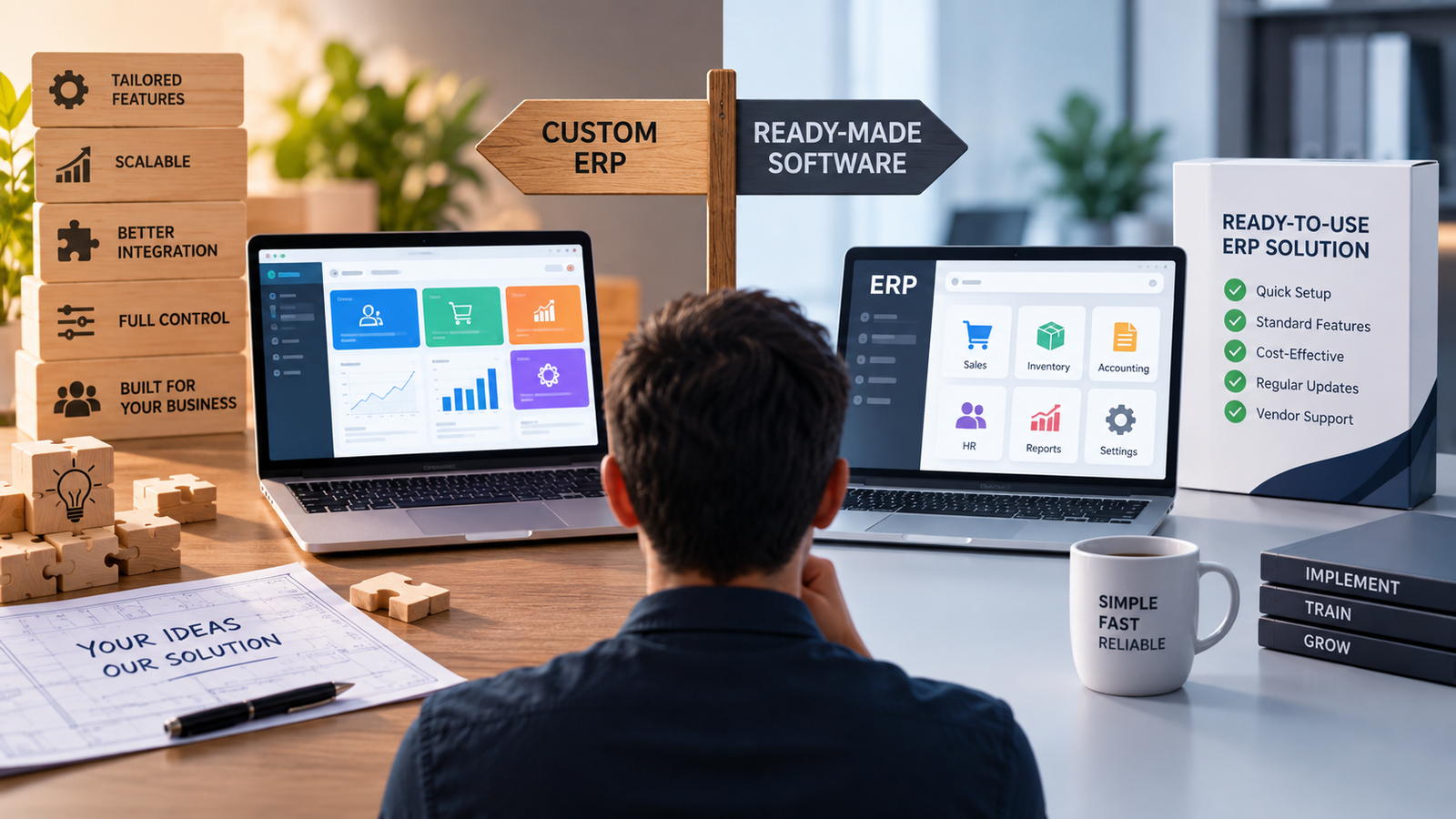
- Custom ERP vs. Ready-Made Software: What Should Businesses Consider?
- What Is a Custom ERP?
- What Is Ready-Made ERP Software?
- Custom ERP vs. Ready-Made ERP: The Basic Difference
- 1. Business Process Fit
- 2. Customization Requirements
- 3. Integration With Existing Systems
- 4. Implementation Time
- 5. Cost: Look Beyond the Initial Price
- 6. Scalability and Future Growth
- 7. Reporting and Business Dashboards
- 8. User Experience
- 9. Data Migration
- 10. Security and User Permissions
- 11. Vendor Dependency
- 12. Maintenance and Upgrades
- 13. Industry-Specific Requirements
- Custom ERP or Ready-Made ERP: Questions to Ask
- About business requirements
- About technology
- About cost
- About scalability
- About implementation
- When Ready-Made ERP May Make Sense
- When Custom ERP May Make Sense
- A Hybrid Approach Is Also Possible
- How to Make the Decision
- Final Thoughts
Custom ERP vs. Ready-Made Software: What Should Businesses Consider?
Choosing the right ERP software is an important decision for businesses that want to improve how they manage finance, inventory, HR, sales, operations, reporting, and other core activities.
Businesses generally have two options: custom ERP software developed around their specific requirements, or ready-made ERP software that provides predefined features and workflows.
Neither option is automatically right for every business. The better choice depends on how unique your processes are, how much flexibility you need, your budget, integration requirements, implementation timeline, and how you expect the business to grow.
What Is a Custom ERP?
A custom ERP is software developed specifically for a business or organization.
Instead of changing business processes to match an existing software package, the ERP is designed around the company's workflows, rules, departments, reporting requirements, and operational needs.
A custom ERP can include modules such as:
-
Finance and accounting
-
Inventory management
-
HR and payroll
-
CRM
-
Sales and purchase management
-
Attendance
-
Fee management
-
Project management
-
Reporting and analytics
-
Customer portals
-
Employee portals
-
Vendor management
-
Custom approval workflows
Additional modules can be developed when the business has requirements that are not available in standard ERP products.
What Is Ready-Made ERP Software?
Ready-made ERP software is a pre-developed solution offered to multiple businesses.
It normally includes a collection of standard modules and features that are designed around common business processes.
Depending on the product, a ready-made ERP may provide:
-
Accounting
-
Inventory
-
Sales
-
Purchasing
-
HR
-
Payroll
-
Customer management
-
Reporting
-
Business dashboards
-
User management
-
Standard integrations
Businesses usually configure the available options rather than developing the entire system from scratch.
Modern ERP platforms can connect multiple business functions and provide a shared source of business data, helping departments work with more consistent information.
Custom ERP vs. Ready-Made ERP: The Basic Difference
The biggest difference is how closely the software can be aligned with the business's existing processes.
| Factor | Custom ERP | Ready-Made ERP |
|---|---|---|
| Development | Built for a specific business | Pre-developed product |
| Customization | Very high | Usually limited to available options |
| Initial setup | Requires development and planning | Generally faster |
| Workflow flexibility | Designed around business processes | Follows supported workflows |
| Integrations | Can be developed as required | Depends on available integrations |
| User interface | Can be designed specifically | Usually predefined |
| Scalability | Can be planned around business growth | Depends on vendor and product |
| Maintenance | Business-specific maintenance required | Usually handled by vendor |
| Initial investment | Can be higher | Often easier to budget initially |
| Implementation time | Usually longer | Generally shorter |
1. Business Process Fit
One of the first things businesses should evaluate is how well the ERP matches their actual workflows.
A ready-made ERP may work well when the business follows relatively standard processes.
However, some organizations have specialized workflows.
For example, a company may require:
Lead → Quotation → Approval → Production → Quality Check → Dispatch → Invoice
Another organization may have:
Admission → Student Registration → Fee Collection → Attendance → Examination → Result → Certificate
If the standard ERP cannot properly support these processes, employees may need workarounds or manual steps.
A custom ERP can be designed around the organization's actual workflow.
ERP implementation guidance emphasizes defining business requirements, processes, project scope, integrations, data, and user roles before implementation.
2. Customization Requirements
Customization is an important consideration.
A ready-made ERP may provide many configuration options, but there may still be limits to what can be changed.
For example, you may want:
-
A unique approval process
-
A customized invoice
-
Industry-specific reports
-
Special employee rules
-
Custom fee calculations
-
Unique inventory logic
-
Custom dashboards
-
Special notifications
-
Custom customer portals
If these requirements are central to your operations, the ability to control the software becomes more important.
Custom ERP development allows the system to be built around those requirements.
However, customization should be planned carefully. Excessive customization of packaged software can increase maintenance and upgrade complexity.
3. Integration With Existing Systems
Businesses rarely operate using only one software system.
An ERP may need to communicate with:
-
Payment gateways
-
Banking systems
-
Accounting software
-
CRM platforms
-
E-commerce websites
-
Attendance machines
-
Email systems
-
SMS services
-
WhatsApp services
-
Customer portals
-
Mobile applications
-
Third-party APIs
Ready-made ERP software may already provide integrations for popular platforms.
That can reduce development work.
With a custom ERP, integrations can be developed specifically around the organization's existing technology environment.
This can be particularly useful when a business has multiple systems that need to exchange data.
4. Implementation Time
Implementation speed can be an important consideration.
Ready-made ERP software is already developed, so businesses can usually start with an existing product and configure it according to their requirements.
Custom ERP development normally requires several stages:
-
Requirement analysis
-
Workflow planning
-
UI/UX design
-
Database design
-
Development
-
Integration
-
Testing
-
Data migration
-
User training
-
Deployment
-
Ongoing improvements
This means custom ERP development generally requires more planning and development time.
For businesses that need a solution immediately, a ready-made product may therefore be worth considering.
5. Cost: Look Beyond the Initial Price
Cost is often one of the first questions businesses ask.
However, comparing only the initial software price can provide an incomplete picture.
Businesses should consider the total cost of ownership.
This may include:
-
Software licensing
-
Subscription fees
-
Implementation
-
Customization
-
Data migration
-
Integration
-
Training
-
Support
-
Maintenance
-
Upgrades
-
Additional users
-
Additional modules
-
Hosting or infrastructure
A ready-made ERP may have a lower initial entry cost, but additional modules, users, integrations, or customization may increase the overall cost.
A custom ERP can require a larger initial investment but may provide more control over the features and workflows being developed.
The right comparison is therefore not simply:
Custom = expensive
or
Ready-made = cheap
Instead, businesses should compare the expected cost against the functionality and operational value required.
6. Scalability and Future Growth
Businesses change over time.
The ERP that works today may need to support:
-
More employees
-
More customers
-
More products
-
More branches
-
More transactions
-
Additional departments
-
New business processes
-
New integrations
Scalability should therefore be considered before selecting an ERP.
A custom ERP can be architected around the expected growth of a particular business.
A ready-made ERP can also be highly scalable when the vendor provides appropriate infrastructure, modules, user capacity, and expansion options.
The important question is:
Can the system support the business's expected growth without creating unnecessary operational limitations?
Modern ERP selection guidance commonly emphasizes scalability, integration, business requirements, and implementation planning as part of the evaluation process.
7. Reporting and Business Dashboards
Reporting requirements can vary significantly between organizations.
A standard ERP may provide common reports such as:
-
Sales reports
-
Purchase reports
-
Inventory reports
-
Profit and loss reports
-
Employee reports
-
Financial reports
But some businesses need highly specific reporting.
For example:
Branch-wise Sales → Product-wise Sales → Salesperson Performance → Outstanding Payments → Monthly Comparison
A custom ERP can be designed to provide dashboards and reports around these specific requirements.
This can reduce the need to manually combine information from different systems.
8. User Experience
Employees use ERP systems every day, so usability matters.
A system may have hundreds of features, but that does not necessarily mean every employee needs access to all of them.
A custom ERP can provide role-specific interfaces.
For example:
Admin Dashboard
-
Complete business overview
-
Reports
-
User management
-
Settings
Sales Dashboard
-
Leads
-
Quotations
-
Orders
-
Customers
HR Dashboard
-
Employees
-
Attendance
-
Leave
-
Payroll
Warehouse Dashboard
-
Stock
-
Purchases
-
Transfers
-
Dispatch
This approach can make the system easier for employees to understand and use.
9. Data Migration
Moving existing data into a new ERP is another important consideration.
Businesses may already have information stored in:
-
Excel files
-
Old ERP software
-
Accounting systems
-
Databases
-
CRM platforms
-
Paper records
Before implementation, businesses should determine:
-
What data needs to be migrated?
-
Is the data accurate?
-
Are duplicate records present?
-
What historical data should be retained?
-
How will the data be mapped?
-
How will the migrated data be tested?
ERP implementation guidance specifically identifies data cleansing, migration, testing, and validation as important implementation activities.
10. Security and User Permissions
ERP systems can contain sensitive business information.
Depending on the organization, this could include:
-
Financial records
-
Employee information
-
Customer data
-
Supplier information
-
Sales data
-
Payroll information
-
Business reports
The system should therefore provide appropriate access controls.
Businesses should evaluate:
-
Role-based permissions
-
User authentication
-
Password policies
-
Access restrictions
-
Audit logs
-
Data backups
-
Encryption
-
Session management
-
Security monitoring
A custom ERP gives developers more control over how roles and permissions are structured, while established ready-made ERP platforms may already provide mature security and access-control features.
11. Vendor Dependency
Ready-made ERP software generally depends on the software vendor for:
-
Product updates
-
Bug fixes
-
Support
-
Hosting, in some cases
-
New features
-
Integrations
-
Platform changes
This can be useful because the business does not have to manage every aspect of the product internally.
However, it also means the business needs to understand the vendor's:
-
Support policy
-
Pricing model
-
Upgrade policy
-
Data ownership terms
-
Integration capabilities
-
Product roadmap
-
Exit or migration options
For custom ERP, the organization may have greater control over the system, but it also needs a reliable development and maintenance strategy.
12. Maintenance and Upgrades
Every ERP requires maintenance.
Custom ERP systems may need updates when:
-
Business rules change
-
New modules are required
-
Security issues are identified
-
APIs change
-
Government regulations change
-
New integrations are introduced
Ready-made ERP systems are generally maintained by the software provider, although businesses may still need to manage configuration, integrations, data, and user adoption.
Cloud ERP products may also receive frequent updates, which means implementation planning should account for ongoing changes rather than treating go-live as the end of the project.
13. Industry-Specific Requirements
Industry requirements can strongly influence the decision.
For example, a manufacturing company may require:
-
Production planning
-
Bill of materials
-
Quality control
-
Machine management
-
Production tracking
A school or university may require:
-
Student admission
-
Fees
-
Attendance
-
Examination
-
Results
-
Certificates
A hospital may require:
-
Patient registration
-
OPD
-
IPD
-
Billing
-
Pharmacy
-
Laboratory
-
Doctor management
A trading business may require:
-
Inventory
-
Purchase
-
Sales
-
Customer credit
-
Supplier management
-
GST-related billing
When industry workflows are highly specialized, businesses should carefully evaluate whether an existing ERP can support those requirements without excessive workarounds.
Custom ERP or Ready-Made ERP: Questions to Ask
Before selecting a solution, businesses can ask:
About business requirements
-
What processes need to be managed?
-
Which processes are unique?
-
Which processes can be standardized?
-
Which departments will use the ERP?
About technology
-
What systems need integration?
-
Are APIs available?
-
What database and hosting environment are required?
-
How will backups and security be managed?
About cost
-
What is the initial investment?
-
What are the recurring costs?
-
What will implementation cost?
-
What will future customization cost?
About scalability
-
How many users will the system support?
-
Can new branches be added?
-
Can new modules be introduced?
-
Can transaction volume increase without major redesign?
About implementation
-
How long will implementation take?
-
Who will manage data migration?
-
What training will employees receive?
-
What testing will be performed?
When Ready-Made ERP May Make Sense
A ready-made ERP may be worth considering when:
-
Business processes are relatively standard
-
The required modules already exist
-
Fast implementation is important
-
Budget needs to be predictable
-
The business prefers vendor-managed updates
-
Required integrations are already supported
-
Extensive customization is not necessary
When Custom ERP May Make Sense
Custom ERP may be worth considering when:
-
Business workflows are highly specialized
-
Existing ERP products require too many workarounds
-
The company needs unique reports
-
Multiple systems need custom integration
-
Industry-specific functionality is important
-
The organization wants control over the user experience
-
Business processes are expected to evolve significantly
A Hybrid Approach Is Also Possible
Businesses do not always have to choose between completely custom software and completely standard software.
A hybrid approach can combine:
Standard ERP + Custom Modules + APIs + Custom Dashboards
For example, a business could use an established ERP for accounting while developing a custom operational platform for inventory, customer management, or internal workflows.
This can reduce unnecessary development while still addressing business-specific requirements.
How to Make the Decision
A practical ERP selection process can look like this:
Step 1: Document your current processes
Write down how departments actually work today.
Step 2: Identify operational problems
Find repetitive tasks, duplicate data entry, manual reporting, disconnected systems, and workflow bottlenecks.
Step 3: Separate standard and unique requirements
Determine which requirements are common and which are specific to your organization.
Step 4: Evaluate ready-made solutions
Check whether existing ERP products can satisfy your important requirements without excessive customization.
Step 5: Estimate custom development
If standard products cannot meet important requirements, estimate the cost and timeline of building a custom ERP.
Step 6: Compare total ownership costs
Consider implementation, licensing, customization, integrations, maintenance, support, and future expansion.
Step 7: Plan implementation
Define data migration, testing, training, user roles, security, integrations, and rollout strategy.
A structured implementation plan helps organizations establish goals, define scope, prepare data, test the system, train users, and manage the transition.
Final Thoughts
The choice between custom ERP and ready-made ERP software should be based on the business rather than simply on the software type.
Ready-made ERP can be suitable when a company has relatively standard processes and wants to adopt an established system with existing functionality.
Custom ERP can be useful when the organization has specialized workflows, unique reporting requirements, complex integrations, or specific operational rules that standard software cannot easily accommodate.
The most important question is not:
“Which ERP is better?”
Instead, businesses should ask:
“Which ERP approach fits our processes, budget, technology, users, and future growth?”
A detailed requirements analysis and total-cost comparison can help businesses make a more informed decision before starting an ERP implementation.