Table of Contents
- How Barcode Billing Can Make Retail Checkout Faster
- What Is Barcode Billing?
- How Barcode Billing Speeds Up Checkout
- 1. Faster Product Identification
- 2. Reduces Manual Price Entry
- 3. Makes Large Bills Easier to Process
- 4. Improves Billing Accuracy
- 5. Automatically Calculates the Bill
- 6. Updates Inventory After a Sale
- 7. Makes Product Searching Easier
- Barcode Billing for Busy Retail Stores
- Barcode Billing and Customer Experience
- Important Features of a Barcode Billing System
- Barcode Scanner
- Product Database
- Shopping Cart
- Payment Management
- Invoice Generation
- Inventory Integration
- Sales Reports
- Barcode Billing in a D-Mart-Style Retail System
- Barcode Billing vs. Manual Billing
- Conclusion
How Barcode Billing Can Make Retail Checkout Faster
Retail checkout is one of the most important parts of the shopping experience. Customers expect the billing process to be quick, accurate, and convenient. When checkout takes too long, especially during busy hours, customers may have to wait in long queues and staff may struggle to process transactions efficiently.
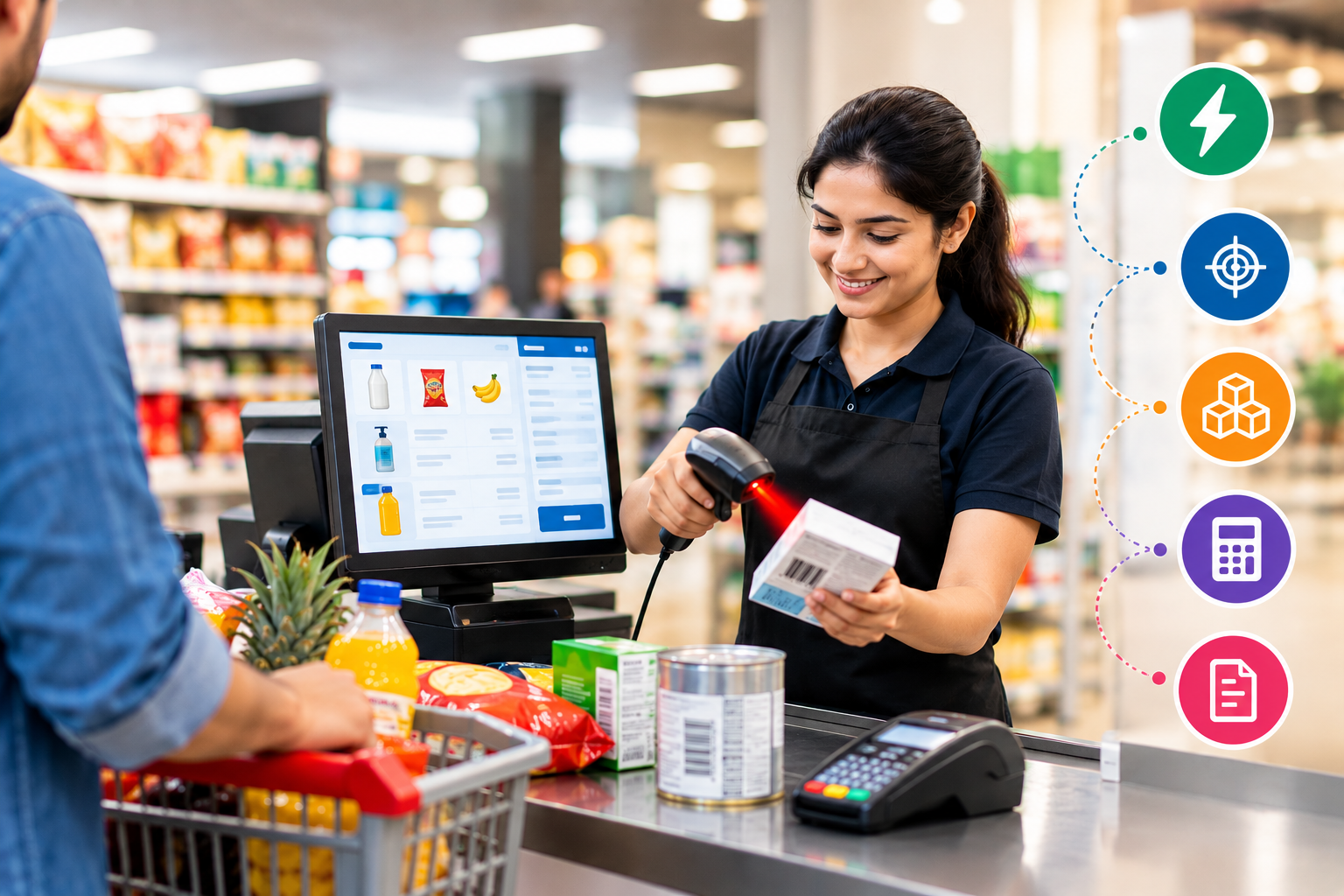
Barcode billing systems can help retailers simplify the checkout process by allowing products to be identified and added to a bill quickly. Instead of manually searching for products or entering prices, a cashier can scan the barcode and retrieve the product information automatically.
What Is Barcode Billing?
Barcode billing is a retail billing process where products are identified using their unique barcodes. A barcode scanner reads the code, and the billing software retrieves information such as the product name, price, tax, and available stock.
A typical barcode billing process looks like this:
Scan Product → Retrieve Product Details → Add to Cart → Calculate Total → Accept Payment → Generate Invoice
This automated process can reduce repetitive manual work and make checkout more organized.
How Barcode Billing Speeds Up Checkout
1. Faster Product Identification
Manually searching for products in a billing system can take time, especially when a store has hundreds or thousands of products.
With barcode scanning, the cashier can scan the product and immediately retrieve its information. This makes it easier to add products to the customer's bill.
2. Reduces Manual Price Entry
Entering product prices manually can slow down checkout and increase the possibility of mistakes.
Barcode billing connects the barcode with the product's stored information. When the barcode is scanned, the system can automatically display the registered price.
This reduces the need for cashiers to repeatedly type product information.
3. Makes Large Bills Easier to Process
Customers buying many products can make manual billing particularly time-consuming.
A barcode scanner allows cashiers to scan products one after another:
Product 1 → Scan → Add
Product 2 → Scan → Add
Product 3 → Scan → Add
The system can continuously update the cart and calculate the bill automatically.
4. Improves Billing Accuracy
Manual data entry can lead to errors such as incorrect prices, quantities, or product selection.
Barcode scanning reduces the amount of information that employees need to enter manually. When the barcode is correctly linked to the product record, the billing system can retrieve the corresponding information automatically.
5. Automatically Calculates the Bill
A modern billing system can automatically calculate:
-
Product prices
-
Quantities
-
Discounts
-
Taxes
-
Subtotal
-
Final payable amount
This means the cashier does not need to manually calculate the customer's total.
6. Updates Inventory After a Sale
One of the major benefits of connecting barcode billing with inventory management is automatic stock tracking.
When a product is sold, the system can reduce its available quantity.
For example:
Before Sale: 50 units
Customer Purchases: 3 units
Updated Stock: 47 units
This provides a more connected relationship between billing and inventory management.
7. Makes Product Searching Easier
Sometimes a barcode may not scan properly or a customer may ask for a product that is not physically available at the checkout counter.
A good billing application can also provide product search by:
-
Product name
-
SKU
-
Barcode
-
Category
-
Brand
This gives employees alternative ways to find products quickly.
Barcode Billing for Busy Retail Stores
Checkout speed becomes particularly important during busy periods such as weekends, holidays, festivals, and promotional sales.
When multiple customers are waiting, even a small delay at each transaction can increase the overall queue.
Barcode billing can help employees process transactions in a consistent workflow, allowing them to focus on scanning products, confirming the bill, collecting payment, and completing the transaction.
Barcode Billing and Customer Experience
Checkout is the final stage of a customer's shopping journey. A smooth checkout process can make the overall shopping experience more convenient.
Customers generally expect:
-
Quick product scanning
-
Accurate pricing
-
Clear billing
-
Multiple payment options
-
Digital or printed invoices
-
Minimal waiting time
Barcode billing can support these requirements when it is integrated with a well-designed retail POS system.
Important Features of a Barcode Billing System
A modern retail barcode billing application can include several features beyond basic scanning.
Barcode Scanner
The scanner identifies products using their unique barcodes.
Product Database
Stores product information such as:
-
Product name
-
SKU
-
Barcode
-
Category
-
Brand
-
Selling price
-
Purchase price
-
Tax
-
Stock quantity
Shopping Cart
The cart displays scanned products, quantities, prices, discounts, and the current bill total.
Payment Management
The system can support different payment methods such as:
-
Cash
-
Card
-
UPI
-
Digital payments
-
Credit
Invoice Generation
After payment, the system can generate an invoice containing the purchased products, quantities, taxes, discounts, total amount, and payment information.
Inventory Integration
The system can automatically update stock when a sale is completed.
Sales Reports
Managers can view information about:
-
Daily sales
-
Monthly sales
-
Best-selling products
-
Sales by cashier
-
Payment methods
-
Product performance
Barcode Billing in a D-Mart-Style Retail System
For supermarkets and general stores, barcode billing can be part of a complete retail management system.
A possible workflow is:
Customer Selects Products
↓
Cashier Scans Barcodes
↓
Products Added to Cart
↓
System Calculates Price, Tax & Discount
↓
Customer Selects Payment Method
↓
Payment Completed
↓
Invoice Generated
↓
Inventory Automatically Updated
↓
Sale Appears in Reports
This connected workflow helps bring billing, inventory, payments, and reporting together in one system.
Barcode Billing vs. Manual Billing
| Feature | Manual Billing | Barcode Billing |
|---|---|---|
| Product entry | Manual | Barcode scanning |
| Price entry | Often manual | Automatically retrieved |
| Calculation | Manual/system-assisted | Automatic |
| Stock update | May require separate entry | Can be automatic |
| Large orders | Time-consuming | Faster processing |
| Human errors | More likely | Reduced manual entry |
| Sales reporting | Often separate | Can be integrated |
Conclusion
Barcode billing can make retail checkout faster by simplifying product identification, reducing manual data entry, automating calculations, and connecting sales with inventory management.
For growing retail stores, supermarkets, and general stores, barcode billing can become an important part of a modern POS system. When combined with inventory, customer management, payments, invoices, and real-time sales reporting, it creates a more connected and efficient retail checkout process.