Table of Contents
- How Centralized Digital Systems Reduce Administrative Work for Growing Businesses
- What Is a Centralized Digital System?
- Why Administrative Work Increases as Businesses Grow
- Reducing Repetitive Data Entry
- Automating Routine Workflows
- Faster Approvals
- Centralized Document Management
- Simplifying Internal Communication
- Reducing Manual Reporting
- Improving Data Accuracy
- Helping Employees Focus on Higher-Value Work
- Supporting Multiple Departments
- Role-Based Access
- Integrating Existing Business Tools
- How Centralization Supports Business Growth
- Building a Centralized System Step by Step
- Step 1: Identify Administrative Tasks
- Step 2: Map Existing Workflows
- Step 3: Find Bottlenecks
- Step 4: Centralize Important Information
- Step 5: Automate Repetitive Processes
- Step 6: Connect Existing Applications
- Step 7: Measure the Results
- Common Areas Where Centralization Can Help
- Human Resources
- Finance
- Sales
- Operations
- Marketing
- Administration
- Choosing the Right Level of Automation
- The Importance of User-Friendly Design
- Conclusion
How Centralized Digital Systems Reduce Administrative Work for Growing Businesses
As a business grows, its daily operations become more complex. More employees, customers, projects, documents, transactions, and internal processes create a larger administrative workload. Tasks that were once manageable with spreadsheets, emails, and manual records can eventually consume significant amounts of employee time.
Centralized digital systems provide a practical way to organize these activities. By bringing business information, workflows, communication, reporting, and routine processes into connected systems, organizations can reduce repetitive administrative work and create more efficient ways of working.
Modern business systems increasingly combine centralized data with automated workflows, dashboards, and integrations to reduce manual effort and improve operational visibility.
What Is a Centralized Digital System?
A centralized digital system is a platform or connected group of applications that allows a business to manage important information and processes from a common environment.
Instead of keeping information separately in spreadsheets, emails, documents, and different software applications, businesses can connect relevant processes through a central platform.
Depending on the organization's needs, a centralized system may include:
-
Employee management
-
Customer records
-
Project management
-
Task tracking
-
Website content
-
Sales information
-
Invoices and payments
-
Inventory
-
Documents
-
Reports and analytics
-
User and permission management
The purpose is not necessarily to eliminate every existing application. Instead, the goal is to make important business processes easier to manage and connect.
Why Administrative Work Increases as Businesses Grow
Administrative work tends to increase alongside business activity.
A small company may manage customer information in a spreadsheet and communicate through email. As the company grows, it may introduce a CRM, accounting software, HR platform, project management system, and several other tools.
Although each tool may be useful, employees may end up spending considerable time moving information between them.
Common administrative challenges include:
-
Repeated data entry
-
Manual report preparation
-
Searching for documents
-
Following up on approvals
-
Updating multiple records
-
Sending routine notifications
-
Tracking tasks manually
-
Collecting information from different departments
Without process improvements, administrative work can grow faster than the business itself.
Reducing Repetitive Data Entry
One of the simplest ways centralized systems reduce administrative work is by minimizing duplicate data entry.
For example, entering customer information into multiple systems can take time and create opportunities for errors.
Where appropriate, integrations can allow information to move automatically between connected systems. This means employees may only need to enter information once instead of repeatedly copying the same details.
Business process automation is specifically designed to replace repetitive manual steps with more consistent workflows.
Automating Routine Workflows
Many administrative processes follow predictable steps.
For example:
Request → Review → Approval → Notification → Completion
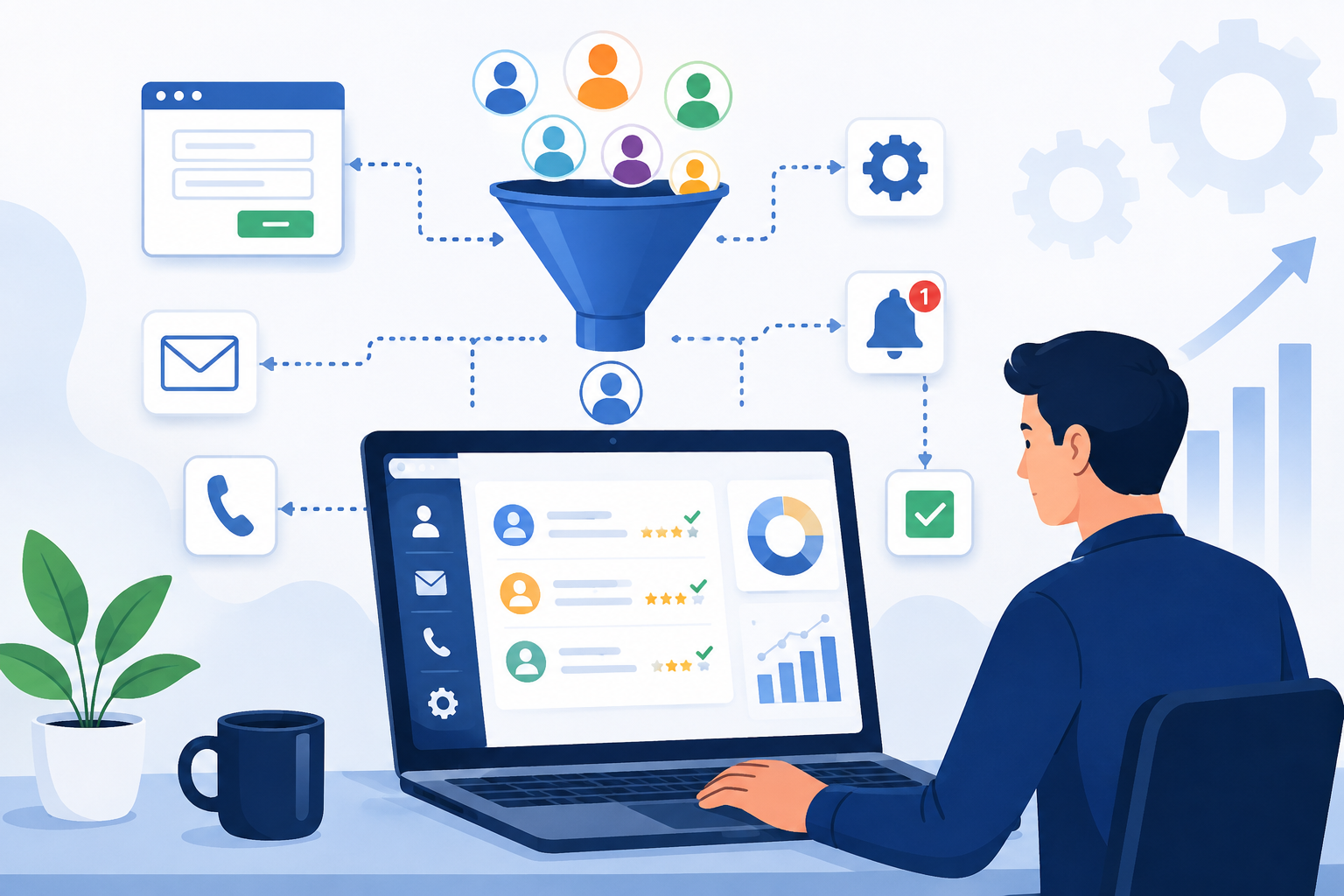
A digital workflow can automate some or all of these steps based on predefined business rules.
Examples include:
-
Leave requests
-
Purchase approvals
-
Invoice processing
-
Employee onboarding
-
Customer requests
-
Document approvals
-
Task assignments
-
Internal service requests
Instead of relying on employees to remember every step, the system can guide the process automatically.
This can reduce delays and make processes more consistent.
Faster Approvals
Approvals are a common source of administrative delays.
An employee may send an email requesting approval, wait for a response, follow up, and then manually update a record after approval.
A centralized workflow can provide a structured approval process.
For example:
-
Employee submits a request.
-
Manager receives a notification.
-
Manager approves or rejects it.
-
The system records the decision.
-
Relevant employees receive an update.
-
The request status changes automatically.
This reduces unnecessary follow-ups and creates a clear record of what happened.
Centralized Document Management
Businesses handle many documents every day, including invoices, contracts, forms, reports, employee documents, proposals, and project files.
When documents are stored across individual computers, email attachments, cloud folders, and messaging applications, finding the correct file can become difficult.
A centralized system can organize documents according to departments, projects, customers, employees, or document types.
Useful features may include:
-
Document upload
-
Search
-
Categorization
-
Version management
-
Access permissions
-
Download history
-
Document status
This can reduce the time employees spend searching for information.
Simplifying Internal Communication
Administrative work often includes communicating routine updates between departments.
For example, an employee may need to inform a manager that a task is completed, notify finance that an invoice is ready, or tell HR that a new employee has joined.
A centralized system can connect these activities to the relevant workflow.
Instead of relying entirely on separate emails or messages, the system can automatically notify the appropriate person when an action is required.
This makes communication more structured and reduces the possibility of missed updates.
Reducing Manual Reporting
Preparing reports manually can take hours, especially when information needs to be collected from multiple sources.
A centralized digital system can collect relevant information and present it through dashboards and reports.
For example, management may be able to view:
-
Total sales
-
Active projects
-
Pending tasks
-
Employee activities
-
Customer records
-
Outstanding invoices
-
Monthly performance
-
Department-wise results
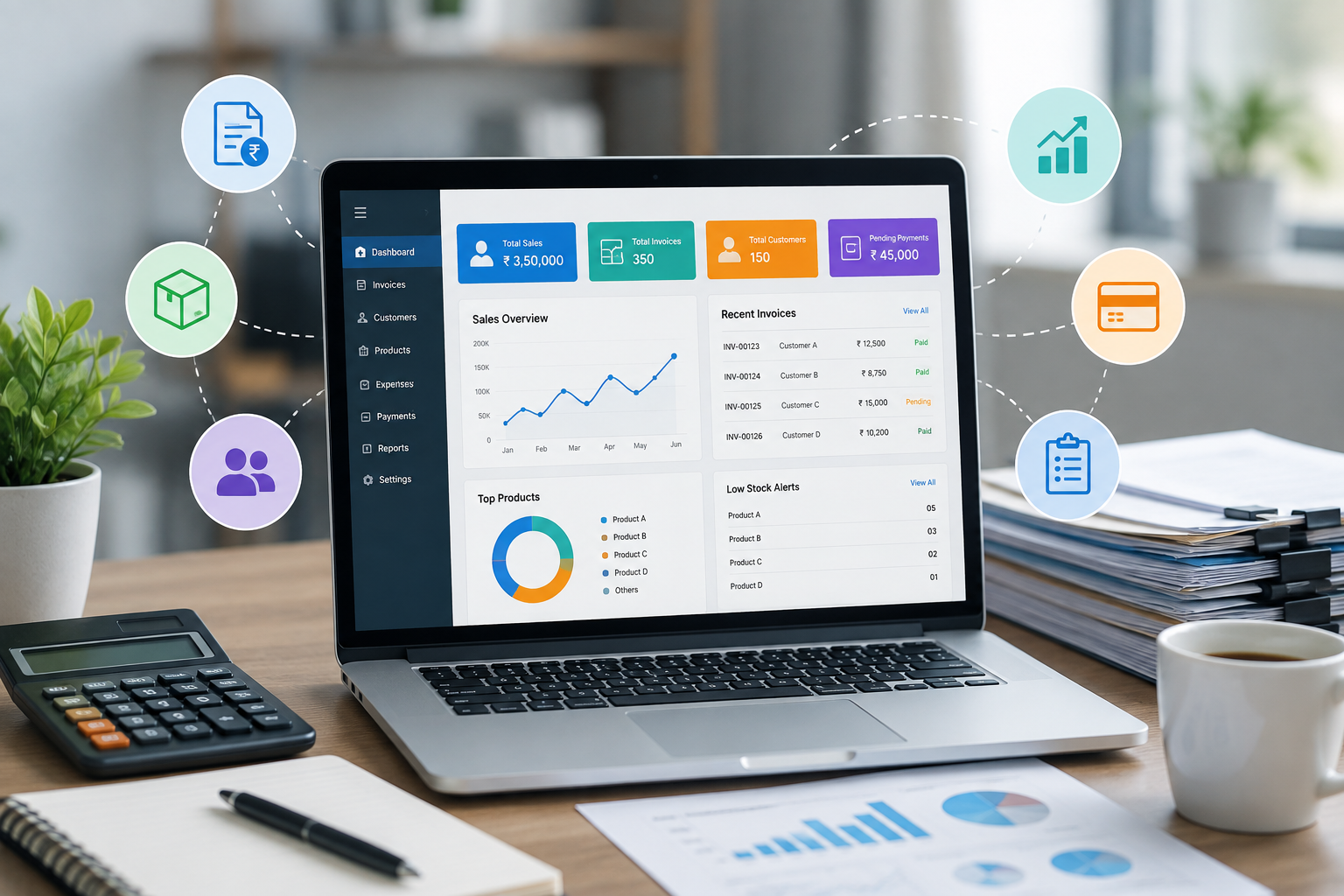
Real-time dashboards and centralized reporting can provide management with a clearer view of operations without requiring employees to prepare every report manually.
Improving Data Accuracy
Administrative work often involves updating records repeatedly. Every additional manual step creates another opportunity for mistakes.
Centralized systems can reduce this risk through:
-
Standardized forms
-
Required fields
-
Dropdown selections
-
Automated calculations
-
Validation rules
-
Database-driven records
-
Automated status updates
For example, a system can automatically calculate totals rather than requiring employees to perform the calculation manually.
Automation can also improve consistency because the same business rules can be applied each time a process runs.
Helping Employees Focus on Higher-Value Work
Administrative work is necessary, but not every administrative task requires human decision-making.
Employees can spend significant amounts of time on repetitive activities such as copying information, preparing routine reports, sending reminders, and checking status updates.
When these tasks are streamlined or automated, employees can spend more time on activities that require:
-
Problem-solving
-
Customer interaction
-
Strategy
-
Creativity
-
Analysis
-
Relationship building
-
Business development
The objective is not to remove people from business processes. It is to reduce unnecessary manual effort so employees can focus on work where their skills provide greater value.
Supporting Multiple Departments
Centralized systems are particularly useful when multiple departments depend on the same information.
Consider a customer order:
Sales → Operations → Finance → Customer Support
Sales needs customer information, operations needs order details, finance needs payment information, and customer support needs access to the customer's history.
If each department maintains separate records, information can become fragmented.
A connected system allows authorized employees to access the information relevant to their role while keeping the overall workflow connected.
Role-Based Access
Centralization does not mean every employee should have access to every piece of information.
A good system should provide role-based access controls.
For example:
Administrator: Full system access
Manager: Departmental records and reports
HR Team: Employee-related information
Finance Team: Financial records and invoices
Project Manager: Projects and assigned tasks
This provides centralized management while maintaining appropriate access restrictions.
Integrating Existing Business Tools
Businesses do not always need to replace their existing software to achieve greater centralization.
APIs and integrations can connect existing applications.
Depending on the business, a centralized system may connect with:
-
CRM platforms
-
Accounting software
-
Payment gateways
-
Email systems
-
HR applications
-
Inventory platforms
-
Analytics tools
-
Customer support systems
-
Internal databases
This approach allows businesses to keep specialized tools while creating a more unified operational environment.
How Centralization Supports Business Growth
A system that works for ten employees may not work equally well for one hundred employees.
As organizations grow, manual processes become increasingly difficult to maintain.
Centralized systems provide a foundation for scalability because new users, departments, workflows, and reporting requirements can be added to an organized digital structure.
This is one reason process automation and centralized business platforms are increasingly used to support growing organizations.
Building a Centralized System Step by Step
Businesses do not need to automate everything immediately.
A practical implementation can follow several stages.
Step 1: Identify Administrative Tasks
List repetitive tasks that consume significant employee time.
Step 2: Map Existing Workflows
Understand how information moves between employees and departments.
Step 3: Find Bottlenecks
Identify where delays, duplicate work, or manual errors frequently occur.
Step 4: Centralize Important Information
Determine which data should be maintained in a shared system.
Step 5: Automate Repetitive Processes
Start with simple, predictable workflows such as notifications, approvals, calculations, and recurring reports.
Step 6: Connect Existing Applications
Use integrations and APIs where they can eliminate duplicate data entry.
Step 7: Measure the Results
Track changes in processing time, errors, administrative workload, and employee productivity.
Starting with clearly defined processes and expanding gradually is generally more practical than attempting to automate every business activity at once.
Common Areas Where Centralization Can Help
Centralized digital systems can be applied to many areas of business operations.
Human Resources
Employee records, leave requests, onboarding, attendance, and internal requests can be managed through structured workflows.
Finance
Invoices, approvals, payment records, expenses, and financial reports can be organized and automated.
Sales
Customer information, leads, quotations, orders, and follow-ups can be connected.
Operations
Tasks, projects, inventory, workflows, and service requests can be tracked through centralized systems.
Marketing
Campaign information, website content, leads, and performance reports can be brought together.
Administration
Documents, approvals, internal requests, notifications, and reports can be managed from one platform.
Choosing the Right Level of Automation
Not every task should be automated.
Some activities require human judgment, approval, creativity, or personal communication.
Businesses should prioritize tasks that are:
-
Repetitive
-
Rule-based
-
Time-consuming
-
High-volume
-
Prone to manual errors
-
Easy to standardize
This allows automation to support employees rather than complicate their work.
The Importance of User-Friendly Design
A centralized system is only useful if employees actually use it.
The interface should be simple, clear, and appropriate for the people using it.
Important design considerations include:
-
Easy navigation
-
Clear menus
-
Simple forms
-
Search and filtering
-
Responsive design
-
Useful notifications
-
Clear status indicators
-
Fast performance
A complicated system can create a new administrative burden instead of reducing one.
Conclusion
As businesses grow, administrative work can become a significant operational challenge. Managing information across spreadsheets, emails, documents, and disconnected applications creates repetitive work, delays, and opportunities for errors.
Centralized digital systems provide a way to bring information and workflows together. By combining centralized data, automation, dashboards, integrations, document management, and role-based access, businesses can reduce repetitive administrative tasks and create more efficient processes.
The goal is not to automate every activity or replace every existing application. The goal is to identify unnecessary manual work and use technology to make those processes simpler, faster, and more reliable.
For growing businesses, a well-designed centralized digital system can provide a strong foundation for managing increasing operational complexity while allowing employees to spend more time on meaningful and productive work.