Table of Contents
- How Digital Approval Workflows Reduce Delays in Business Operations
- What Is a Digital Approval Workflow?
- Why Approval Processes Cause Business Delays
- How Digital Approval Workflows Reduce Delays
- 1. Automatic Request Routing
- 2. Faster Notifications
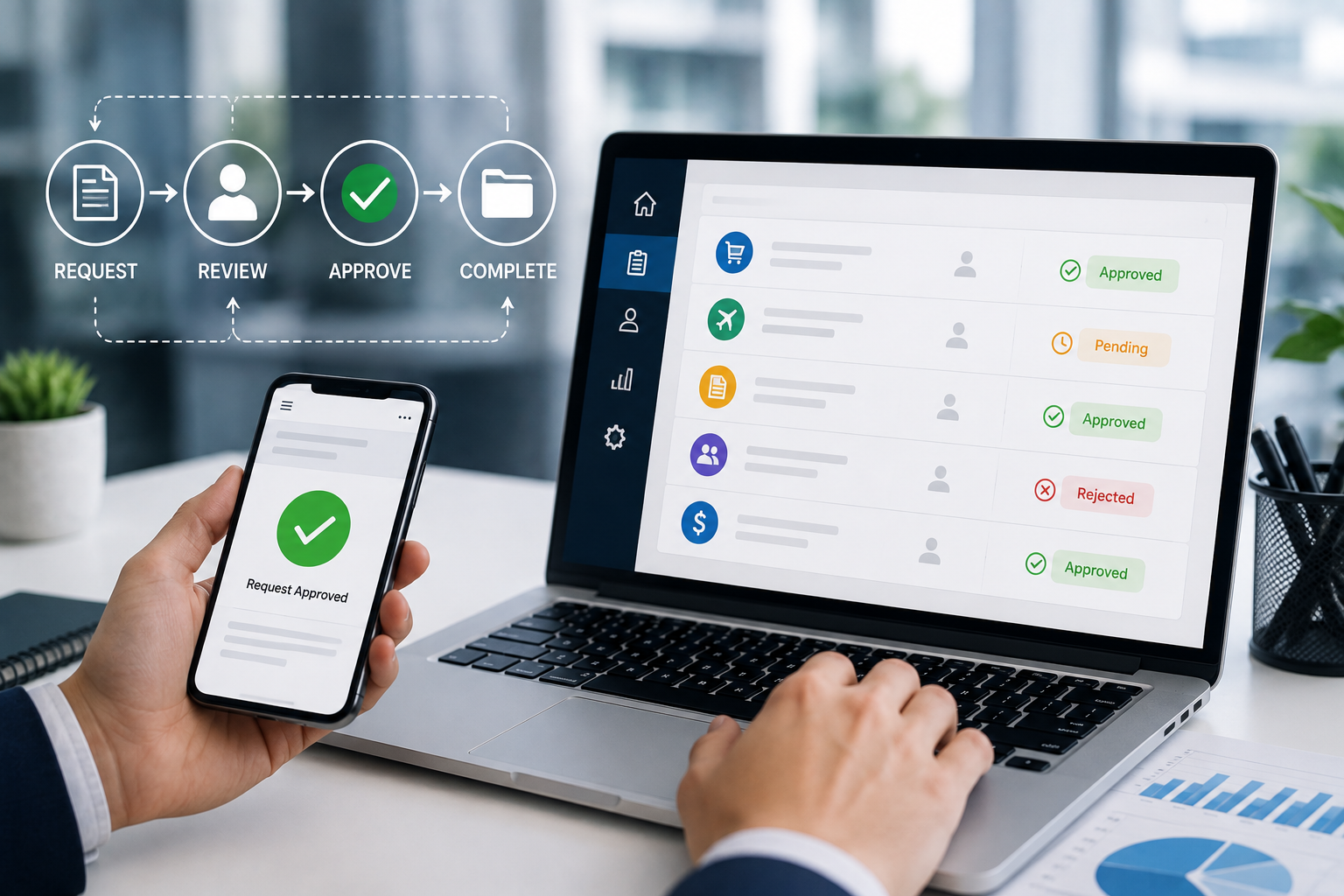
- 3. Clear Approval Status
- 4. Automated Reminders
- 5. Multi-Level Approvals
- 6. Centralized Document Management
- 7. Reduce Manual Data Entry
- Common Business Processes That Can Use Digital Approval Workflows
- Purchase Approvals
- Expense Approvals
- Leave Approvals
- Invoice Approvals
- Contract Approvals
- Discount Approvals
- Role-Based Approval Systems
- Approval Rules and Business Logic
- Audit Trails and Accountability
- Improving Cross-Department Collaboration
- Reducing Approval Bottlenecks
- Mobile Approval
- Benefits for Business Operations
- Faster Decision-Making
- Improved Productivity
- Better Transparency
- Fewer Errors
- Better Accountability
- Easier Management
- Best Practices for Implementing Digital Approval Workflows
- Keep Workflows Simple
- Define Clear Approval Rules
- Automate Notifications
- Set Escalation Rules
- Maintain Proper Permissions
- Track Performance
- Review Workflows Regularly
- Conclusion
How Digital Approval Workflows Reduce Delays in Business Operations
Business operations often depend on approvals. Purchase requests, employee leave, expenses, invoices, contracts, discounts, and other activities may require approval from one or more managers before they can move forward.
Traditional approval processes often rely on paper forms, emails, spreadsheets, or face-to-face communication. These methods can create delays, make requests difficult to track, and increase the risk of missed approvals.
Digital approval workflows provide a structured way to automate and manage these processes. By routing requests to the right people, sending automatic reminders, tracking decisions, and maintaining a clear record of activities, digital workflows can help businesses operate faster and more efficiently.
What Is a Digital Approval Workflow?
A digital approval workflow is a software-based process that automatically moves a request through predefined approval stages.
For example, an employee may submit a purchase request through a business application. The system can automatically send the request to the appropriate manager. Once approved, it can move to the finance department for further approval or payment processing.
A typical workflow may look like:
Request Created → Manager Review → Approval → Finance Review → Final Processing
The exact process can be customized according to the organization's requirements.
Why Approval Processes Cause Business Delays
Manual approval systems can create several problems.
An approval request may be delayed because:
-
The approver did not receive the request.
-
The approver is unavailable.
-
The request was sent to the wrong person.
-
Important information is missing.
-
Employees cannot determine the current status.
-
Documents are difficult to locate.
-
Approvals depend on manual follow-ups.
-
Multiple departments need to review the same request.
These issues can slow down operations and affect other activities that depend on the approval.
How Digital Approval Workflows Reduce Delays
1. Automatic Request Routing
Digital workflows can automatically send requests to the appropriate person based on predefined rules.
For example, an expense request below a certain amount may require approval from a department manager, while a larger expense may require additional approval from senior management.
This eliminates the need for employees to manually determine who should approve each request.
2. Faster Notifications
When a request is submitted, the system can automatically notify the responsible approver.
Notifications can be delivered through:
-
Email
-
SMS
-
Push notifications
-
In-app alerts
-
Workplace communication tools
Immediate notifications help approvers become aware of pending tasks without requiring employees to contact them manually.
3. Clear Approval Status
One of the biggest advantages of digital workflows is visibility.
Employees and managers can see whether a request is:
-
Submitted
-
Under review
-
Pending approval
-
Approved
-
Rejected
-
Returned for changes
-
Completed
This eliminates uncertainty and reduces the number of status-related questions between departments.
4. Automated Reminders
Approvers may sometimes forget or overlook pending requests.
A digital workflow can automatically send reminders when an approval remains pending for a defined period.
For example:
Day 1: Approval request sent
Day 2: Reminder sent
Day 3: Escalation to another authorized manager
This helps prevent requests from remaining unattended for long periods.
5. Multi-Level Approvals
Some business processes require multiple levels of authorization.
For example:
Employee → Department Manager → Finance Manager → Business Owner
Digital workflows can automatically move the request from one stage to the next after each approval.
This reduces manual coordination between departments.
6. Centralized Document Management
Approval requests often require supporting documents such as quotations, invoices, contracts, or reports.
A digital system can attach these documents directly to the request.
Approvers can then review the necessary information without searching through email inboxes, folders, or physical files.
7. Reduce Manual Data Entry
Paper-based approval processes often require information to be entered multiple times.
For example, an employee may fill out a paper form, while another employee enters the same information into a spreadsheet.
Digital workflows allow information to be entered once and reused throughout the process.
This reduces duplicate work and lowers the risk of data-entry errors.
Common Business Processes That Can Use Digital Approval Workflows
Purchase Approvals
Employees can submit purchase requests containing:
-
Product or service details
-
Quantity
-
Estimated cost
-
Supplier information
-
Supporting documents
The system can automatically route the request to the appropriate approver.
Expense Approvals
Employees can submit expense claims with receipts and relevant details.
Managers can review and approve expenses digitally, while the finance team can process approved claims.
Leave Approvals
Employees can submit leave requests through an HR system.
The request can automatically reach the relevant manager, and employees can receive notifications when their request is approved or rejected.
Invoice Approvals
Businesses can use digital workflows to route invoices through the appropriate departments before payment.
For example:
Invoice Received → Department Review → Manager Approval → Finance Verification → Payment
Contract Approvals
Contracts may require review by several departments.
A digital workflow can route the document through legal, management, finance, or other relevant teams.
Discount Approvals
Sales teams may need approval before offering discounts beyond a predefined limit.
The system can automatically trigger an approval request when the discount exceeds the permitted threshold.
Role-Based Approval Systems
Not every employee should be able to approve every request.
Digital approval software can use role-based permissions to determine who can view, approve, reject, or modify requests.
For example:
-
Employee → Create request
-
Department Manager → Review request
-
Finance Manager → Approve financial aspects
-
Business Owner → Final approval
-
Administrator → Manage workflow settings
This provides better control while ensuring requests reach the correct people.
Approval Rules and Business Logic
One of the most useful features of digital workflows is configurable business logic.
Approval rules can be based on:
-
Request amount
-
Department
-
Branch
-
Employee role
-
Expense category
-
Customer type
-
Product category
-
Business location
For example, a company may define:
Expense below ₹10,000 → Department Manager
Expense between ₹10,000 and ₹50,000 → Department Manager + Finance Manager
Expense above ₹50,000 → Senior Management
The system can automatically determine the appropriate approval path.
Audit Trails and Accountability
Digital approval systems can maintain an audit trail showing what happened to each request.
The record may include:
-
Request creator
-
Submission date
-
Approver
-
Approval date
-
Rejection reason
-
Comments
-
Status changes
-
Supporting documents
This creates greater accountability and makes it easier to investigate issues or review historical decisions.
Improving Cross-Department Collaboration
Many business processes involve multiple departments. When each department uses separate communication methods, coordination can become difficult.
A shared digital workflow gives authorized employees a common view of the request.
For example, a purchase request can move between procurement, management, and finance without requiring employees to repeatedly exchange emails or documents.
This creates a more organized and transparent process.
Reducing Approval Bottlenecks
Approval bottlenecks occur when requests accumulate at a particular stage.
Digital systems can help businesses identify these bottlenecks through workflow reports.
Management can monitor:
-
Average approval time
-
Pending requests
-
Requests by department
-
Requests by approver
-
Rejected requests
-
Escalated requests
If one approval stage consistently takes too long, the business can investigate the reason and improve the process.
Mobile Approval
Modern digital approval systems can support mobile access, allowing authorized users to review requests while away from their desks.
This can be particularly useful for managers who travel frequently or work across multiple locations.
However, mobile approval should still follow the organization's security and permission requirements.
Benefits for Business Operations
Implementing digital approval workflows can provide several operational benefits:
Faster Decision-Making
Requests reach the right people more quickly, allowing decisions to be made without unnecessary waiting.
Improved Productivity
Employees spend less time following up on approvals and managing paperwork.
Better Transparency
Everyone with appropriate access can see the current status of a request.
Fewer Errors
Automated routing and centralized information reduce manual mistakes.
Better Accountability
Audit trails show who reviewed and approved each request.
Easier Management
Managers can monitor pending requests and identify workflow bottlenecks from centralized dashboards.
Best Practices for Implementing Digital Approval Workflows
Businesses should carefully design approval processes before implementing them.
Keep Workflows Simple
Avoid adding unnecessary approval stages. Every additional step can increase processing time.
Define Clear Approval Rules
Clearly establish who can approve each type of request and under what conditions.
Automate Notifications
Use notifications and reminders to prevent requests from being overlooked.
Set Escalation Rules
Important requests can be automatically escalated when they remain pending beyond a defined period.
Maintain Proper Permissions
Users should only access requests and information relevant to their roles.
Track Performance
Monitor approval times and identify stages that consistently cause delays.
Review Workflows Regularly
Business requirements change over time. Approval workflows should be reviewed and updated as processes evolve.
Conclusion
Digital approval workflows can significantly improve the speed and efficiency of business operations. By automating request routing, notifications, reminders, multi-level approvals, document management, and status tracking, businesses can reduce unnecessary delays and manual work.
From purchase and expense approvals to employee leave, invoices, contracts, and discounts, digital workflows can be adapted to many business processes.
The key is to design workflows that are simple, secure, and aligned with actual business requirements. When implemented correctly, digital approval systems provide faster decision-making, better visibility, stronger accountability, and more efficient day-to-day operations.