Table of Contents
- How Digital Workflow Design Can Reduce Operational Bottlenecks
- Introduction
- What Is Digital Workflow Design?
- What Is an Operational Bottleneck?
- 1. Makes Business Processes Easier to Understand
- 2. Identifies Where Work Is Getting Stuck
- 3. Automates Repetitive Tasks
- 4. Reduces Manual Data Entry
- 5. Improves Task Assignment
- 6. Speeds Up Approval Processes
- 7. Creates Better Visibility for Managers
- 8. Reduces Communication Gaps
- 9. Handles Exceptions More Effectively
- 10. Improves Accountability
- 11. Helps Standardize Business Operations
- 12. Supports Better Customer Service
- 13. Connects Different Business Departments
- 14. Provides Useful Performance Data
- How to Design an Effective Digital Workflow
- Step 1: Understand the Current Process
- Step 2: Identify Bottlenecks
- Step 3: Design the Improved Process
- Step 4: Identify Automation Opportunities
- Step 5: Define Roles and Permissions
- Step 6: Add Exception Paths
- Step 7: Measure the Workflow
- Step 8: Continuously Improve
- Example: Digital Purchase Workflow
- Common Mistakes in Digital Workflow Design
- Automating a Bad Process
- Adding Too Many Approval Levels
- Ignoring Employees' Needs
- Creating Overly Complicated Workflows
- Forgetting Exceptions
- Failing to Monitor Performance
- Conclusion
How Digital Workflow Design Can Reduce Operational Bottlenecks
Introduction
As businesses grow, their daily operations often become more complicated. Tasks that were once handled by a small team can involve multiple employees, departments, approvals, documents, and systems. When these processes are not properly organized, operational bottlenecks can develop.
A bottleneck occurs when one part of a business process slows down the activities that depend on it. For example, a sales order may be ready to process, but the finance team has not approved the payment. As a result, the order remains pending even though other teams are ready to continue.
Digital workflow design can help businesses identify these problems and create structured processes that move work from one stage to another more efficiently. By combining clearly defined workflows with appropriate software tools, businesses can reduce manual work, improve visibility, automate repetitive activities, and make responsibilities clearer.
What Is Digital Workflow Design?
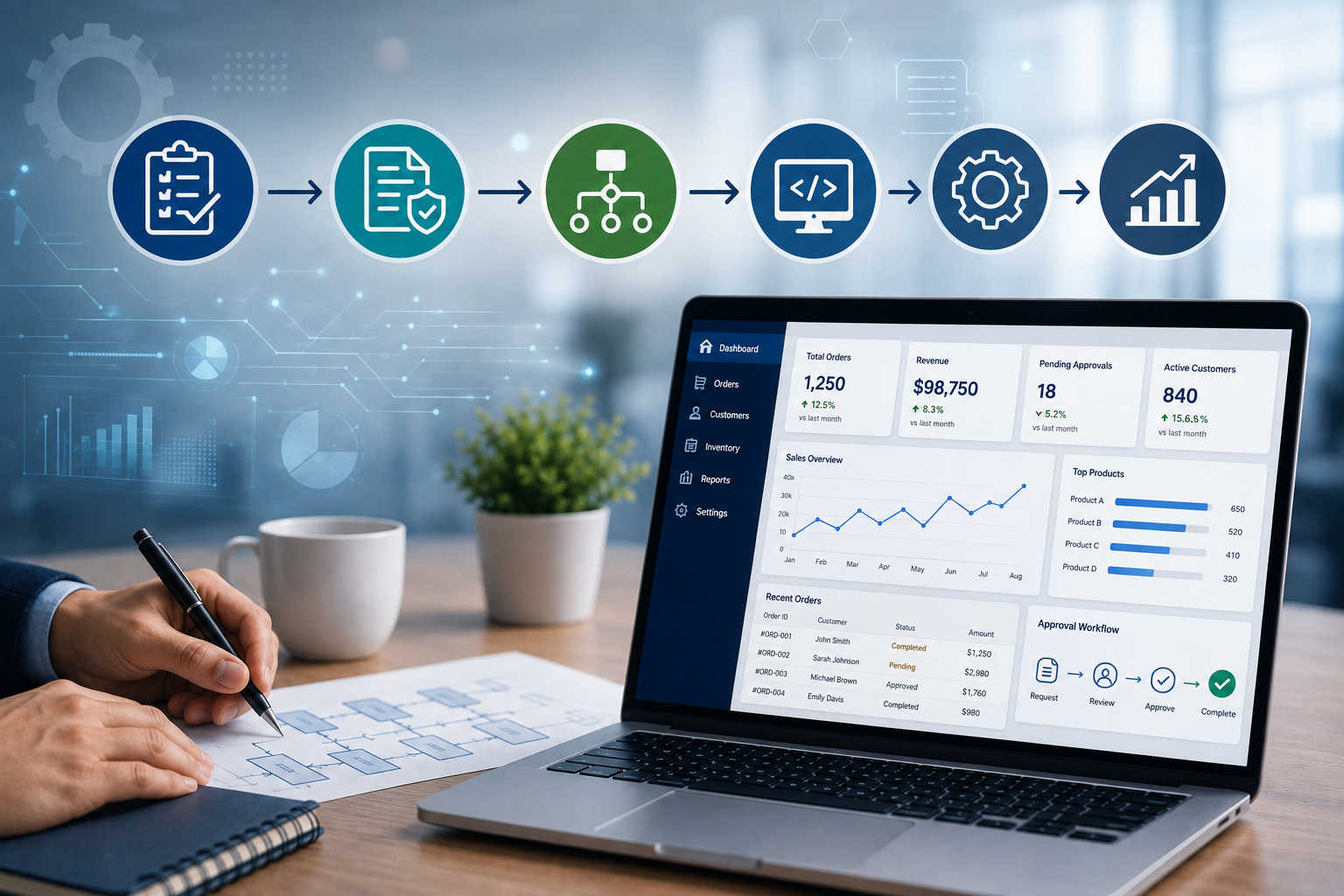
Digital workflow design is the process of planning how tasks, information, approvals, and decisions should move through a digital system.
A basic workflow might look like:
Request Created → Review → Approval → Processing → Completion
A more complex business workflow could include several departments:
Customer Order → Sales Verification → Inventory Check → Payment Confirmation → Warehouse Processing → Delivery → Invoice
Digital workflow design determines:
-
Who performs each task
-
What information is required
-
When a task starts
-
What conditions must be met
-
Who receives the next task
-
Which activities can be automated
-
What happens when a request is rejected
-
How progress is tracked
-
What information should be recorded
The goal is to create a workflow that is logical, measurable, and aligned with the actual needs of the business.
What Is an Operational Bottleneck?
An operational bottleneck occurs when a specific activity, person, department, or system limits the speed of an entire business process.
For example, consider a purchase workflow:
Purchase Request → Manager Approval → Finance Approval → Purchase Order → Supplier
If finance takes several days to approve every request, the entire purchasing process slows down.
Other common bottlenecks include:
-
Manual data entry
-
Repeated approvals
-
Paper-based processes
-
Poor communication between departments
-
Missing information
-
Duplicate data entry
-
Unclear responsibilities
-
Delayed notifications
-
Disconnected software systems
-
Lack of process visibility
Identifying these bottlenecks is the first step toward improving operational efficiency.
1. Makes Business Processes Easier to Understand
One of the first benefits of digital workflow design is visibility.
When a business process exists mainly through emails, spreadsheets, phone calls, and informal instructions, it can be difficult to understand exactly how work moves through the organization.
A digital workflow provides a structured sequence.
For example:
Employee Request
↓
Manager Review
↓
Approved?
↓
Yes → Finance Processing
No → Employee Notified
↓
Completed
This makes the process easier for employees and managers to understand.
2. Identifies Where Work Is Getting Stuck
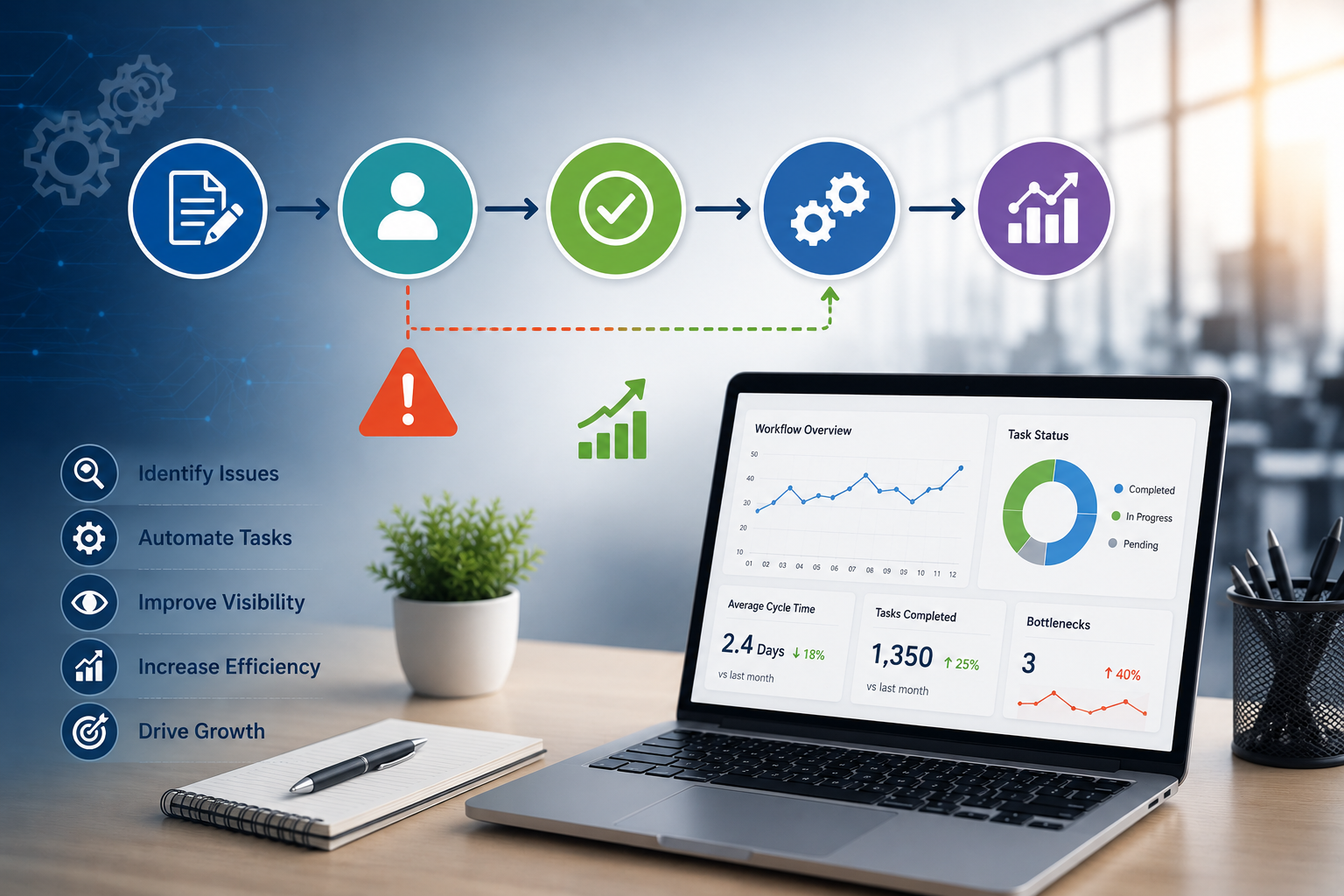
A digital workflow can help businesses identify stages where tasks regularly remain pending.
For example, a service request system may show:
-
50 new requests
-
30 requests under review
-
15 requests waiting for approval
-
5 requests completed
If most requests remain in the approval stage, management can investigate why.
Possible causes could include:
-
Too many approval levels
-
Approvers receiving too many requests
-
Missing information
-
Unclear approval rules
-
Lack of notifications
Once the bottleneck is visible, the business can work on the underlying problem.
3. Automates Repetitive Tasks
Many operational activities are repetitive and do not require constant human decision-making.
Digital workflows can automate tasks such as:
-
Sending notifications
-
Assigning tasks
-
Generating documents
-
Updating records
-
Sending reminders
-
Changing statuses
-
Creating tickets
-
Triggering follow-up actions
For example, when a customer submits a support request, the system could automatically:
Create Ticket → Assign Department → Notify Employee → Set Priority → Start Tracking
Employees no longer need to perform each administrative step manually.
4. Reduces Manual Data Entry
Manual data entry can consume significant employee time and may introduce errors.
Suppose an employee enters customer information into three separate systems:
CRM → Billing System → Support System
The same information may have to be entered repeatedly.
A well-designed digital workflow can reduce unnecessary duplication by transferring information between systems or allowing a single source of information to be reused.
This can improve both efficiency and data consistency.
5. Improves Task Assignment
A workflow should clearly define who is responsible for each activity.
For example:
New Customer Lead → Sales Team
Payment Issue → Finance Team
Technical Issue → IT Team
Delivery Issue → Logistics Team
Instead of employees manually deciding who should handle a request, workflow rules can automatically assign tasks to the appropriate team.
This reduces delays caused by unclear responsibility.
6. Speeds Up Approval Processes
Approval delays are common in many organizations.
A traditional approval process may involve:
Employee → Email Manager → Wait → Follow Up → Manager Approves → Email Finance → Wait
A digital workflow can simplify the process:
Request Submitted → Manager Notification → Approval → Automatic Finance Assignment
The system can also send reminders when an approval remains pending.
This makes approval processes easier to track and reduces unnecessary follow-up.
7. Creates Better Visibility for Managers
Managers need to know what is happening across business operations.
A digital workflow can provide dashboards showing:
-
Pending tasks
-
Completed tasks
-
Delayed tasks
-
Average processing time
-
Requests by department
-
Approval status
-
Workload by employee
-
Process performance
Instead of waiting for manual reports, managers can use current system information to understand operational performance.
8. Reduces Communication Gaps
Operational delays often occur because information is spread across different communication channels.
For example:
-
One employee has information in email.
-
Another has an updated spreadsheet.
-
A manager has a message in a chat application.
-
Another department has a paper document.
This fragmentation makes it difficult to determine the latest status.
A centralized digital workflow can keep relevant information connected to the task itself.
For example, a purchase request can contain:
-
Requester
-
Product details
-
Quantity
-
Budget
-
Approval status
-
Comments
-
Supporting documents
-
Purchase order
-
Delivery status
Employees can access the information they need without searching through multiple communication channels.
9. Handles Exceptions More Effectively
Not every business transaction follows the normal process.
For example, a purchase request may be rejected because the budget is insufficient.
A well-designed workflow can define what happens next:
Request Submitted → Approval → Rejected → Reason Recorded → Employee Notified → Request Revised
Similarly, an order with insufficient inventory could automatically move to an exception process.
Designing these alternative paths helps businesses avoid situations where employees do not know what to do when something unexpected happens.
10. Improves Accountability
Digital workflows can record important activities throughout a process.
For example, the system may record:
-
Who created a request
-
Who reviewed it
-
Who approved it
-
When it was approved
-
What changes were made
-
When the task was completed
This creates greater visibility into responsibilities and makes it easier to identify where delays occurred.
Accountability can be particularly useful for workflows involving approvals, financial transactions, customer service, and internal requests.
11. Helps Standardize Business Operations
Different employees may perform the same task differently.
For example, one employee might process a customer request in three steps while another uses seven steps.
A digital workflow can establish a standard process.
For example:
Customer Request → Information Verification → Classification → Assignment → Resolution → Customer Notification → Closure
Standardization can help businesses provide more consistent service and make employee training easier.
12. Supports Better Customer Service
Operational efficiency directly affects customer experience.
When internal processes are slow, customers may experience:
-
Delayed responses
-
Late deliveries
-
Incorrect invoices
-
Repeated requests for information
-
Poor communication
Digital workflows can help move customer-related tasks through the organization more efficiently.
For example:
Customer Order → Payment Verification → Inventory Confirmation → Fulfillment → Shipping Notification
Each stage can trigger the next action automatically.
This reduces unnecessary delays and can improve customer satisfaction.
13. Connects Different Business Departments
Many operational bottlenecks occur at the boundaries between departments.
For example:
Sales → Finance → Inventory → Warehouse → Delivery
If information does not move smoothly between these teams, work can stop.
Digital workflows can connect departments by defining what information moves from one stage to the next.
For example:
When sales confirms an order:
-
Inventory receives the order information.
-
Finance receives payment information.
-
Warehouse receives the fulfillment request.
-
Customer receives an order confirmation.
This creates a more connected operational process.
14. Provides Useful Performance Data
Digital workflows generate valuable information about how processes perform.
Businesses can track metrics such as:
-
Average processing time
-
Number of pending tasks
-
Completion rate
-
Approval time
-
Error rate
-
Number of reopened tasks
-
Workload by department
-
Bottleneck frequency
This information can help management make evidence-based process improvements.
For example, if the average approval time has increased significantly, management can investigate whether staffing, workflow design, or approval rules need to change.
How to Design an Effective Digital Workflow
Creating a digital workflow requires more than simply putting an existing manual process into software.
Step 1: Understand the Current Process
Document how the process currently works.
Identify:
-
Tasks
-
People
-
Departments
-
Inputs
-
Outputs
-
Approvals
-
Delays
-
Exceptions
Step 2: Identify Bottlenecks
Look for steps where work frequently stops or takes too long.
Ask:
-
Where do requests wait?
-
Where is information entered repeatedly?
-
Which tasks require unnecessary approvals?
-
Where do employees need to follow up manually?
Step 3: Design the Improved Process
Create a better workflow that removes unnecessary steps and simplifies movement between departments.
Step 4: Identify Automation Opportunities
Determine which repetitive tasks can be handled automatically.
Step 5: Define Roles and Permissions
Specify who can create, view, edit, approve, reject, or complete each task.
Step 6: Add Exception Paths
Determine what happens when a request is rejected, information is missing, payment fails, or another unexpected situation occurs.
Step 7: Measure the Workflow
Define metrics that can be used to evaluate performance.
Step 8: Continuously Improve
A workflow should not be considered permanent. Businesses should review performance and make improvements as processes evolve.
Example: Digital Purchase Workflow
Consider a company that currently handles purchasing through emails and spreadsheets.
The traditional process might be:
Employee Sends Email → Manager Replies → Finance Checks Budget → Procurement Creates Order → Supplier Responds
This process can create delays because employees may not know the current status.
A digital workflow could become:
Purchase Request Created
↓
Manager Approval
↓
Budget Verification
↓
Procurement Assignment
↓
Purchase Order Generated
↓
Supplier Notification
↓
Goods Received
↓
Inventory Updated
↓
Invoice Verification
↓
Payment Processing
The system can automatically notify the responsible person at each stage and record the status of the request.
This provides greater visibility and reduces manual coordination.
Common Mistakes in Digital Workflow Design
Automating a Bad Process
Automation cannot automatically fix an inefficient workflow. Businesses should improve the process before automating it where possible.
Adding Too Many Approval Levels
Excessive approvals can create unnecessary delays.
Ignoring Employees' Needs
The workflow should be practical for the people who use it every day.
Creating Overly Complicated Workflows
A workflow with too many branches and conditions can become difficult to manage.
Forgetting Exceptions
The system should define what happens when the normal process does not work.
Failing to Monitor Performance
Without measuring workflow performance, businesses may not know whether the changes are actually improving operations.
Conclusion
Digital workflow design can play an important role in reducing operational bottlenecks by creating structured, visible, and measurable business processes.
It can help organizations automate repetitive work, clarify responsibilities, speed up approvals, reduce manual data entry, improve communication, and provide managers with better operational visibility.
The most effective approach is not simply to digitize existing processes. Businesses should first understand how work is currently performed, identify bottlenecks, simplify unnecessary steps, and then use technology to support the improved workflow.
When digital workflows are thoughtfully designed, businesses can create smoother operations where information reaches the right people at the right time and tasks move efficiently from request to completion.