Table of Contents
- How Our Billing System Turns Daily Transactions into Useful Business Insights
- What Happens to Data After a Sale?
- From Transaction Data to Business Insights
- 1. Understand Daily Sales Performance
- 2. Identify Best-Selling Products
- 3. Monitor Revenue Trends
- 4. Keep Track of Payments
- 5. Understand Customer Buying Patterns
- 6. Connect Billing With Inventory
- 7. Compare Sales by Period
- 8. Find High-Value Customers
- 9. Identify Payment Trends
- 10. Make Reporting Faster
- 11. Reduce Dependence on Spreadsheets
- 12. Give Employees a More Structured Workflow
- 13. Turn Historical Data Into Useful Information
- 14. Support Better Business Decisions
- 15. Get a Clearer View of Business Performance
- Sales
- Invoices
- Payments Received
- Outstanding
- Products Sold
- Manual Records vs. Digital Insights
- Why We Built Our Billing System Around Business Data
- The Goal Is Not More Data. It Is Better Information.
- A Smarter Way to Look at Every Transaction
- The Bottom Line
How Our Billing System Turns Daily Transactions into Useful Business Insights
Every day, businesses complete dozens, hundreds, or even thousands of transactions.
A customer purchases a product. An invoice is generated. A payment is received. Inventory changes. Another customer makes a purchase. By the end of the day, the business has accumulated a large amount of information.
The challenge is not simply recording these transactions. The real challenge is understanding what the data is telling you.
A modern billing system can help businesses move beyond basic invoice generation by organizing transaction data and turning it into useful information for everyday decision-making.
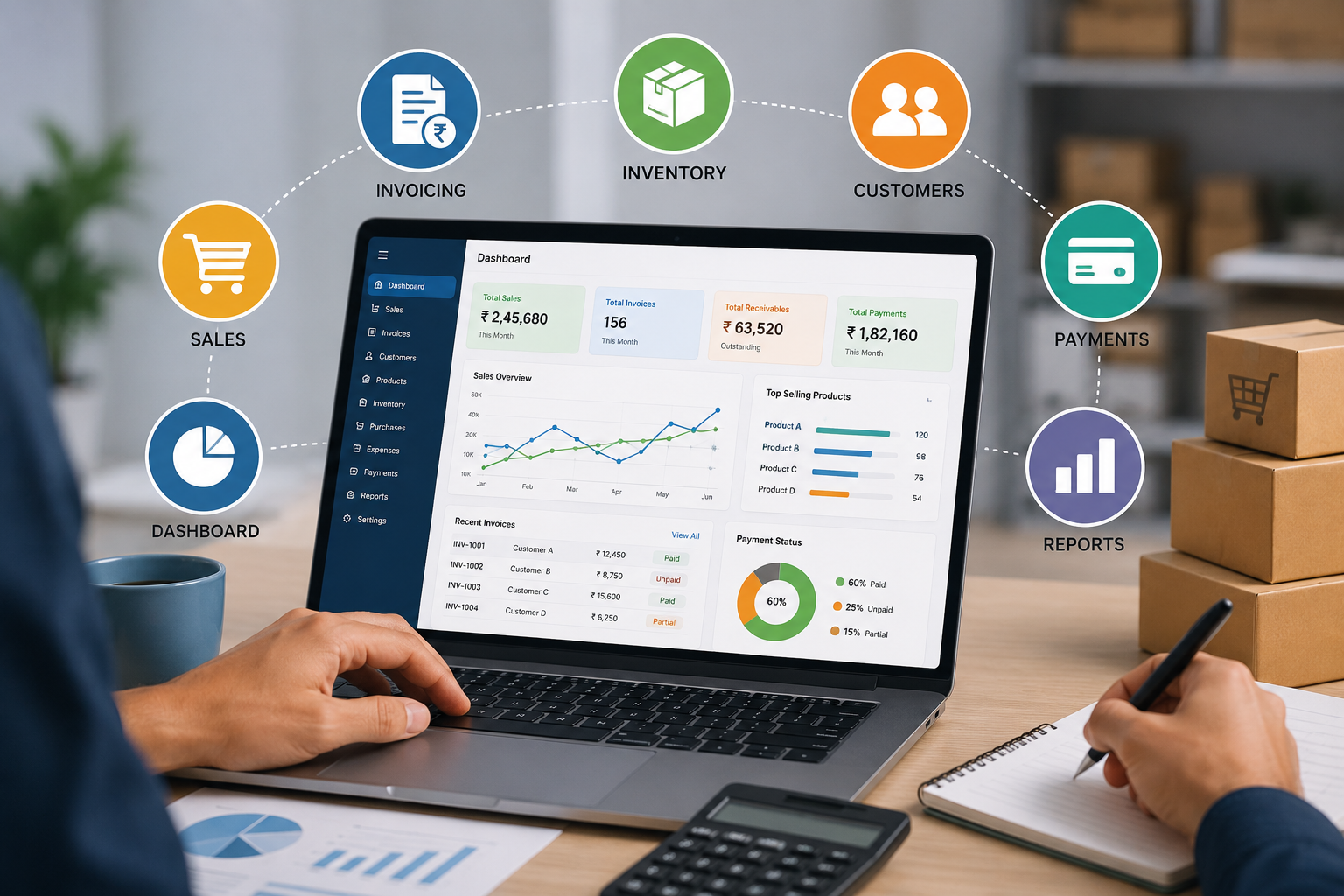
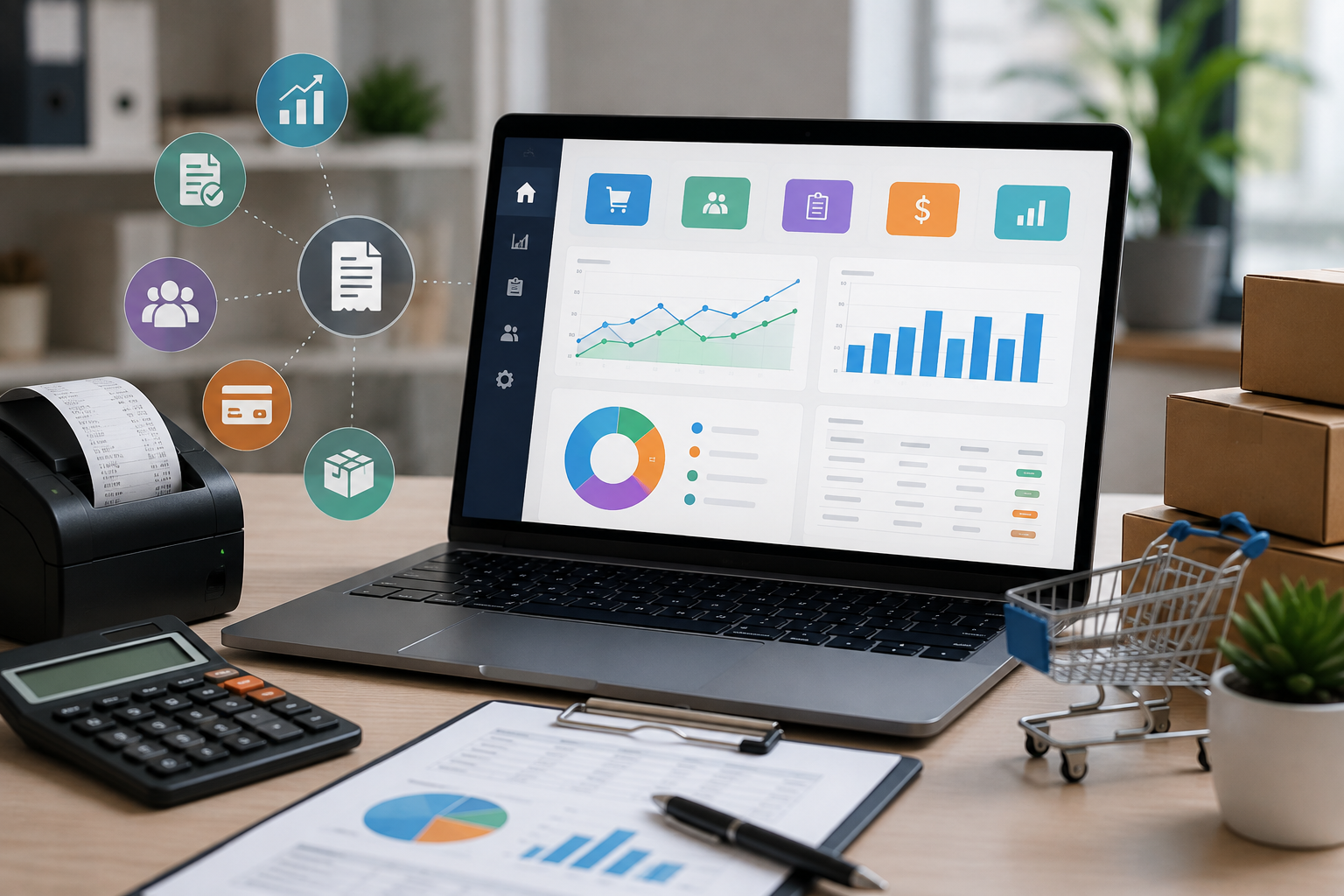
At Logic Waves Tech, our billing approach focuses on connecting daily transactions with sales records, payments, inventory, customers, and reports so businesses can get a clearer picture of their operations.
What Happens to Data After a Sale?
Consider a simple transaction.
A customer purchases products worth ₹8,500.
The billing process can capture information such as:
- Customer details
- Products purchased
- Quantity
- Selling price
- Discount
- Tax
- Total amount
- Payment status
- Invoice details
- Date and time of sale
Individually, these details represent one transaction.
But when hundreds or thousands of similar transactions are stored together, they become a valuable source of business information.
This is where digital billing becomes more than just invoicing.
From Transaction Data to Business Insights
The journey can be represented simply:
Customer Purchase → Billing → Data Collection → Data Organization → Reports → Business Insights → Better Decisions
The system records what happened.
The reports help explain what is happening.
The insights help management decide what to do next.
1. Understand Daily Sales Performance
One of the first questions business owners ask is:
"How much did we sell today?"
A digital billing system can organize sales transactions and provide a daily sales summary.
Businesses can review:
- Number of transactions
- Total sales
- Average transaction value
- Products sold
- Payment status
- Sales by employee or counter, where supported
Instead of manually adding individual invoices, management can review the information from a centralized system.
2. Identify Best-Selling Products
Not every product contributes equally to sales.
Some products may sell consistently, while others may remain in inventory for longer periods.
A billing system that stores product-level sales data can help businesses identify products with higher sales volumes.
For example:
| Product | Units Sold |
|---|---|
| Product A | 450 |
| Product B | 320 |
| Product C | 185 |
| Product D | 72 |
This information can help management understand which products are generating stronger customer demand.
3. Monitor Revenue Trends
Looking at one day's sales provides limited information.
Looking at several weeks or months can reveal patterns.
A business may discover that:
- Sales increase during certain months
- Weekends generate higher revenue
- Certain products sell more during particular periods
- Sales have increased compared with previous months
- Certain periods consistently have lower activity
These trends can help businesses plan inventory, staffing, promotions, and sales activities.
4. Keep Track of Payments
Sales and payments are related, but they are not always the same thing.
A business may generate ₹10 lakh worth of invoices but have some amount still pending for collection.
A billing system can help separate:
Total Sales
from
Payments Received
and
Outstanding Amounts
This gives management a clearer understanding of the business's collection position.
Payment reports can help identify pending invoices and customers with outstanding balances.
5. Understand Customer Buying Patterns
Every customer transaction creates information about purchasing behavior.
Over time, businesses can use transaction records to understand:
- Which customers purchase regularly
- What products customers prefer
- How frequently customers buy
- Average order value
- Repeat purchase patterns
This information can help businesses improve customer service and develop more relevant sales strategies.
For example, if a customer regularly purchases a particular product, the business can make sure that product remains available.
6. Connect Billing With Inventory
For product-based businesses, sales data and inventory data are closely connected.
When a product is sold, inventory changes.
Suppose a business has 500 units of a product and sells 75 units.
The business needs to know that the available stock has changed.
When billing and inventory are connected, sales transactions can contribute to stock records, reducing the need for separate manual updates.
This can help management answer questions such as:
- Which products are selling quickly?
- Which products have low stock?
- Which products are not moving?
- When should inventory be replenished?
7. Compare Sales by Period
A business should not only know how much it sold. It should also understand how sales are changing.
For example:
April: ₹7.8 lakh
May: ₹8.6 lakh
June: ₹9.4 lakh
This type of comparison can help management identify growth or declining sales.
Businesses can compare:
- Day vs. day
- Week vs. week
- Month vs. month
- Current year vs. previous year
The availability of specific comparisons depends on the billing system's reporting capabilities.
8. Find High-Value Customers
Revenue does not always come equally from every customer.
Some customers may make occasional small purchases, while others may generate significant business over time.
By organizing customer transaction history, businesses can identify valuable customer segments.
This can support decisions around:
- Customer retention
- Loyalty programs
- Personalized offers
- Relationship management
- Sales follow-ups
The goal is not simply to collect customer data, but to use it responsibly to improve business relationships.
9. Identify Payment Trends
Payment information can also reveal useful patterns.
For example, management may want to understand:
- How much is paid immediately?
- How much remains outstanding?
- Which customers frequently purchase on credit?
- How quickly are outstanding invoices being cleared?
These insights can help businesses improve payment follow-up and cash-flow planning.
10. Make Reporting Faster
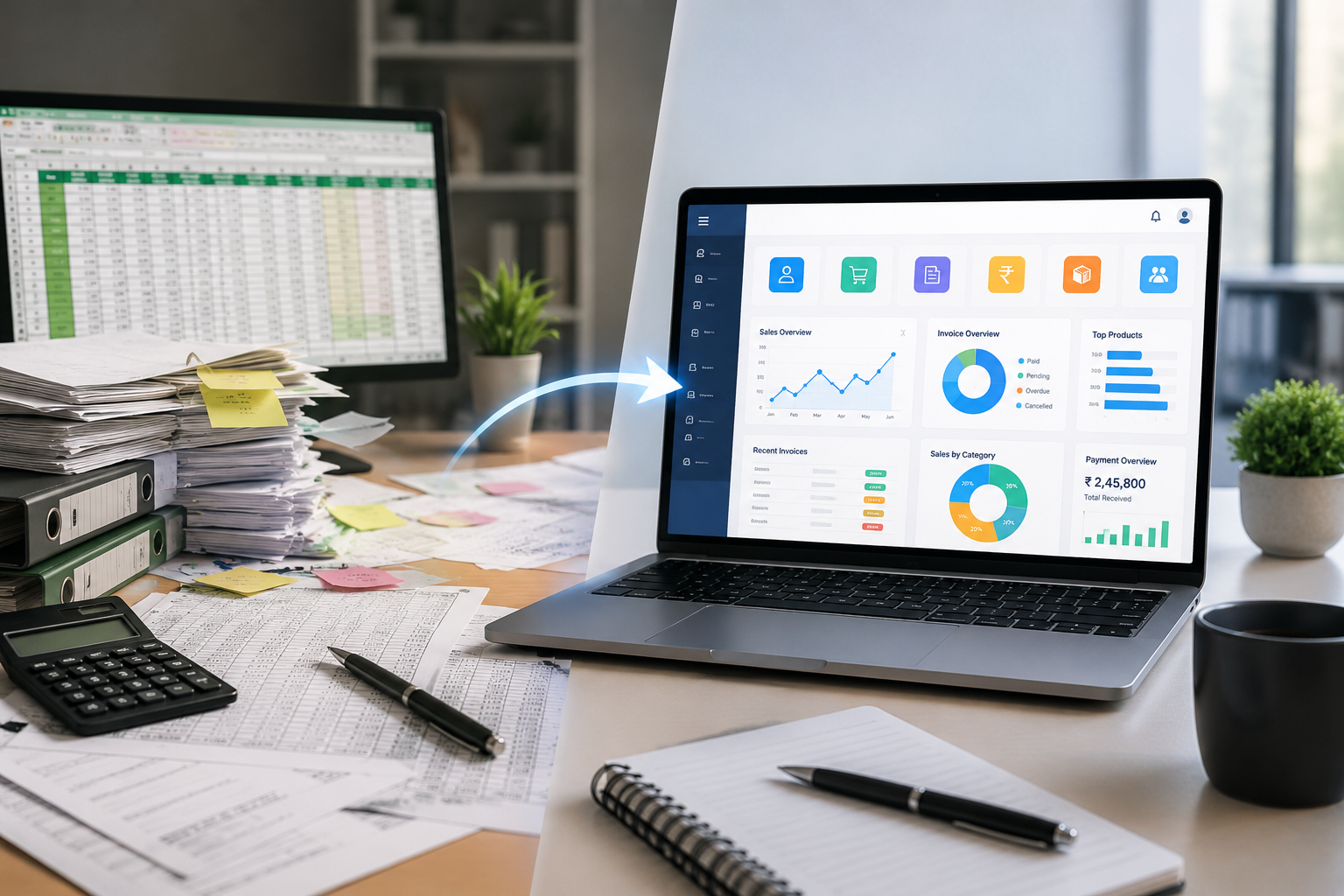
Without a digital system, preparing reports may require collecting information from multiple spreadsheets, invoices, receipts, and payment records.
This can consume valuable time.
A centralized billing database can make reporting more efficient because the required information is already organized.
Depending on the system, businesses may generate reports such as:
- Daily sales report
- Monthly sales report
- Customer-wise sales
- Product-wise sales
- Payment report
- Outstanding report
- Inventory report
- Transaction report
11. Reduce Dependence on Spreadsheets
Spreadsheets are useful tools, especially for small businesses.
But as transaction volumes increase, spreadsheets can become difficult to maintain.
Common problems include:
- Duplicate entries
- Incorrect formulas
- Missing records
- Multiple versions of the same file
- Difficult searching
- Manual report preparation
- Data scattered across different files
An integrated billing system can centralize important transaction information and reduce dependence on multiple disconnected spreadsheets.
12. Give Employees a More Structured Workflow
A billing system can also help standardize how employees record transactions.
Instead of each employee maintaining records differently, the system can provide a consistent process.
For example:
Select Customer
↓
Select Product
↓
Enter Quantity
↓
Generate Invoice
↓
Record Payment
↓
Update Transaction
↓
Include in Reports
A structured workflow can make daily billing easier to manage and review.
13. Turn Historical Data Into Useful Information
One of the biggest advantages of digital records is that information does not disappear after a transaction is completed.
Historical sales data can continue to provide value.
Management can look back at previous transactions to understand:
- Past sales performance
- Product demand
- Customer activity
- Payment patterns
- Seasonal changes
- Revenue trends
This gives businesses a historical reference point when planning future activities.
14. Support Better Business Decisions
Data by itself is not enough.
The real value comes from using that data to make better decisions.
For example:
Data: Product A is selling 40% faster than Product B.
Possible insight: Customers have stronger demand for Product A.
Possible decision: Increase stock levels for Product A.
Another example:
Data: Outstanding payments increased significantly this month.
Possible insight: Payment collection may require more attention.
Possible decision: Strengthen payment follow-up procedures.
This is how transaction data can become business intelligence at a practical level.
15. Get a Clearer View of Business Performance
A business owner should not have to open multiple files just to understand what's happening.
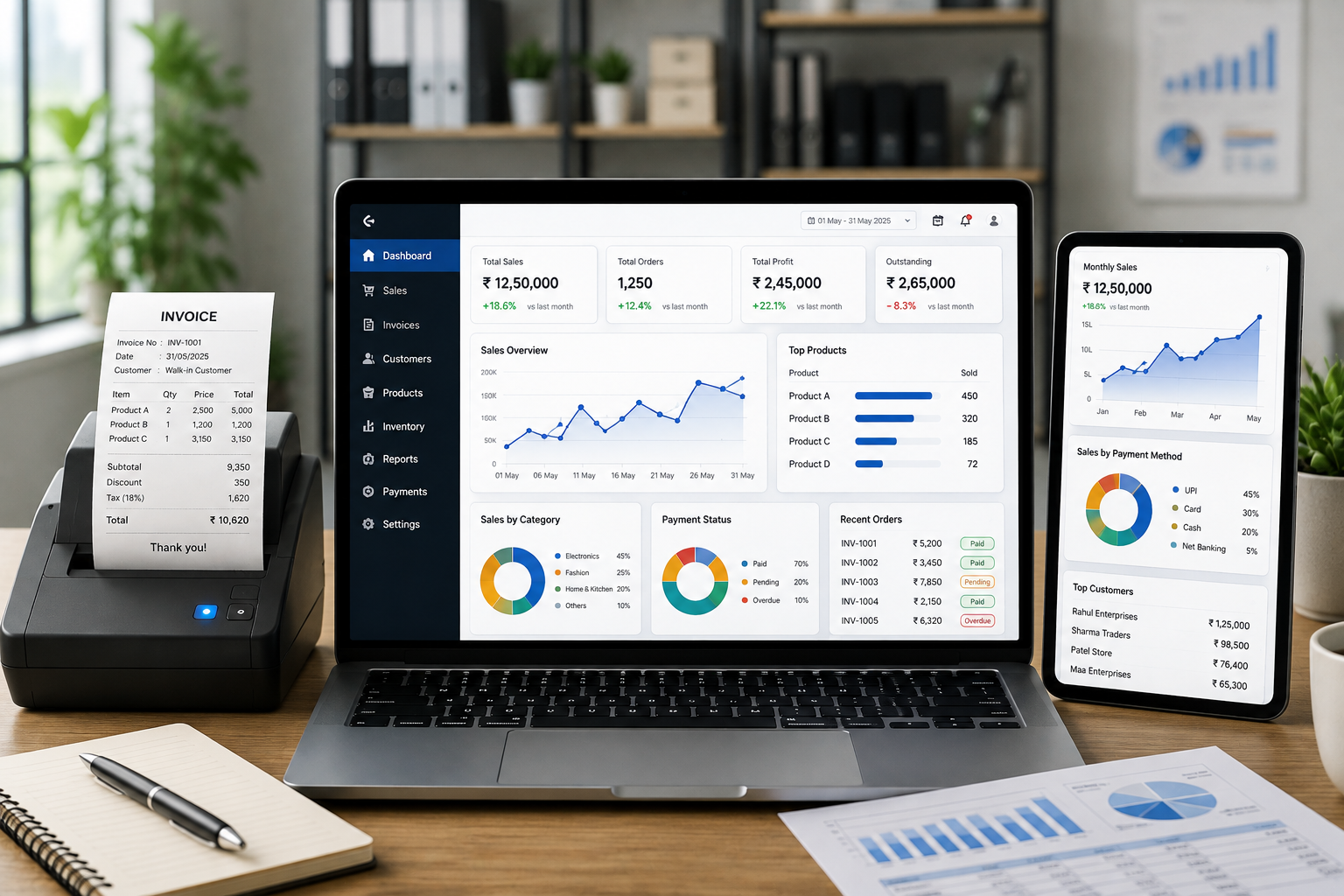
A centralized billing dashboard can bring important information together.
For example:
Sales
₹12,50,000
Invoices
320
Payments Received
₹9,85,000
Outstanding
₹2,65,000
Products Sold
1,850
The exact metrics will depend on the system, but the concept is simple: important information should be easy to find.
Manual Records vs. Digital Insights
| Business Activity | Manual Approach | Digital Billing Approach |
|---|---|---|
| Sales recording | Separate entries | Centralized records |
| Invoice management | Files/spreadsheets | Digital records |
| Payment tracking | Manual checking | Organized status tracking |
| Customer history | Difficult to maintain | Searchable history |
| Inventory updates | Often separate | Can be integrated |
| Sales analysis | Manual calculations | Report-based |
| Historical data | Difficult to organize | Easily searchable |
| Business reporting | Time-consuming | Faster |
| Decision-making | Limited visibility | Data-supported |
Why We Built Our Billing System Around Business Data
At Logic Waves Tech, we believe billing should not stop after an invoice is created.
A successful transaction should contribute to the larger business system.
Our approach focuses on connecting:
Customers
↓
Sales
↓
Invoices
↓
Payments
↓
Inventory
↓
Transaction Records
↓
Reports
This connected workflow helps businesses organize their daily activities while creating a useful foundation for reporting and analysis.
The Goal Is Not More Data. It Is Better Information.
Businesses already generate a lot of data every day.
The challenge is making that data useful.
A billing system should help answer practical questions such as:
What are we selling?
Who is buying?
How much are we earning?
What has been paid?
What is still outstanding?
Which products are moving?
How are sales changing?
What should we focus on next?
When a system can help answer these questions, billing becomes an important part of business management rather than just an administrative task.
A Smarter Way to Look at Every Transaction
Imagine a business completes 500 sales in one month.
Instead of seeing them as 500 individual invoices, a digital system can organize them into meaningful information.
Those transactions can reveal:
Sales performance
Customer behavior
Payment activity
Product demand
Inventory movement
Revenue trends
Outstanding balances
Business performance
The transactions remain the same. The difference is how the business uses the information.
The Bottom Line
A billing system should do more than create professional invoices.
It should help businesses capture transaction data, organize records, track payments, connect sales with inventory, understand customer activity, and generate useful reports.
At Logic Waves Tech, our goal is to help businesses turn everyday billing activity into organized information that supports better decisions.
Because every sale contains useful information.
When that information is captured, connected, and presented properly, daily transactions can become valuable insights for the entire business.