Table of Contents
- How Role-Based Access Control Improves Security in Business Applications
- What Is Role-Based Access Control?
- Why Is Access Control Important?
- How RBAC Works
- 1. Users
- 2. Roles
- 3. Permissions
- Example of RBAC in a Business Application
- Benefits of Role-Based Access Control
- 1. Improves Data Security
- 2. Follows the Principle of Least Privilege
- 3. Simplifies User Management
- 4. Makes Employee Onboarding Easier
- 5. Makes Employee Offboarding Safer
- 6. Reduces Accidental Changes
- 7. Supports Compliance
- RBAC in Different Business Applications
- ERP Systems
- CRM Systems
- HR Applications
- Accounting Software
- E-Commerce Platforms
- RBAC vs. Individual Permissions
- Combining RBAC With Additional Security Controls
- Common RBAC Mistakes
- Giving Users Too Many Permissions
- Creating Too Many Roles
- Not Reviewing Access Regularly
- Ignoring Temporary Access
- Not Logging Sensitive Actions
- Best Practices for Implementing RBAC
- Start With Business Responsibilities
- Use the Least-Privilege Principle
- Separate Administrative Roles
- Review Permissions Regularly
- Protect Sensitive Operations
- Maintain Audit Logs
- The Future of Access Control
- Conclusion
How Role-Based Access Control Improves Security in Business Applications
Modern business applications often handle sensitive information such as customer records, financial data, employee details, sales information, and internal documents. As the number of users and applications grows, giving every employee the same level of access can create significant security risks.
Role-Based Access Control (RBAC) provides a structured way to control what users can see and do within an application. Instead of assigning permissions individually to every user, access is based on the user's job role and responsibilities.
For businesses developing or managing web applications, CRM systems, ERP platforms, dashboards, and internal tools, RBAC can help improve security while making user management easier.
What Is Role-Based Access Control?
Role-Based Access Control is a security model in which permissions are assigned to roles, and users are assigned to those roles.
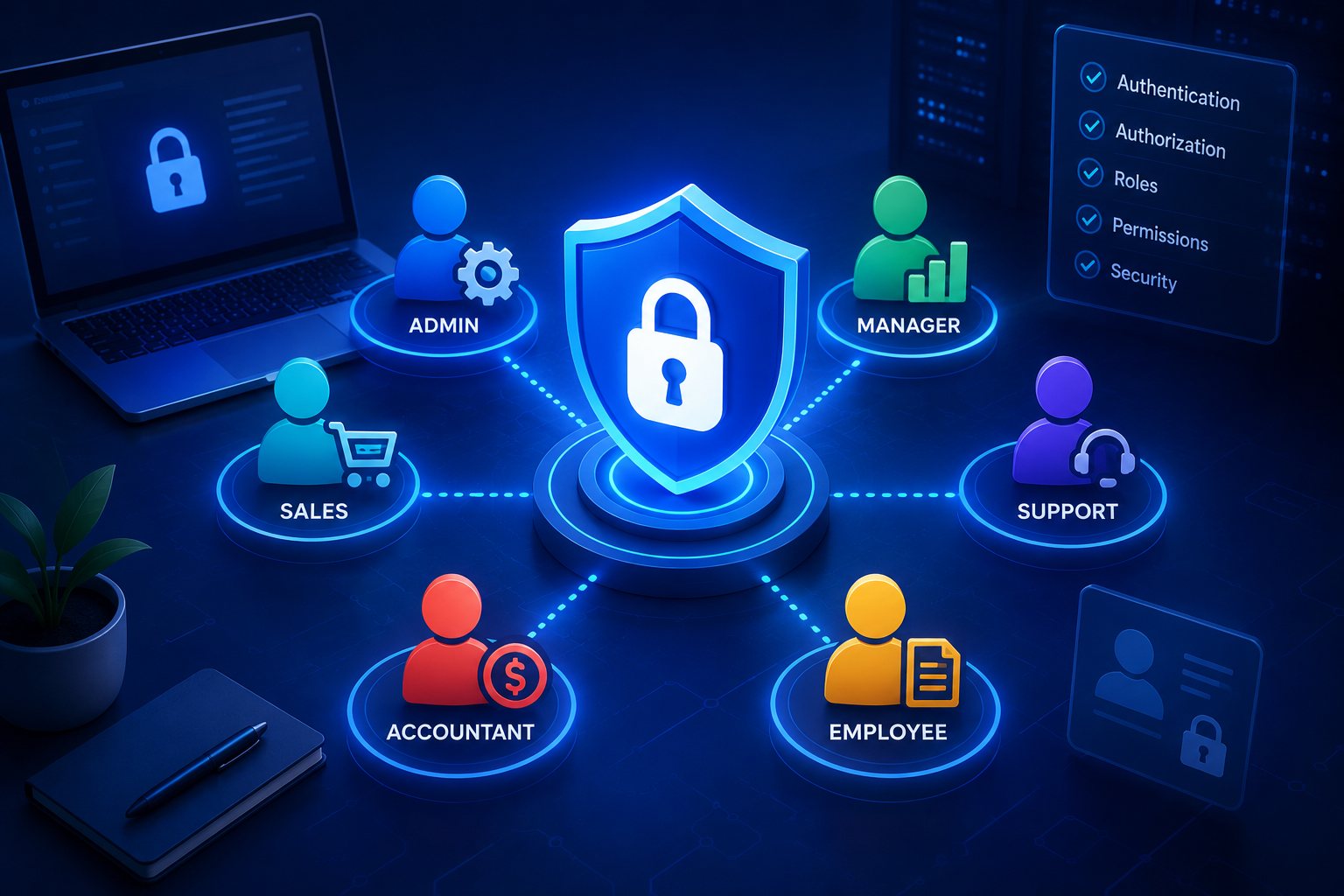
For example, a business application might have:
- Administrator
- Manager
- Sales Executive
- Accountant
- Customer Support Agent
- Employee
- Customer
Each role receives only the permissions required to perform its responsibilities.
For example, an accountant may be allowed to view invoices and financial reports, while a sales employee may be able to manage leads and customer information but not access financial settings.
The basic structure can be represented as:
User → Role → Permissions → Application Resources
This approach makes access management more organized and easier to maintain.
Why Is Access Control Important?
Without appropriate access controls, users may accidentally or intentionally access information they do not need.
For example, imagine an employee management system where every employee can:
- View salaries
- Edit employee records
- Delete accounts
- Change system settings
- Access financial reports
Giving everyone these permissions increases the potential impact of compromised accounts or accidental mistakes.
RBAC limits access according to job responsibilities, reducing unnecessary permissions.
How RBAC Works
A typical RBAC system contains three main components.
1. Users
Users are the people who access the application.
Examples include:
- Employees
- Managers
- Administrators
- Customers
- Vendors
2. Roles
A role represents a user's responsibilities within the organization.
For example:
Sales Manager
Customer Support Agent
Finance Manager
System Administrator
3. Permissions
Permissions determine what actions a role can perform.
Examples include:
- View customer
- Create customer
- Edit customer
- Delete customer
- View report
- Export report
- Manage users
- Change settings
The application then determines whether a user's assigned role has the required permission before allowing an action.
Example of RBAC in a Business Application
Consider a CRM system.
| Role | View Leads | Edit Leads | Delete Leads | View Reports | Manage Users |
|---|---|---|---|---|---|
| Administrator | ✓ | ✓ | ✓ | ✓ | ✓ |
| Sales Manager | ✓ | ✓ | ✓ | ✓ | ✗ |
| Sales Executive | ✓ | ✓ | ✗ | Limited | ✗ |
| Support Agent | Limited | Limited | ✗ | ✗ | ✗ |
This structure ensures that users can perform their required tasks without automatically receiving access to every part of the application.
Benefits of Role-Based Access Control
1. Improves Data Security
RBAC helps restrict sensitive information to authorized users.
For example, payroll information can be limited to authorized HR or finance personnel rather than being accessible to every employee.
2. Follows the Principle of Least Privilege
The principle of least privilege means users should receive only the access necessary to perform their responsibilities.
RBAC makes this principle easier to implement because permissions can be organized according to job functions.
3. Simplifies User Management
Managing permissions individually for hundreds of employees can become difficult.
With RBAC, administrators can assign a role to a new employee rather than configuring dozens of individual permissions.
When an employee changes departments, their role can also be updated.
4. Makes Employee Onboarding Easier
When a new employee joins an organization, an administrator can assign the appropriate role.
For example:
New Sales Employee → Sales Executive Role → Required Sales Permissions
This can reduce the time needed to configure application access.
5. Makes Employee Offboarding Safer
When an employee leaves the organization, their account can be disabled or removed.
Because access is tied to roles, administrators can also review the user's assigned permissions more easily.
6. Reduces Accidental Changes
Restricting administrative and sensitive actions to authorized roles can reduce the likelihood of users accidentally changing important settings or records.
7. Supports Compliance
Many businesses need to demonstrate that sensitive information is appropriately protected.
A structured access-control system can help organizations establish clearer controls over who can access specific types of information.
The exact compliance requirements depend on the industry, location, and type of data being handled.
RBAC in Different Business Applications
ERP Systems
ERP applications may contain finance, inventory, purchasing, HR, and sales information.
Different departments can receive access to the modules relevant to their responsibilities.
CRM Systems
Sales employees can manage leads and customer information, while managers may receive additional reporting capabilities.
HR Applications
HR staff may access employee records, while regular employees may only be able to view and update selected personal information.
Accounting Software
Finance employees may manage invoices and payments, while other departments may only be allowed to view selected financial information.
E-Commerce Platforms
Store administrators may manage products and orders, while customer-support staff may only view customer orders and assist with inquiries.
RBAC vs. Individual Permissions
Assigning permissions individually can work for small applications, but it can become difficult as the organization grows.
For example, an administrator might manually assign:
User A → View Customers + Edit Customers + View Orders
User B → View Customers + View Orders + Create Orders
User C → View Reports + Export Reports
Managing hundreds of combinations can become complicated.
With RBAC, these permissions can be grouped into roles:
Sales Executive → Customer + Order Permissions
Reporting Manager → Reporting Permissions
This provides a more consistent structure.
Combining RBAC With Additional Security Controls
RBAC should not be considered the only security mechanism in a business application.
It can be combined with:
- Strong authentication
- Multi-factor authentication
- Session management
- Encryption
- API security
- Audit logging
- Password policies
- Network security
- Regular access reviews
For example, a user may successfully log in using multi-factor authentication, but RBAC can still determine whether that user is authorized to access a particular administrative function.
Common RBAC Mistakes
Giving Users Too Many Permissions
A role should not contain unnecessary permissions simply because they might be useful someday.
Excessive permissions increase security risks.
Creating Too Many Roles
Creating a separate role for every small variation can make RBAC difficult to manage.
Roles should generally represent meaningful business responsibilities.
Not Reviewing Access Regularly
Employees change departments, responsibilities, and job positions.
Organizations should periodically review roles and permissions to ensure access remains appropriate.
Ignoring Temporary Access
Sometimes employees need additional permissions for a short period.
Temporary or elevated access should be controlled carefully and removed when it is no longer required.
Not Logging Sensitive Actions
Important activities such as changing permissions, deleting records, or modifying financial information should be appropriately logged where required.
Best Practices for Implementing RBAC
Businesses can follow several practices when designing role-based access control.
Start With Business Responsibilities
Instead of beginning with technical permissions, identify what different users actually need to accomplish.
For example:
Finance Manager → Manage financial reports and invoices
Sales Executive → Manage assigned leads
Support Agent → Manage customer support requests
Use the Least-Privilege Principle
Give each role only the permissions required for its responsibilities.
Separate Administrative Roles
High-risk permissions such as user management, security configuration, and system settings should be restricted to trusted administrative roles.
Review Permissions Regularly
Perform periodic access reviews to identify unnecessary or outdated permissions.
Protect Sensitive Operations
Actions such as deleting records, exporting sensitive data, changing account permissions, or modifying financial information should receive additional consideration.
Maintain Audit Logs
Record important security-related actions so administrators can investigate unusual activity and understand who performed sensitive operations.
The Future of Access Control
Modern business applications are becoming increasingly interconnected. Employees may access applications from offices, homes, mobile devices, and different networks.
As organizations adopt cloud applications, APIs, AI systems, and distributed software platforms, access control becomes increasingly important.
RBAC can provide a strong foundation for managing permissions. Businesses may also combine it with more advanced approaches, such as attribute-based access control, when access decisions need to consider additional information such as department, location, device, or data sensitivity.
Conclusion
Role-Based Access Control provides businesses with a structured way to manage application permissions. By connecting users with appropriate roles and permissions, organizations can limit unnecessary access, protect sensitive information, simplify user management, and reduce security risks.
RBAC can be particularly useful for CRM, ERP, HR, accounting, e-commerce, and other business applications where different users require different levels of access.
However, effective access control requires ongoing management. Businesses should follow least-privilege principles, review permissions regularly, protect sensitive operations, maintain appropriate logs, and combine RBAC with other security measures.
When properly designed and maintained, RBAC can become an important part of a secure and scalable business application.
Disclaimer: This article is intended for general informational and educational purposes. Organizations should evaluate their own security requirements, application architecture, regulatory obligations, and access-control policies when implementing RBAC.