Table of Contents
- How Two-Factor Authentication Strengthens Business Account Security
- What Is Two-Factor Authentication?
- Why Businesses Need 2FA
- 1. Protects Employee Accounts
- 2. Protects Administrator Accounts
- 3. Reduces the Impact of Stolen Passwords
- 4. Improves Cloud and Email Security
- 5. Supports Remote Work
- 6. Helps Against Phishing
- Common 2FA Methods
- Best Practices for Businesses
- Conclusion
How Two-Factor Authentication Strengthens Business Account Security
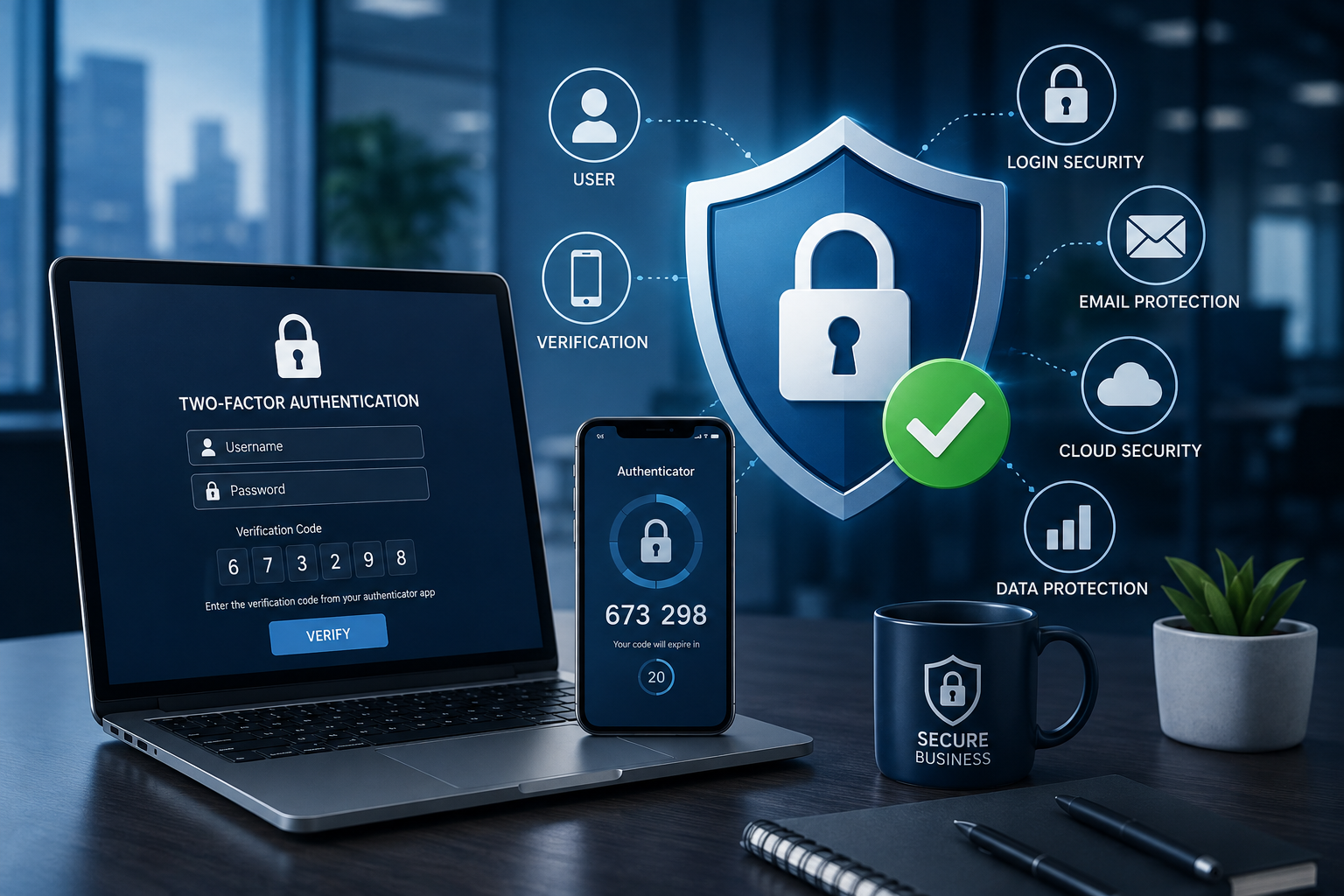
Cybersecurity threats such as phishing, password theft, and credential attacks can put business accounts at serious risk. Two-Factor Authentication (2FA) adds an extra layer of protection by requiring users to verify their identity in addition to entering a password.
What Is Two-Factor Authentication?
2FA requires two different authentication factors, such as:
-
Something you know: Password or PIN
-
Something you have: Smartphone, authentication app, or security key
-
Something you are: Fingerprint or facial recognition
For example, even if an attacker obtains an employee's password, they may still be unable to access the account without the second authentication factor.
Why Businesses Need 2FA
1. Protects Employee Accounts
2FA helps secure email, cloud applications, CRM systems, and other business platforms used by employees.
2. Protects Administrator Accounts
Administrator accounts often have access to critical systems, making them high-priority targets for attackers. Strong authentication can reduce this risk.
3. Reduces the Impact of Stolen Passwords
A compromised password alone may not be enough to access an account when 2FA is enabled.
4. Improves Cloud and Email Security
Business email and cloud services often contain sensitive information. Adding 2FA provides another security barrier.
5. Supports Remote Work
Employees accessing systems from homes, hotels, or other locations can benefit from additional authentication protection.
6. Helps Against Phishing
2FA can make stolen credentials less useful. For stronger protection, businesses should consider phishing-resistant methods such as security keys or passkeys where available.
Common 2FA Methods
Businesses can use several authentication methods, including:
-
Authentication apps
-
SMS verification codes
-
Hardware security keys
-
Biometric authentication
The best option depends on the organization's security requirements and available systems.
Best Practices for Businesses
Businesses should:
-
Enable 2FA for administrator and high-risk accounts
-
Prefer stronger, phishing-resistant authentication methods where possible
-
Create secure account-recovery procedures
-
Train employees to recognize suspicious authentication requests
-
Monitor unusual login activity
-
Regularly review account permissions
2FA should also be combined with strong passwords, least-privilege access, device security, software updates, backups, and security monitoring.
Conclusion
Two-Factor Authentication is a simple but powerful way to strengthen business account security. By requiring an additional verification step, it can reduce the risk associated with stolen passwords and unauthorized access.
For businesses, implementing 2FA across important accounts is an essential step toward building a stronger and more secure digital environment.