Table of Contents
- How Website Accessibility Improves User Experience and Business Reach
- What Is Website Accessibility?
- Why Website Accessibility Matters
- 1. Improves User Experience
- 2. Expands Your Potential Audience
- 3. Makes Navigation Easier
- 4. Supports Keyboard Navigation
- 5. Improves Screen Reader Compatibility
- 6. Makes Images More Accessible
- 7. Improves Video and Audio Accessibility
- 8. Improves Website Readability
- 9. Creates Better Forms
- 10. Can Improve Mobile User Experience
- 11. Can Support SEO and Content Discoverability
- 12. Helps Build a Positive Brand Image
- 13. Can Increase Conversions
- 14. Supports Inclusive E-Commerce
- 15. Helps Businesses Consider Accessibility During Development
- During Planning
- During Design
- During Development
- During Testing
- After Launch
- Website Accessibility Best Practices
- Common Accessibility Mistakes
- Using Low-Contrast Text
- Missing Image Descriptions
- Unlabeled Forms
- Keyboard-Inaccessible Menus
- Auto-Playing Media
- Poor Heading Structure
- Inaccessible Pop-Ups
- How to Improve Website Accessibility
- Step 1: Audit the Website
- Step 2: Prioritize Critical Issues
- Step 3: Improve Website Structure
- Step 4: Improve Visual Accessibility
- Step 5: Test Interactions
- Step 6: Test With Different Users and Tools
- Step 7: Monitor Continuously
- The Business Value of Accessible Websites
- Conclusion
How Website Accessibility Improves User Experience and Business Reach
A modern website should be easy to use for as many people as possible. While businesses often focus on visual design, speed, mobile responsiveness, and search engine optimization, website accessibility is equally important.
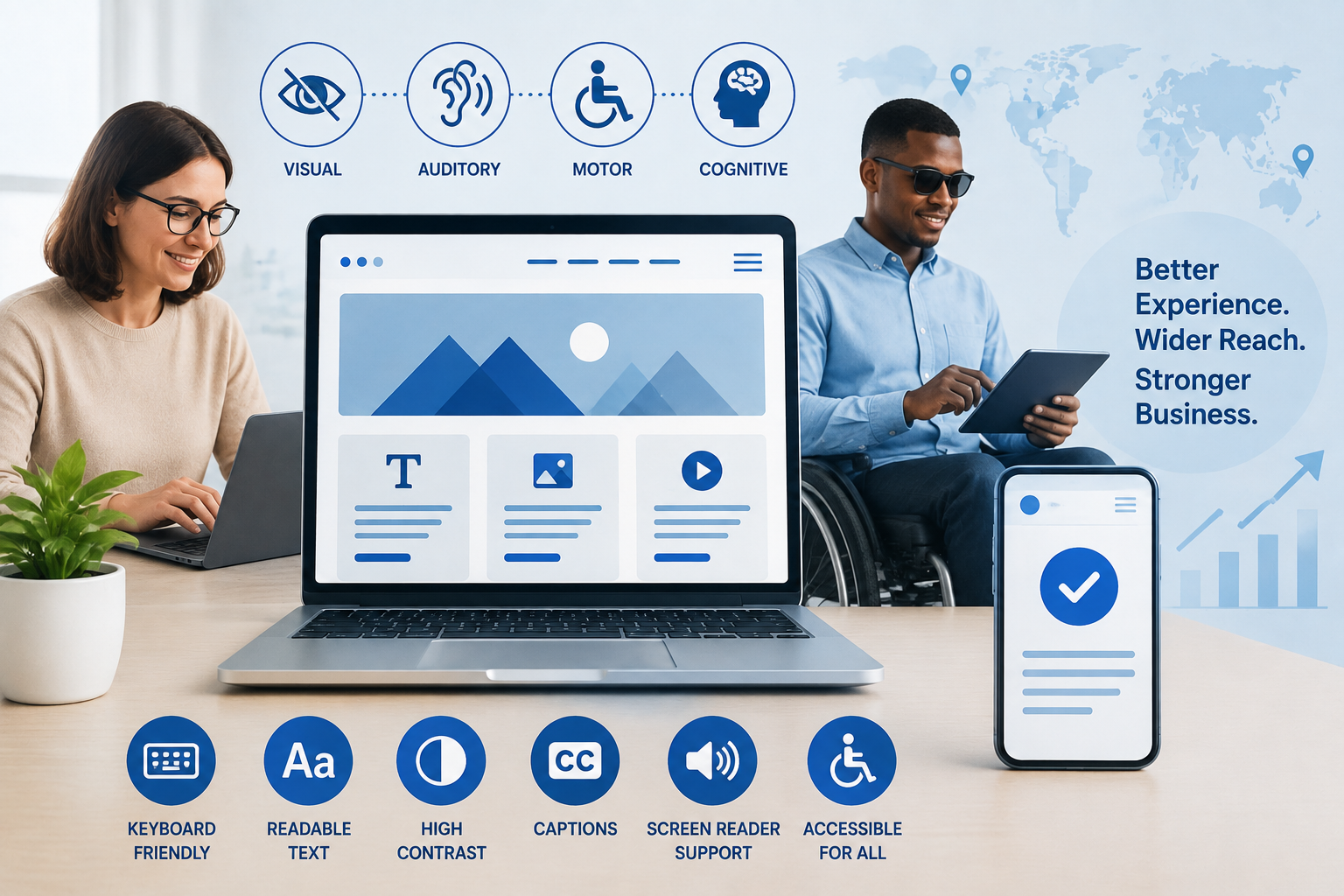
An accessible website is designed so that people with different abilities can navigate, understand, and interact with its content. Accessibility can benefit users with visual, hearing, mobility, speech, and cognitive disabilities, while also making websites easier to use for many people in everyday situations.
For businesses, accessibility is more than a design consideration. It can improve user experience, expand potential audiences, strengthen brand reputation, and support a more inclusive digital presence.
What Is Website Accessibility?
Website accessibility means designing and developing websites so people with disabilities can use them effectively.
Accessibility can involve:
- Navigating a website using a keyboard
- Understanding content with a screen reader
- Viewing content with sufficient color contrast
- Using forms and buttons easily
- Accessing videos with captions
- Understanding clear and consistent page layouts
- Resizing text without losing important information
- Using websites on different devices and assistive technologies
The Web Content Accessibility Guidelines (WCAG) provide internationally recognized recommendations for making web content more accessible. WCAG organizes accessibility around four principles: content should be perceivable, operable, understandable, and robust.
Why Website Accessibility Matters
Accessibility allows more people to interact with a business online.
Imagine a customer visiting an eCommerce website but being unable to complete checkout because the form cannot be navigated with a keyboard. Another visitor may struggle to understand a promotional video because it does not include captions.
These problems can prevent potential customers from completing important actions.
Improving accessibility can help businesses create websites that are easier for a broader range of users to navigate.
1. Improves User Experience
One of the biggest benefits of accessibility is a better overall user experience.
Many accessibility practices also improve usability for people without disabilities.
For example:
- Clear headings make pages easier to scan.
- Simple navigation helps visitors find information quickly.
- Captions help users understand videos in noisy environments.
- Good color contrast improves readability.
- Descriptive buttons make actions clearer.
- Logical forms reduce confusion.
Accessibility and usability therefore often work together rather than competing with one another.
2. Expands Your Potential Audience
A website that excludes users with accessibility needs may also be limiting its potential audience.
Businesses can reach a broader range of people by making websites easier to use across different abilities, devices, and circumstances.
This is especially important for:
- Online stores
- Educational websites
- Healthcare websites
- Financial services
- Government-related services
- SaaS platforms
- Booking websites
- Customer portals
The easier a website is to access, the more opportunities a business has to connect with potential customers and users.
3. Makes Navigation Easier
Navigation is one of the most important elements of website accessibility.
Visitors should be able to understand:
- Where they are
- What information is available
- How to move to another page
- How to return to a previous section
- What action they can take next
A clear navigation structure can include descriptive menu labels, logical headings, consistent layouts, and visible focus indicators.
For users who rely on keyboards or assistive technologies, predictable navigation can make a significant difference.
4. Supports Keyboard Navigation
Not every visitor uses a mouse.
Some users navigate websites primarily through a keyboard or another input device.
An accessible website should allow users to reach important interactive elements such as:
- Menus
- Links
- Buttons
- Forms
- Search fields
- Dialog boxes
Developers should also make sure that the keyboard focus is visible so users can understand which element is currently selected.
5. Improves Screen Reader Compatibility
Screen readers convert digital content into speech or other output formats.
To work effectively with screen readers, websites need meaningful HTML structures and appropriate labels.
Important practices include:
- Using semantic HTML
- Providing alternative text for meaningful images
- Using descriptive link text
- Labeling form fields
- Organizing content with headings
- Providing appropriate names for buttons
For example, instead of using:
Click Here
a more descriptive link could be:
View Web Development Services
The second option provides users with more context about the destination.
6. Makes Images More Accessible
Images can communicate important information, but users who cannot see them may rely on alternative text.
Alt text can describe the purpose or meaning of an image when appropriate.
For example:
<img src="team.jpg" alt="Web development team discussing a project">However, not every image needs a detailed description. Decorative images can often use empty alternative text so assistive technologies can ignore them.
The goal is to communicate the information that is relevant to the user rather than describing every visual detail unnecessarily.
7. Improves Video and Audio Accessibility
Multimedia content should also be accessible.
Businesses can improve accessibility by providing:
- Captions
- Transcripts
- Audio descriptions where appropriate
- Accessible media controls
Captions are useful not only for people who are deaf or hard of hearing but also for people watching videos in quiet environments where they cannot use audio, or in noisy environments where audio is difficult to understand.
8. Improves Website Readability
Readable content benefits almost everyone.
Businesses should consider:
- Appropriate font sizes
- Adequate line spacing
- Clear headings
- Shorter paragraphs
- Sufficient contrast
- Simple language
- Consistent typography
A visitor should not have to struggle to read important information.
Clear writing also helps users quickly understand products, services, instructions, and calls to action.
9. Creates Better Forms
Forms are often critical to business websites.
Examples include:
- Contact forms
- Registration forms
- Login pages
- Checkout forms
- Application forms
- Appointment forms
Accessible forms should provide clear labels and instructions.
When errors occur, users should receive understandable feedback explaining what needs to be corrected.
For example, instead of simply showing:
Error
a form could explain:
Please enter a valid email address.
This makes the process clearer and reduces frustration.
10. Can Improve Mobile User Experience
Accessibility is not limited to desktop websites.
Many users access websites through smartphones and tablets.
Responsive design, appropriately sized interactive elements, readable text, and logical layouts can make mobile websites easier to use.
Businesses should test websites across different screen sizes and interaction methods.
11. Can Support SEO and Content Discoverability
Accessibility and search engine optimization are not the same thing, but some practices can support both.
For example:
- Descriptive headings help organize content.
- Meaningful link text provides context.
- Image alt text can communicate image information.
- Semantic HTML creates clearer page structure.
- Transcripts provide additional text content.
However, accessibility should not be implemented solely for SEO purposes. Its primary purpose is to make digital content usable by people with different needs.
12. Helps Build a Positive Brand Image
Businesses increasingly communicate their values through their digital experiences.
An accessible website can demonstrate that a company considers a broad range of users.
This can contribute to a brand image centered around:
- Inclusion
- Usability
- Customer care
- Professionalism
- Social responsibility
A poor digital experience, on the other hand, can make visitors question how much attention a business gives to its customers.
13. Can Increase Conversions
Accessibility improvements can make important website actions easier to complete.
For example:
Accessible Navigation
        ↓
Easier Information Discovery
        ↓
Better User Experience
        ↓
Less Friction
        ↓
Higher Opportunity for Conversion
Potential conversions include:
- Purchases
- Contact form submissions
- Registrations
- Quote requests
- Newsletter subscriptions
- Appointment bookings
- Software downloads
Accessibility does not guarantee higher conversion rates, but reducing usability barriers can help create a smoother customer journey.
14. Supports Inclusive E-Commerce
Accessibility is particularly important for online stores.
Customers should be able to:
- Browse products
- Understand product information
- Select options
- Add products to a cart
- Review their order
- Enter billing information
- Complete payment
If any critical step is inaccessible, a potential customer may be unable to complete a purchase.
Accessible product descriptions, keyboard-friendly controls, clear error messages, readable pricing information, and accessible checkout forms can help create a better shopping experience.
15. Helps Businesses Consider Accessibility During Development
Accessibility should not be treated as something that is checked only after a website is finished.
Developers and designers can incorporate accessibility from the beginning.
During Planning
Identify the users and accessibility requirements.
During Design
Consider color contrast, typography, navigation, and interaction patterns.
During Development
Use semantic HTML, accessible components, keyboard navigation, and appropriate labels.
During Testing
Test pages using different browsers, devices, keyboard navigation, and assistive technologies where appropriate.
After Launch
Continue monitoring and improving the website as content and functionality change.
Website Accessibility Best Practices
Businesses can use the following checklist as a starting point:
- ✅ Use clear and descriptive headings
- ✅ Provide alternative text for meaningful images
- ✅ Ensure sufficient color contrast
- ✅ Make interactive elements keyboard accessible
- ✅ Provide visible keyboard focus
- ✅ Use descriptive link text
- ✅ Label form fields clearly
- ✅ Provide understandable error messages
- ✅ Add captions to important videos
- ✅ Use semantic HTML
- ✅ Make layouts responsive
- ✅ Avoid relying only on color to communicate information
- ✅ Allow content to resize appropriately
- ✅ Keep navigation consistent
- ✅ Test accessibility regularly
WCAG provides more detailed success criteria and conformance levels that organizations can use when evaluating accessibility.
Common Accessibility Mistakes
Using Low-Contrast Text
Light text on a light background can be difficult to read.
Missing Image Descriptions
Important images without appropriate alternative text can prevent some users from understanding their purpose.
Unlabeled Forms
Users may not understand what information belongs in each field.
Keyboard-Inaccessible Menus
A menu that works only with a mouse can create barriers for keyboard users.
Auto-Playing Media
Automatically playing audio or video can create usability problems and make navigation more difficult.
Poor Heading Structure
Using headings only for visual styling can make content structure harder to understand.
Inaccessible Pop-Ups
Dialogs and pop-ups should be properly managed so keyboard and assistive-technology users can interact with them and close them.
How to Improve Website Accessibility
A practical improvement process can follow these steps:
Step 1: Audit the Website
Review important pages and identify accessibility problems.
Step 2: Prioritize Critical Issues
Focus first on barriers that prevent users from completing important actions.
Step 3: Improve Website Structure
Use appropriate HTML elements, headings, labels, and navigation structures.
Step 4: Improve Visual Accessibility
Review contrast, typography, spacing, and responsive layouts.
Step 5: Test Interactions
Check forms, menus, buttons, pop-ups, and other interactive features.
Step 6: Test With Different Users and Tools
Automated accessibility tools can identify certain technical issues, but automated testing does not detect every accessibility problem. Manual testing and, where possible, testing with people who use assistive technologies can provide additional insight.
Step 7: Monitor Continuously
Accessibility should be reviewed whenever new content, features, or website components are introduced.
The Business Value of Accessible Websites
Website accessibility can create value beyond compliance or technical quality.
A more accessible website can help businesses:
- Reach a wider audience
- Improve customer satisfaction
- Reduce usability barriers
- Strengthen brand reputation
- Improve digital experiences
- Support inclusive marketing
- Make important services easier to access
- Create more consistent user journeys
For companies investing in digital transformation, accessibility should be considered alongside performance, security, mobile responsiveness, SEO, and usability.
Conclusion
Website accessibility is an important part of creating a modern digital experience. It helps people with different abilities navigate websites, understand information, interact with digital services, and complete important tasks.
For businesses, accessibility can also support broader audience reach, improved usability, stronger customer experiences, and a more inclusive brand.
Creating an accessible website does not mean sacrificing visual design or functionality. Instead, accessibility encourages businesses to build websites that are clearer, more usable, and more adaptable.
By considering accessibility from the planning stage and continuously testing and improving the website, businesses can create digital experiences that work better for a wider range of users—and ultimately build a stronger online presence.