Table of Contents
- Why Data Validation Is Essential for Reliable Business Software
- What Is Data Validation?
- Why Is Data Validation Important?
- 1. Improves Data Accuracy
- 2. Reduces Human Errors
- 3. Prevents Incomplete Records
- 4. Supports Better Business Decisions
- 5. Improves Data Consistency
- 6. Protects Business Processes
- 7. Enhances Customer Experience
- 8. Helps Improve Software Security
- Types of Data Validation
- Required Field Validation
- Data Type Validation
- Format Validation
- Range Validation
- Length Validation
- Uniqueness Validation
- Business Rule Validation
- Examples of Data Validation in Business Software
- CRM Software
- Inventory Management Software
- Accounting Software
- HR Software
- E-Commerce Software
- Client-Side and Server-Side Validation
- Client-Side Validation
- Server-Side Validation
- Data Validation and Database Integrity
- Common Data Validation Mistakes
- Best Practices for Data Validation
- Keep Validation Rules Clear
- Provide Helpful Error Messages
- Validate Data Early
- Use Standardized Inputs
- Validate at Multiple Levels
- Keep Rules Updated
- Conclusion
Why Data Validation Is Essential for Reliable Business Software
Modern businesses depend heavily on software to manage customers, sales, inventory, employees, payments, orders, and other important operations. Since these systems handle large amounts of information every day, even small data-entry mistakes can create serious problems.
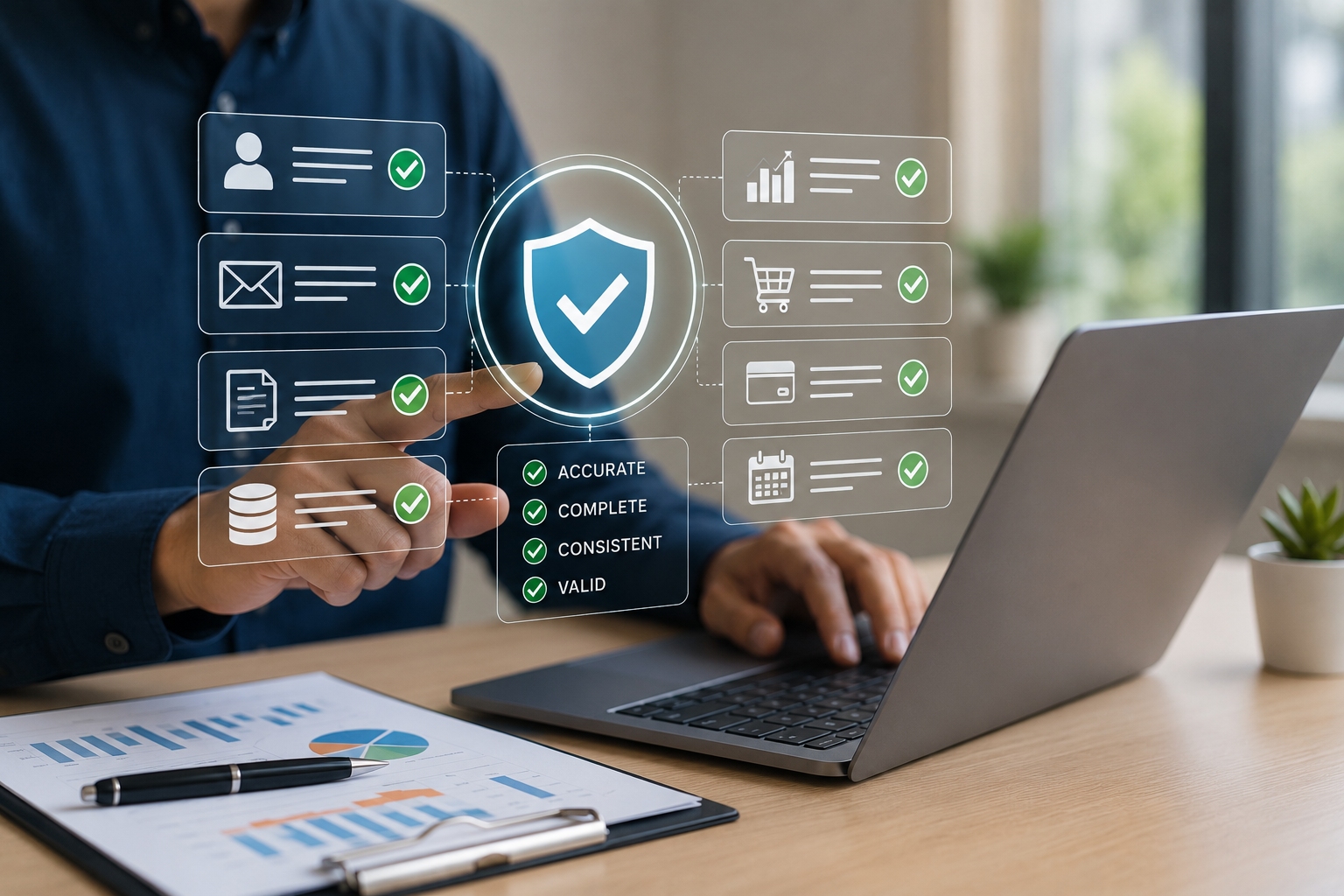
Data validation helps ensure that information entered into business software is accurate, complete, consistent, and in the expected format. By validating data before it is stored or processed, businesses can reduce errors, improve efficiency, strengthen security, and make better decisions.
What Is Data Validation?
Data validation is the process of checking information to ensure that it meets predefined rules before the system accepts it.
For example, a business application may check whether:
-
A phone number contains a valid number of digits
-
An email address follows a valid format
-
A product price is greater than zero
-
A required field is not left empty
-
A date is entered correctly
-
A quantity is a valid number
-
A customer ID already exists
-
A discount does not exceed the allowed limit
These checks help prevent incorrect information from entering the system.
Why Is Data Validation Important?
1. Improves Data Accuracy
Accurate data is essential for business operations. Incorrect customer details, prices, quantities, or financial information can lead to mistakes in reports and transactions.
Data validation helps identify incorrect information at the point of entry, allowing users to correct it before it affects other parts of the system.
For example, if an employee enters a negative product quantity, the system can immediately display an error instead of saving the incorrect value.
2. Reduces Human Errors
Employees enter large amounts of information every day. Mistakes can happen because of typing errors, incorrect selections, or missing information.
Validation rules can automatically identify common mistakes and guide users toward entering the correct information.
This reduces the need for manual checking and makes everyday business processes more reliable.
3. Prevents Incomplete Records
Important business records often require multiple pieces of information.
For example, a customer registration form may require:
-
Customer name
-
Phone number
-
Email address
-
Address
-
Customer type
If important fields are left empty, the record may become difficult to use later.
Required-field validation ensures that essential information is provided before a record is submitted.
4. Supports Better Business Decisions
Business decisions depend on reliable information.
Managers may use software reports to analyze:
-
Sales performance
-
Revenue
-
Inventory
-
Customer activity
-
Expenses
-
Employee performance
-
Orders
If the underlying data contains errors, reports and dashboards may provide misleading results.
Reliable data validation helps create a stronger foundation for accurate reporting and decision-making.
5. Improves Data Consistency
Businesses often have multiple employees entering information into the same system.
Without validation, different users may enter the same type of information in different formats.
For example, a customer status might be entered as:
-
Active
-
active
-
ACT
-
Current
Validation and standardized options can help maintain consistent data throughout the application.
6. Protects Business Processes
Many business processes depend on specific rules.
For example, an order system may require:
Quantity × Product Price = Order Amount
A billing system may prevent a discount from exceeding a predefined percentage.
An inventory system may prevent users from selling more products than are available in stock.
Validation rules can help ensure that transactions follow these business requirements.
7. Enhances Customer Experience
Data validation is not only useful for internal operations. It can also improve the customer experience.
For example, when customers place an order online, the system can immediately identify:
-
Invalid phone numbers
-
Incorrect email addresses
-
Missing delivery information
-
Invalid postal codes
-
Incorrect payment details
Immediate feedback allows customers to correct problems before completing the process.
8. Helps Improve Software Security
Proper validation can also contribute to application security.
Business applications should not blindly accept every value submitted by a user. Input should be checked according to expected data types, formats, and business rules.
For example, a field designed to accept a numeric product ID should not accept arbitrary unexpected input.
Data validation should work alongside other security practices such as authentication, authorization, secure coding, and database security.
Types of Data Validation
Different types of validation can be used depending on the business application.
Required Field Validation
Checks whether an important field contains information.
Example:
Customer Name cannot be empty.
Data Type Validation
Ensures that information matches the expected data type.
Example:
Quantity must be a number.
Format Validation
Checks whether information follows a specific format.
Example:
Email addresses should follow an accepted email format.
Range Validation
Ensures that a value falls within an acceptable range.
Example:
Product quantity must be between 1 and 10,000.
Length Validation
Controls the minimum or maximum number of characters.
Example:
A customer code may need to contain between 5 and 20 characters.
Uniqueness Validation
Ensures that duplicate records are not created when a value should be unique.
Example:
Two users should not have the same unique username.
Business Rule Validation
Checks whether information follows specific business requirements.
Example:
A discount cannot exceed the maximum discount allowed for a particular user role.
Examples of Data Validation in Business Software
CRM Software
A CRM system can validate customer information such as names, phone numbers, email addresses, and customer IDs.
This helps sales teams maintain cleaner customer records.
Inventory Management Software
Inventory systems can validate product quantities, prices, stock levels, product codes, and purchase orders.
This can help reduce inventory-related errors.
Accounting Software
Financial applications can validate invoice numbers, transaction amounts, dates, tax information, and payment records.
Accurate financial data is particularly important for reporting and accounting processes.
HR Software
Employee management systems can validate employee IDs, attendance records, leave dates, salary information, and other employee data.
E-Commerce Software
Online stores can validate product information, customer addresses, order quantities, payment information, and coupon codes.
Client-Side and Server-Side Validation
Reliable business software often uses validation at multiple levels.
Client-Side Validation
Client-side validation occurs in the user's browser or application interface.
For example, a form can immediately show:
"Please enter a valid email address."
This provides fast feedback and improves usability.
Server-Side Validation
Server-side validation takes place on the application server before data is processed or stored.
This is important because client-side validation alone should not be trusted for security or data integrity.
A robust application should validate important information on the server as well.
Data Validation and Database Integrity
Validation should not stop at the user interface.
Databases can also use constraints and rules to protect data integrity.
Examples include:
-
Required fields
-
Unique values
-
Relationships between tables
-
Valid data types
-
Foreign key constraints
-
Default values
Using validation at different layers creates stronger protection against incorrect data.
Common Data Validation Mistakes
Businesses should avoid relying on weak or incomplete validation.
Common problems include:
-
Validating only required fields
-
Relying only on client-side validation
-
Allowing inconsistent formats
-
Not checking duplicate records
-
Ignoring business rules
-
Providing unclear error messages
-
Accepting unexpected data types
-
Failing to validate imported or API data
A good validation strategy should consider information coming from users, internal systems, file imports, APIs, and other external sources.
Best Practices for Data Validation
Keep Validation Rules Clear
Users should understand what information is required and what format they should use.
Provide Helpful Error Messages
Instead of simply displaying "Invalid Input," provide useful guidance such as:
"Phone number must contain 10 digits."
Validate Data Early
Detecting errors when information is entered is generally better than discovering them later in reports or transactions.
Use Standardized Inputs
Dropdowns, checkboxes, date selectors, and predefined options can reduce inconsistent data entry.
Validate at Multiple Levels
Important business data should be checked both before submission and on the server before being stored or processed.
Keep Rules Updated
Business requirements can change. Validation rules should be reviewed whenever processes, regulations, products, or organizational policies change.
Conclusion
Data validation is a fundamental part of reliable business software. It helps businesses maintain accurate information, reduce human errors, improve data consistency, support better reporting, protect business processes, and provide a better user experience.
Whether a company uses CRM software, ERP systems, inventory management platforms, accounting applications, HR software, or custom business applications, reliable data is essential.
The goal of data validation is simple: make sure the system receives the right information before it uses that information to make decisions or perform important business operations.