
Introduction
Managing a growing business involves handling multiple activities, including sales, inventory, accounting, employee management, purchasing, and customer information. When these activities are managed through separate spreadsheets or disconnected software, it becomes difficult to maintain accurate records and coordinate different departments.
This is where an Enterprise Resource Planning (ERP) system can help.
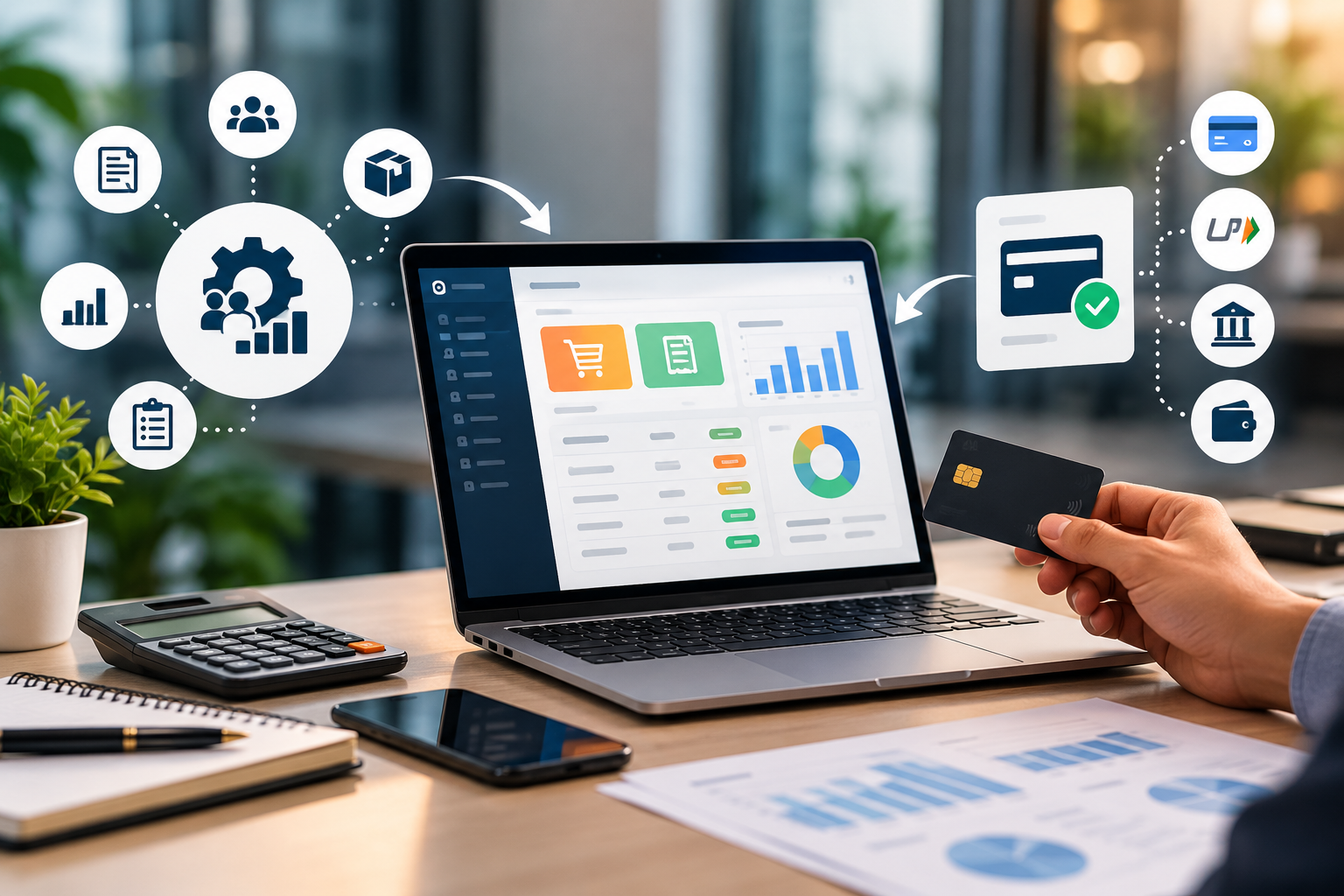
An ERP system brings multiple business processes together on a centralized platform, helping businesses manage information, improve coordination, and make better-informed decisions.
In this guide, we will explain what an ERP system is, its key features and benefits, how businesses use ERP software, and how to choose the right solution for your organization.
What Is an ERP System?
ERP stands for Enterprise Resource Planning. It is a type of business management software that integrates different departments and business processes into one coordinated system.
Instead of maintaining separate records for sales, purchases, inventory, accounts, and employees, a business can use an ERP system to manage these activities through connected modules.
For example, when a sales order is recorded, an integrated ERP system may update inventory information, generate an invoice, and provide relevant data for accounting, depending on the modules and configuration.
This reduces duplicate data entry and helps authorized employees access consistent business information.
Example of an ERP System in Practice
Imagine a manufacturing company that receives an order from a customer.
Without an integrated system, the sales team may record the order in a spreadsheet, the warehouse team may update stock separately, and the accounts team may prepare the invoice manually.
With a properly configured ERP system, these activities can be connected through a shared workflow. Employees can access the information relevant to their responsibilities without repeatedly entering the same data.
This makes business operations easier to coordinate and monitor.
Key Features of an ERP System
The features of an ERP system depend on the software, industry, and business requirements. However, most business ERP solutions offer some combination of the following modules.
1. Inventory Management
Inventory management helps businesses track products, stock quantities, stock movements, purchases, and sales.
Depending on the system, businesses may also receive low-stock alerts, manage multiple warehouses, and generate inventory reports.
Business use: Retailers can monitor stock availability, while manufacturers can track raw materials and finished goods.
2. Sales and Billing Management
Sales and billing modules help businesses record orders, generate invoices, maintain customer transaction records, and track outstanding payments.
Automated calculations and standardized billing processes can reduce repetitive work and help improve record accuracy.
Business use: Distributors and retailers can manage sales transactions and billing records more efficiently.
3. Accounting and Financial Management
Accounting features may include expense tracking, financial entries, payment records, receivables, payables, and financial reporting.
The available capabilities depend on the ERP system and its accounting configuration.
Business use: Management can review financial information and monitor outstanding payments using organized records.
4. Human Resource and Employee Management
Some ERP systems include employee records, attendance, leave management, payroll inputs, and approval workflows.
These features help businesses maintain employee information and coordinate routine HR activities.
Business use: Organizations with multiple departments can manage employee records and administrative processes more consistently.
5. Purchase and Supplier Management
Purchase management helps businesses record purchase requests, purchase orders, supplier details, received goods, and related transactions.
When integrated with inventory, purchasing information can help teams monitor stock replenishment requirements.
Business use: A wholesale business can maintain supplier records and track purchases without relying entirely on separate spreadsheets.
6. Reporting and Analytics
ERP reporting tools organize business data into reports and dashboards.
Depending on the available modules, management may review sales performance, inventory levels, expenses, outstanding payments, and other operational indicators.
Business use: Business owners can use current reports to identify operational issues and support planning decisions.
7. User Roles and Permissions
An ERP system can provide role-based access so that employees can access the information and functions required for their responsibilities.
For example, a salesperson may manage customer orders, while an authorized accounts employee handles financial records.
Appropriate permissions help protect sensitive information and support accountability.
What Are the Benefits of an ERP System?
Implementing the right ERP system can help a business improve its operations in several ways.
1. Centralized Business Information
When departments maintain separate records, information may become inconsistent or difficult to find.
An ERP system brings supported business data together, making it easier for authorized employees to work with shared information.
2. Reduced Repetitive Work
Manual data entry across multiple applications consumes time and creates opportunities for errors.
ERP workflows can reduce duplicate entries by allowing connected modules to use the same transaction information.
However, proper configuration and employee training are still important.
3. Better Inventory Control
Inventory-related ERP features help businesses record stock movements and review available quantities.
This can help identify stock shortages, excess inventory, and purchasing requirements.
The actual results depend on accurate data entry and consistent use of the system.
4. Improved Reporting and Decision-Making
Business owners need reliable information to make decisions about purchasing, sales, staffing, and expenses.
An ERP system can provide consolidated reports from connected modules, helping management review business performance more efficiently.
5. Improved Coordination Between Departments
Sales, inventory, purchasing, and accounting often depend on one another.
An integrated ERP system can connect these activities so that relevant information is available to the teams that need it.
This can reduce communication gaps and unnecessary follow-ups.
6. Support for Business Growth
As a business expands, its transactions, customers, employees, and reporting requirements also increase.
A suitable ERP solution can help standardize processes and support additional users, locations, or modules when the software is designed to accommodate that growth.
7. Better Record Management
ERP systems can maintain structured transaction histories and, where supported, audit trails.
This helps businesses review past activities and investigate discrepancies more systematically.
Which Businesses Can Use ERP Software?
ERP software is not limited to large corporations. Small and medium-sized businesses can also benefit from it when their operational needs justify an integrated solution.
Manufacturing Companies
Manufacturers can use ERP modules to coordinate purchasing, inventory, production planning, sales orders, and financial records.
Retail and Wholesale Businesses
Retailers and wholesalers can use ERP software to manage billing, stock, supplier information, sales, and purchase transactions.
Educational Institutions
Educational ERP systems may include student records, admissions, fees, attendance, examinations, and other administrative functions.
The exact modules depend on the institution's requirements and the software selected.
Healthcare Organizations
Healthcare management systems may integrate patient registration, appointments, billing, pharmacy inventory, and other hospital administration functions.
Clinical and patient-care requirements need appropriate specialized features and access controls.
Service-Based Businesses
Service companies can use business management software to coordinate customer information, project activities, billing, employee responsibilities, and reporting.
A complete ERP may be useful when these functions need to work together.
ERP System vs. Separate Business Software
Businesses do not always need a full ERP system. The right choice depends on the complexity of their operations.
| Requirement | Separate Software | Integrated ERP System |
|---|---|---|
| Billing | Managed through billing software | Managed through an ERP billing or sales module |
| Inventory | Maintained in a separate application | Connected with supported sales and purchasing workflows |
| Accounting | Managed in dedicated accounting software | Integrated accounting features may be available |
| Employee records | Managed through an HR application | HR features may be included |
| Reporting | Data may need to be combined manually | Consolidated reporting may be available |
| Data sharing | Depends on integrations | Designed to connect supported modules |
Separate software can be the better choice for businesses with simple requirements. An ERP system becomes more useful when multiple business functions need coordinated data and workflows.
ERP Software vs. Custom ERP Development
Businesses can consider either an existing ERP product or a custom-developed solution.
Ready-Made ERP Software
Ready-made ERP software is developed for multiple businesses and may provide standard modules for inventory, accounting, sales, and other functions.
Potential advantages:
-
Existing features that can be configured.
-
Established workflows and documentation.
-
Faster deployment when requirements match the product.
-
Vendor support and updates, depending on the provider.
Potential limitations:
-
Some workflows may not match the business exactly.
-
Customizations may require additional cost.
-
Licensing and recurring subscription fees may apply.
Custom ERP Software
Custom ERP software is developed around a particular organization's requirements.
Potential advantages:
-
Workflows can be designed for specific business operations.
-
Modules can be prioritized according to business needs.
-
Integration with existing applications may be possible.
-
The system can be planned around specific reporting and access requirements.
Potential limitations:
-
Development requires clear requirements and careful testing.
-
Initial development costs may be higher.
-
Ongoing maintenance, hosting, security updates, and future enhancements must be planned.
The best option depends on budget, existing systems, operational complexity, and long-term requirements.
How to Choose the Right ERP System
Selecting ERP software requires more than comparing feature lists. Consider the following steps before making a decision.
Step 1: Identify Your Business Problems
List the activities that create the most delays, errors, duplicate work, or reporting difficulties.
For example, your main problem may be stock tracking rather than employee management.
Step 2: List the Required Modules
Identify which modules you actually need, such as billing, inventory, accounting, purchasing, HR, or reporting.
Start with essential requirements instead of purchasing unnecessary features.
Step 3: Review Your Existing Workflow
Understand how information moves between departments and where integration would be most valuable.
Involve the employees who will use the system regularly.
Step 4: Compare Costs
Consider the complete cost of ownership, including software licenses, customization, implementation, data migration, employee training, hosting, and maintenance.
Step 5: Evaluate Security and Access Control
Check how the software handles user permissions, backups, data protection, updates, and audit records.
Security requirements should be considered before implementation.
Step 6: Test Before Implementation
Request a demonstration or pilot where possible. Test common business scenarios using realistic workflows before moving all operations to the new system.
Step 7: Plan Training and Support
Employees need sufficient training to use the system correctly. Make sure there is a clear process for reporting issues and receiving technical support.
Common ERP Implementation Mistakes to Avoid
Even suitable ERP software can fail to deliver the expected results if implementation is poorly planned.
Avoid these common mistakes:
-
Selecting software without understanding business requirements.
-
Purchasing too many modules before identifying actual needs.
-
Migrating incomplete or inaccurate data.
-
Ignoring employee training.
-
Failing to establish user permissions.
-
Expecting software to fix inefficient processes automatically.
-
Neglecting backups, maintenance, and future support.
A phased implementation, clear responsibilities, and regular testing can help reduce these risks.
Does Every Business Need an ERP System?
No. An ERP system is not necessary for every business.
A small shop with straightforward billing and stock requirements may need only billing and inventory software. A growing company with several departments, multiple locations, and interconnected processes may benefit from an integrated ERP solution.
The important question is not whether ERP software is popular. It is whether your current systems can handle your business requirements efficiently and reliably.
Start by identifying the operational problems you need to solve, then choose the simplest suitable solution that can support your needs.
Conclusion
An ERP system helps businesses coordinate different functions through connected modules and centralized business information. Depending on its features and implementation, it can support inventory management, billing, accounting, purchasing, employee administration, and reporting.
The right solution can reduce repetitive work, improve coordination, and help management access more reliable business information.
However, successful implementation depends on selecting suitable software, maintaining accurate records, training employees, and planning for ongoing support.
Whether your business needs billing software, inventory management, workflow automation, or a customized ERP application, the first step is to understand your requirements.
Looking for a Business Software Solution?
Logic Waves Tech Pvt. Ltd. helps businesses explore website development, billing systems, business applications, ERP solutions, and customized software according to their operational requirements.
If your team is struggling with manual records, disconnected applications, or repetitive administrative work, we can help you evaluate practical ways to improve your processes.
Contact Logic Waves Tech Pvt. Ltd. to discuss your business requirements and explore a suitable software solution.
Frequently Asked Questions
1. What does ERP stand for?
ERP stands for Enterprise Resource Planning. It refers to software that integrates multiple business functions and processes.
2. What are the main features of ERP software?
Common features include inventory management, sales and billing, accounting, purchasing, employee management, reporting, and user permissions. Available features vary by product.
3. Is ERP software suitable for small businesses?
Yes, if the business has sufficient operational complexity to justify an integrated system. Smaller businesses may find dedicated billing or inventory software more suitable.
4. What is the difference between ERP and accounting software?
Accounting software primarily focuses on financial transactions and records. ERP software can connect accounting with additional functions such as inventory, purchasing, sales, and employee administration.
5. How much does ERP software cost?
The cost depends on the product, number of users, modules, customization, implementation, hosting, and maintenance requirements. Businesses should evaluate the total cost rather than only the initial price.
6. How long does ERP implementation take?
Implementation time varies with the number of modules, data migration, integrations, customization, and employee training. A simple implementation may be completed faster than a complex, multi-department deployment.
7. Can ERP software be customized?
Some ERP products support configuration and customization. A custom ERP application can also be developed for specific workflows, although it requires suitable planning, testing, and ongoing maintenance.
Want this for your business?
Talk to our team — free consultation, clear advice.