Table of Contents
- How Automated Reports Help Businesses Save Time and Improve Accuracy
- What Are Automated Reports?
- 1. Saves Employee Time
- 2. Reduces Manual Data Entry
- 3. Improves Data Accuracy
- 4. Provides Real-Time or Up-to-Date Information
- 5. Makes Financial Reporting Easier
- 6. Helps Track Sales Performance
- 7. Improves Inventory Monitoring
- 8. Supports Better Decision-Making
- 9. Reduces Reporting Delays
- 10. Standardizes Business Reports
- 11. Helps Identify Business Trends
- 12. Improves Employee Performance Tracking
- 13. Makes Reports Easier to Access
- 14. Reduces Spreadsheet Dependency
- 15. Supports Automated Alerts
- 16. Improves Management Visibility
- 17. Supports Business Growth
- 18. Makes Auditing and Record-Keeping Easier
- Best Practices for Automated Reporting
- Define Clear Reporting Requirements
- Use Reliable Data Sources
- Standardize Calculations
- Keep Reports Simple
- Protect Business Information
- Review Automated Reports Regularly
- Conclusion
How Automated Reports Help Businesses Save Time and Improve Accuracy
Businesses generate a large amount of information every day. Sales transactions, customer activity, inventory movements, employee performance, expenses, payments, and other operational activities all produce data that needs to be reviewed and analyzed.
Traditionally, employees spend considerable time collecting information from different sources, organizing spreadsheets, checking calculations, and preparing reports manually. While manual reporting can work for small amounts of data, it becomes time-consuming and more prone to errors as a business grows.
Automated reporting provides a better approach. By automatically collecting, processing, and presenting business data, reporting systems can reduce repetitive work, improve accuracy, and give managers access to useful information faster.
What Are Automated Reports?
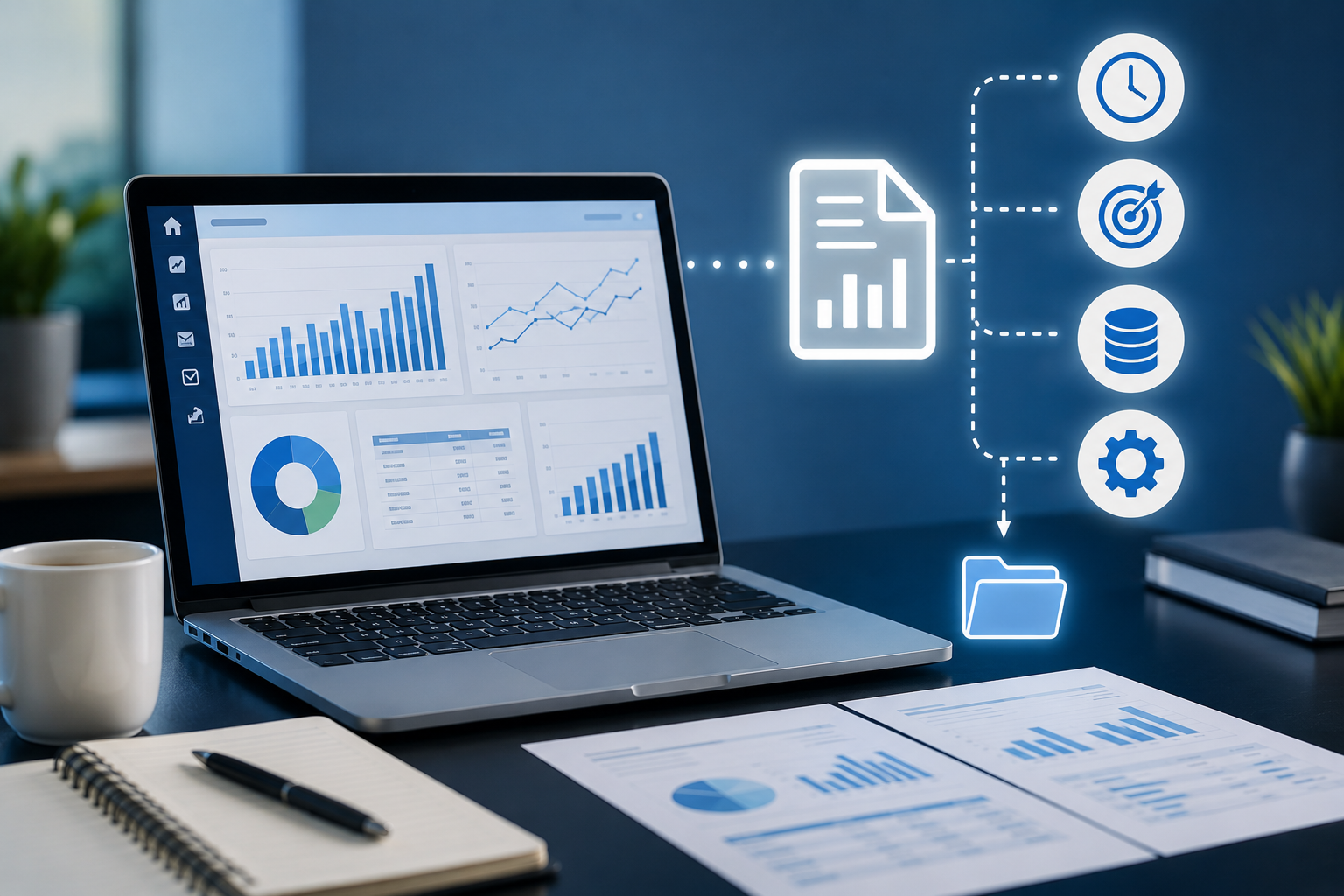
Automated reports are reports that are generated by software according to predefined rules, schedules, or triggers.
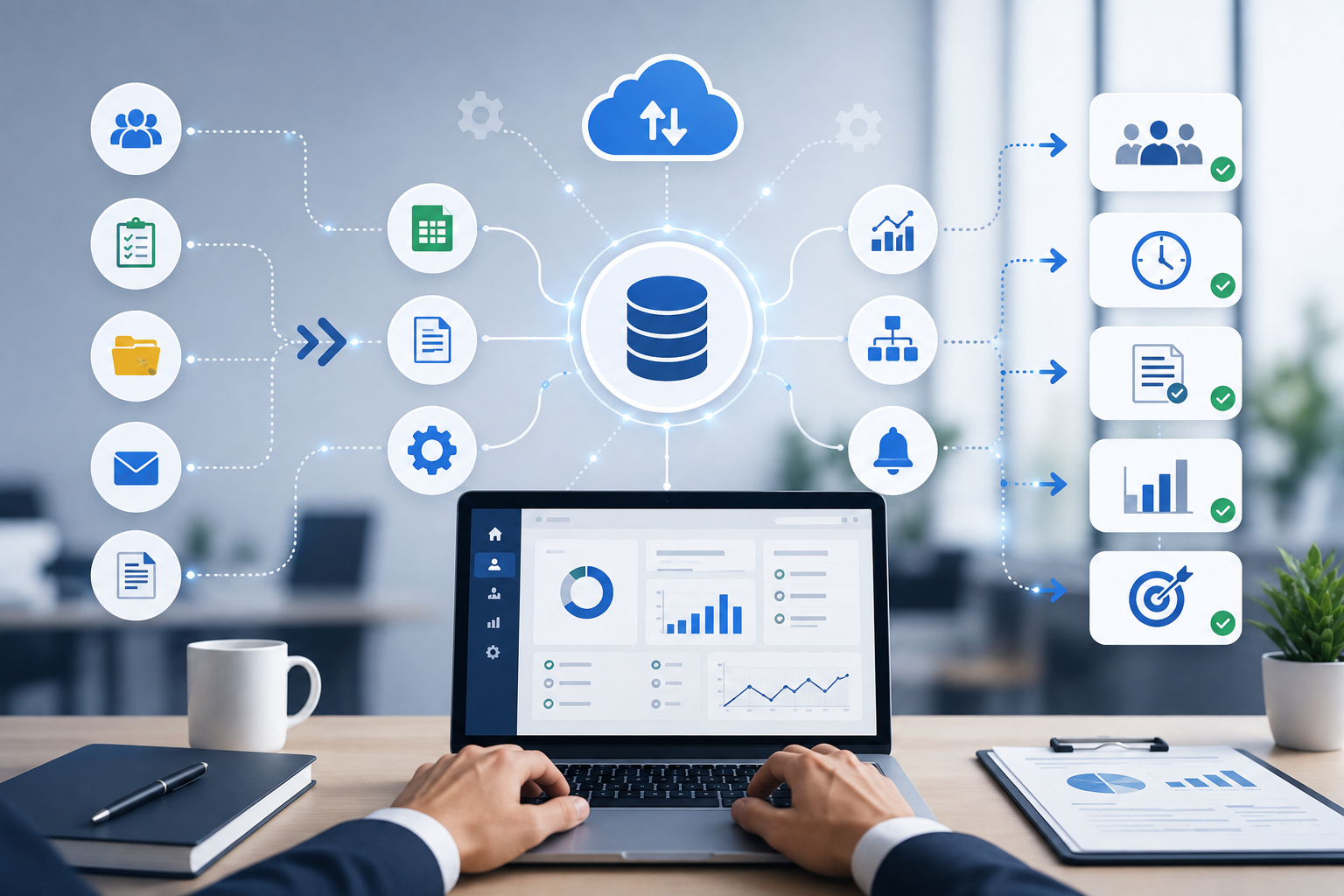
Instead of an employee manually collecting data and preparing a report, the system can automatically retrieve information from connected business systems and present it in a structured format.
Automated reports can include:
- Sales reports
- Financial reports
- Inventory reports
- Employee performance reports
- Customer reports
- Marketing reports
- Expense reports
- Attendance reports
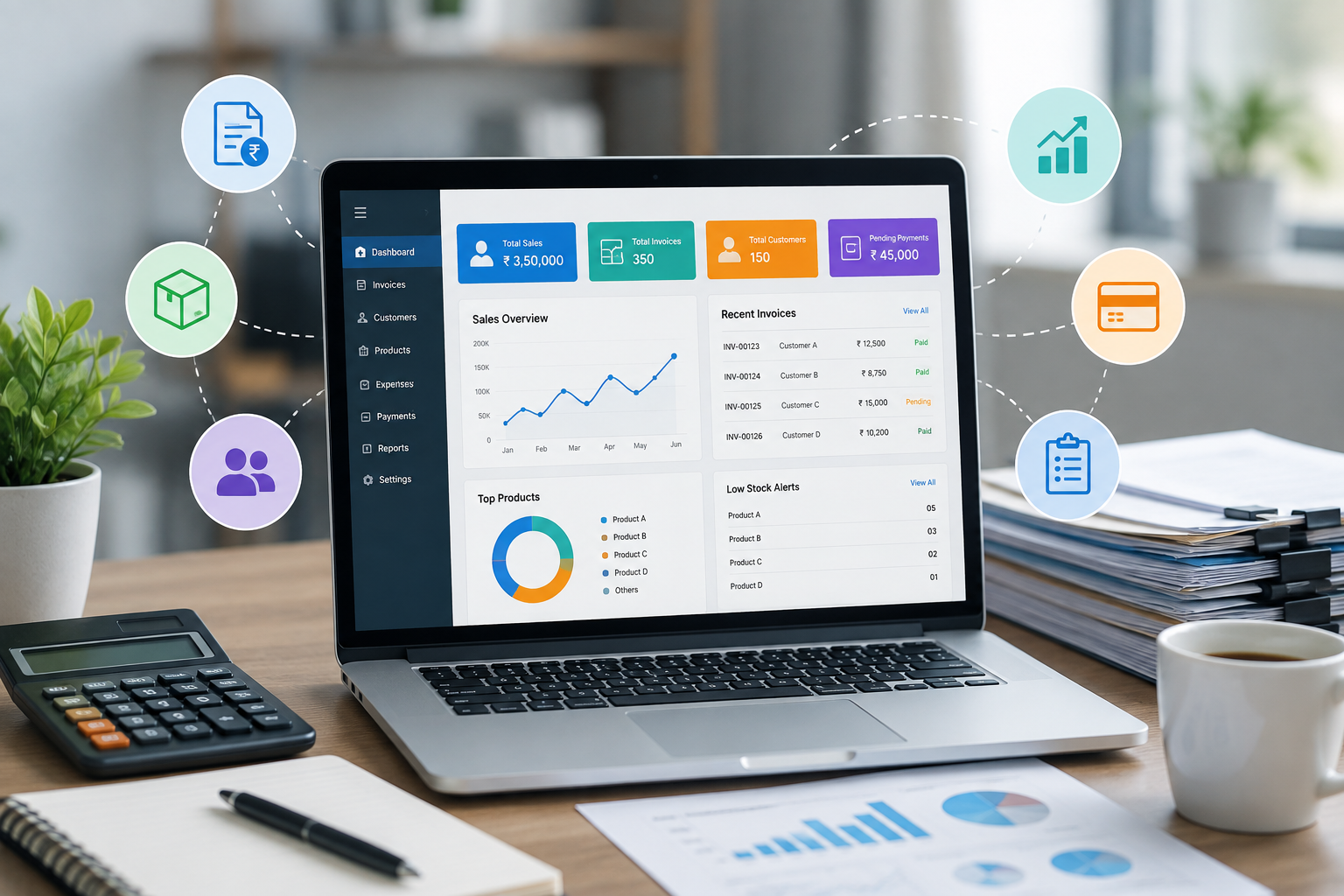
- Management dashboards
- Department-wise performance reports
Reports can be generated daily, weekly, monthly, or whenever specific information is required.
1. Saves Employee Time
One of the biggest advantages of automated reporting is the amount of time it can save.
Manual reporting often requires employees to collect information from multiple sources, copy data into spreadsheets, perform calculations, format tables, and prepare charts.
Automation can perform many of these tasks automatically.
Employees can therefore spend less time preparing reports and more time analyzing results and working on tasks that require human judgment.
2. Reduces Manual Data Entry
Manual data entry is repetitive and can consume significant employee time.
For example, an employee preparing a monthly sales report may need to copy transaction information from several spreadsheets into a master file.
An automated reporting system can retrieve information directly from databases or connected applications.
Reducing manual data entry also reduces the risk of typing mistakes, missing records, or accidentally changing values.
3. Improves Data Accuracy
Business decisions depend on reliable information.
Manual calculations and data handling can introduce errors. A small mistake in a spreadsheet formula or an incorrectly entered value can affect the final report.
Automated reporting systems use predefined calculations and reporting rules. Once these rules are correctly configured, the same calculations can be performed consistently each time.
This helps businesses produce more reliable reports.
4. Provides Real-Time or Up-to-Date Information
Traditional reports may become outdated quickly.
For example, a sales report prepared at the end of the day may not reflect transactions that occurred afterward.
Automated dashboards and reports can retrieve updated information from business systems at regular intervals or in real time, depending on the system.
Managers can therefore make decisions using more current information.
5. Makes Financial Reporting Easier
Financial information is one of the most important areas for business reporting.
Automated reports can help businesses track:
- Revenue
- Expenses
- Payments
- Outstanding amounts
- Profit margins
- Cash flow
- Taxes
- Department expenses
Instead of manually combining financial data from different sources, businesses can use automated reporting systems to generate standardized financial summaries.
This can make financial monitoring faster and more organized.
6. Helps Track Sales Performance
Sales managers need to understand how their teams and products are performing.
Automated sales reports can show information such as:
- Total sales
- Sales by employee
- Sales by product
- Sales by department
- Sales by location
- New customers
- Repeat customers
- Monthly sales trends
These reports help managers identify strong-performing areas and investigate areas where sales performance may need improvement.
7. Improves Inventory Monitoring
Inventory-related information changes frequently.
Businesses need to know which products are available, which products are selling quickly, and which products need to be reordered.
Automated inventory reports can provide information about:
- Current stock
- Low-stock items
- Overstocked products
- Fast-moving products
- Slow-moving products
- Stock value
- Purchase activity
- Product movement
This allows businesses to identify potential inventory problems before they become serious.
8. Supports Better Decision-Making
Reports are valuable because they turn raw business data into useful information.
Automated reporting can help managers quickly identify trends, changes, and unusual activity.
For example, if a monthly report shows that sales have decreased in a particular region, management can investigate the reason and take appropriate action.
Without timely reporting, businesses may discover such problems much later.
9. Reduces Reporting Delays
Manual reporting can take hours or even days, especially when multiple departments are involved.
Automated systems can generate reports according to predefined schedules.
For example, a business can configure the system to generate a department-wise performance report every Monday morning.
This ensures that managers receive important information consistently without waiting for employees to prepare it manually.
10. Standardizes Business Reports
Different employees may prepare reports in different formats.
One employee might use a particular set of calculations, while another may organize the same information differently. This makes comparing reports more difficult.
Automated reporting systems use standardized templates and calculations.
This creates consistency across reports and makes information easier to understand and compare.
11. Helps Identify Business Trends
Businesses need to understand how performance changes over time.
Automated reports can compare data across different periods, such as:
- Daily sales
- Weekly revenue
- Monthly expenses
- Quarterly performance
- Yearly growth
Visual charts and graphs can make these trends easier to understand.
For example, a manager can quickly identify whether sales are increasing, decreasing, or remaining stable over several months.
12. Improves Employee Performance Tracking
Automated reports can also help businesses monitor employee and department performance.
Depending on the organization, reports may track:
- Completed tasks
- Sales targets
- Attendance
- Productivity
- Customer support tickets
- Project progress
- Work hours
Managers can use this information to identify areas where employees may need additional support, training, or resources.
13. Makes Reports Easier to Access
Modern reporting systems can make business information available through dashboards and web-based applications.
Authorized users can access reports from computers, tablets, or mobile devices depending on the system.
This is particularly useful for managers who need to review business performance while working remotely or traveling.
14. Reduces Spreadsheet Dependency
Spreadsheets are useful business tools, but depending entirely on them for reporting can create challenges as data volumes increase.
Large spreadsheets can become difficult to maintain, and multiple versions may create confusion.
Automated reporting systems can connect directly to business databases and applications, reducing the need to manually combine large amounts of spreadsheet data.
Spreadsheets can still be used for analysis or exports when needed, but they do not have to be the primary reporting system.
15. Supports Automated Alerts
Automated reporting can go beyond simply generating reports.
Businesses can configure alerts when specific conditions occur.
For example, the system can notify a manager when:
- Sales fall below a target
- Inventory reaches a minimum level
- Expenses exceed a predefined limit
- A payment becomes overdue
- Customer complaints increase
- A performance metric falls below expectations
These alerts help managers respond to important changes quickly.
16. Improves Management Visibility
Business owners and managers need a clear overview of operations.
A centralized reporting dashboard can bring important performance indicators together in one place.
A management dashboard may display:
- Revenue
- Expenses
- Sales
- Inventory
- Customers
- Employee performance
- Outstanding payments
- Key business targets
This gives management a broader view of business performance without requiring separate reports from every department.
17. Supports Business Growth
As a company grows, the amount of data it generates also increases.
Manual reporting processes that worked for a small business may become inefficient when the organization has more employees, customers, products, transactions, and departments.
Automated reporting provides a scalable way to manage increasing data volumes.
Businesses can add new reports, users, departments, and data sources as their reporting requirements evolve.
18. Makes Auditing and Record-Keeping Easier
Businesses often need to maintain records of financial and operational activities.
Automated reporting systems can maintain structured records and provide consistent reporting periods.
Depending on the system, businesses may also have access to reporting histories, timestamps, user activity records, and audit trails.
These features can make it easier to review past information and investigate discrepancies.
Best Practices for Automated Reporting
Businesses should carefully plan their reporting systems to get the best results.
Define Clear Reporting Requirements
Identify which reports are actually useful and who needs access to them.
Use Reliable Data Sources
Automated reports are only as accurate as the data feeding them. Businesses should ensure that source data is complete and reliable.
Standardize Calculations
Define consistent formulas and reporting rules to avoid different departments using different methods.
Keep Reports Simple
A report should make information easier to understand. Avoid including unnecessary data that makes important information difficult to find.
Protect Business Information
Reports may contain confidential financial, customer, or employee information. Businesses should use appropriate access controls and security measures.
Review Automated Reports Regularly
Reporting requirements can change as the business grows. Companies should periodically review their reports and update them when necessary.
Conclusion
Automated reports can significantly improve the way businesses collect, analyze, and use information. By reducing manual data entry, minimizing repetitive work, improving consistency, and delivering information faster, automated reporting can save valuable employee time and improve reporting accuracy.
From sales and finance to inventory and employee performance, automated reports can provide managers with timely information needed to make better decisions.
The real value of automated reporting is not simply generating reports faster. It is creating a reliable system where business information is available in a structured and useful form, allowing employees and managers to spend less time preparing data and more time using it to improve business performance.