Table of Contents
- How Cloud-Based Business Software Supports Remote Operations
- What Is Cloud-Based Business Software?
- How Cloud Software Supports Remote Operations
- 1. Access Business Information From Different Locations
- 2. Provides Centralized Business Data
- 3. Improves Team Collaboration
- 4. Enables Real-Time Updates
- 5. Makes Business Monitoring Easier
- 6. Supports Multiple Branches and Locations
- 7. Reduces Dependence on Physical Office Infrastructure
- 8. Helps Maintain Business Continuity
- 9. Improves Document and Information Accessibility
- 10. Supports Better Customer Service
- Security Is Important
- Cloud Software and Business Scalability
- What Businesses Should Consider Before Choosing Cloud Software
- Business Requirements
- User Access
- Security
- Integration
- Cost
- Support and Reliability
- Cloud-Based Software Is More Than Remote Access
- Conclusion
How Cloud-Based Business Software Supports Remote Operations
Remote and hybrid work have changed the way businesses manage their daily operations. Employees may work from different offices, homes, cities, or even countries, while managers still need to keep track of tasks, customers, finances, inventory, communication, and business performance.
Traditional software installed on individual computers can make this difficult because information may remain limited to a particular device or office network. Cloud-based business software provides a more flexible approach by allowing authorized users to access business systems and information through an internet connection.
From managing customer information to monitoring sales and coordinating teams, cloud-based software can help businesses maintain smoother operations regardless of where their employees are working.
What Is Cloud-Based Business Software?
Cloud-based business software is a system hosted on remote servers rather than being dependent entirely on a local computer or office server.
Users can typically access the software through a web browser or application using authorized login credentials. Depending on the system, it may include features such as:
-
Customer relationship management
-
Sales and billing
-
Inventory management
-
Employee management
-
Accounting and financial tracking
-
Project and task management
-
Document management
-
Reports and dashboards
-
Communication and collaboration
-
ERP functionality
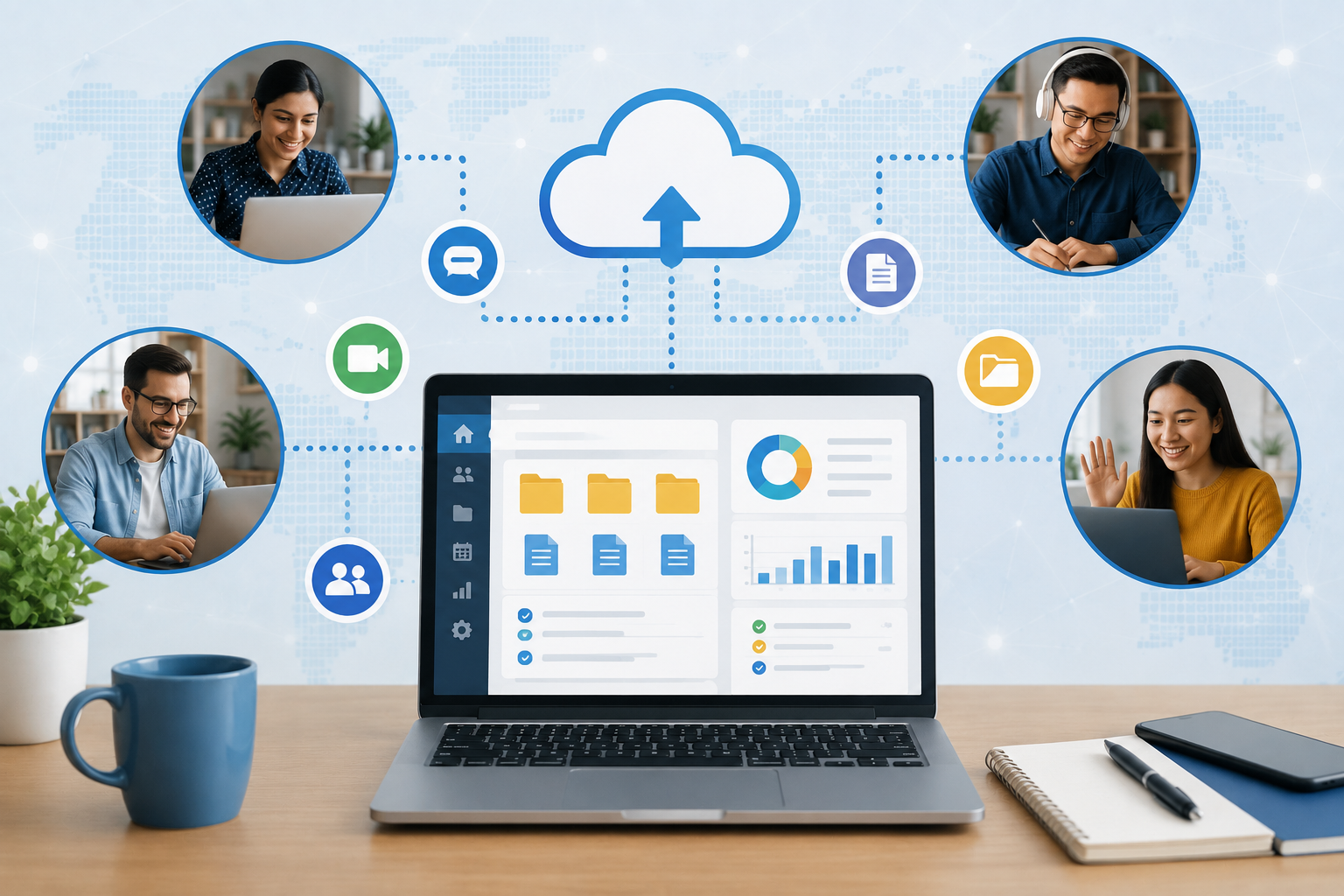
Because business information is stored and managed centrally, employees can work with the same system even when they are not physically located in the same office.
How Cloud Software Supports Remote Operations
1. Access Business Information From Different Locations
One of the biggest advantages of cloud-based software is accessibility.
Employees working from home, traveling for business, or operating from another branch can access the information they need without being physically present in the main office.
For example, a sales employee can check customer information while visiting a client, while a manager can review sales activity from home.
This can make business operations less dependent on a particular location.
2. Provides Centralized Business Data
Remote teams need access to consistent information.
When different departments maintain separate spreadsheets, files, or local software systems, information can become duplicated or outdated.
Cloud-based software can centralize important business information in one system. Authorized employees can work with the same customer, sales, inventory, employee, or operational data.
This reduces the need to exchange multiple versions of files between team members.
3. Improves Team Collaboration
Remote employees often need to coordinate tasks without being physically together.
Cloud-based business systems can provide shared access to tasks, records, documents, reports, and workflows.
For example, a sales team can update customer records while management reviews the same information. Similarly, an operations team can update order information while the accounts department accesses the relevant data.
This creates a more connected workflow between departments.
4. Enables Real-Time Updates
Business information can change throughout the day.
A customer may place a new order, an employee may update a task, inventory levels may change, or a payment may be recorded.
With a properly designed cloud-based system, these updates can become available to authorized users without requiring employees to manually transfer files between computers.
This helps managers work with more current information when monitoring daily operations.
5. Makes Business Monitoring Easier
Managers may not always be present at the office.
Cloud-based dashboards and reporting systems can allow authorized decision-makers to review important business information remotely.
Depending on the software, managers may be able to monitor:
-
Sales performance
-
Revenue
-
Pending payments
-
Customer activity
-
Inventory levels
-
Employee activity
-
Open tasks
-
Orders
-
Business expenses
-
Department performance
A centralized dashboard can make it easier to understand what is happening across the business without requiring employees to prepare separate reports for every update.
6. Supports Multiple Branches and Locations
Businesses with multiple offices or branches can also benefit from cloud-based software.
Instead of maintaining completely separate systems at every location, a business can use a centralized platform where permitted users from different branches access relevant information.
For example, a retail business with several locations can manage products, sales, customers, and inventory through a connected system.
This can make it easier for management to maintain visibility across different locations.
7. Reduces Dependence on Physical Office Infrastructure
Traditional business software may require computers, local servers, network configurations, and other infrastructure at a particular office.
Cloud-based systems can reduce some of this dependence because the core application and data infrastructure are hosted remotely by the software provider or cloud environment.
Employees primarily need a suitable device, internet connection, and appropriate access permissions.
This can be particularly useful for businesses operating with remote or hybrid teams.
8. Helps Maintain Business Continuity
Unexpected situations can affect normal office operations. Internet problems, infrastructure issues, natural events, or temporary office closures may prevent employees from accessing systems located inside the office.
A cloud-based system can provide another way for authorized employees to continue accessing business applications from suitable locations, depending on the availability of internet connectivity and the cloud service.
This can support business continuity when physical office access is temporarily limited.
9. Improves Document and Information Accessibility
Remote employees frequently need access to business documents and records.
Instead of relying entirely on files stored on individual computers, businesses can use cloud-based document and information management systems.
Depending on the platform, users may be able to access:
-
Customer documents
-
Invoices
-
Reports
-
Project files
-
Employee records
-
Business forms
-
Product information
-
Operational documents
Access controls can then determine which employees are permitted to view or modify specific information.
10. Supports Better Customer Service
Remote operations should not negatively affect customer communication.
Cloud-based CRM and business management software can help customer-facing teams access relevant customer information even when working outside the office.
For example, an employee can review previous interactions, orders, service requests, or customer details before responding to a query.
Having customer information available through a centralized system can help teams provide more consistent service.
Security Is Important
Remote accessibility also creates security responsibilities.
Businesses should not assume that simply moving software to the cloud automatically makes the system secure. Security depends on the technology, configuration, provider, and internal practices.
Businesses should consider features and practices such as:
-
Strong passwords
-
Multi-factor authentication
-
Role-based access control
-
Secure connections
-
Regular backups
-
Software updates
-
Activity monitoring
-
Access restrictions
-
Data encryption
-
Employee security awareness
Employees should also receive guidance on protecting login credentials and using business systems securely from remote locations.
Cloud Software and Business Scalability
As a business grows, its software requirements can also change.
A small company may initially need basic billing and customer management, while a growing organization may require inventory management, HR, CRM, reporting, accounting integration, and other functions.
Cloud-based platforms can make it easier to expand business systems as requirements change, depending on the software architecture and pricing model.
Businesses should evaluate scalability before selecting a platform rather than choosing software only for its current requirements.
What Businesses Should Consider Before Choosing Cloud Software
Not every cloud-based solution is suitable for every organization.
Before implementing a system, businesses should consider:
Business Requirements
Identify the processes that need to be managed. Avoid selecting software simply because it has a large number of features.
User Access
Determine which employees, departments, branches, or external users need access and what permissions they should have.
Security
Review authentication, access control, backups, encryption, and other security features.
Integration
Check whether the software can connect with existing accounting systems, payment gateways, websites, CRM systems, or other business applications.
Cost
Consider subscription fees, implementation costs, customization, support, migration, and future user or storage requirements.
Support and Reliability
Businesses should understand how technical support is provided and how the provider handles system availability, backups, and incidents.
Cloud-Based Software Is More Than Remote Access
The value of cloud-based business software is not limited to allowing employees to work from home.
When properly implemented, it can create a connected business environment where information, workflows, teams, and management systems operate through a centralized platform.
For example, a customer order can move through several departments without employees needing to manually transfer the same information between separate systems.
This can help reduce repetitive work, improve visibility, and create more structured business processes.
Conclusion
Cloud-based business software can play an important role in supporting modern remote and hybrid operations. By providing centralized access to business information, supporting collaboration, enabling remote monitoring, and connecting different departments, cloud-based systems can help businesses operate beyond the traditional office environment.
However, choosing the right platform requires more than simply looking for remote access. Businesses should evaluate security, scalability, integrations, usability, cost, support, and their specific operational requirements.
For organizations planning to build a more connected and flexible working environment, a well-designed cloud-based business system can become an important part of their long-term technology strategy.