Table of Contents
- How CRM Systems Help Businesses Manage Customer Relationships
- What Is a CRM System?
- Why Customer Relationship Management Matters
- 1. Centralized Customer Information
- 2. Better Customer Communication
- 3. Improved Lead Management
- 4. Sales Pipeline Management
- 5. Automated Follow-Ups
- 6. Personalized Customer Experiences
- 7. Better Customer Support
- 8. Marketing Integration
- 9. Improved Team Collaboration
- 10. Data-Driven Decision Making
- 11. Customer Retention
- 12. Better Reporting and Analytics
- CRM Systems and Business Automation
- Choosing the Right CRM System
- Business Requirements
- Ease of Use
- Integration
- Scalability
- Security
- Common Challenges of CRM Implementation
- Best Practices for Using a CRM
- The Future of CRM Systems
- Conclusion
How CRM Systems Help Businesses Manage Customer Relationships
Building strong customer relationships is essential for businesses of every size. Customers expect personalized communication, quick support, relevant offers, and consistent experiences across different channels. Managing all of this information manually can become difficult as a business grows.
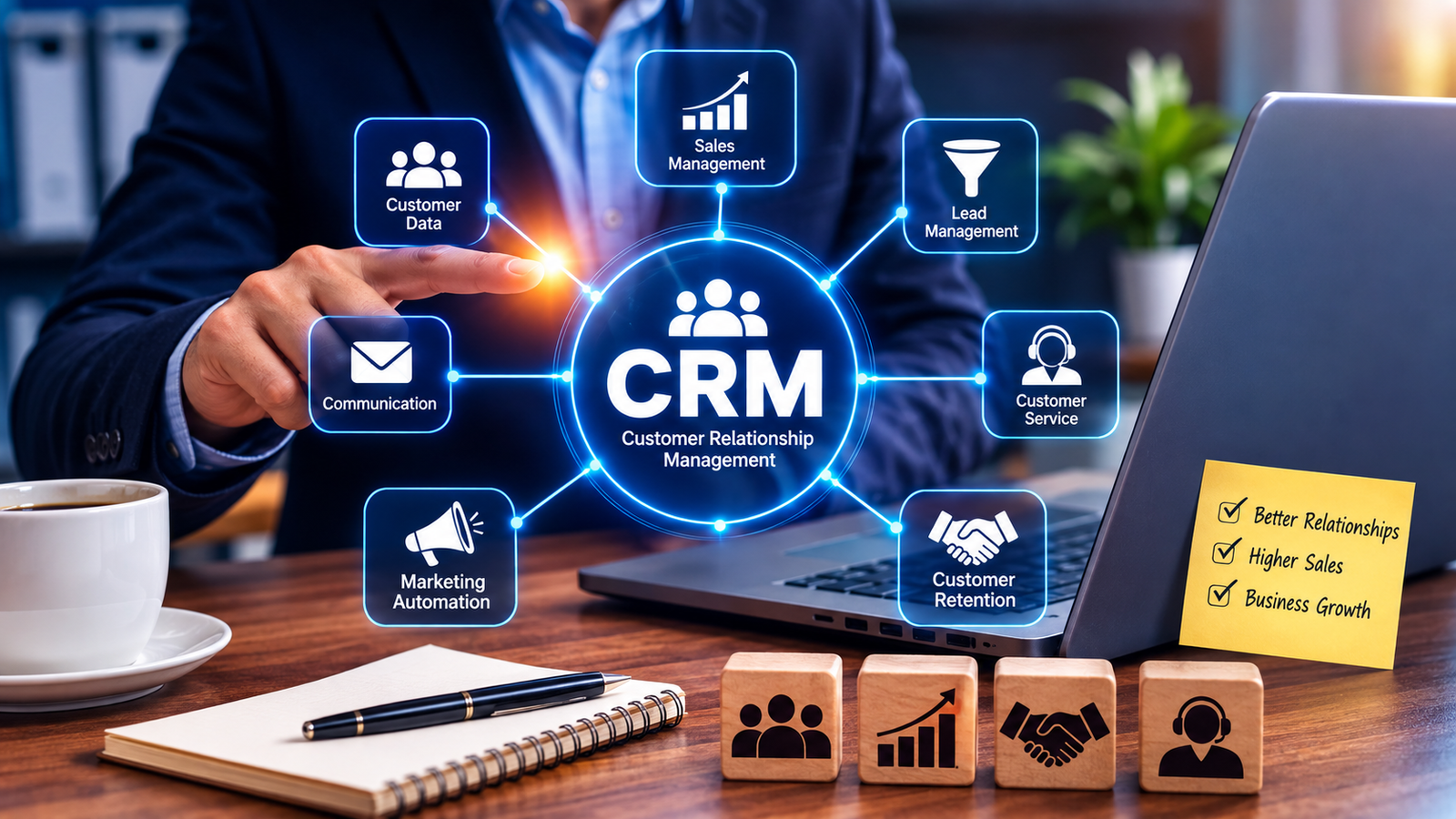
This is where Customer Relationship Management (CRM) systems become valuable. A CRM system helps businesses organize customer information, track interactions, manage sales activities, automate tasks, and improve communication. By bringing customer-related data into one centralized platform, CRM software can help businesses build stronger and more lasting relationships.
What Is a CRM System?
A Customer Relationship Management (CRM) system is software designed to help businesses manage interactions and relationships with current and potential customers.
A CRM platform can store and organize information such as:
-
Customer names and contact details
-
Communication history
-
Sales activities
-
Purchase history
-
Support requests
-
Leads and opportunities
-
Follow-up activities
-
Marketing interactions
-
Customer preferences
Instead of keeping customer information across spreadsheets, emails, notes, and separate applications, businesses can use a CRM to maintain a more organized and accessible record.
Why Customer Relationship Management Matters
Customers are an important part of every business. However, managing relationships becomes more challenging as the customer base grows.
A small business may initially manage customer information using spreadsheets or email accounts. As the company expands, employees may need to manage hundreds or thousands of customers.
Without a centralized system, businesses can face problems such as:
-
Missing customer information
-
Delayed follow-ups
-
Duplicate records
-
Poor communication between departments
-
Missed sales opportunities
-
Inconsistent customer service
-
Difficulty tracking customer history
A CRM system helps address these challenges by providing a structured environment for managing customer relationships.
1. Centralized Customer Information
One of the biggest advantages of CRM software is centralized data.
Sales representatives, customer support teams, and managers can access relevant customer information from the same system.
For example, when a salesperson contacts a customer, they can see previous interactions, purchases, inquiries, and open opportunities.
This provides employees with better context and reduces the need to search through multiple systems.
2. Better Customer Communication
Effective communication is essential for building trust.
CRM systems help businesses keep track of customer conversations across different stages of the customer journey.
Employees can see:
-
Previous emails
-
Calls
-
Meetings
-
Support requests
-
Sales conversations
-
Follow-up activities
This makes communication more consistent because employees can understand what has already been discussed.
3. Improved Lead Management
CRM systems are especially useful for managing potential customers.
A business can capture leads from sources such as:
-
Website forms
-
Social media
-
Email campaigns
-
Advertisements
-
Phone inquiries
-
Events
-
Landing pages
Once a lead enters the CRM, the sales team can track its progress.
A typical sales process might look like:
New Lead → Qualified Lead → Contacted → Proposal → Negotiation → Customer
This gives sales teams a clearer view of where each prospect is in the sales process.
4. Sales Pipeline Management
A CRM system can provide a visual representation of the sales pipeline.
Sales managers can see how many opportunities are:
-
New
-
In progress
-
Waiting for a response
-
In negotiation
-
Ready to close
-
Completed
This helps businesses identify potential bottlenecks and understand future sales opportunities.
Instead of relying on assumptions, managers can use CRM data to make more informed decisions.
5. Automated Follow-Ups
Following up with customers and leads at the right time is important.
However, employees can easily forget follow-up activities when managing multiple customers.
CRM systems can automate reminders and workflows.
For example:
Lead Created → Follow-Up Reminder → Email Sent → Sales Call → Next Task Scheduled
Automation reduces repetitive administrative work and helps sales teams stay organized.
6. Personalized Customer Experiences
Customers increasingly expect businesses to understand their needs.
CRM data can help businesses personalize interactions based on previous behavior and preferences.
For example, a business can use customer information to recommend relevant products, send targeted communications, or provide support based on previous interactions.
Personalization can make customers feel understood rather than treated as anonymous users.
7. Better Customer Support
CRM systems can also improve customer service.
When a customer contacts support, employees can access their customer history and previous requests.
This can help support representatives understand the issue more quickly.
For example, instead of asking a customer to repeatedly explain their situation, an employee may be able to review previous conversations and continue from where the last interaction ended.
This can lead to faster and more consistent support.
8. Marketing Integration
Many CRM systems integrate with marketing tools.
Businesses can use CRM data to create more targeted marketing campaigns.
For example, customers can be segmented based on:
-
Purchase history
-
Location
-
Interests
-
Customer type
-
Engagement
-
Previous interactions
This allows businesses to deliver more relevant messages.
A company could create separate campaigns for new customers, returning customers, inactive customers, and high-value customers.
9. Improved Team Collaboration
Customer relationships often involve multiple departments.
For example, a customer may interact with:
Marketing → Sales → Customer Support → Accounts
If each department keeps separate information, important details can become difficult to access.
A CRM provides a shared source of customer information, helping different teams coordinate their activities.
This can improve internal communication and reduce duplicated work.
10. Data-Driven Decision Making
CRM systems provide businesses with valuable information about customers and sales activities.
Managers can analyze metrics such as:
-
Number of leads
-
Conversion rates
-
Sales pipeline value
-
Customer retention
-
Sales performance
-
Customer interactions
-
Support activity
-
Campaign performance
These insights can help businesses identify trends and make better decisions.
For example, if a company notices that leads from one marketing channel consistently convert at a higher rate, it may decide to invest more resources in that channel.
11. Customer Retention
Acquiring new customers can require significant time and resources. Maintaining strong relationships with existing customers is therefore important.
CRM systems can help businesses identify customers who may need additional attention.
For example, a business might create reminders for:
-
Renewal dates
-
Regular check-ins
-
Customer anniversaries
-
Product upgrades
-
Service follow-ups
These activities can help businesses maintain relationships after the initial sale.
12. Better Reporting and Analytics
CRM platforms can provide dashboards and reports that help businesses understand their performance.
Common CRM reports include:
-
Sales reports
-
Lead conversion reports
-
Revenue forecasts
-
Customer activity reports
-
Sales representative performance
-
Customer retention reports
-
Marketing campaign reports
These reports help managers understand what is working and where improvements may be needed.
CRM Systems and Business Automation
Modern CRM platforms are increasingly focused on automation.
Businesses can automate repetitive processes such as:
-
Lead assignment
-
Email notifications
-
Follow-up reminders
-
Customer segmentation
-
Task creation
-
Sales alerts
-
Marketing workflows
For example, when a customer submits a form on a website, the CRM could automatically create a new lead, assign it to a sales representative, send a confirmation email, and create a follow-up task.
This saves time and improves process consistency.
Choosing the Right CRM System
Not every CRM system is suitable for every business.
Before selecting a CRM, businesses should consider:
Business Requirements
Identify the processes that need improvement.
For example, a sales-focused business may prioritize pipeline management, while a service company may need stronger customer support features.
Ease of Use
A CRM should be easy for employees to understand and use.
A complicated system may lead to poor adoption.
Integration
The CRM should work with important business tools such as:
-
Email platforms
-
Accounting software
-
Marketing tools
-
Websites
-
Communication systems
-
E-commerce platforms
Scalability
The CRM should be capable of supporting the business as it grows.
A solution that works for a small team may not be suitable when the company expands significantly.
Security
Customer information is sensitive business data. Companies should evaluate security features, user permissions, authentication, data protection, and backup capabilities before choosing a CRM.
Common Challenges of CRM Implementation
Although CRM systems provide many benefits, implementing one successfully requires planning.
Businesses may face challenges such as:
-
Employee resistance to new software
-
Poor data quality
-
Duplicate customer records
-
Lack of training
-
Incorrect system configuration
-
Integration problems
-
Unclear business processes
A CRM should not simply be installed and forgotten. Businesses need to establish clear processes and train employees to use the system effectively.
Best Practices for Using a CRM
Businesses can get more value from their CRM by following several best practices:
-
Keep customer information accurate and updated.
-
Train employees before introducing the system.
-
Define clear sales and customer service processes.
-
Use automation for repetitive tasks.
-
Regularly review CRM data.
-
Integrate the CRM with important business tools.
-
Set appropriate user permissions.
-
Monitor performance through reports and dashboards.
-
Avoid collecting unnecessary customer information.
-
Continuously improve workflows based on business needs.
The Future of CRM Systems
CRM technology continues to evolve as businesses adopt automation, artificial intelligence, analytics, and cloud-based software.
Modern CRM platforms can increasingly help businesses analyze customer behavior, automate routine activities, identify sales opportunities, and provide employees with useful insights.
AI-powered CRM features may also assist with tasks such as summarizing customer interactions, predicting sales outcomes, recommending next actions, and helping employees respond more efficiently.
However, technology should support customer relationships rather than replace genuine human communication. Businesses still need to understand customer needs and provide meaningful experiences.
Conclusion
CRM systems have become an important tool for businesses that want to build stronger customer relationships and manage their growing customer base more effectively.
By centralizing customer information, improving communication, managing sales pipelines, automating follow-ups, supporting customer service, and providing useful analytics, CRM software can help businesses work more efficiently while delivering better customer experiences.
The most successful CRM implementation is not simply about choosing powerful software. It is about combining the right technology with clear processes, accurate data, employee training, and a customer-focused approach.
For businesses looking to improve customer relationships, increase sales efficiency, and create more organized operations, a well-planned CRM system can be a valuable long-term investment.