Table of Contents
- How Custom Business Software Can Improve Workflow Efficiency
- What Is Custom Business Software?
- 1. Matches Existing Business Processes
- 2. Reduces Manual Work
- 3. Connects Different Departments
- 4. Improves Data Accuracy
- 5. Makes Information Easier to Access
- 6. Automates Approval Workflows
- 7. Improves Employee Productivity
- 8. Provides Real-Time Information
- 9. Simplifies Reporting
- 10. Improves Customer Service
- 11. Reduces Duplicate Data Entry
- 12. Supports Business-Specific Integrations
- 13. Improves Workflow Visibility
- 14. Helps Identify Bottlenecks
- 15. Provides Role-Based Access
- 16. Supports Mobile and Remote Work
- 17. Makes Business Processes Scalable
- 18. Reduces Operational Costs
- 19. Provides Better Business Control
- 20. Allows Continuous Improvement
- Custom Software vs. Generic Software
- Generic Software
- Custom Software
- Best Practices for Implementing Custom Business Software
- Understand the Existing Workflow
- Focus on Business Problems
- Involve Employees
- Start With Essential Features
- Prioritize Security
- Provide Employee Training
- Monitor Performance
- Conclusion
How Custom Business Software Can Improve Workflow Efficiency
Efficient workflows are essential for businesses that want to save time, reduce unnecessary costs, and deliver better services. As organizations grow, managing daily operations through spreadsheets, emails, paper records, and disconnected applications can become increasingly difficult.
Every business has its own processes, requirements, employees, and challenges. Standard software can provide useful features, but it may not always match the exact way a business operates. This is where custom business software can provide an advantage.
Custom business software is designed around an organization's specific requirements. By bringing relevant processes into a centralized system and automating repetitive tasks, it can help businesses create smoother workflows and improve overall productivity.
What Is Custom Business Software?
Custom business software is an application developed specifically for the needs of a particular business or organization.
Unlike generic software that provides the same features to every customer, custom software can be designed around an organization's existing workflows.
It may include features such as:
- Employee management
- Customer management
- Inventory tracking
- Billing and invoicing
- Attendance management
- Sales management
- Reporting and analytics
- Task management
- Document management
- Approval workflows
- Payment tracking
The exact functionality depends on the business's requirements.
1. Matches Existing Business Processes
One of the biggest benefits of custom software is that it can be designed around the way a business actually works.
For example, a company may have a specific approval process for purchases or expenses. Generic software may require employees to change their process to fit the application.
Custom software can instead be developed to follow the company's existing approval structure.
This can make workflows more natural and easier for employees to follow.
2. Reduces Manual Work
Many business activities involve repetitive tasks.
Employees may need to repeatedly enter information, update spreadsheets, send emails, generate documents, or transfer data between systems.
Custom software can automate suitable repetitive activities.
For example, when a sales employee creates a new order, the system could automatically update inventory, generate an invoice, and update the customer's record.
This reduces unnecessary manual work.
3. Connects Different Departments
Businesses often have multiple departments that depend on the same information.
Sales, finance, HR, inventory, customer service, and management may all use different tools.
When systems are disconnected, employees may need to manually transfer information from one application to another.
A custom business application can bring multiple workflows together in a centralized platform.
This helps different departments work with more consistent information.
4. Improves Data Accuracy
Manual data entry increases the possibility of errors.
An employee may enter the wrong customer information, duplicate a record, or make a calculation mistake.
Custom software can use predefined rules and automated calculations to reduce these errors.
For example, tax calculations, invoice totals, inventory quantities, or employee working hours can be calculated automatically.
Better data accuracy also reduces the time spent correcting mistakes.
5. Makes Information Easier to Access
Employees often waste time searching through emails, spreadsheets, folders, and different applications for information.
A centralized software system can bring important business data into one place.
Authorized employees can quickly search for customer records, invoices, orders, employee information, reports, or other business data.
This improves information accessibility and reduces unnecessary searching.
6. Automates Approval Workflows
Many businesses require approvals for activities such as:
- Purchases
- Expenses
- Leave requests
- Discounts
- Orders
- Payments
- Documents
Manual approval processes can become slow when requests are sent through emails or physical documents.
Custom software can create automated approval workflows.
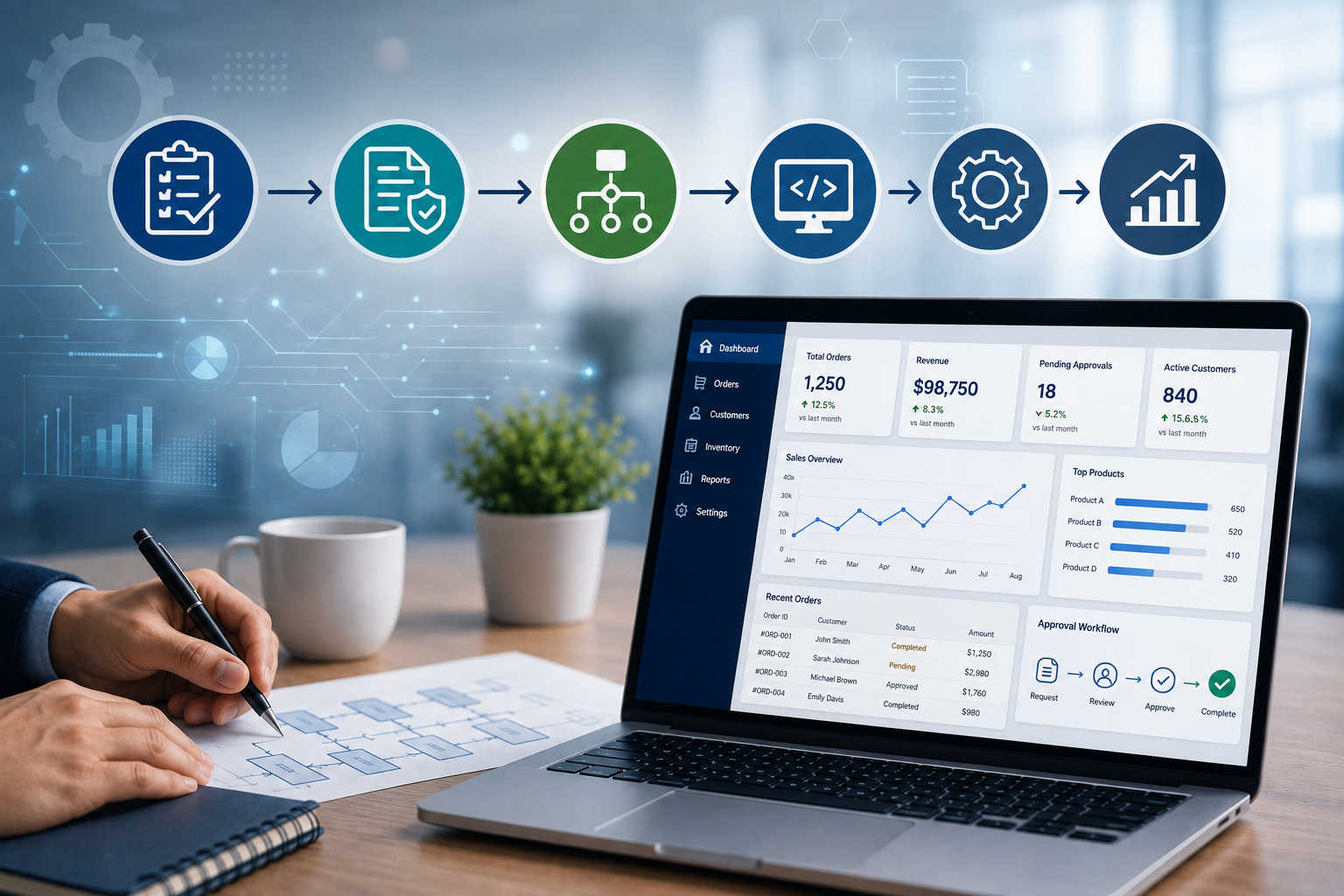
A request can automatically be sent to the appropriate manager, who can approve or reject it from the system.
The next step can then begin automatically.
7. Improves Employee Productivity
Employees should spend their time on activities that contribute to business goals rather than repetitive administrative work.
Custom software can simplify everyday tasks and reduce unnecessary steps.
For example, instead of entering the same customer information into several systems, an employee may enter it once and allow the software to share it with other relevant modules.
This gives employees more time for customer service, sales, planning, and other important responsibilities.
8. Provides Real-Time Information
Business decisions often depend on current information.
If employees rely on manually updated spreadsheets, information may not always be current.
A centralized custom application can update information as transactions occur.
For example, when a product is sold, the inventory quantity can be updated immediately.
Managers can then access more current information when reviewing operations.
9. Simplifies Reporting
Preparing business reports manually can take considerable time.
Employees may need to collect information from several sources, verify it, calculate totals, and format the final report.
Custom software can automate report generation.
Businesses can create reports for areas such as:
- Sales
- Revenue
- Inventory
- Employee attendance
- Expenses
- Customer activity
- Payments
- Department performance
This allows managers to access important information without depending entirely on manual reporting.
10. Improves Customer Service
Workflow efficiency directly affects customer experience.
When employees can quickly access customer information, order details, invoices, and service history, they can respond to customer requests more effectively.
Custom software can also automate customer notifications such as:
- Order confirmations
- Payment reminders
- Appointment notifications
- Service updates
- Invoice notifications
Faster and more organized processes can contribute to better customer service.
11. Reduces Duplicate Data Entry
Duplicate data entry is a common problem when businesses use multiple disconnected systems.
For example, customer information may need to be entered separately into a CRM, billing system, and support application.
Custom software can centralize customer information and allow different modules to use the same data.
This reduces repetitive work and lowers the possibility of inconsistent records.
12. Supports Business-Specific Integrations
Every business may use different third-party tools and services.
Custom software can be designed to integrate with relevant systems, such as:
- Payment gateways
- Accounting applications
- CRM platforms
- Email services
- SMS services
- Inventory systems
- Banking platforms
- E-commerce platforms
These integrations can create smoother workflows and reduce the need for manual data transfers.
13. Improves Workflow Visibility
Managers need to understand where tasks are in the business process.
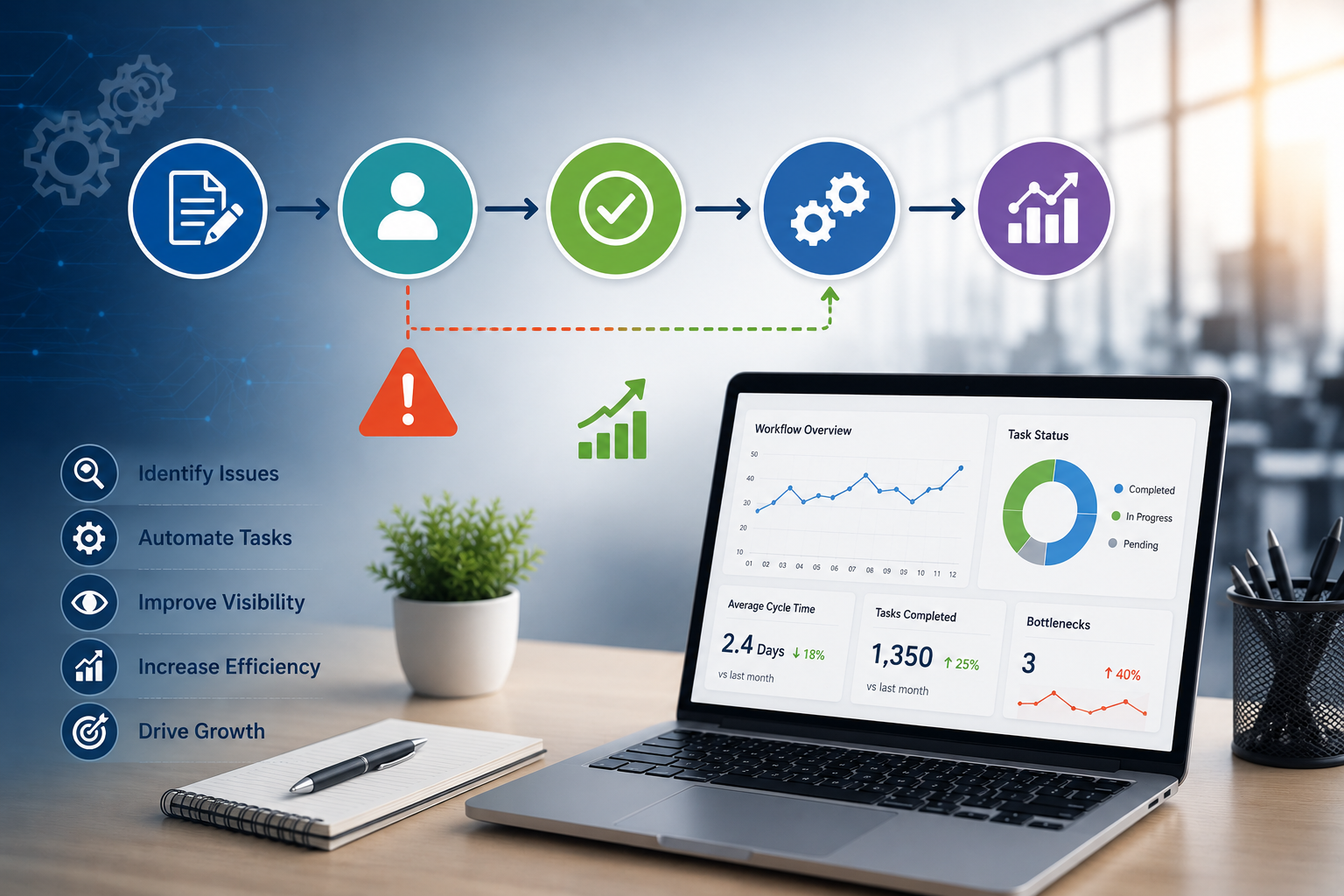
A custom application can provide dashboards showing the status of important activities.
For example, a sales manager may see:
- New leads
- Follow-ups
- Pending quotations
- Confirmed orders
- Completed sales
Similarly, an operations manager may see pending tasks, completed work, and delayed processes.
This visibility makes it easier to identify bottlenecks.
14. Helps Identify Bottlenecks
A workflow bottleneck occurs when one stage of a process slows down the rest of the operation.
Custom software can record workflow activity and help businesses identify where delays occur.
For example, if purchase requests frequently remain pending for several days at one approval stage, management can investigate the reason.
Improving these bottlenecks can make the overall workflow more efficient.
15. Provides Role-Based Access
Different employees need access to different types of information.
Custom software can implement role-based permissions.
For example:
- Employees can view their own records.
- Managers can approve requests.
- Finance teams can manage financial information.
- HR teams can manage employee records.
- Administrators can manage system settings.
This helps keep workflows organized while limiting unnecessary access to sensitive information.
16. Supports Mobile and Remote Work
Modern businesses may have employees working from offices, homes, client locations, or while traveling.
Custom software can be designed to work across computers, tablets, and smartphones.
Employees can access relevant workflows remotely when appropriate.
For example, a manager could approve a purchase request from a mobile device rather than waiting until they return to the office.
17. Makes Business Processes Scalable
A workflow that works for a small business may become difficult to manage as the company grows.
More employees, customers, transactions, and departments can create additional complexity.
Custom software can be designed with future growth in mind.
New users, departments, workflows, and features can be added as business requirements evolve.
18. Reduces Operational Costs
Improved workflow efficiency can contribute to lower operational costs.
Businesses can reduce expenses associated with:
- Manual data entry
- Paperwork
- Repetitive administrative tasks
- Duplicate work
- Data correction
- Manual reporting
- Workflow delays
The actual savings depend on the business process and how effectively the software is implemented.
19. Provides Better Business Control
Centralized software gives management greater visibility into daily operations.
Instead of relying on information scattered across multiple files and applications, managers can access data through dashboards and reports.
This makes it easier to monitor performance, identify issues, and take corrective action.
20. Allows Continuous Improvement
Business workflows change over time.
New customers, regulations, products, employees, and technologies can create new requirements.
Custom software can be updated as business processes evolve.
Businesses can add new features, modify workflows, integrate additional systems, or improve existing functionality.
This flexibility can make custom software a long-term operational tool rather than a fixed solution.
Custom Software vs. Generic Software
Both custom and off-the-shelf software have advantages.
Generic Software
Generic software can be useful when:
- The business has standard requirements.
- A quick implementation is needed.
- The available features already match the workflow.
- Development resources are limited.
Custom Software
Custom software may be more suitable when:
- Business processes are unique.
- Multiple systems need to be integrated.
- Existing software requires significant workarounds.
- Specialized reporting is required.
- The business expects long-term process changes.
- Workflow automation is a major priority.
The right choice depends on the organization's size, budget, requirements, and long-term goals.
Best Practices for Implementing Custom Business Software
Understand the Existing Workflow
Before development begins, document how processes currently work and identify unnecessary steps.
Focus on Business Problems
Software should solve specific operational problems rather than simply adding features.
Involve Employees
Employees who use the system daily can provide valuable insights into workflow requirements.
Start With Essential Features
A focused first version can help businesses launch faster and collect feedback before adding additional functionality.
Prioritize Security
Use appropriate authentication, access controls, secure data storage, backups, and other security measures.
Provide Employee Training
Users should understand how the new system works and how it changes their daily responsibilities.
Monitor Performance
After implementation, measure improvements in processing time, errors, productivity, and other relevant metrics.
Conclusion
Custom business software can significantly improve workflow efficiency by aligning technology with the specific processes of an organization. It can reduce manual work, connect departments, automate approvals, improve data accuracy, simplify reporting, and provide better visibility into daily operations.
The greatest benefit comes when software is designed around genuine business needs rather than simply adding technology for its own sake.
For businesses dealing with repetitive tasks, disconnected systems, manual reporting, or complex workflows, custom software can provide a flexible foundation for improving operations and supporting long-term growth.