Table of Contents
- How Digital Invoicing Can Speed Up Business Payments
- 1. Create Invoices Faster
- 2. Send Invoices Instantly
- 3. Reduce Billing Errors
- 4. Make Payment Information Easier to Understand
- 5. Improve Payment Tracking
- 6. Make Payment Follow-Ups Easier
- 7. Reduce Administrative Work
- 8. Keep Invoice Records Organized
- 9. Improve Cash Flow Visibility
- 10. Improve Customer Experience
- 11. Support Growing Businesses
- Digital Invoicing vs. Manual Invoicing
- How Businesses Can Speed Up Payments With Digital Invoicing
- Final Thoughts
How Digital Invoicing Can Speed Up Business Payments
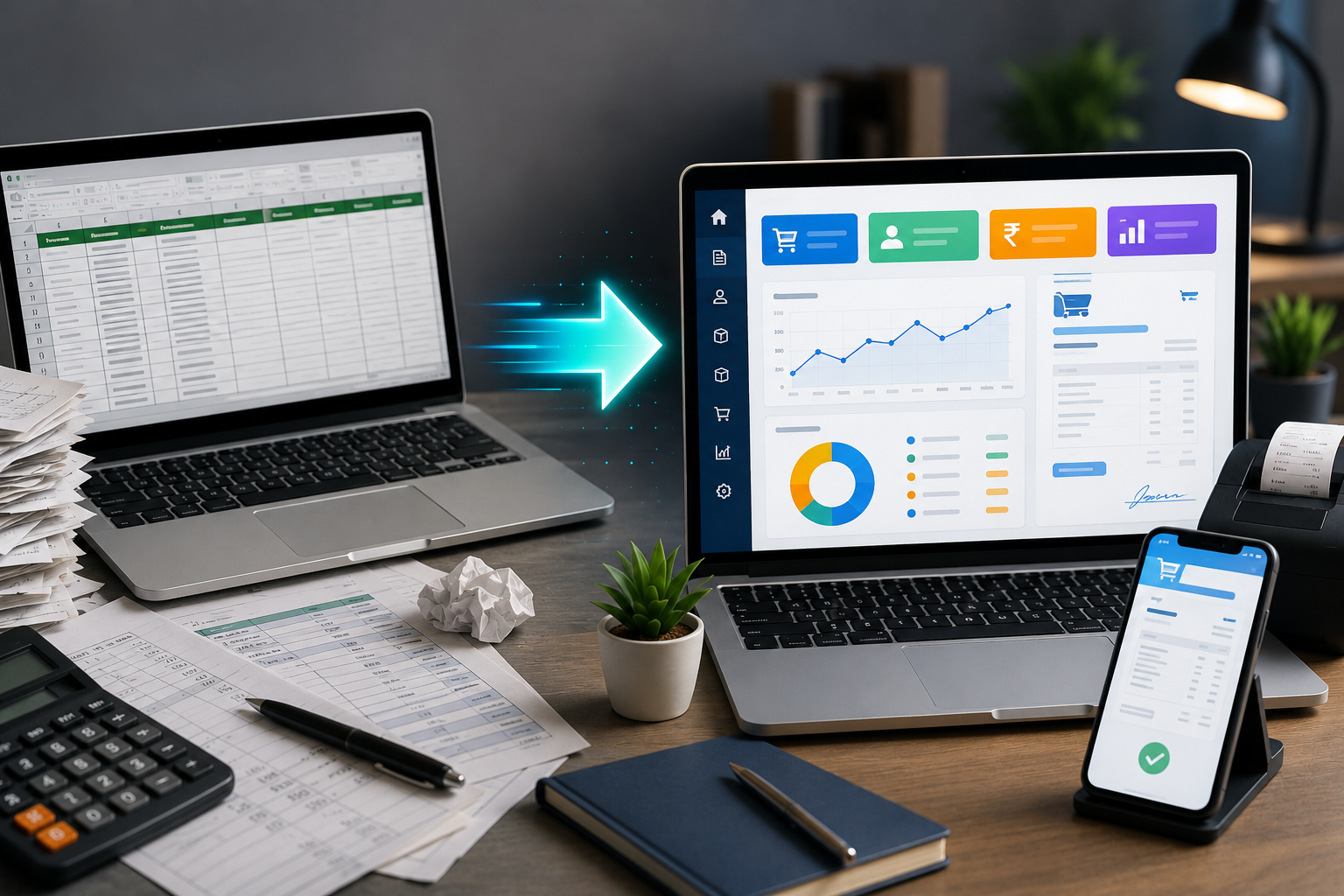
Getting paid on time is essential for maintaining healthy cash flow and smooth business operations. However, many businesses still rely on manual invoicing methods that involve preparing bills, printing documents, sending invoices, and separately tracking payments.
As the number of customers and transactions increases, these processes can take more time and create unnecessary delays.
Digital invoicing provides a faster and more organized way to create, send, and manage invoices. By reducing manual work and making invoice information easier to access, businesses can improve the overall payment process.
1. Create Invoices Faster
Manual invoice preparation requires employees to enter customer details, product information, quantities, prices, taxes, and discounts repeatedly.
Digital billing software can simplify this process by storing frequently used information and automatically performing calculations. This allows invoices to be prepared in less time.
Faster invoice creation means customers can receive their bills sooner after completing a purchase.
2. Send Invoices Instantly
Creating an invoice quickly is useful only if the customer receives it without unnecessary delay.
With traditional billing, businesses may need to print an invoice or manually attach and send a document.
Digital invoicing allows businesses to share invoices electronically through convenient communication channels. This means customers can receive their invoices almost immediately.
The shorter the gap between a sale and invoice delivery, the sooner the customer can review the amount due.
3. Reduce Billing Errors
Manual data entry can result in mistakes involving prices, quantities, taxes, discounts, or totals.
An incorrect invoice may need to be cancelled, corrected, and sent again. This can delay the payment process and create additional administrative work.
Digital billing systems can automate calculations and use stored product and customer information, helping reduce repetitive data-entry errors.
4. Make Payment Information Easier to Understand
Customers need clear information before making a payment.
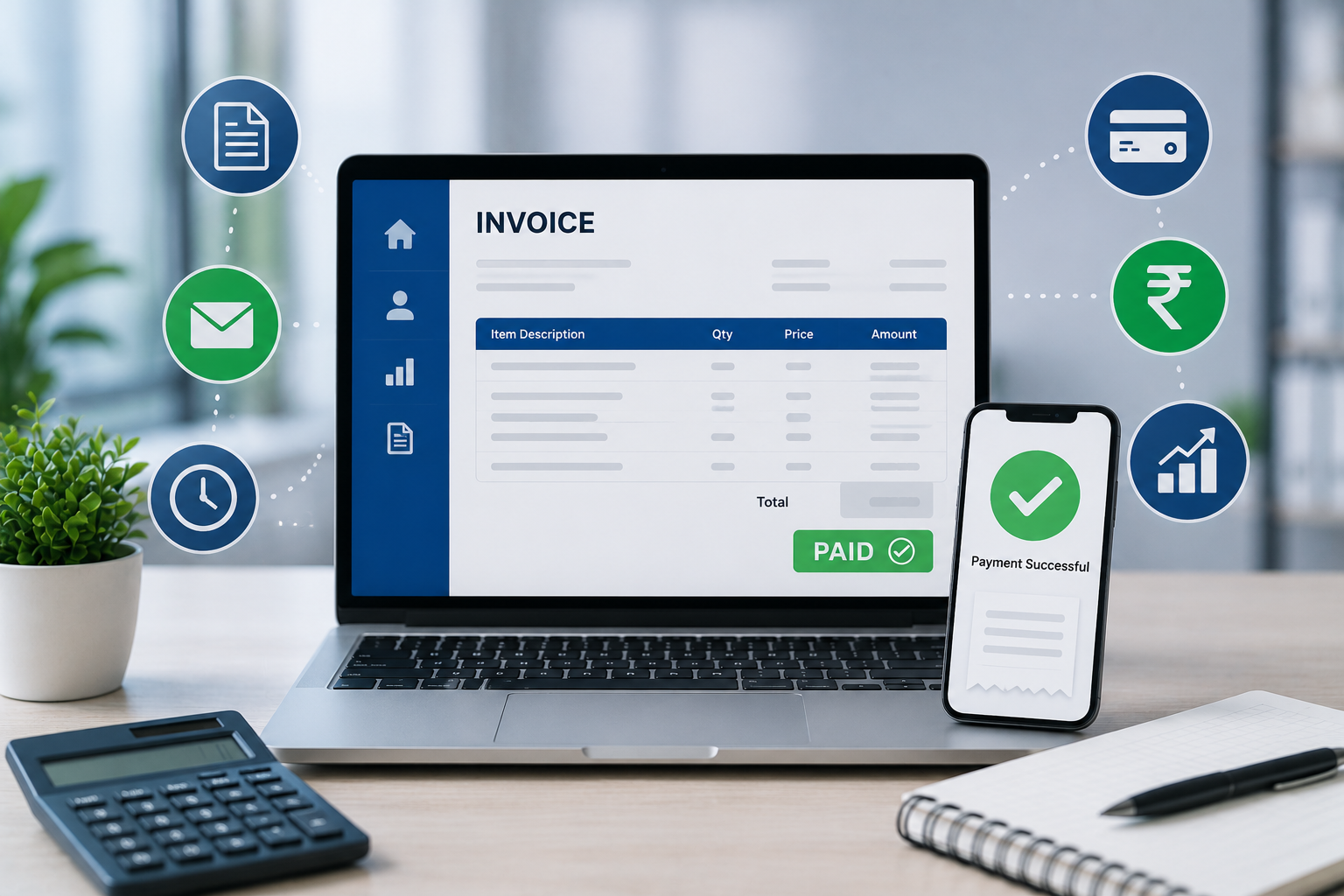
A professional digital invoice can show:
- Customer details
- Invoice number
- Product or service information
- Quantity
- Price
- Applicable taxes
- Discounts
- Total amount
- Payment status
When invoice information is clear and organized, customers can understand what they owe and resolve questions more quickly.
5. Improve Payment Tracking
Sending invoices is only one part of the payment process. Businesses also need to know which invoices have been paid and which are still outstanding.
Digital invoicing systems can make payment tracking easier by keeping invoice and payment information organized in one place.
Instead of checking multiple spreadsheets or paper records, employees can review outstanding payments through the billing system.
6. Make Payment Follow-Ups Easier
Late payments can affect business cash flow.
When outstanding invoices are difficult to identify, employees may miss important follow-ups.
With organized digital records, businesses can quickly identify pending invoices and contact customers when payment is due.
This creates a more systematic approach to payment collection.
7. Reduce Administrative Work
Traditional invoicing often involves several repetitive activities:
- Creating the invoice
- Printing or saving the invoice
- Sending it to the customer
- Recording the transaction
- Updating payment status
- Maintaining invoice records
- Preparing payment reports
Digital invoicing can bring many of these activities into a single workflow.
This allows employees to spend less time on paperwork and more time focusing on customers and other business activities.
8. Keep Invoice Records Organized
Finding an old invoice can be difficult when records are stored in physical files or across multiple folders.
Digital invoices can be stored electronically, making it easier to search for previous transactions when needed.
This can be particularly useful when a customer requests a duplicate invoice or when employees need to review previous billing information.
9. Improve Cash Flow Visibility
Strong sales do not always mean strong cash flow. A business may have generated significant sales but still have money tied up in unpaid invoices.
Digital invoicing combined with payment tracking can give business owners better visibility into:
- Total invoices generated
- Paid invoices
- Pending invoices
- Outstanding amounts
- Payment history
This information can help owners understand their current payment position and plan business expenses more effectively.
10. Improve Customer Experience
Customers expect businesses to provide fast and convenient service.
Receiving an invoice digitally is generally more convenient than waiting for a printed document. Customers can access the invoice from their device and keep a digital copy for their records.
Faster invoice delivery can therefore improve not only payment collection but also the overall customer experience.
11. Support Growing Businesses
A manual billing process may work when a business handles only a few transactions each day.
As the business grows, however, the number of customers, invoices, payments, and products can increase significantly.
A digital invoicing system provides a more structured process that can help businesses handle higher transaction volumes without increasing administrative work at the same rate.
Digital Invoicing vs. Manual Invoicing
| Feature | Manual Invoicing | Digital Invoicing |
|---|---|---|
| Invoice Creation | Time-consuming | Faster |
| Invoice Delivery | Manual | Digital |
| Calculations | More manual work | Can be automated |
| Payment Tracking | Separate records | Centralized |
| Invoice Storage | Paper/files | Digital records |
| Payment Follow-Up | Manual checking | Easier monitoring |
| Reporting | Often manual | More organized |
| Scalability | Becomes difficult with growth | Better suited for growing businesses |
How Businesses Can Speed Up Payments With Digital Invoicing
Simply using digital invoices is not enough. Businesses should also create a consistent invoicing process.
Some useful practices include:
- Create invoices immediately after a sale.
- Keep customer information updated.
- Ensure product and pricing information is accurate.
- Send invoices through convenient digital channels.
- Clearly mention payment terms and due dates.
- Track unpaid invoices regularly.
- Follow up on overdue payments.
- Review payment reports frequently.
These practices can reduce unnecessary delays between completing a sale and receiving payment.
Final Thoughts
Digital invoicing can help businesses make the entire billing and payment process faster and more organized. From creating invoices and sharing them instantly to tracking outstanding payments, digital tools can reduce manual work and improve payment visibility.
For growing businesses, moving away from paper-based and spreadsheet-heavy invoicing can also make it easier to manage increasing transaction volumes.