Table of Contents
- How Website Maintenance Improves Performance and Security
- What Is Website Maintenance?
- Why Website Maintenance Matters
- 1. Improves Website Loading Speed
- 2. Strengthens Website Security
- 3. Keeps Software and Plugins Updated
- 4. Protects Website Data With Regular Backups
- 5. Fixes Broken Links and Errors
- 6. Keeps Website Content Updated
- 7. Improves Mobile Performance
- 8. Supports SEO Performance
- 9. Prevents Unexpected Downtime
- 10. Improves User Experience
- 11. Maintains Browser Compatibility
- 12. Monitors Website Forms
- 13. Removes Unnecessary Website Components
- 14. Maintains Database Performance
- 15. Helps Protect Business Reputation
- Common Website Maintenance Mistakes
- How Often Should a Website Be Maintained?
- Daily
- Weekly
- Monthly
- Quarterly
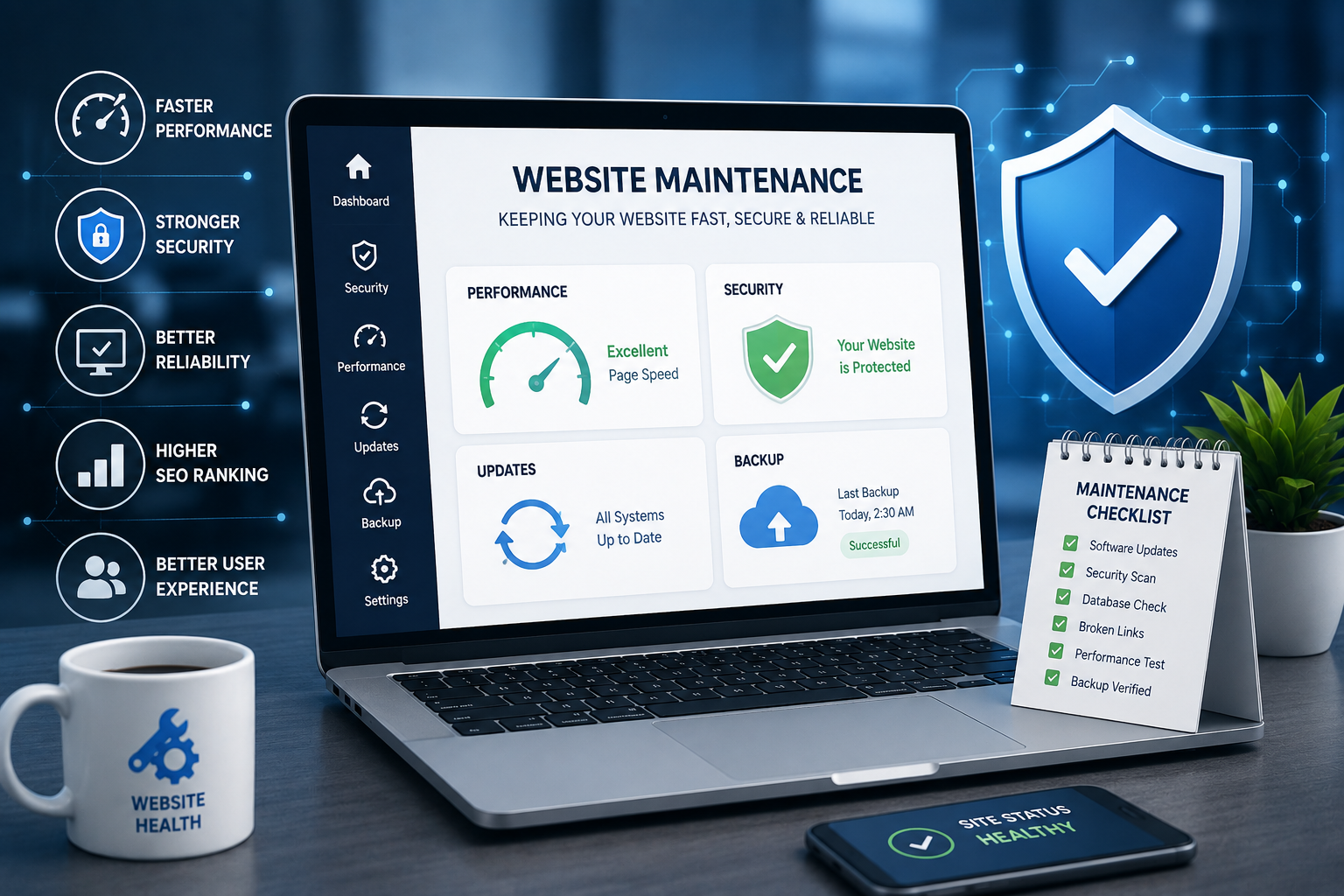
- Creating a Website Maintenance Checklist
- Security
- Performance
- Content
- Functionality
- SEO
- Mobile
- Professional Website Maintenance
- Conclusion
How Website Maintenance Improves Performance and Security
A website is often one of the most important digital assets for a modern business. It helps attract visitors, showcase products and services, generate leads, communicate with customers, and build brand credibility. However, simply launching a website is not enough. Regular website maintenance is essential to keep it fast, secure, functional, and reliable.
As websites grow, they may accumulate outdated software, broken links, unnecessary files, security vulnerabilities, and performance issues. Regular maintenance helps identify and address these problems before they negatively affect visitors or business operations.
What Is Website Maintenance?
Website maintenance refers to the regular tasks performed to keep a website functioning properly and securely.
These activities may include:
- Updating website software
- Installing security updates
- Checking for broken links
- Monitoring website speed
- Creating backups
- Updating content
- Checking forms and interactive features
- Monitoring website availability
- Removing unnecessary files
- Reviewing website security
- Testing compatibility across devices and browsers
Website maintenance should be treated as an ongoing process rather than a one-time task.
Why Website Maintenance Matters
A poorly maintained website can experience slow loading, broken functionality, security vulnerabilities, outdated content, and poor user experiences.
Regular maintenance can help businesses:
- Improve website performance
- Reduce security risks
- Maintain website reliability
- Improve user experience
- Protect important website data
- Support search engine visibility
- Reduce unexpected technical problems
- Keep content accurate and relevant
A well-maintained website creates a more dependable experience for both visitors and business owners.
1. Improves Website Loading Speed
Website speed has a direct impact on user experience.
Visitors may leave a website if pages take too long to load. Slow websites can also make it more difficult for users to browse products, read articles, complete forms, or interact with services.
Regular maintenance can help improve performance by:
- Optimizing images
- Removing unnecessary plugins
- Cleaning unused files
- Reviewing scripts
- Improving database performance
- Using appropriate caching
- Monitoring server resources
- Updating website software
Regular performance checks can help identify problems before they become major issues.
2. Strengthens Website Security
Security is one of the most important reasons to maintain a website.
Web technologies and software are regularly updated to address newly discovered vulnerabilities. Using outdated software can increase security risks.
Website maintenance may involve:
- Applying software updates
- Updating plugins and extensions
- Reviewing user access
- Using strong passwords
- Enabling appropriate security protections
- Monitoring suspicious activity
- Checking security configurations
- Maintaining current backups
Security maintenance should be performed consistently rather than only after a security problem occurs.
3. Keeps Software and Plugins Updated
Many websites depend on content management systems, frameworks, plugins, libraries, and other software components.
Outdated components may cause:
- Compatibility problems
- Performance issues
- Security vulnerabilities
- Broken features
- Unexpected errors
Before applying major updates, businesses should maintain reliable backups and test important functionality when appropriate.
4. Protects Website Data With Regular Backups
Backups provide an important layer of protection against unexpected problems.
A website may experience issues because of:
- Server failures
- Software errors
- Accidental deletion
- Security incidents
- Database problems
- Incorrect updates
- Hosting-related issues
Regular backups allow businesses to restore website information when necessary.
A good backup strategy should consider:
- Backup frequency
- Storage location
- Backup retention
- Database backups
- Website file backups
- Restoration testing
Simply creating backups is not enough. Businesses should also verify that backups can actually be restored.
5. Fixes Broken Links and Errors
Broken links can negatively affect user experience.
Visitors may encounter errors when clicking links to:
- Services
- Products
- Blog posts
- Contact pages
- Downloadable resources
- External websites
Regular link checks can help identify and fix these problems.
Businesses should also monitor important error pages, such as 404 pages, to understand whether visitors are encountering missing content.
6. Keeps Website Content Updated
Website maintenance is not only about technical work.
Outdated content can make a business appear inactive or unreliable.
Regular content reviews can help ensure that:
- Contact information is accurate
- Services are current
- Product information is updated
- Blog content remains relevant
- Images are appropriate
- Business information is correct
- Old announcements are removed
Fresh and accurate content can create a better experience for visitors.
7. Improves Mobile Performance
A large percentage of internet users access websites through smartphones.
A website should therefore be regularly tested on different screen sizes and devices.
Maintenance checks can include:
- Mobile navigation
- Button sizes
- Text readability
- Image display
- Form functionality
- Page loading
- Responsive layouts
A website that works well on mobile devices can provide a better experience for a wider audience.
8. Supports SEO Performance
Website maintenance can also support search engine optimization.
Search engines and users both benefit from websites that are accessible, fast, functional, and well organized.
Maintenance activities that may support SEO include:
- Fixing broken links
- Improving page speed
- Maintaining mobile responsiveness
- Updating outdated content
- Checking metadata
- Improving internal linking
- Resolving technical errors
- Maintaining a clear website structure
SEO is an ongoing process, and technical website health is one part of maintaining search visibility.
9. Prevents Unexpected Downtime
Website downtime can affect both customers and business operations.
If visitors cannot access a website, they may be unable to:
- View services
- Submit inquiries
- Make purchases
- Access important information
- Contact the business
Regular monitoring can help businesses detect availability problems more quickly.
Website maintenance can also identify potential issues before they result in extended downtime.
10. Improves User Experience
User experience depends on more than website appearance.
Visitors expect websites to:
- Load quickly
- Work correctly
- Be easy to navigate
- Provide accurate information
- Work on mobile devices
- Offer clear communication
- Have functioning forms and links
Regular maintenance helps ensure that these expectations continue to be met.
11. Maintains Browser Compatibility
Web browsers regularly introduce updates and changes.
A website that worked correctly several months ago may develop compatibility problems after browser or software updates.
Testing websites across commonly used browsers can help identify issues involving:
- Layout
- Forms
- Navigation
- Images
- Interactive features
- Scripts
- Media elements
Browser compatibility checks should be part of an ongoing maintenance process.
12. Monitors Website Forms
Forms are often essential for business websites.
Contact forms, inquiry forms, registration forms, and other interactive elements should be tested regularly.
A broken form could result in missed business opportunities.
Maintenance checks should confirm that:
- Forms submit successfully
- Required fields work correctly
- Confirmation messages appear
- Email notifications are delivered
- Error messages are understandable
- Spam protection functions properly
13. Removes Unnecessary Website Components
Over time, websites may accumulate unused plugins, themes, scripts, images, or other resources.
Unused components can increase maintenance requirements and may contribute to performance or security concerns.
Regular audits can help identify components that are no longer necessary.
Before removing anything, businesses should confirm that the component is not required by another part of the website.
14. Maintains Database Performance
Websites that rely on databases can accumulate unnecessary records and temporary information over time.
Depending on the technology used, maintenance may include:
- Database optimization
- Removing unnecessary records
- Reviewing database size
- Checking database errors
- Optimizing queries
Database maintenance should be performed carefully and backed up beforehand.
15. Helps Protect Business Reputation
A website is often the first interaction a potential customer has with a business.
Frequent errors, outdated information, slow pages, or security warnings can reduce confidence.
A reliable website communicates professionalism and demonstrates that the business takes its digital presence seriously.
Common Website Maintenance Mistakes
Businesses should avoid the following mistakes:
- Ignoring software updates
- Not creating regular backups
- Using outdated plugins
- Ignoring security warnings
- Failing to monitor website speed
- Leaving broken links unresolved
- Ignoring mobile performance
- Forgetting to update content
- Not testing website forms
- Making major changes without backups
- Waiting until a website fails before maintaining it
Preventive maintenance is usually more effective than reacting to problems after they occur.
How Often Should a Website Be Maintained?
The ideal maintenance schedule depends on the type and complexity of the website.
Daily
Important websites may benefit from monitoring:
- Availability
- Security alerts
- Critical errors
- Important transactions
Weekly
Businesses can review:
- Backups
- Forms
- Website functionality
- Security updates
- Important content
Monthly
A broader review may include:
- Website performance
- Broken links
- Software updates
- Mobile usability
- Analytics
- Search performance
- Content accuracy
Quarterly
Businesses can perform a more comprehensive audit of:
- Website structure
- Security
- Performance
- SEO
- User experience
- Third-party integrations
- Unused website components
The schedule should be adapted to the website's traffic, complexity, technology, and business importance.
Creating a Website Maintenance Checklist
A practical maintenance checklist can include:
Security
- Check software updates
- Review security alerts
- Verify user access
- Maintain backups
Performance
- Test page speed
- Optimize images
- Review scripts
- Monitor server performance
Content
- Update outdated information
- Check contact details
- Review important pages
- Remove obsolete information
Functionality
- Test forms
- Check navigation
- Review links
- Test important features
SEO
- Check technical errors
- Review metadata
- Monitor search performance
- Maintain internal links
Mobile
- Test responsive layouts
- Check mobile navigation
- Verify forms and buttons
- Review loading speed
Professional Website Maintenance
As a website becomes more complex, professional maintenance can help businesses manage technical requirements more effectively.
A professional maintenance service may assist with:
- Website updates
- Security monitoring
- Performance optimization
- Backup management
- Technical troubleshooting
- Content updates
- SEO health checks
- Website monitoring
Professional support can be especially useful for businesses that do not have an internal technical team.
Conclusion
Website maintenance is an essential part of managing a successful online presence. Regular updates, security checks, backups, performance monitoring, content reviews, and functionality testing can help keep a website reliable and effective.
A well-maintained website can provide a better user experience, reduce technical risks, support SEO efforts, improve performance, and protect the reputation of a business.
Instead of waiting for problems to appear, businesses should establish a regular maintenance schedule and monitor their websites consistently. By treating maintenance as an ongoing investment, businesses can keep their websites secure, fast, functional, and ready to support their long-term digital goals.