Table of Contents
- The Complete Guide to Building a Customer Portal for Your Business
- Introduction
- What Is a Customer Portal?
- Why Your Business Needs a Customer Portal
- Key Benefits of a Customer Portal
- 1. 24/7 Customer Access
- 2. Better Customer Experience
- 3. Reduced Customer Support Costs
- 4. Secure Information Sharing
- 5. Faster Communication
- Essential Features of a Customer Portal
- User Authentication
- Personalized Dashboard
- Profile Management
- Document Management
- Support Ticket System
- Order and Service Tracking
- Online Payments
- Notifications
- Integration with Business Systems
- Industries That Benefit from Customer Portals
- Mobile-Friendly Design
- Security Best Practices
- Steps to Build a Customer Portal
- Step 1: Define Business Goals
- Step 2: Understand Customer Needs
- Step 3: Design User-Friendly Interfaces
- Step 4: Develop Core Features
- Step 5: Test Thoroughly
- Step 6: Launch and Improve
- Common Mistakes to Avoid
- Future Trends in Customer Portals
- Why Custom Customer Portals Are Better
- Conclusion
The Complete Guide to Building a Customer Portal for Your Business
Introduction
In today's digital-first business environment, customers expect quick, convenient, and personalized access to information and services. They want to track orders, submit support requests, view invoices, download documents, and communicate with businesses without waiting for email responses or phone calls. A customer portal makes all of this possible by providing a secure, self-service platform where customers can access everything they need in one place.
Whether you're a small business or a large enterprise, a customer portal can improve customer satisfaction, streamline operations, reduce support costs, and strengthen long-term customer relationships. It also empowers customers to manage their accounts independently, saving valuable time for both your team and your clients.
In this comprehensive guide, we'll explore what a customer portal is, its benefits, essential features, and how to build one that supports your business growth.
What Is a Customer Portal?
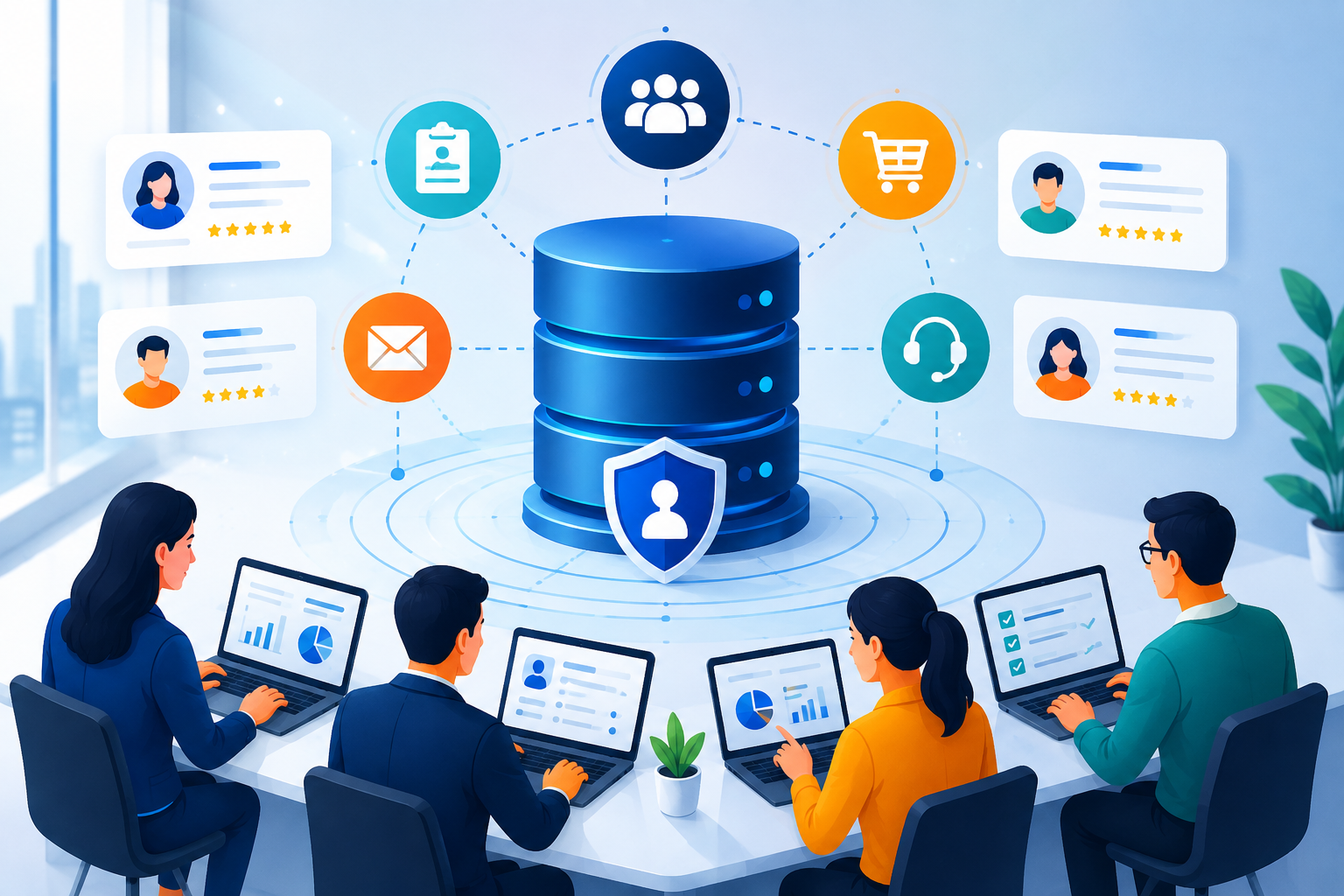
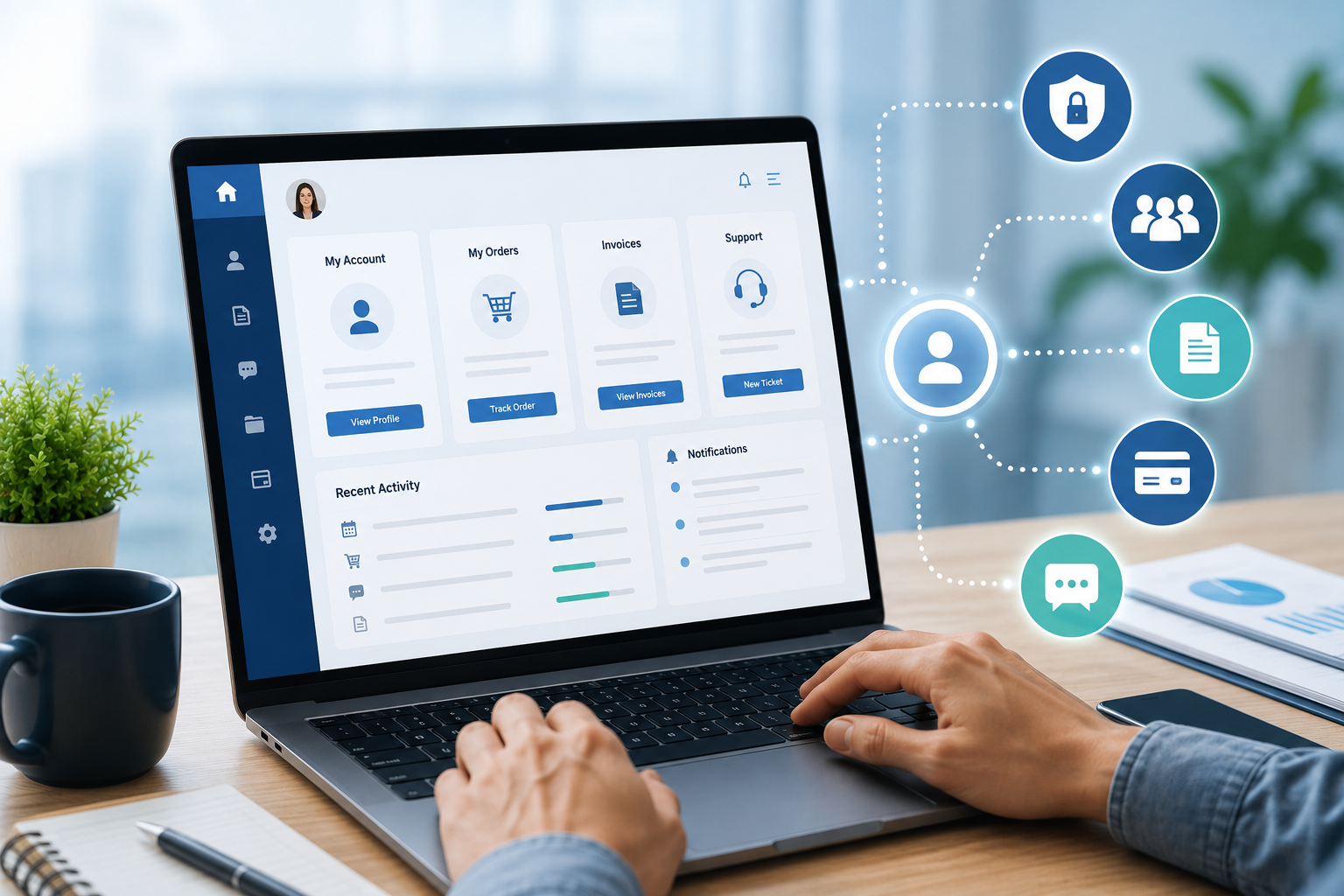
A customer portal is a secure online platform that allows customers to access business services, information, and support using their own login credentials.
Unlike a standard website, a customer portal offers personalized experiences by displaying customer-specific information and enabling secure interactions.
Common functions include:
- Account management
- Order tracking
- Invoice downloads
- Support ticket management
- Document sharing
- Service requests
- Payment history
- Communication with support teams
Why Your Business Needs a Customer Portal
Modern customers value convenience and instant access.
A customer portal helps businesses:
- Improve customer satisfaction
- Reduce support workload
- Increase operational efficiency
- Provide 24/7 self-service
- Build stronger customer relationships
- Improve communication
- Enhance brand loyalty
It creates a seamless digital experience that customers appreciate.
Key Benefits of a Customer Portal
1. 24/7 Customer Access
Customers no longer need to wait for business hours.
A portal allows them to:
- View account information
- Download invoices
- Track requests
- Access documents
- Update personal details
This improves convenience and customer satisfaction.
2. Better Customer Experience
Customers appreciate fast and easy access to information.
A well-designed portal provides:
- Personalized dashboards
- Easy navigation
- Quick search functionality
- Mobile accessibility
- Real-time updates
A positive experience strengthens customer loyalty.
3. Reduced Customer Support Costs
Many routine inquiries can be handled through self-service.
Customers can independently:
- Check order status
- Reset passwords
- Download invoices
- View FAQs
- Update contact information
This reduces the number of support calls and emails.
4. Secure Information Sharing
Sensitive business documents can be shared securely through the portal.
Examples include:
- Contracts
- Reports
- Proposals
- Invoices
- Payment receipts
- Project files
Secure access protects confidential information.
5. Faster Communication
Customer portals centralize communication between businesses and clients.
Features include:
- Messaging systems
- Support tickets
- Notifications
- Status updates
- Announcements
Everything stays organized in one location.
Essential Features of a Customer Portal
User Authentication
Secure login using:
- Username and password
- Multi-factor authentication (MFA)
- Single Sign-On (SSO)
Strong authentication protects customer data.
Personalized Dashboard
Each customer should see relevant information such as:
- Recent activity
- Pending requests
- Notifications
- Account summary
- Quick links
Dashboards improve usability.
Profile Management
Customers should be able to:
- Update contact details
- Change passwords
- Manage preferences
- View account history
Self-service account management reduces administrative work.
Document Management
Allow customers to:
- Upload files
- Download documents
- Share files securely
- View previous uploads
Document management improves collaboration.
Support Ticket System
Customers should easily submit and monitor support requests.
Features include:
- Ticket creation
- Status tracking
- Priority levels
- Attachments
- Communication history
This improves support efficiency.
Order and Service Tracking
Businesses selling products or services can allow customers to:
- Track orders
- View shipment updates
- Monitor project progress
- Review service history
Real-time visibility improves transparency.
Online Payments
Integrate secure payment gateways for:
- Invoice payments
- Subscription renewals
- Outstanding balances
- Payment history
Online payments simplify financial transactions.
Notifications
Keep customers informed through:
- Email alerts
- SMS notifications
- In-app messages
- Payment reminders
- Service updates
Timely communication enhances engagement.
Integration with Business Systems
A customer portal becomes more powerful when integrated with:
- CRM software
- ERP systems
- Accounting software
- Inventory management
- Payment gateways
- Help desk platforms
- Marketing automation tools
Integration eliminates duplicate work and ensures consistent data.
Industries That Benefit from Customer Portals
Customer portals are useful across many industries, including:
- Healthcare
- Education
- Real Estate
- Manufacturing
- Retail
- Finance
- IT Services
- Logistics
- Insurance
- Professional Consulting
Any business serving customers can benefit from a portal.
Mobile-Friendly Design
Modern customers frequently use smartphones.
Your customer portal should include:
- Responsive design
- Fast loading speed
- Touch-friendly navigation
- Mobile notifications
- Secure mobile access
Mobile optimization improves accessibility.
Security Best Practices
Customer data must be protected using:
- SSL encryption
- Multi-factor authentication
- Role-based permissions
- Secure backups
- Regular security updates
- Audit logs
- Data encryption
Strong security builds customer trust.
Steps to Build a Customer Portal
Step 1: Define Business Goals
Identify what you want the portal to achieve.
Examples:
- Reduce support requests
- Improve customer communication
- Increase online payments
- Simplify document sharing
Step 2: Understand Customer Needs
Gather customer feedback to determine:
- Frequently requested features
- Pain points
- Preferred communication methods
Customer-focused design improves adoption.
Step 3: Design User-Friendly Interfaces
Focus on:
- Simple navigation
- Clean layouts
- Consistent branding
- Accessibility
- Mobile responsiveness
Good design encourages regular usage.
Step 4: Develop Core Features
Build features such as:
- Login system
- Dashboard
- Ticket management
- Document center
- Payment integration
- Notifications
Prioritize essential functionality first.
Step 5: Test Thoroughly
Before launch, test:
- Security
- Performance
- Mobile compatibility
- Browser compatibility
- User experience
Testing ensures a smooth customer experience.
Step 6: Launch and Improve
After launch:
- Collect customer feedback
- Monitor usage analytics
- Fix issues quickly
- Add new features regularly
Continuous improvement keeps the portal valuable.
Common Mistakes to Avoid
Avoid these mistakes:
- Overcomplicated navigation
- Weak security
- Slow loading pages
- Ignoring mobile users
- Poor customer onboarding
- Lack of integrations
- Infrequent updates
A well-maintained portal delivers better long-term results.
Future Trends in Customer Portals
Modern customer portals increasingly include:
- Artificial Intelligence (AI)
- Chatbots
- Personalized recommendations
- Voice search
- Predictive analytics
- Workflow automation
- Self-service knowledge bases
These technologies further enhance customer engagement.
Why Custom Customer Portals Are Better
A custom-built customer portal offers advantages over generic solutions:
- Tailored features
- Better scalability
- Seamless integration
- Improved security
- Brand consistency
- Greater flexibility
- Better user experience
Custom portals are designed specifically around your business processes and customer needs.
Conclusion
A customer portal is much more than a convenience—it is a strategic investment that improves customer satisfaction, strengthens communication, reduces support costs, and enhances operational efficiency. By giving customers secure, self-service access to the information and services they need, businesses can build stronger relationships while allowing employees to focus on higher-value tasks.
Whether you're launching your first customer portal or upgrading an existing one, investing in a secure, user-friendly, and feature-rich solution will help your business deliver exceptional customer experiences and remain competitive in an increasingly digital marketplace.