Table of Contents
- Why Digital Document Management Is Important for Growing Businesses
- Introduction
- What Is Digital Document Management?
- 1. Reduces Paperwork
- 2. Makes Documents Easier to Find
- 3. Creates a Centralized Document Repository
- 4. Improves Team Collaboration
- 5. Reduces Duplicate Files
- 6. Improves Document Security
- 7. Helps Prevent Data Loss
- 8. Supports Remote Work
- 9. Speeds Up Approval Processes
- 10. Helps Businesses Maintain Better Records
- 11. Saves Employee Time
- 12. Reduces Operational Costs
- 13. Makes Business Processes More Organized
- 14. Supports Integration With Business Software
- 15. Helps Manage Contracts
- 16. Improves Business Transparency
- 17. Helps Growing Businesses Scale
- Important Features to Look For
- Search
- User Permissions
- Version Control
- Document Sharing
- Approval Workflows
- Audit Trails
- Backup and Recovery
- Integration
- Mobile and Remote Access
- How to Start a Digital Document Management System
- Step 1: Identify Important Documents
- Step 2: Remove Unnecessary Files
- Step 3: Create a Logical Structure
- Step 4: Define Access Permissions
- Step 5: Choose the Right Software
- Step 6: Train Employees
- Step 7: Establish Backup and Security Policies
- Common Mistakes to Avoid
- Final Thoughts
Why Digital Document Management Is Important for Growing Businesses
Introduction
As a business grows, the amount of paperwork and digital information it generates also increases. Invoices, contracts, employee records, customer documents, purchase orders, reports, receipts, and project files can quickly become difficult to organize.
When documents are stored across different computers, email accounts, folders, and physical cabinets, employees may spend valuable time searching for information. There is also a greater risk of losing important files or using outdated versions.
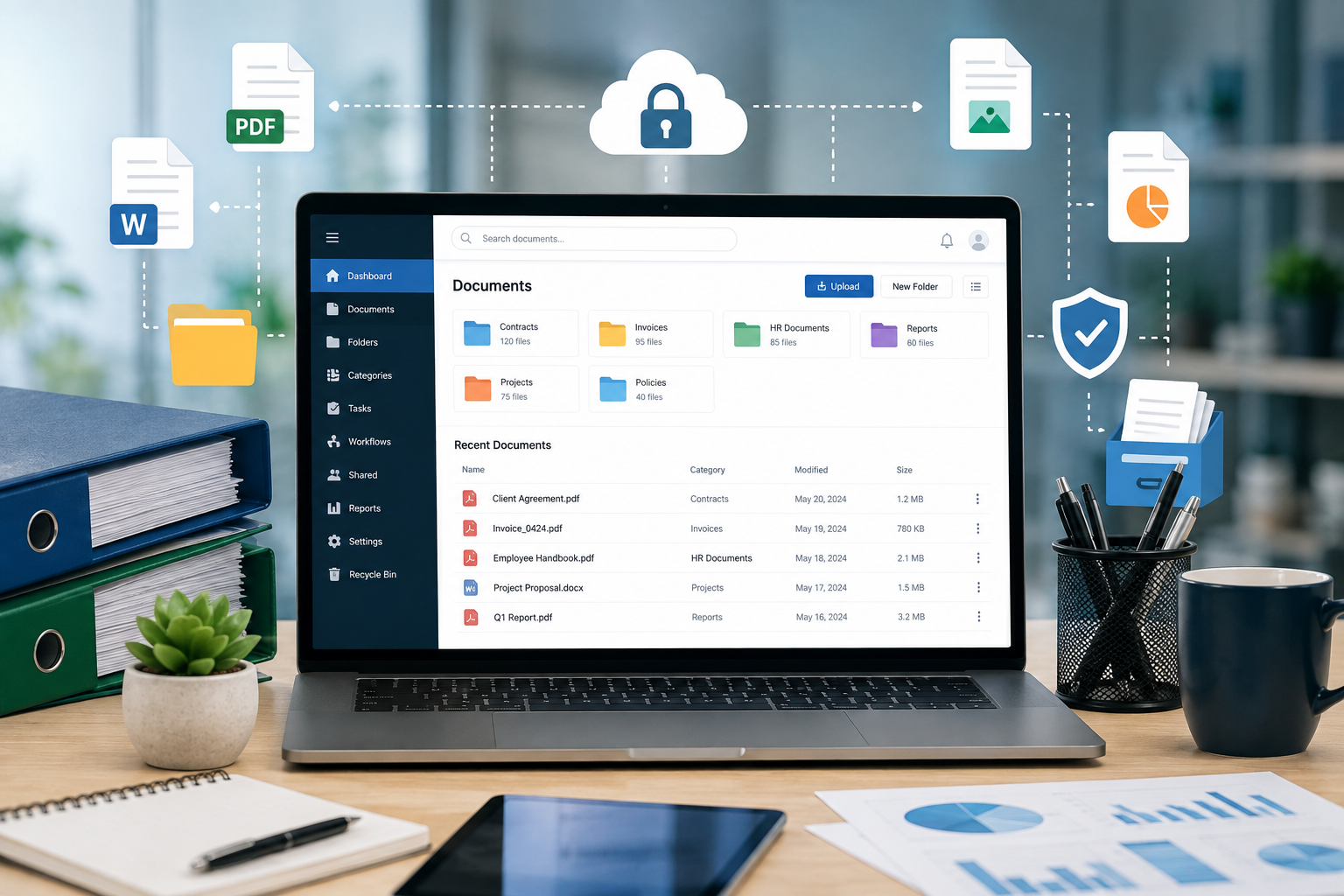
Digital document management provides a structured way to store, organize, access, share, and protect business documents. For growing businesses, it can improve efficiency while making information easier to manage.
What Is Digital Document Management?
Digital document management is the use of software and organized digital systems to manage business documents electronically.
A document management system can help businesses:
- Store documents
- Organize files
- Search for information
- Control access
- Share documents
- Track document versions
- Maintain records
- Create backups
- Manage document workflows
Instead of depending on physical files or scattered computer folders, businesses can maintain documents in a centralized and structured environment.
1. Reduces Paperwork
Traditional paper-based processes require businesses to print, store, copy, and physically manage documents.
As the organization grows, this can result in:
- Large filing cabinets
- Higher printing costs
- Storage requirements
- Manual filing
- Difficult document retrieval
Digital document management reduces the need for physical paperwork by allowing documents to be stored electronically.
For example, invoices, employee forms, reports, and contracts can be maintained digitally instead of being printed and filed.
2. Makes Documents Easier to Find
Searching for an old document can take considerable time when files are stored across multiple locations.
A digital document management system can provide search and filtering capabilities based on information such as:
- File name
- Document type
- Date
- Customer
- Department
- Project
- Document number
- Keywords
For example, instead of searching through multiple folders for an invoice, an employee can search for the customer name or invoice number.
This can significantly reduce the time spent looking for documents.
3. Creates a Centralized Document Repository
Growing businesses often have multiple departments.
The sales team may have customer documents, the finance team may have invoices, HR may maintain employee records, and management may have contracts and reports.
A centralized document system can organize information by department, project, customer, or document category.
For example:
Business Documents
→ Finance
→ HR
→ Sales
→ Operations
→ Marketing
→ Projects
This creates a more structured environment for managing information.
4. Improves Team Collaboration
Employees often need to work on the same documents.
With digital document management, authorized users can access shared files without repeatedly sending attachments through email.
For example:
Employee → Upload Document → Shared System → Manager Review → Approval
This can make collaboration more organized, particularly for businesses with multiple offices or remote employees.
5. Reduces Duplicate Files
Email attachments and local storage can result in multiple copies of the same document.
For example:
- Report_Final.pdf
- Report_Final_New.pdf
- Report_Final_Updated.pdf
- Report_Final_Latest.pdf
This makes it difficult to know which version is correct.
Document management systems can use version control to help teams maintain a clearer record of document changes.
6. Improves Document Security
Business documents may contain sensitive information such as:
- Customer details
- Financial records
- Contracts
- Employee information
- Business strategies
- Internal reports
Simply storing these files on shared computers may not provide sufficient control.
A document management system can provide features such as:
- User authentication
- Role-based permissions
- Access restrictions
- Activity logs
- Document-level permissions
- Secure sharing
For example, HR documents can be restricted to authorized HR employees and management.
7. Helps Prevent Data Loss
Important documents can be lost because of:
- Hardware failure
- Accidental deletion
- Device damage
- Human error
- Malware
- Physical disasters
A properly designed digital document management strategy can include regular backups and recovery procedures.
Businesses should not assume that simply uploading files to a cloud service automatically solves every backup and recovery requirement. Backup policies should be planned according to the organization's needs.
8. Supports Remote Work
Remote and hybrid teams need easy access to business information.
Digital document management allows authorized employees to access documents without being physically present in the office.
For example:
Office Employee
↕
Cloud Document System
↕
Remote Employee
This can help teams collaborate across different locations.
It is especially useful for businesses with:
- Remote employees
- Multiple branches
- Field staff
- Traveling managers
- Distributed teams
9. Speeds Up Approval Processes
Many business documents require approval.
Examples include:
- Purchase requests
- Expense claims
- Invoices
- Contracts
- Leave forms
- Project documents
Traditional approval processes may require printing and physically passing documents between employees.
Digital workflows can allow documents to move through predefined approval stages.
For example:
Employee Submission → Manager Review → Finance Approval → Final Approval
This can reduce delays and improve visibility into pending approvals.
10. Helps Businesses Maintain Better Records
Businesses need to maintain records for operational, financial, and administrative purposes.
A digital document management system can help organize records based on:
- Document type
- Creation date
- Department
- Customer
- Project
- Retention period
This makes it easier for employees to retrieve historical information when required.
11. Saves Employee Time
Employees often spend more time than expected searching for files, checking emails, requesting documents, or recreating missing information.
Digital document management can reduce these repetitive activities.
For example:
Without organized document management:
Search emails → Ask colleague → Check folders → Find document → Verify version
With organized document management:
Search → Locate → Access
Saving a few minutes on individual document searches can result in significant time savings across an entire organization.
12. Reduces Operational Costs
Digital document management can reduce several expenses associated with paper-based processes.
Businesses may save on:
- Printing
- Paper
- Physical storage
- Document transportation
- Manual filing
- Administrative work
The actual savings depend on the organization's size and document volume, but reducing unnecessary manual processes can improve operational efficiency.
13. Makes Business Processes More Organized
Documents are often part of larger business workflows.
For example:
Customer Enquiry
→ Customer Documents
→ Sales Process
→ Contract
→ Invoice
→ Payment
→ Customer Record
Connecting documents with business processes can make it easier for employees to understand where information belongs and what action is required.
14. Supports Integration With Business Software
Digital document management becomes more powerful when connected with other business applications.
For example:
CRM + ERP + Document Management
A CRM may store customer information while the document management system stores contracts and supporting documents.
Similarly:
ERP + Invoice Documents
can allow employees to connect invoices with purchase or sales transactions.
API integrations can help different systems exchange relevant information automatically.
15. Helps Manage Contracts
Contracts are important documents for many businesses.
A digital system can help organize:
- Customer contracts
- Vendor agreements
- Employment documents
- Service agreements
- Partnership agreements
- Renewal documents
Businesses can also track important dates such as contract expiry or renewal deadlines.
This reduces the risk of important dates being overlooked.
16. Improves Business Transparency
Digital document systems can provide visibility into document activity.
Depending on the software, businesses may be able to see:
- Who uploaded a document
- Who accessed it
- Who modified it
- When it was changed
- Who approved it
This can help create clearer accountability around important business documents.
17. Helps Growing Businesses Scale
A document management process that works for a small team may become difficult to maintain as the company grows.
More employees mean:
More Documents + More Customers + More Projects + More Transactions
Without a structured system, document management can become increasingly complicated.
A scalable digital system can allow businesses to add users, departments, document categories, and workflows as requirements increase.
Important Features to Look For
When selecting a digital document management solution, businesses should consider the following features.
Search
Employees should be able to find documents quickly.
User Permissions
Access should be controlled according to employee roles.
Version Control
Users should be able to identify the latest approved version.
Document Sharing
Authorized users should be able to share files securely.
Approval Workflows
Documents should be able to move through predefined approval stages.
Audit Trails
The system should record important document activities where required.
Backup and Recovery
Businesses should have appropriate procedures for protecting important documents.
Integration
The platform should be able to connect with existing business systems when necessary.
Mobile and Remote Access
Authorized employees should be able to access required information from supported devices.
How to Start a Digital Document Management System
Businesses can begin with a simple structured approach.
Step 1: Identify Important Documents
List the types of documents currently used by each department.
Step 2: Remove Unnecessary Files
Clean up duplicate, outdated, or irrelevant documents.
Step 3: Create a Logical Structure
Organize files by department, customer, project, or document type.
Step 4: Define Access Permissions
Decide which employees should be able to view, edit, approve, or share different documents.
Step 5: Choose the Right Software
Select a system based on business requirements rather than simply choosing the platform with the most features.
Step 6: Train Employees
Employees should understand how and where documents should be stored.
Step 7: Establish Backup and Security Policies
Create clear procedures for protecting and recovering important information.
Common Mistakes to Avoid
Businesses should avoid treating document management as simply "putting files in the cloud."
Common mistakes include:
- Poor folder organization
- No naming standards
- Giving everyone access to everything
- Keeping unnecessary duplicate files
- Not training employees
- Ignoring backups
- Failing to review permissions
- Not establishing document retention policies
Technology works best when supported by clear processes.
Final Thoughts
As businesses grow, managing documents becomes increasingly important. A growing organization cannot rely indefinitely on paper files, scattered folders, and email attachments.
Digital document management provides a structured way to store, organize, protect, search, and share important business information.
It can reduce paperwork, improve collaboration, support remote work, speed up approvals, strengthen document security, and save employees valuable time.
The most effective approach is not simply to digitize every document. Businesses should create a clear system for where documents are stored, who can access them, how they are updated, and how long they need to be retained.
For growing businesses, investing in organized document management today can make information easier to manage as the organization becomes larger and more complex.