
Cloud-Based Business Software vs. Desktop Software: What Should You Choose?

Introduction
Choosing the right business software is an important decision for any organisation. Whether you run a small retail shop, a growing company, a manufacturing business, or a service-based organisation, the software you use can influence productivity, data management, customer service, and long-term growth.
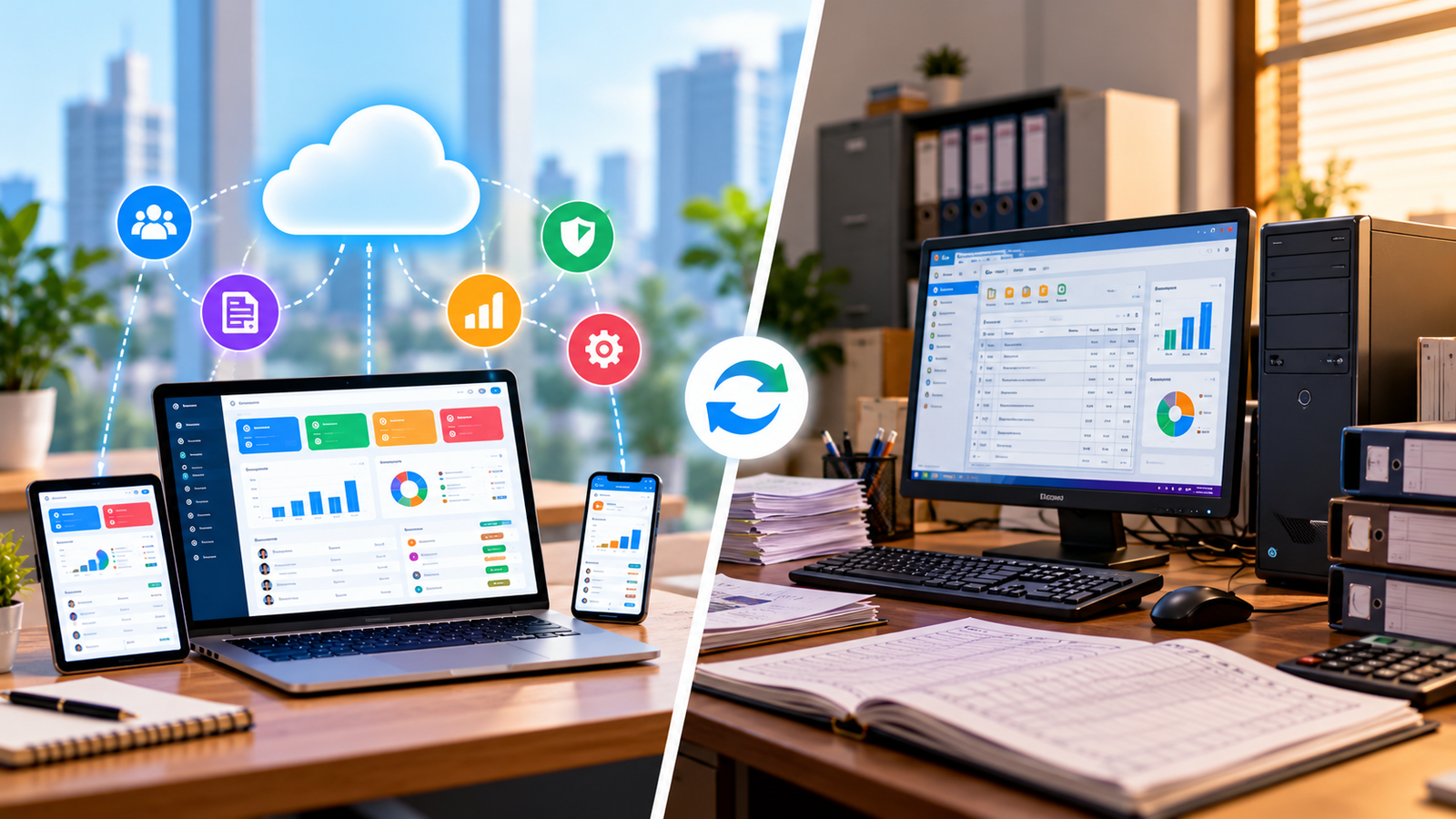
Today, businesses commonly choose between two software models: cloud-based software and desktop software. Cloud-based applications allow users to access software and data over a network, typically through a web browser. Desktop software is installed on a computer and often operates using local resources.
Both options have advantages and limitations. Cloud-based software can make collaboration and remote access easier, while desktop software may be suitable for businesses that need offline functionality, specialised local processing, or greater control over their computing environment.
So, which option is right for your business?
In this article, we compare cloud-based business software and desktop software across accessibility, cost, security, maintenance, performance, and scalability to help you make an informed decision.
What Is Cloud-Based Business Software?
Cloud-based business software is hosted on remote servers and accessed through an internet connection. Instead of relying entirely on a single office computer, users can typically sign in through a browser or supported application from different locations and devices.
Many cloud applications follow a Software as a Service (SaaS) model, where customers pay a monthly or annual subscription to use the software.
Common examples include:
-
Customer relationship management (CRM) systems.
-
Online accounting and billing software.
-
Inventory management systems.
-
Project management platforms.
-
Human resource management software.
-
Cloud-based enterprise resource planning (ERP) systems.
-
Online reporting and business analytics tools.
Advantages of Cloud-Based Software
1. Access from different locations
Employees can access supported applications from the office, home, or other locations, provided they have an internet connection and the required permissions.
2. Easier collaboration
Multiple authorised users can work with shared information without having to transfer files manually between computers.
3. Centralised data management
Business information can be maintained in a central environment, making it easier to keep records consistent across departments.
4. Provider-managed maintenance
Many cloud providers handle application updates and infrastructure maintenance, reducing some of the technical work required from the business.
5. Flexible growth
Cloud services may allow businesses to add users, storage, or features as their needs change, depending on the provider's plans.
Limitations of Cloud-Based Software
Cloud software is not perfect for every business. Consider these limitations before choosing it:
-
Internet dependency: Many cloud applications require a reliable connection for normal operation.
-
Recurring payments: Subscription charges can increase as users, features, or storage requirements grow.
-
Provider dependency: Availability, support, pricing, and service continuity partly depend on the provider.
-
Data privacy responsibilities: Businesses must understand how information is stored, processed, accessed, and deleted.
-
Limited offline functionality: Some systems offer little or no functionality when the internet is unavailable.
The actual limitations depend on how the specific application is designed.
What Is Desktop Software?
Desktop software is installed directly on a computer or, in some cases, managed through a local business network. It typically uses the device's processing resources and may store data locally or on an internal server.
Examples include locally installed accounting applications, inventory programs, design tools, billing applications, and other business utilities.
Some desktop applications operate without an internet connection, while others still require online licensing, cloud synchronisation, or connected services.
Advantages of Desktop Software
1. Offline access
Applications designed for offline use can continue operating when the internet connection is unavailable.
2. Local processing
Some tasks can benefit from using the computer's own processing power, especially when specialised or resource-intensive work is involved.
3. Greater control over local infrastructure
Businesses may have more direct control over the computers, storage, configuration, and internal network where the application operates.
4. Potentially predictable licensing
Certain desktop applications offer a one-time licence or fixed licensing arrangement, although many modern products use subscriptions.
5. Compatibility with specialised workflows
Desktop software may be better suited to certain hardware devices, legacy applications, or workflows that depend on specific operating systems.
Limitations of Desktop Software
Desktop applications can also create operational challenges:
-
Installation and setup: Software may need to be installed and configured on individual devices.
-
Maintenance responsibilities: Businesses may need to manage updates, compatibility, and troubleshooting.
-
Manual backup requirements: Locally stored data needs a reliable backup and recovery process.
-
Limited remote access: Access from other locations may require additional infrastructure or configuration.
-
Device dependency: Computer failure can disrupt work if there is no suitable recovery plan.
-
Scaling complexity: Supporting more computers and locations may require additional installation, licences, and IT support.
Desktop software can still be an excellent choice when these responsibilities fit the organisation's technical capabilities and operating requirements.
Want this for your business?
Talk to our team — free consultation, clear advice.