How Project Management Software Helps Teams Meet Deadlines and Control Costs


Introduction
Managing projects successfully requires more than assigning tasks and setting deadlines. Businesses must coordinate employees, allocate resources, track expenses, monitor progress, and ensure that every activity contributes to the final goal. Without an organized system, even well-planned projects can experience delays, budget overruns, communication gaps, and unnecessary rework.
This is where project management software becomes valuable. It helps businesses organize project activities, assign responsibilities, monitor timelines, manage budgets, and keep team members aligned through a centralized platform.
Whether a company manages software development, marketing campaigns, construction projects, client services, or internal business operations, project management software can improve visibility and accountability. By identifying problems earlier and providing access to updated project information, businesses can make informed decisions and improve their chances of completing projects on time and within budget.
What Is Project Management Software?
Project management software is a digital solution designed to help businesses plan, organize, execute, and monitor projects from beginning to completion. It brings essential project information, including tasks, deadlines, team assignments, documents, budgets, and progress reports, into one place.
Instead of relying entirely on spreadsheets, emails, phone calls, and manual follow-ups, teams can use project management software to coordinate their work more efficiently.
Common features include:
-
Task management: Create tasks, assign responsibilities, and track completion.
-
Project scheduling: Set deadlines, milestones, and task dependencies.
-
Team collaboration: Share updates, documents, feedback, and approvals.
-
Time tracking: Monitor the time spent on individual tasks and projects.
-
Budget management: Compare planned costs with actual expenses.
-
Resource allocation: Distribute work according to employee availability and capacity.
-
Progress reporting: Review project performance through dashboards and reports.
-
Automated reminders: Notify team members about approaching deadlines and overdue tasks.
When these features work together, managers gain a clearer understanding of project progress and can address potential problems before they become expensive issues.
1. Creates Clear Project Plans and Realistic Timelines
One of the most common reasons projects miss deadlines is inadequate planning. Teams may begin working without clearly defining the project scope, required tasks, available resources, or expected completion dates.
Project management software helps businesses develop structured project plans before execution begins.
Managers can divide a large project into smaller tasks, establish milestones, assign deadlines, and identify the order in which activities must be completed. This makes complex projects easier to understand and manage.
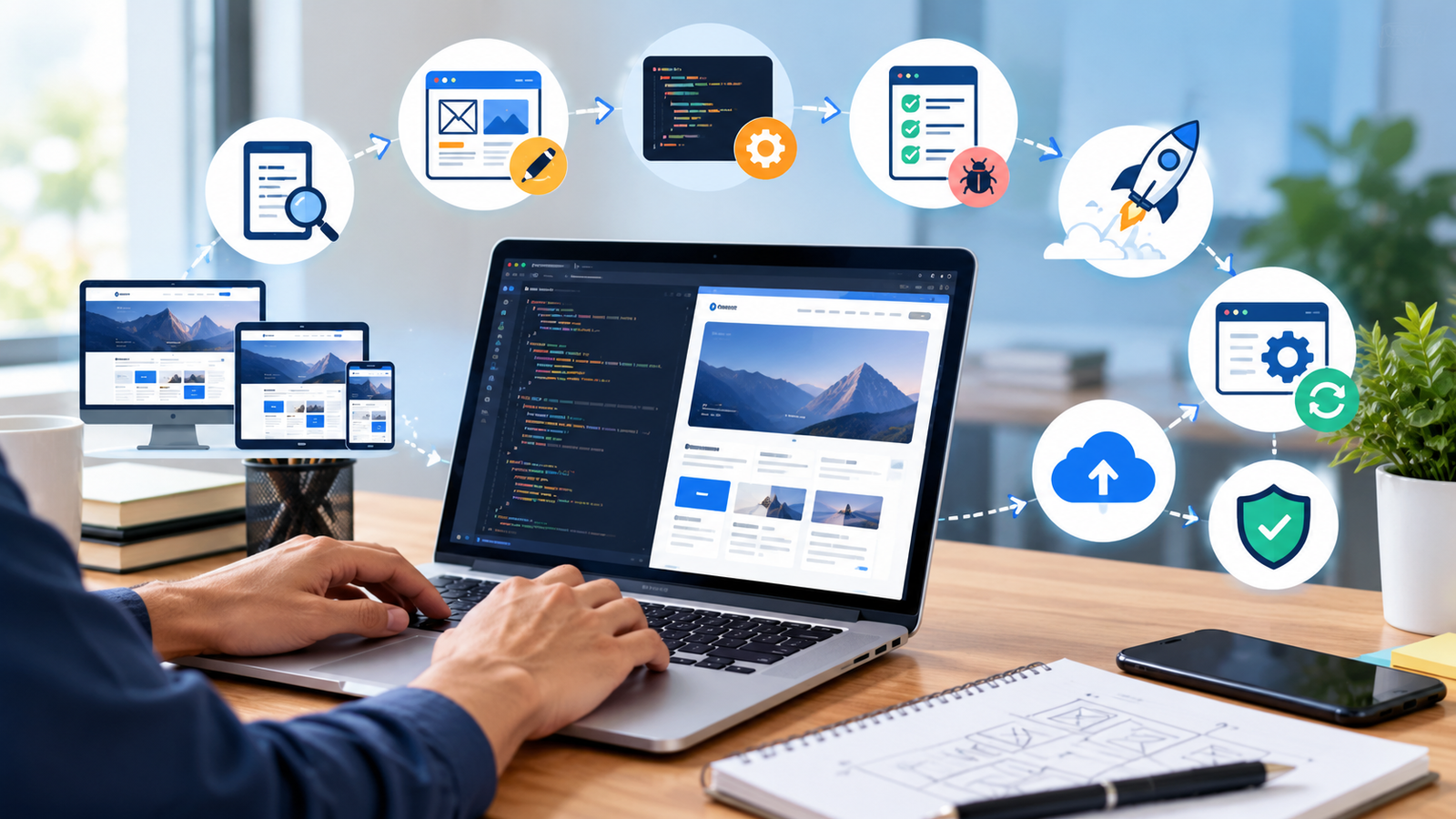
For example, a website development project may include requirements gathering, UI design, development, testing, client review, and deployment. If the development phase depends on approved designs, the software can help teams identify that dependency and plan the schedule accordingly.
A realistic timeline helps employees understand their priorities and gives managers a reference point for measuring progress.
2. Assigns Responsibilities and Improves Accountability
When responsibilities are unclear, tasks may be forgotten, duplicated, or left incomplete because everyone assumes someone else is handling them.
Project management software addresses this problem by assigning a clear owner to each task. Team members can see what they need to complete, when it is due, and how their work contributes to the overall project.
Managers can also monitor task status, identify overdue assignments, and follow up with the appropriate person instead of repeatedly asking the entire team for updates.
Clear ownership improves accountability while reducing confusion and unnecessary meetings.
3. Tracks Project Progress in Real Time
A project plan is useful only when managers can compare it with actual progress. If project updates are collected manually, delays may remain hidden until a deadline is already at risk.
Project management software provides a shared view of project activities and their current status. Depending on the platform, teams can use dashboards, task boards, calendars, or Gantt charts to monitor progress.
Managers can quickly identify:
-
Tasks that are overdue or approaching their deadlines.
-
Milestones that have been completed.
-
Work waiting for approval or review.
-
Dependencies that are preventing other tasks from progressing.
-
Projects that require additional resources or attention.
This visibility allows businesses to take corrective action earlier, rather than discovering problems during the final stages of delivery.
4. Reduces Delays Through Automated Reminders
Manual follow-ups consume time and can become unreliable when employees manage several responsibilities simultaneously.
Project management software can send automated reminders for upcoming deadlines, overdue tasks, pending approvals, and important milestones. Some platforms also support recurring workflows and automatic status updates.
For example, when a design task is marked complete, the next assigned team member may receive a notification that the work is ready for review.
These automated workflows help teams maintain momentum and reduce the risk of tasks being overlooked.
However, reminders work best when deadlines are realistic and team members regularly update their task statuses. Automation supports good project management practices; it does not replace them.
5. Helps Businesses Control Project Costs
Budget overruns can reduce profitability, delay future investments, and create financial pressure. They often occur when businesses fail to track labor expenses, material costs, external services, or additional work throughout a project.
Project management software with budget tracking capabilities helps managers compare estimated costs with actual spending.
Depending on the software, teams may be able to monitor:
-
Planned and actual project expenses.
-
Employee hours and labor costs.
-
Vendor and contractor expenses.
-
Material and equipment costs.
-
Budget utilization and cost variations.
-
Forecasted costs required to complete the project.
For example, if a project has an approved budget of ₹2,00,000 and the team has already spent ₹1,50,000 while only half the planned work is complete, managers can investigate the discrepancy and revise the plan before costs increase further.
The figures in this example are illustrative. The key benefit is early visibility into spending, allowing managers to make informed adjustments before an overrun becomes difficult to control.
6. Prevents Resource Waste and Uneven Workloads
Assigning too many tasks to one employee while other team members have available capacity can create bottlenecks. It may also lead to overtime expenses, missed deadlines, and declining work quality.
Project management software helps managers review workloads, employee availability, task assignments, and project priorities.
With better resource visibility, businesses can:
-
Distribute tasks more evenly.
-
Identify employees who are overloaded.
-
Reduce idle time caused by poor coordination.
-
Plan staffing requirements more accurately.
-
Avoid unnecessary external hiring when internal capacity is available.
-
Schedule work according to employee skills and availability.
Efficient resource allocation helps businesses make better use of their existing workforce while keeping projects moving forward.
7. Improves Team Communication and Collaboration
Communication gaps are another major cause of project delays. Important decisions may get lost in email threads, employees may use outdated files, and team members may not know when project requirements change.
Project management software provides a shared workspace where teams can access task details, documents, comments, updates, and decisions.
Instead of searching through multiple communication channels, employees can find relevant information alongside the task or project it relates to.
This improves coordination between departments, including sales, marketing, design, development, operations, and finance.
For businesses managing remote or hybrid teams, a centralized workspace can be especially useful because employees can access project updates without relying on constant meetings.
8. Controls Scope Changes and Reduces Rework
Projects sometimes become more expensive because additional requirements are introduced after work has already started. These changes may appear small individually but can significantly increase the time, resources, and budget required for completion.
Project management software can help teams document project requirements, track change requests, record approvals, and update schedules.
Before accepting a new request, managers can evaluate how it may affect:
-
The project completion date.
-
The approved budget.
-
Employee workloads.
-
Existing deliverables.
-
Dependencies and project priorities.
For example, if a client requests additional features during software development, the team can record the request and assess its impact before committing to the change.
This creates greater transparency and helps businesses avoid uncontrolled scope expansion.
9. Provides Reports for Better Decision-Making
Managers need accurate information to understand whether a project is progressing as planned. Without reliable reports, decisions may depend on assumptions or outdated updates.
Project management software can generate reports and dashboards covering task completion, overdue work, employee workloads, time usage, expenses, and milestone progress.
These insights help managers identify recurring problems, compare planned performance with actual results, and determine where improvements are needed.
For example, if several projects consistently exceed their estimated development hours, management can review estimation methods, task complexity, staffing, and approval processes.
Over time, this information can improve future project planning and budget forecasting.
10. Supports Better Client Communication
For businesses working on client projects, meeting deadlines and controlling costs directly affect customer satisfaction.
Project management software helps teams maintain organized records of deliverables, approvals, milestones, and project updates. Managers can use this information to communicate progress more clearly and set realistic expectations.
When a delay occurs, teams can identify the affected tasks and explain the reason for the revised timeline. When a project is progressing well, completed milestones can be shared with relevant stakeholders.
Some platforms also provide client portals or controlled external access, allowing clients to review progress without accessing internal business information.
Better communication can reduce misunderstandings, strengthen client relationships, and make project delivery more predictable.
Project Management Software vs. Manual Project Tracking
| Area | Manual tracking | Project management software |
|---|---|---|
| Task assignment | Often handled through emails or spreadsheets | Centralized task ownership |
| Deadline monitoring | Requires manual checking | Deadline views and automated reminders |
| Progress updates | May be scattered across multiple channels | Shared project dashboards and task statuses |
| Budget control | Manual calculations and expense consolidation | Budget tracking and cost reports, where supported |
| Resource planning | Can be difficult across multiple projects | Workload and capacity visibility, where supported |
| Communication | Information may be spread across tools | Project-related discussions in one workspace |
| Reporting | Often requires manual preparation | Automated or customizable reports, depending on the platform |
| Accountability | Responsibilities may be unclear | Assigned owners and visible task status |
Manual methods may be sufficient for small projects with few tasks and team members. However, as project complexity increases, a centralized digital system can make tracking, collaboration, and reporting more manageable.
Industries That Benefit From Project Management Software
Project management software can support organizations across different industries.
Software development companies: Coordinate development tasks, testing, bug fixes, releases, and client approvals.
Marketing agencies: Schedule campaigns, manage content calendars, track creative approvals, and coordinate client deliverables.
Construction businesses: Organize project phases, coordinate contractors, monitor material requirements, and track milestones.
IT service providers: Manage service implementations, technical tasks, deployment schedules, and customer requirements.
Manufacturing companies: Coordinate production-related projects, maintenance activities, resource planning, and process improvements.
Professional service businesses: Manage client assignments, employee workloads, billable hours, deliverables, and project expenses.
Small and medium-sized businesses: Organize internal projects, improve accountability, and coordinate growing teams without depending entirely on manual tracking.
The most suitable solution depends on the organization's workflow, team size, reporting requirements, and budget.
How to Choose the Right Project Management Software
Selecting software based only on the number of features can lead to unnecessary complexity or expenses. Businesses should evaluate how well a solution addresses their actual project management challenges.
Consider the following factors before making a decision:
-
Ease of use: Choose a system that employees can learn and use consistently.
-
Task and deadline tracking: Ensure it supports assignments, priorities, milestones, and dependencies.
-
Budget management: Look for expense tracking, budget comparisons, and forecasting if financial control is important.
-
Team collaboration: Check whether employees can share files, comments, updates, and approvals.
-
Reporting and dashboards: Confirm that managers can access the information needed to monitor performance.
-
Resource planning: Consider workload and capacity management for teams handling multiple projects.
-
Integration: Check compatibility with existing accounting, CRM, communication, or business management systems.
-
Security and access control: Ensure sensitive project data is protected through suitable permissions and security measures.
-
Scalability: Select a solution that can accommodate future growth without adding unnecessary complexity.
-
Total cost of ownership: Consider subscription fees, implementation, training, integrations, and ongoing maintenance.
Before a full rollout, businesses should test the system with a real project and gather feedback from employees and managers.
Best Practices for Getting Results From Project Management Software
Purchasing software alone does not guarantee successful project delivery. Businesses need clear processes and consistent adoption.
Follow these practices to achieve better results:
-
Define project objectives, deliverables, and scope before work begins.
-
Break large projects into smaller tasks with clear owners.
-
Set realistic deadlines based on workload and available resources.
-
Establish an approved budget and track expenses regularly.
-
Ask team members to update task statuses consistently.
-
Review project progress and risks at scheduled intervals.
-
Document scope changes and obtain approval before committing to additional work.
-
Train employees on the features they need to use.
-
Use reports to identify problems and improve future estimates.
-
Review project outcomes to understand what worked and what needs improvement.
When project management software is supported by clear responsibilities and regular reviews, it becomes a practical tool for improving delivery performance.
Why Businesses Should Invest in Project Management Software
As businesses grow, managing multiple projects through spreadsheets, emails, and informal communication becomes increasingly difficult. Managers need a reliable way to understand progress, coordinate employees, monitor costs, and identify risks.
Project management software brings these activities into a structured system. It helps businesses improve planning, reduce avoidable delays, use resources more effectively, and maintain better visibility into project spending.
The greatest value comes from making timely decisions. A dashboard that reveals a delayed task or rising cost is useful because it gives managers an opportunity to respond before the problem affects the entire project.
Businesses should therefore view project management software as an investment in operational control, team coordination, and more predictable project delivery.
Conclusion
Meeting deadlines and controlling costs are essential for maintaining productivity, profitability, and customer trust. However, these goals become harder to achieve when project information is scattered, responsibilities are unclear, and expenses are not monitored consistently.
Project management software helps teams plan work, assign responsibilities, track progress, manage resources, monitor budgets, and improve communication. These capabilities make it easier to identify risks early and take corrective action before small issues become major setbacks.
For businesses looking to improve their project workflows, the right software can provide a stronger foundation for accountability, efficient resource utilization, and informed decision-making.
At Logic Waves Tech, businesses can explore digital solutions that help streamline operations and support their evolving management needs. Visit Logic Waves Tech to learn more about software solutions designed to support business efficiency and growth.
Frequently Asked Questions (FAQs)
1. How does project management software help teams meet deadlines?
It helps teams create schedules, assign tasks, set priorities, monitor progress, and receive deadline reminders. These features improve visibility and help managers identify delays before they affect the overall project.
2. Can project management software reduce project costs?
Yes. Software with budget tracking, time tracking, and resource planning capabilities can help businesses identify overspending, reduce wasted effort, and allocate resources more efficiently. Actual savings depend on how the system is implemented and used.
3. Is project management software suitable for small businesses?
Yes. Small businesses can use it to organize tasks, manage employee responsibilities, track client work, and monitor deadlines. They can start with essential features and expand as their needs grow.
4. What features are important for controlling project budgets?
Important features include budget planning, expense tracking, time tracking, cost comparisons, resource allocation, and financial reporting. Availability varies by software platform.
5. Does project management software replace project managers?
No. It supports project managers by organizing information, automating routine tracking, and improving visibility. Human judgment is still required for planning, problem-solving, communication, and decision-making.
6. How long does it take to implement project management software?
Implementation time depends on the organization's size, project complexity, data migration needs, integrations, and employee training requirements. A small team may start with a simple workflow quickly, while a larger organization may need a phased rollout.
7. What is the difference between project management software and task management software?
Task management software primarily focuses on organizing and tracking individual tasks. Project management software typically offers broader capabilities, including project schedules, milestones, dependencies, resource allocation, collaboration, reporting, and sometimes budget control.
Want this for your business?
Talk to our team — free consultation, clear advice.