GST Billing Software vs. Manual Billing: Which Is Better for Indian Businesses?

Introduction
Billing is an essential part of every business. Whether you run a retail shop, wholesale business, distribution company, manufacturing unit, or service-based organisation, creating accurate invoices and maintaining financial records are important for smooth operations.
In India, businesses registered under the Goods and Services Tax (GST) system must follow applicable invoicing requirements. Managing invoices manually can become time-consuming as transaction volumes increase, while GST billing software can help automate calculations, organise records, and simplify daily billing activities.
But which option is better for your business: GST billing software or manual billing?
In this article, we will compare both methods, explore their advantages and disadvantages, and explain how Indian businesses can choose the right billing solution.
What Is Manual Billing?
Manual billing is the process of creating invoices using handwritten bills, printed invoice books, calculators, or basic spreadsheet templates. Business owners or employees enter product details, quantities, prices, discounts, taxes, and final amounts themselves.
Many small shops and businesses use manual billing because it requires little initial investment and does not depend on specialised software.
However, manual billing requires careful data entry and record maintenance. As the number of daily transactions grows, managing invoices, tracking payments, calculating GST, and preparing financial reports can become increasingly difficult.
Advantages of Manual Billing
-
Low initial cost: Businesses can begin with basic stationery or existing spreadsheet tools.
-
Simple for occasional transactions: Businesses with very few invoices may find manual processes manageable.
-
Minimal technical training: Employees familiar with traditional billing can start quickly.
-
Limited technology dependency: Paper invoices can be prepared without a computer or internet connection.
Disadvantages of Manual Billing
-
Higher risk of errors: Incorrect calculations, typing mistakes, and missing details can affect invoice accuracy.
-
Time-consuming process: Preparing each invoice individually takes employee time.
-
Difficult record management: Searching for old invoices and maintaining organised records can be challenging.
-
Limited reporting: Sales summaries, outstanding payments, and tax-related reports may require additional manual work.
-
Slower business operations: Manual stock updates and payment tracking can delay routine decisions.
What Is GST Billing Software?
GST billing software is a digital solution that helps businesses create invoices, calculate applicable taxes, maintain transaction records, and manage billing activities from a computer or other supported device.
Depending on the software, features may include customer management, product and inventory tracking, payment reminders, sales reports, purchase records, and accounting integrations.
For Indian businesses, a suitable GST billing solution can help generate invoices with relevant information such as GSTIN, invoice number, invoice date, item description, taxable value, applicable tax rates, and tax amounts. The exact requirements depend on the transaction and the business's circumstances.
Under the GST invoice rules, prescribed particulars must be included in applicable tax invoices. Businesses should ensure their billing process follows the current rules relevant to their registration and supplies.
Advantages of GST Billing Software
-
Automated calculations: The software can calculate tax and invoice totals based on configured rates and transaction details.
-
Faster invoice creation: Saved product and customer information reduces repetitive data entry.
-
Organised digital records: Businesses can search, retrieve, and maintain invoice records more efficiently.
-
Improved payment tracking: Many systems help identify paid, unpaid, and overdue invoices.
-
Sales and business reports: Digital reports help owners review sales, billing trends, and outstanding amounts.
-
Inventory integration: Where supported, billing transactions can update stock records automatically.
-
Scalability: A suitable solution can support growing transaction volumes and additional business locations.
-
Reduced repetitive work: Automation can free employees to focus on customer service and other important activities.
Limitations of GST Billing Software
-
Initial and recurring costs: Some solutions require a subscription, licence, implementation fee, or maintenance charge.
-
Training requirements: Employees may need time to learn the system.
-
Data and security responsibilities: Businesses must protect login credentials, customer information, and financial records.
-
Technology dependency: Some functions require a working device, while cloud-based features may depend on internet connectivity.
-
Configuration matters: Incorrect tax rates, product settings, or customer details can still produce incorrect invoices.
Choosing reliable software and maintaining accurate master data are therefore important.
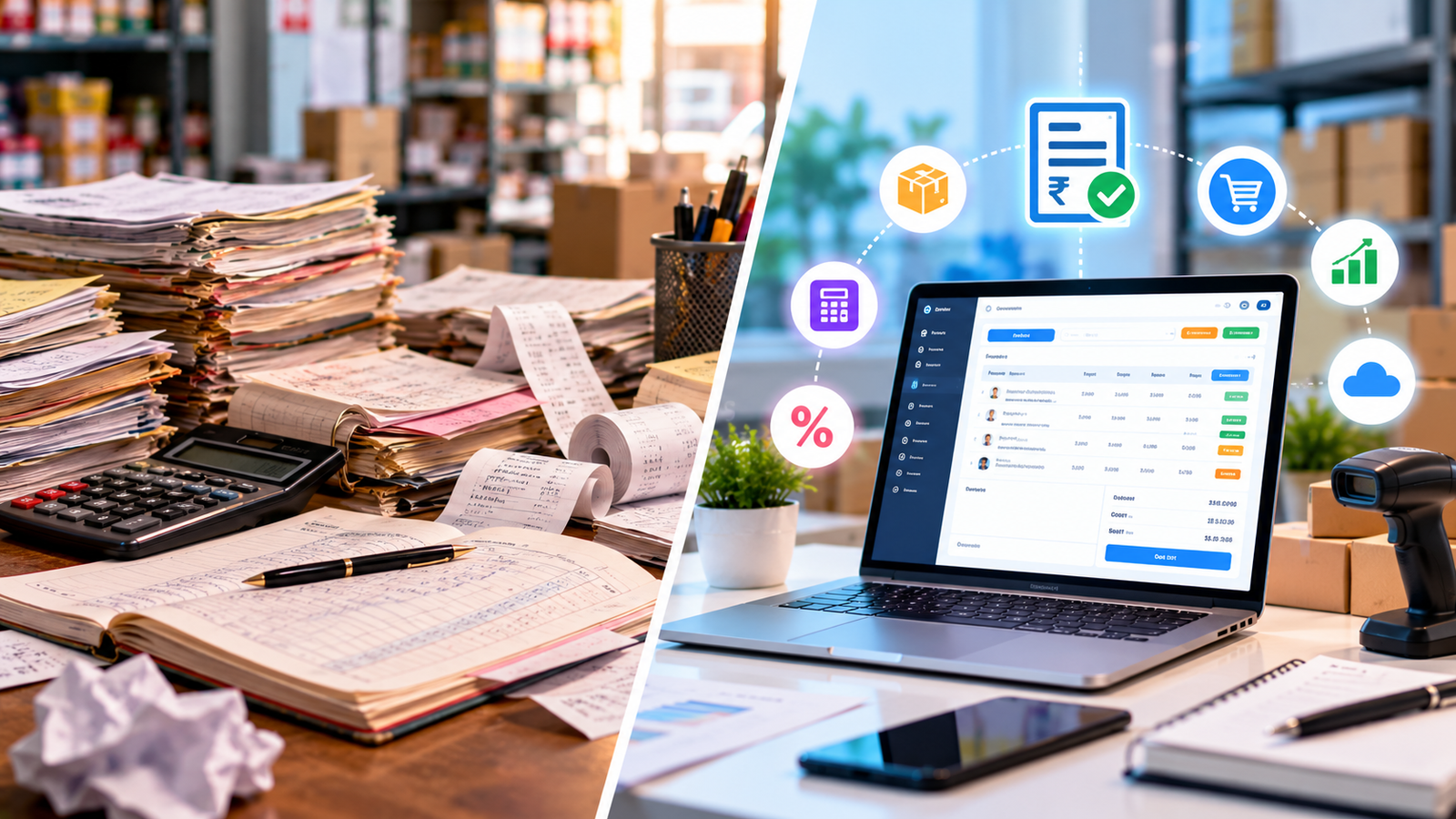
GST Billing Software vs. Manual Billing: Key Differences
The main difference is how invoices, calculations, records, and reports are managed.
| Comparison factor | Manual billing | GST billing software |
|---|---|---|
| Invoice creation | Prepared individually | Generated using saved data and templates |
| GST calculations | Calculated manually | Calculated automatically using configured rules |
| Invoice accuracy | Depends heavily on manual checking | Can reduce routine calculation and entry errors |
| Billing speed | May be slow for frequent transactions | Generally faster for repeated billing |
| Record storage | Paper files or separate spreadsheets | Searchable digital records |
| Payment tracking | Requires manual updates | Often includes payment status tracking |
| Sales reporting | Prepared separately | Reports may be generated automatically |
| Inventory management | Requires separate records or manual updates | May connect billing with stock management |
| Initial investment | Usually lower | Depends on software and implementation |
| Business growth | Can become difficult to manage | Usually easier to scale with suitable software |
Actual results depend on the volume of transactions, the quality of the process, and the features available in the chosen software.
1. Which Method Reduces Billing Errors?
Invoice errors can happen when employees enter incorrect quantities, apply the wrong tax rate, miscalculate discounts, or forget important invoice details.
With manual billing, employees must perform and verify many steps themselves. Repeated calculations and large volumes of paperwork can increase the chance of mistakes.
GST billing software can automate calculations, reuse saved product information, and apply configured invoice formats. These features can reduce common errors and improve consistency.
However, software does not guarantee error-free billing. Incorrect tax settings, outdated product information, or inaccurate entries can still cause problems. Businesses should review their configurations and check invoices when necessary.
Winner: GST billing software, particularly for businesses that generate invoices frequently.
2. Which Is Faster for Daily Operations?
Manual billing may work well when a business creates only a few invoices each day. However, preparing many bills, checking calculations, recording payments, and updating stock manually can take significant time.
GST billing software can save frequently used products, prices, customer details, and tax settings. Employees can select the required information instead of entering everything repeatedly.
For businesses with multiple employees or billing counters, a suitable system can also help standardise billing procedures.
Winner: GST billing software for businesses with regular or high-volume transactions.
3. Which Is Better for GST Compliance?
GST compliance requires businesses to follow the applicable invoicing, record-keeping, and return-related rules.
Manual billing can be used to prepare invoices, but employees must ensure that all required particulars are included, invoice numbering is maintained correctly, and relevant records are organised for accounting and reporting.
GST billing software can provide standard invoice formats, maintain transaction histories, and support the preparation or export of data for accounting and GST return workflows.
It is important to understand that billing software alone does not guarantee GST compliance. Businesses must configure it correctly, verify their obligations, and complete any required filings through the appropriate processes. E-invoicing and other requirements apply only to the relevant classes of taxpayers and transactions under current rules.
For official invoice requirements, businesses can refer to the CBIC GST Invoice Rules.
Winner: GST billing software for improving consistency and record organisation, provided it is correctly configured and used.
4. Which Is More Cost-Effective?
Manual billing generally has a lower initial cost because businesses may only need stationery, invoice books, or basic spreadsheet tools.
However, the total cost of manual billing also includes employee time, document storage, correction of mistakes, and the effort needed to prepare reports.
GST billing software may involve subscription or setup charges, but it can reduce repetitive work and make financial information easier to retrieve. The value depends on the number of transactions, the features required, and the time saved.
For a small business with very few transactions, manual billing may remain practical. For a growing business, software may offer better long-term value.
Winner: It depends on business size, transaction volume, and total operating costs.
5. Which Is Better for Inventory and Payment Tracking?
Manual billing usually requires separate registers or spreadsheets to track stock, customer balances, and payments. Keeping these records synchronised can be difficult when transactions happen throughout the day.
Billing software with inventory and payment features can connect invoices with stock movements and customer payment records. This can help business owners identify low-stock products, monitor outstanding invoices, and review sales more quickly.
Not every billing solution includes these features, so businesses should confirm what is included before purchasing.
Winner: GST billing software with inventory and payment management features.
Which Businesses Should Choose GST Billing Software?
GST billing software can be useful for a wide range of Indian businesses, including:
-
Retail shops: Create customer bills quickly and monitor product sales.
-
Wholesale businesses: Manage bulk invoices, customer accounts, and repeat orders.
-
Distributors: Organise billing across products, customers, and sales teams.
-
Manufacturers: Coordinate sales billing with inventory and dispatch records when supported.
-
Service providers: Prepare service invoices and monitor customer payments.
-
E-commerce businesses: Organise order-related billing and transaction records.
-
Growing small businesses: Reduce repetitive administration as daily transactions increase.
Businesses with very few transactions may not need advanced features immediately. The right choice should reflect actual operational needs rather than the size of the software package.
How to Choose the Right GST Billing Software
Before selecting a billing solution, consider the following factors.
1. GST Invoice Support
Check whether the software supports the invoice formats and fields relevant to your business. Verify that invoice numbering, tax calculations, and document records can be managed appropriately.
2. Ease of Use
Choose software that employees can learn without unnecessary complexity. A straightforward billing interface can help reduce training time.
3. Inventory and Customer Management
If your business sells products, consider whether you need stock tracking, customer records, purchase management, or supplier information.
4. Reporting and Payment Tracking
Look for useful sales summaries, outstanding payment reports, and transaction histories that help you understand business performance.
5. Data Security and Backup
Check access controls, backup options, data export facilities, and the provider's policies for protecting business information.
6. Support and Maintenance
Reliable assistance can be valuable when employees encounter technical problems or need help configuring the system.
7. Future Business Requirements
Choose a solution that can support your expected growth. If you plan to add branches, billing counters, inventory modules, or accounting integrations, check whether these features are available.
Why Indian Businesses Should Consider Digital Billing
As a business grows, billing becomes connected to more than just creating invoices. It can affect inventory records, cash flow visibility, customer relationships, accounting, and management decisions.
Digital billing can bring these activities into a more organised workflow. Instead of spending time searching through registers or calculating sales totals, business owners can access records and reports more efficiently.
For businesses that need additional features, an integrated billing or ERP solution may connect billing with inventory, customer management, purchase records, and other operational activities. The exact benefits depend on the modules selected and how well they are implemented.
Logic Waves Tech provides business software solutions designed to support digital operations. Businesses exploring billing automation can learn more about billing system solutions and evaluate which features match their day-to-day requirements.
Common Mistakes to Avoid When Switching to Billing Software
Moving from manual billing to software can improve efficiency, but careful implementation is important.
Avoid these common mistakes:
-
Entering incorrect tax settings: Verify applicable rates and tax configurations before generating invoices.
-
Ignoring employee training: Make sure staff understand how to create, correct, and retrieve invoices.
-
Migrating incomplete records: Review customer details, product information, and opening balances before importing data.
-
Neglecting backups: Establish a regular backup and recovery process.
-
Choosing software only because it is cheap: Compare essential features, support, usability, and total cost.
-
Assuming software handles every compliance task: Confirm which activities are automated and which still require review or filing by the business or its tax professional.
A planned transition helps businesses adopt digital billing with fewer disruptions.
Conclusion: GST Billing Software or Manual Billing?
Both manual billing and GST billing software can serve a purpose, but the better choice depends on your business's needs.
Manual billing may be sufficient for businesses with occasional transactions and simple record-keeping requirements. However, it becomes harder to manage as invoices, products, customers, and reporting needs increase.
GST billing software is generally the more practical choice for businesses that want faster invoice generation, more consistent calculations, organised records, easier payment tracking, and the ability to scale their operations.
For most growing Indian businesses, moving to a suitable GST billing solution can help reduce repetitive work and improve day-to-day efficiency. Before making a decision, compare the software's features, costs, support, and compliance-related capabilities with your actual requirements.
Ready to simplify your business billing? Explore Logic Waves Tech's billing system to learn more about digital billing solutions for your business.
Want this for your business?
Talk to our team — free consultation, clear advice.