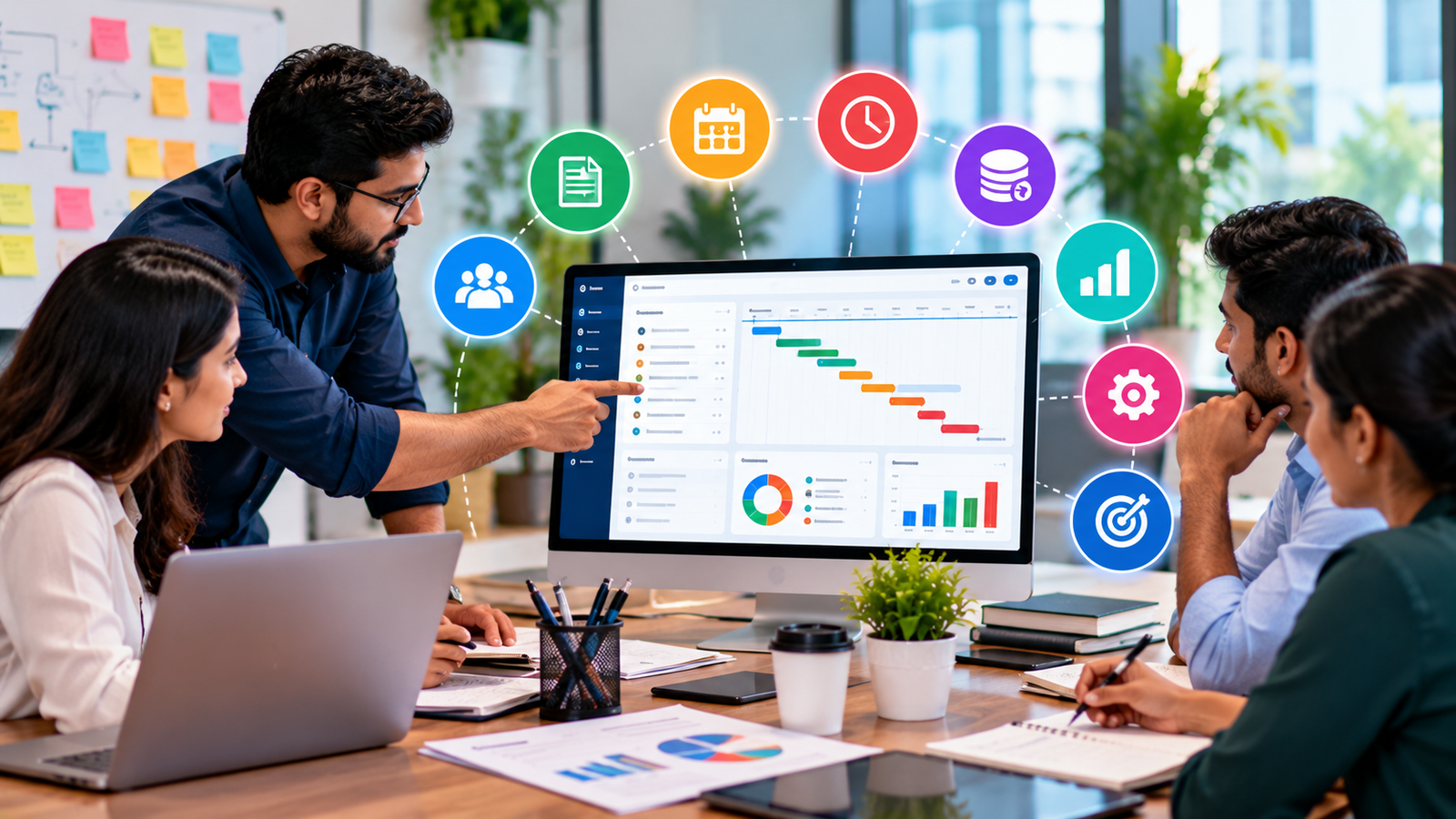
How a Centralized Business Dashboard Helps Growing Businesses Work Smarter

Introduction
Running a growing business involves managing multiple responsibilities, including sales, customer relationships, inventory, employee activities, finances, and daily operations. When these activities are handled through separate spreadsheets, manual records, and disconnected software, it becomes difficult to maintain complete visibility over business performance.
Business owners often spend valuable time collecting information from different sources instead of focusing on growth and customer satisfaction.
A centralized business dashboard offers a more organized approach. It brings important business information into one place, helping managers monitor operations, review performance, identify problems, and make informed decisions.
For small businesses, startups, educational institutions, retailers, and growing companies, adopting the right digital tools can simplify daily work and create a stronger foundation for long-term growth.
What Is a Centralized Business Dashboard?
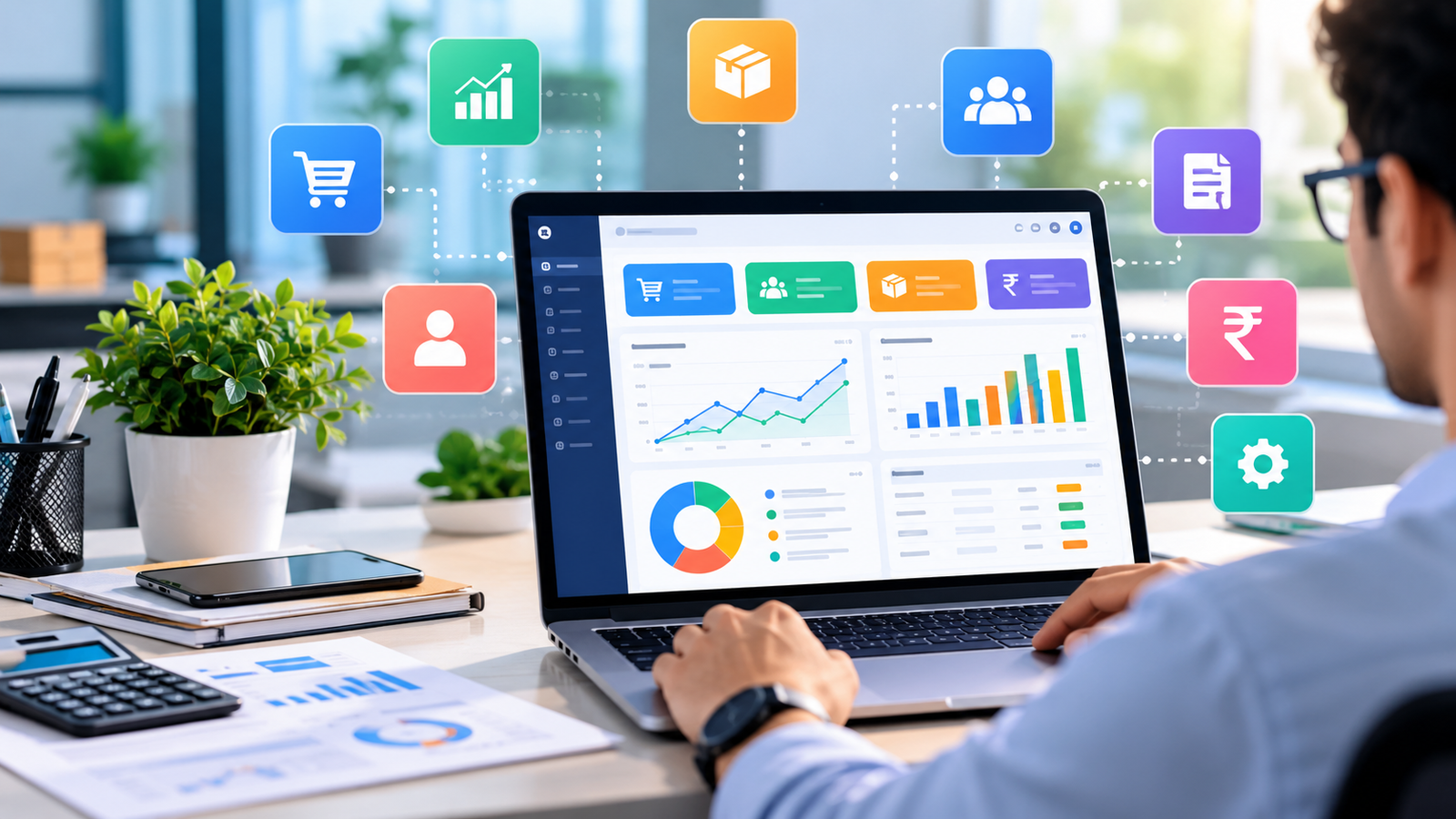
A centralized business dashboard is a digital interface that displays important business information from one or more connected systems.
Instead of opening multiple applications to check sales, inventory, customer details, or operational reports, authorized users can access relevant information through a unified interface.
Depending on the software and integrations available, a business dashboard may include:
-
Sales performance and revenue summaries
-
Customer information and follow-up activities
-
Inventory levels and stock movement
-
Financial reports and outstanding payments
-
Employee tasks and operational updates
-
Business performance indicators and analytics
The exact features depend on the business requirements and the software being used.
The main objective is simple: make important information easier to access, understand, and use.
Why Growing Businesses Need a Centralized Dashboard
1. Access Important Information Faster
When business information is scattered across spreadsheets, emails, paper registers, and separate applications, finding the right data can take unnecessary time.
A centralized dashboard helps organize key information into a more accessible format. Managers can review important figures, check operational updates, and identify areas that require attention without repeatedly switching between different tools.
This saves time and helps teams concentrate on productive activities.
2. Improve Business Decision-Making
Successful business decisions depend on accurate and timely information.
For example, a retailer may need to identify which products are selling quickly, while a service company may want to understand its monthly revenue and pending customer payments.
A well-designed dashboard can present this information through summaries, charts, reports, and performance indicators.
With a clearer view of business activities, managers can identify trends, compare results, and make decisions based on available data rather than assumptions.
3. Reduce Manual Work and Repetitive Tasks
Manual data collection can become increasingly difficult as a business grows.
Employees may need to update multiple spreadsheets, prepare recurring reports, calculate totals, and share information between departments.
Business management software can automate suitable tasks, depending on its capabilities. For example, an integrated billing and inventory system may update stock quantities after completed sales, while reporting tools can generate summaries from recorded transactions.
Reducing repetitive work allows employees to spend more time on customer service, planning, and other important responsibilities.
4. Improve Sales and Customer Management
Customer relationships play an important role in business growth.
Without organized records, businesses may miss follow-up opportunities, lose track of customer inquiries, or struggle to identify previous interactions.
A dashboard connected to a customer relationship management (CRM) system can help teams monitor leads, customer details, follow-up schedules, and sales progress.
This makes it easier to organize customer communication, manage sales opportunities, and provide a more consistent customer experience.
5. Maintain Better Inventory Control
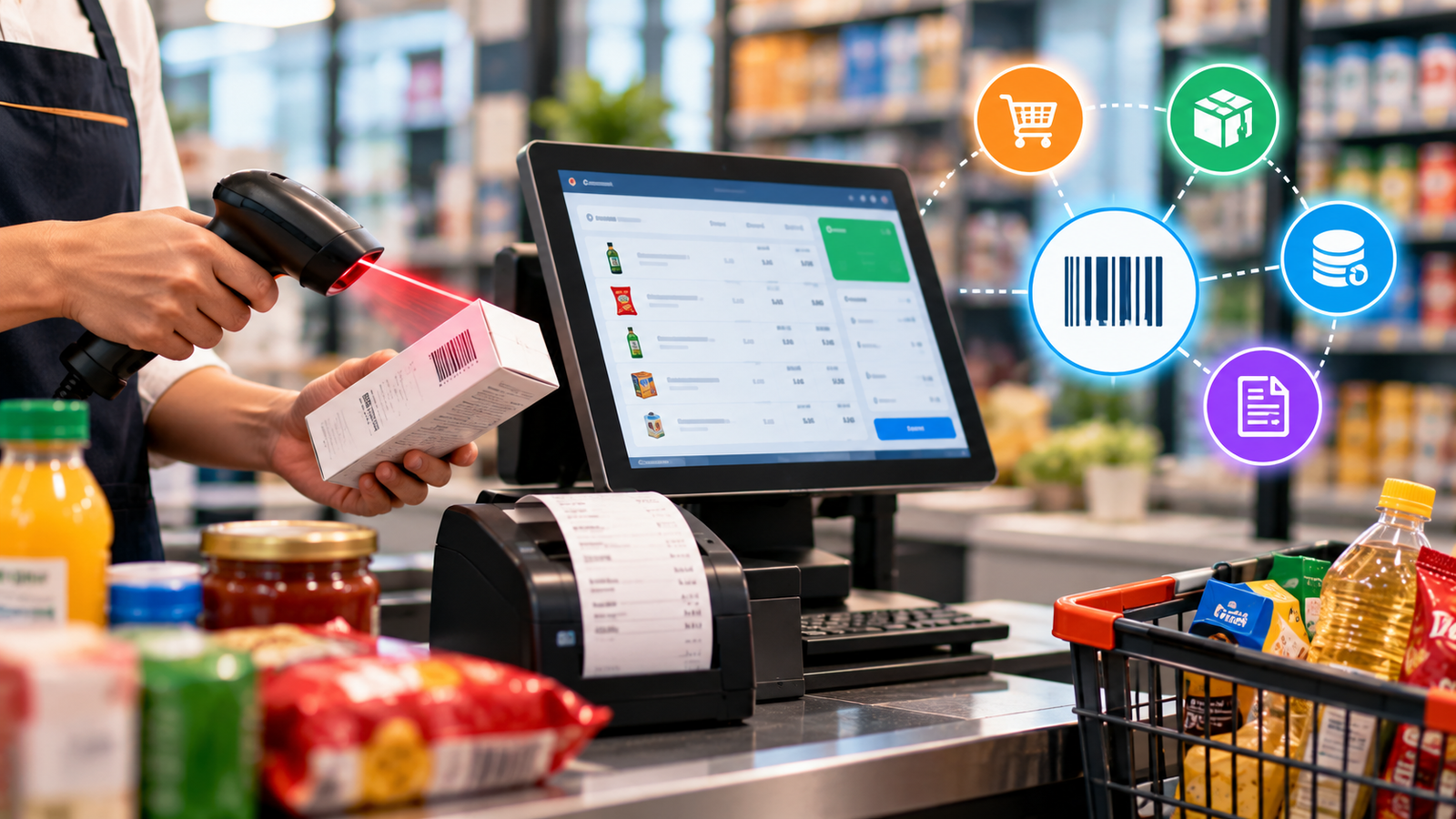
For retailers, wholesalers, distributors, and other product-based businesses, inventory management directly affects daily operations.
Insufficient stock can lead to missed sales, while excessive stock can tie up working capital.
When connected to an inventory management system, a business dashboard can help monitor available quantities, low-stock products, purchases, and stock movement.
These insights allow businesses to plan purchases more effectively and reduce avoidable inventory problems.
6. Monitor Financial Performance
Understanding business finances is essential for maintaining stability and planning future growth.
A suitable dashboard can summarize information such as sales revenue, expenses, outstanding invoices, customer payments, and profitability reports when the required financial data and modules are available.
Regular monitoring helps business owners identify overdue payments, review expenses, and understand financial trends.
However, dashboard figures are only as reliable as the underlying records, so businesses should maintain accurate data and follow appropriate accounting procedures.
7. Support Team Productivity and Accountability
As teams expand, coordinating responsibilities and tracking progress becomes more challenging.
A centralized system can help managers organize tasks, monitor work status, assign responsibilities, and review progress, depending on the software's functionality.
Role-based access can also ensure that employees see the information relevant to their responsibilities.
This creates a more structured working environment and reduces confusion about tasks, ownership, and priorities.
Which Businesses Can Benefit From a Centralized Dashboard?
A centralized dashboard can support different industries when it is designed around their specific workflows.
Retail shops and wholesalers: Monitor sales, stock levels, purchases, billing, and payments.
Schools and educational institutions: Organize student information, fee records, attendance, and administrative activities through suitable school management software.
Service-based companies: Track customer inquiries, projects, employee assignments, and service performance.
Startups and small businesses: Bring essential operational information together without relying on numerous disconnected records.
Growing enterprises: Connect departments, standardize reporting, and improve visibility across multiple locations or teams.
The right solution depends on the organization's size, existing systems, budget, and operational requirements.
Business Dashboard vs. Traditional Manual Management
| Traditional approach | Centralized digital approach |
|---|---|
| Information stored in separate files | Information organized in connected systems |
| Reports prepared manually | Reports generated automatically where supported |
| Updates shared through multiple channels | Relevant updates accessible through a common interface |
| Difficult to identify performance trends | Charts and summaries help reveal trends |
| Repetitive data entry across tools | Integrations can reduce duplicate entry |
| Limited visibility across departments | Better visibility based on permissions and connected data |
A dashboard does not automatically solve every operational problem. Its value depends on accurate records, suitable integrations, employee adoption, and well-defined business processes.
How to Choose the Right Business Dashboard
Before investing in business management software, consider the following factors.
Identify Your Business Requirements
Start by identifying the tasks that consume the most time or create the most errors. These might include billing, customer follow-ups, inventory tracking, reporting, or employee coordination.
Check the Available Features
Choose a solution that supports your actual workflow rather than paying for unnecessary functionality.
Consider Integration Options
If you already use accounting software, a CRM, a billing system, or another business application, check whether the dashboard can integrate with those systems.
Prioritize Security
Business dashboards may contain confidential financial, customer, and employee information. Look for appropriate user permissions, secure authentication, reliable backups, and other safeguards.
Evaluate Scalability
Your software should be able to accommodate your expected growth in users, transactions, data, and operational complexity.
Review Training and Support
A useful system should be understandable to your team and supported by a reliable process for troubleshooting, maintenance, and improvements.
How Logic Waves Tech Can Help Businesses Work Smarter
At Logic Waves Tech, we help businesses adopt digital solutions suited to their operational needs. Our services include custom web and software development, business management systems, billing software, CRM solutions, and digital automation.
For businesses looking to improve daily operations, the right combination of software and reporting tools can help organize information, reduce repetitive work, and provide better visibility into performance.
Explore our Billing Software Solutions for billing, inventory management, payment tracking, and sales reporting.
Businesses with specific operational requirements can also explore our Software Development Services to discuss custom applications, dashboards, and business systems.
Our approach focuses on understanding business requirements first, then identifying practical technology solutions that support efficiency and future growth.
Conclusion
A centralized business dashboard can help organizations move away from scattered information and repetitive manual processes toward a more organized way of working.
By improving access to information, supporting reporting, streamlining workflows, and providing clearer performance insights, the right dashboard can make daily business management more efficient.
However, successful implementation requires more than an attractive interface. Businesses must select appropriate features, maintain accurate data, establish access controls, and train employees to use the system effectively.
For growing businesses, investing in suitable business management software can be an important step toward better operational control and more informed decision-making.
Ready to simplify your business operations? Contact Logic Waves Tech to discuss software solutions tailored to your business requirements.
Want this for your business?
Talk to our team — free consultation, clear advice.