How Billing Software Helps Small Businesses Reduce Invoice Errors

Introduction
Managing invoices accurately is an important part of running a small business. Whether you operate a retail shop, wholesale business, distribution company, or service-based organization, every invoice must contain the correct prices, quantities, taxes, and payment details.
However, many small businesses still depend on handwritten bills, spreadsheets, or manual calculations. As the number of daily transactions increases, these methods can lead to incorrect totals, duplicate invoices, missing information, and payment discrepancies.
Even a small billing mistake can create confusion between a business and its customers. It may also result in delayed payments, additional administrative work, and inaccurate financial records.
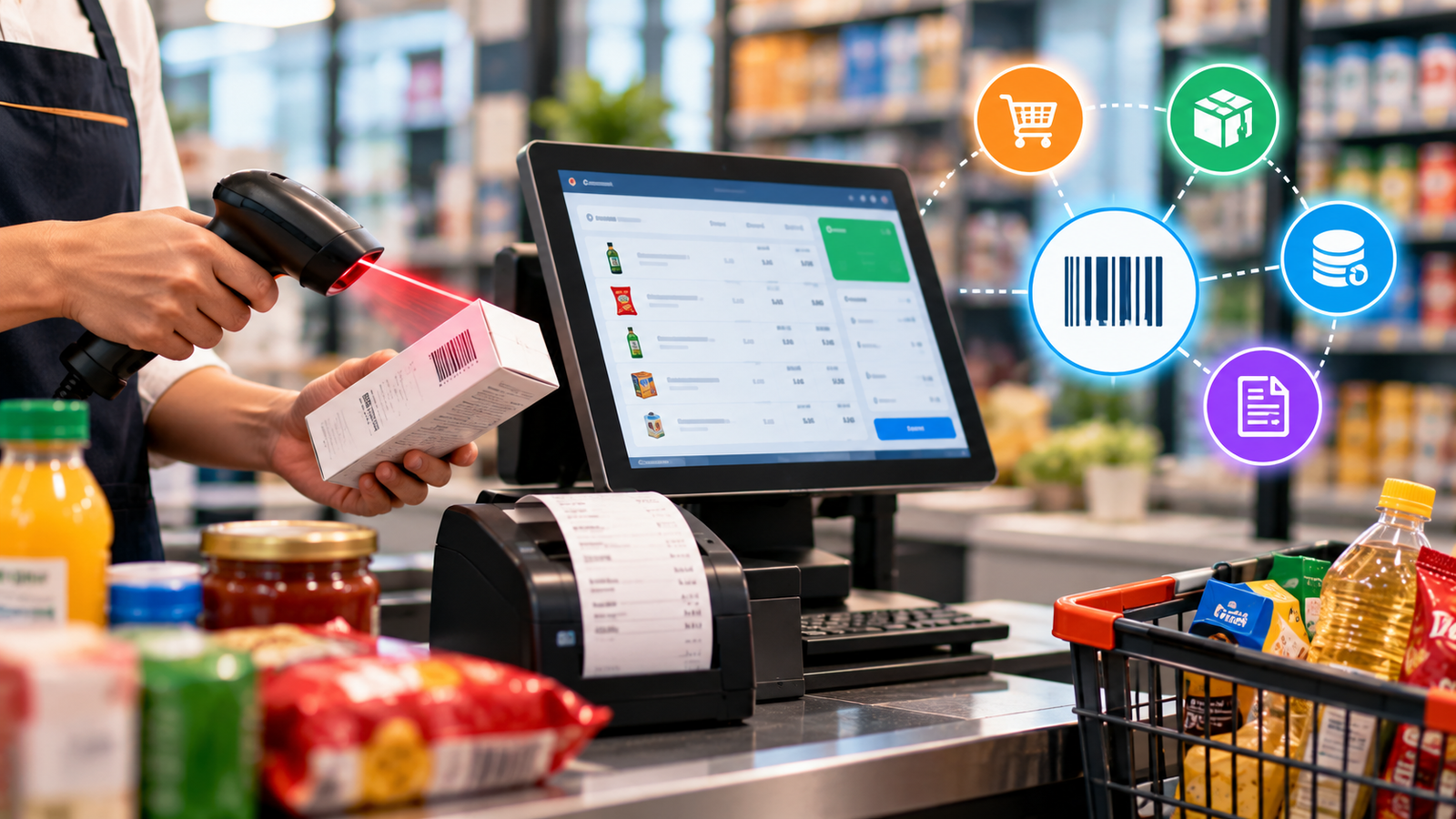
This is where billing software becomes useful. By automating calculations, organizing transaction records, and standardizing invoice creation, billing software helps small businesses reduce common errors and manage their billing processes more efficiently.
What Is Billing Software?
Billing software is a digital tool that helps businesses create invoices, calculate transaction amounts, record payments, and maintain billing information.
Depending on the features available, it may also support tax calculations, discounts, product management, customer records, inventory integration, and financial reporting.
Instead of preparing every bill manually, businesses can use billing software to generate consistent invoices using stored product prices, customer information, and predefined tax settings.
For small businesses, this makes billing easier to manage as sales volumes and operational requirements grow.
Common Billing Errors Faced by Small Businesses
Before understanding the benefits of billing software, it is important to recognize the mistakes that commonly occur during manual billing.
1. Incorrect Calculations
Manual billing requires employees to calculate quantities, prices, discounts, taxes, and final totals. A simple addition or multiplication error can result in an incorrect invoice.
For example, if a customer purchases several products in different quantities, calculating each line item and adding the totals manually increases the possibility of mistakes.
Billing software can calculate these amounts automatically based on the entered quantities, prices, and configured rules.
2. Incorrect Product Prices
Businesses that sell many products may frequently update their prices. If employees use an outdated price list, customers may receive invoices with incorrect amounts.
Billing software with a properly maintained product database can help employees select the correct product and apply its current recorded price.
However, prices must still be updated whenever the business changes them.
3. Tax Calculation Errors
Businesses that need to apply GST or other applicable taxes must ensure that their invoices contain appropriate tax information.
Incorrect tax rates, inconsistent settings, and calculation mistakes can create discrepancies in billing records.
Suitable billing software can apply configured tax rates and calculate tax amounts automatically. Businesses should ensure that the software is configured correctly for their transactions and current tax requirements.
4. Duplicate or Missing Invoices
When invoices are created manually across different notebooks or spreadsheets, it can be difficult to track which bills have already been issued.
This may result in duplicate invoices, missing records, or confusion when reconciling payments.
Billing software with invoice numbering and searchable transaction history can make it easier to locate previous invoices and maintain organized records.
5. Incorrect Customer Information
Typing customer names, addresses, contact details, or GSTINs repeatedly can introduce errors.
A billing system that stores customer information allows employees to select existing customer records instead of entering the same details for every transaction.
This reduces repetitive data entry and helps maintain consistency.
How Billing Software Helps Reduce Invoice Errors
1. Automates Billing Calculations
One of the biggest advantages of billing software is automatic calculation.
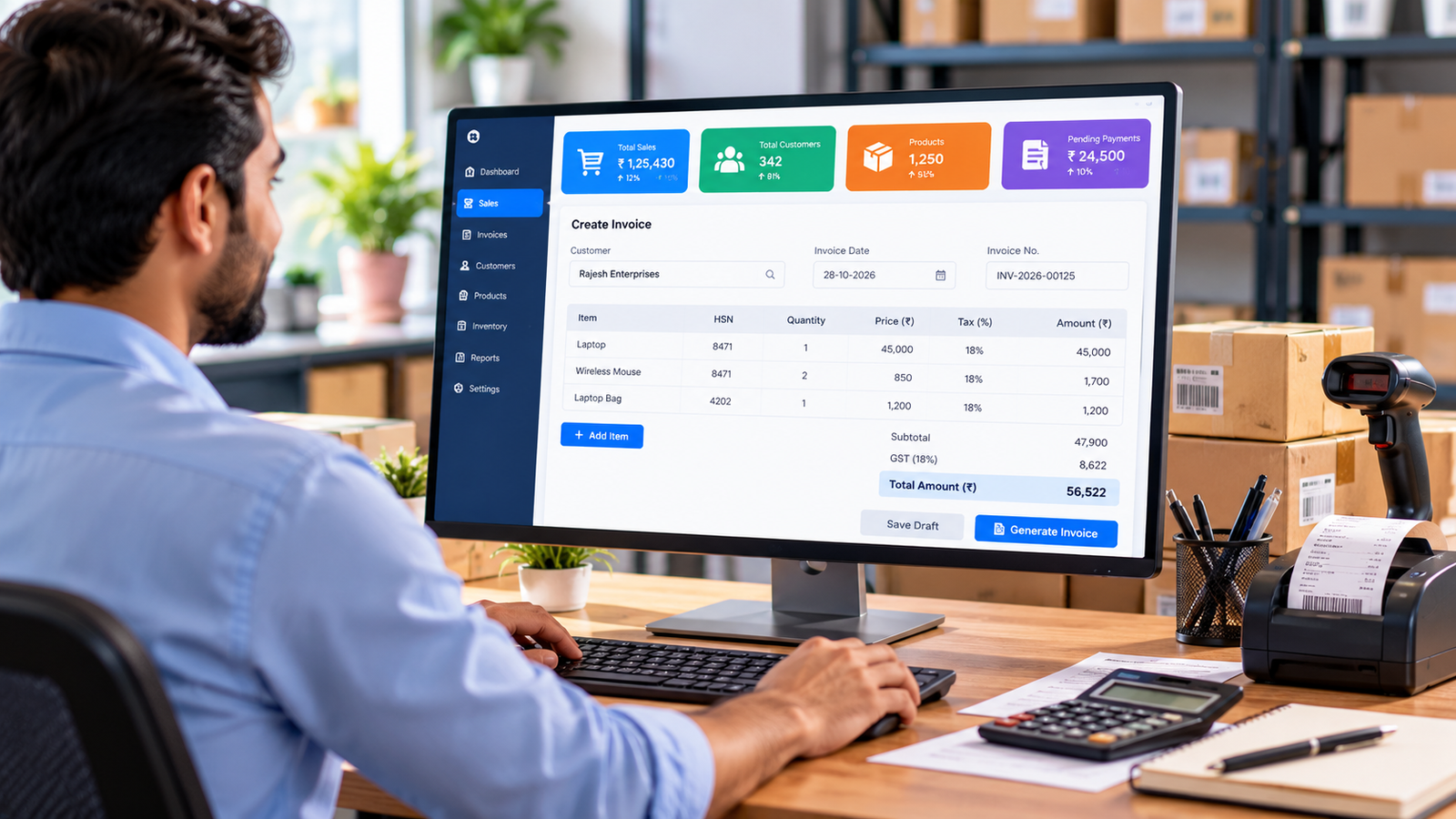
When an employee enters the product quantity and selects the applicable price, the software can calculate the line-item total, discount, tax, and invoice amount according to its configuration.
For example, consider a business selling 10 units of a product at ₹250 per unit.
The system calculates:
-
Quantity: 10 units
-
Price per unit: ₹250
-
Subtotal: ₹2,500
The employee does not need to multiply the quantity and price manually.
Automation reduces calculation-related errors and helps employees prepare invoices more consistently. Correct product data and configuration remain essential for accurate results.
2. Maintains Consistent Product and Service Prices
A centralized product or service list helps businesses maintain consistent pricing.
Once the correct price is entered into the system, employees can select the relevant item while creating invoices rather than typing its price from memory.
For businesses that regularly update product prices, maintaining an accurate database is especially important.
This approach helps reduce pricing discrepancies between invoices, employees, and sales transactions.
3. Applies Configured Tax Rules
Billing software can calculate taxes using the rates and settings configured for the business.
For applicable GST invoices, the system may support fields such as GSTIN, taxable value, tax rates, and CGST, SGST, or IGST amounts, depending on the transaction and the software's features.
Automated calculations help reduce manual errors, but businesses must still verify that tax settings, invoice formats, and applicable compliance requirements are correct.
4. Reduces Repeated Data Entry
Entering the same customer and product information repeatedly creates unnecessary work and increases the risk of typing mistakes.
Billing software can store frequently used customer details, product descriptions, prices, and tax information.
Employees can retrieve these details when generating new invoices, reducing repetitive data entry and improving consistency across billing records.
5. Creates Standardized Invoices
Invoices should present information clearly and consistently.
Billing software can use predefined invoice templates containing relevant fields such as invoice number, date, customer details, product descriptions, quantities, prices, applicable taxes, and final totals.
Standardized formats help prevent important fields from being overlooked and make invoices easier for customers to understand.
6. Improves Invoice Tracking
Finding an old invoice can be difficult when records are stored across multiple files, notebooks, or email conversations.
A billing system with searchable invoice records helps businesses retrieve transaction details more easily.
Employees can review previous bills, verify amounts, check invoice dates, and investigate discrepancies without searching through piles of paperwork.
This is particularly helpful when customers ask questions about previous purchases or payments.
7. Helps Prevent Duplicate Billing
Duplicate invoices can cause confusion for both businesses and customers.
Depending on the software's features, invoice numbering, transaction history, and duplicate checks can help employees identify existing records before issuing another invoice.
These controls support better record keeping and make it easier to investigate repeated or conflicting entries.
8. Connects Billing With Inventory Management
For businesses that sell physical products, billing mistakes can also affect stock records.
If billing and inventory systems are connected, completing a sales transaction can update stock quantities automatically.
This reduces the need to enter the same transaction in multiple places and helps maintain consistency between sales and inventory records.
Businesses should verify that the integration correctly handles cancellations, returns, exchanges, and other stock adjustments.
9. Simplifies Payment Recording
Billing errors are not limited to invoice creation. Businesses may also struggle to track partial payments, outstanding balances, and overdue invoices.
Billing software with payment tracking can help employees record received amounts and identify remaining balances.
For example, if a customer receives an invoice for ₹15,000 and pays ₹10,000, the system can display the remaining ₹5,000 balance when partial-payment tracking is supported.
This improves payment visibility and helps reduce discrepancies between invoices and recorded receipts.
10. Makes Invoice Verification Easier
Even with automated billing, reviewing important details remains necessary.
Billing software can make verification easier by presenting invoice information in a structured format. Employees can review quantities, prices, tax amounts, discounts, and customer details before issuing a bill.
Some systems may also provide validation rules or alerts for missing information.
Combining automation with a simple verification process gives small businesses better control over invoice accuracy.
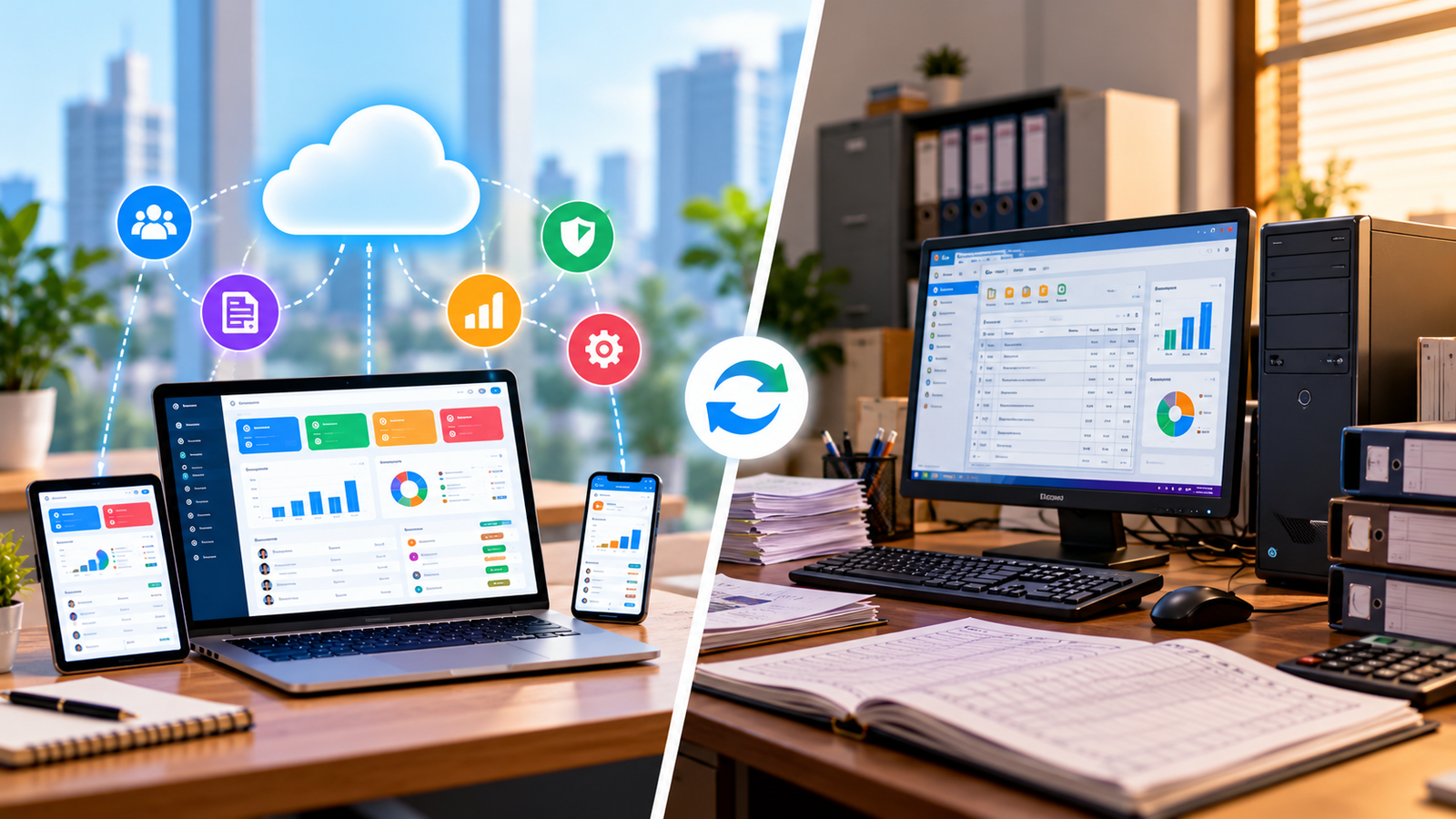
Manual Billing vs. Billing Software
| Manual Billing | Billing Software |
|---|---|
| Calculations performed manually | Calculations automated using configured rules |
| Prices may be entered repeatedly | Stored prices can be selected from a product list |
| Customer details typed for each invoice | Saved customer records can be reused |
| Previous bills may be difficult to find | Searchable invoice history, where supported |
| Stock may require separate updates | Inventory can update through integration |
| Payment tracking may require spreadsheets | Payment status can be recorded digitally |
The actual benefits depend on the billing software selected and how accurately the business maintains its records.
Which Businesses Should Use Billing Software?
Billing software can be useful for many types of small businesses.
Retail shops: Prepare customer bills quickly and maintain organized sales records.
Wholesale businesses: Manage product quantities, bulk orders, customer-specific pricing, and invoices.
Distributors: Organize transactions, customer accounts, and payment records.
Service providers: Create invoices for services, projects, maintenance, and recurring work.
Small manufacturers: Manage sales invoices and connect billing with relevant inventory or business management systems.
Growing businesses: Standardize billing procedures as the number of employees, customers, and transactions increases.
The best solution depends on transaction volume, industry requirements, budget, and the features the business needs.
How to Choose the Right Billing Software for Your Business
Before selecting billing software, consider these important factors.
Easy-to-Use Interface
Employees should be able to create invoices without unnecessary steps. A simple interface can reduce training time and minimize avoidable data-entry mistakes.
Accurate Calculation Features
Check whether the software supports your required calculations for quantities, discounts, taxes, round-off amounts, and final invoice totals.
GST Billing Support
If your business requires GST invoicing, verify that the software supports the relevant invoice fields and tax calculations for your transactions.
Customer and Product Management
A reliable product and customer database can reduce repeated data entry and improve consistency.
Payment and Outstanding Balance Tracking
Choose software that supports your payment workflows, including partial payments, credit sales, and outstanding balances if required.
Reporting and Data Backup
Reports can help you review billing activity and sales performance. Appropriate backup and recovery options are also important for protecting transaction records.
Scalability and Support
Select a system that can accommodate your expected growth and offers suitable technical assistance, updates, and maintenance.
Best Practices for Maintaining Accurate Digital Invoices
Billing software works best when combined with good business practices.
-
Update product prices and tax settings whenever changes are required.
-
Verify customer details before issuing important invoices.
-
Review invoice totals and discounts for unusual transactions.
-
Restrict access to billing settings based on employee responsibilities.
-
Reconcile recorded payments with actual receipts regularly.
-
Maintain reliable backups of business records.
-
Train employees to use the system correctly.
-
Review cancelled invoices, returns, and credit notes according to your business procedures.
These steps help businesses get more value from their billing software and maintain reliable records.
How Logic Waves Tech Helps Businesses Simplify Billing
At Logic Waves Tech, we understand that small businesses need practical software solutions to manage daily operations efficiently.
Our Billing Software Solutions are relevant for businesses looking to improve billing workflows, organize transaction records, and manage business activities more effectively.
Depending on the selected solution and its available features, businesses can benefit from capabilities such as invoice generation, product management, sales records, payment tracking, and inventory integration.
For organizations with more specific requirements, custom software development can help align digital tools with existing workflows.
The goal is to help businesses reduce avoidable manual work, improve access to information, and establish a more organized approach to daily operations.
Conclusion
Invoice errors may appear minor, but repeated mistakes can consume employee time, create customer confusion, and make financial records more difficult to manage.
Billing software helps small businesses reduce these problems by automating calculations, maintaining consistent product prices, reusing customer information, standardizing invoices, and improving transaction tracking.
However, software alone cannot guarantee error-free billing. Accurate data, appropriate configuration, regular verification, and employee training are equally important.
For small businesses looking to improve billing accuracy and simplify daily transactions, adopting suitable billing software can be a practical step toward more efficient operations.
Looking to simplify your billing process? Visit Logic Waves Tech to explore billing software solutions for your business.
Want this for your business?
Talk to our team — free consultation, clear advice.