Table of Contents
- 7 Benefits of Using Billing Software for Small Businesses
- 1. Faster and Easier Invoice Management
- 2. Reduces Billing Errors
- 3. Simplifies Customer Management
- 4. Makes Inventory Management Easier
- 5. Helps Track Payments and Outstanding Amounts
- 6. Provides Useful Reports and Business Insights
- 7. Improves Data Security and Business Organization
- Additional Benefits for Growing Businesses
- Who Can Benefit From Billing Software?
- Is Billing Software Worth It for a Small Business?
- Conclusion
7 Benefits of Using Billing Software for Small Businesses
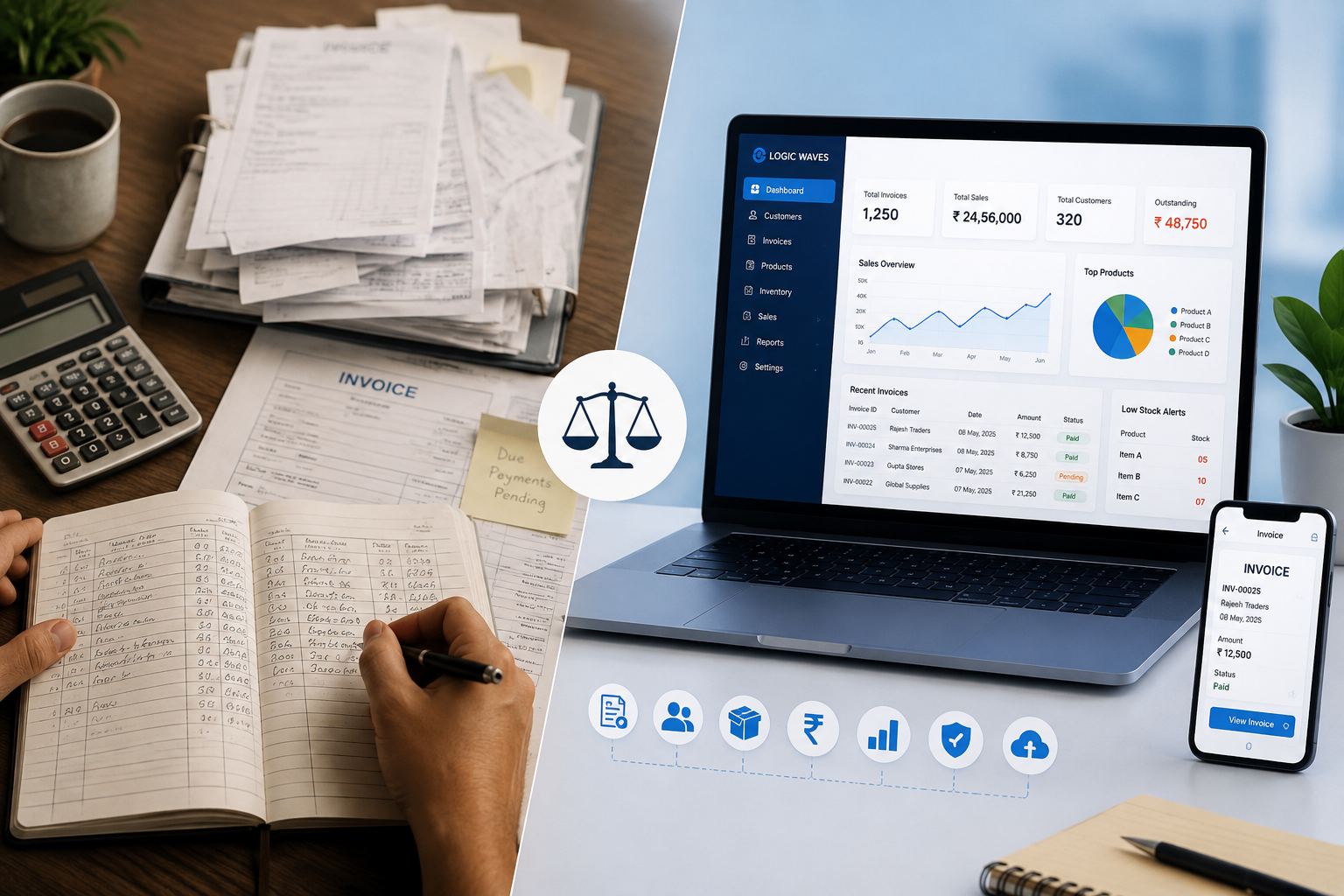
Running a small business involves much more than selling products or providing services. Business owners also need to manage invoices, customers, inventory, payments, taxes, and financial records. When these tasks are handled manually, they can consume valuable time and increase the possibility of errors.
This is where billing software for small businesses can make daily operations easier and more organized.
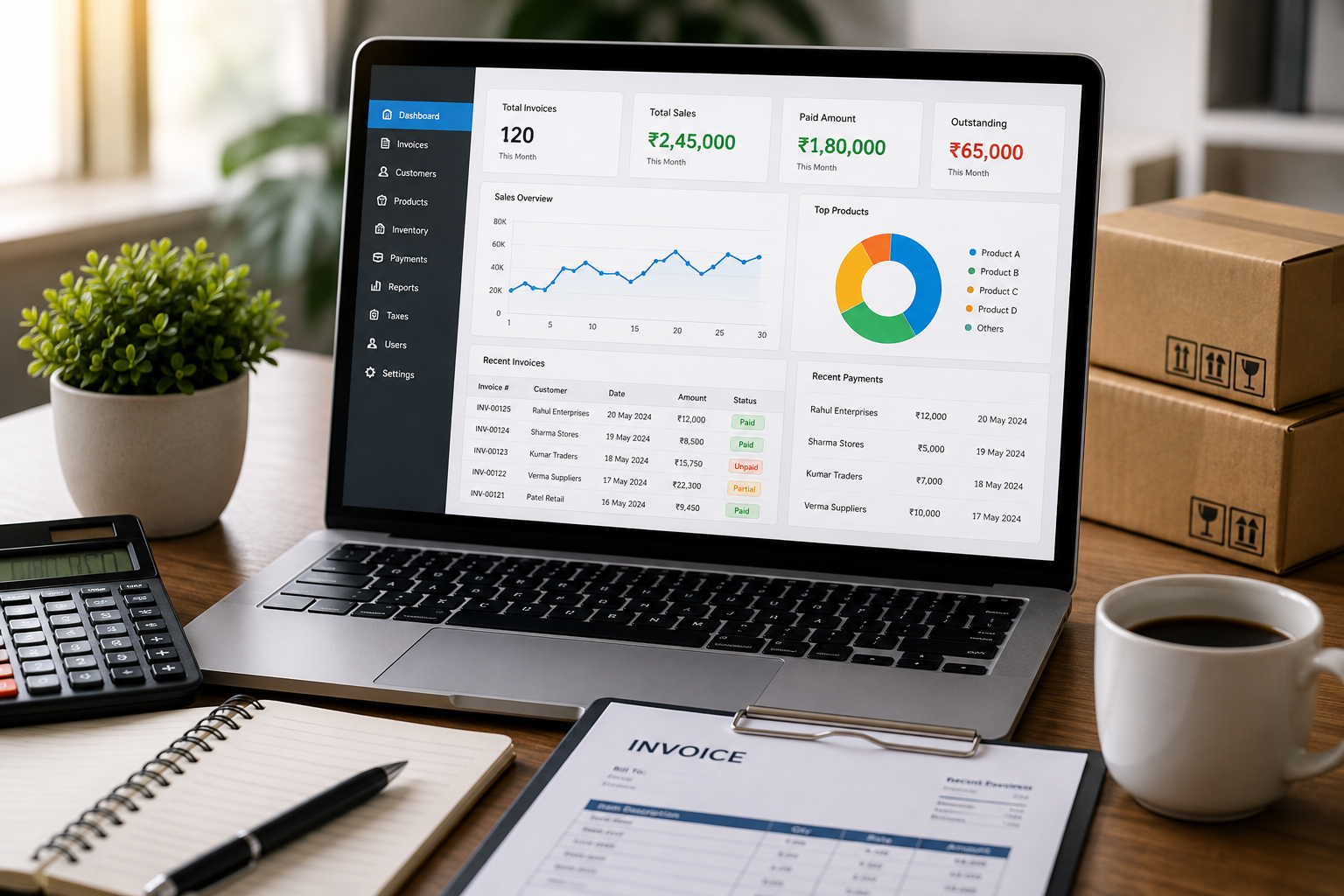
A modern billing system brings important business activities together in one place and helps reduce repetitive manual work. From creating invoices to tracking payments and managing inventory, billing software can support small businesses as they grow.
Here are 7 major benefits of using billing software for small businesses.
1. Faster and Easier Invoice Management
Creating invoices manually can take considerable time, especially when a business handles multiple customers every day.
Billing software simplifies this process by allowing businesses to create and manage invoices digitally. Customer and product information can be maintained within the system, making it easier to prepare invoices without repeatedly entering the same information.
Faster invoice creation can help businesses save time and provide a smoother billing experience for customers.
A billing system can also make it easier to access previous invoices whenever they are required.
2. Reduces Billing Errors
Manual calculations and repeated data entry can sometimes result in mistakes. Errors in quantities, prices, taxes, discounts, or totals can create problems for both businesses and customers.
Billing software can automate many calculations involved in invoice preparation. This reduces repetitive manual calculations and helps businesses create more accurate invoices.
Improved billing accuracy can also reduce the time employees spend checking and correcting invoices.
3. Simplifies Customer Management
Customer information is an important part of every business.
With manual records, customer details and purchase history may be stored in different notebooks, files, or spreadsheets. Finding the right information can become difficult as the customer base grows.
Billing software with customer management allows businesses to maintain customer information in an organized digital system.
Businesses can use these records to manage customer details, purchase information, and outstanding payments more efficiently.
4. Makes Inventory Management Easier
For businesses that sell physical products, keeping track of inventory is essential.
Manual stock management can become challenging when a business has many products or handles frequent sales. It can be difficult to know which products are available, which are running low, and when stock needs attention.
Billing software with inventory management helps businesses maintain product and stock information along with their billing activities.
Features such as stock tracking and low-stock alerts can help business owners stay more aware of their inventory and reduce the chances of overlooking products that need to be replenished.
5. Helps Track Payments and Outstanding Amounts
Getting paid on time is important for maintaining healthy business operations.
Small businesses may have customers who pay immediately as well as customers who make payments later. Maintaining these records manually can make it difficult to determine which invoices have been paid and which amounts are still outstanding.
Billing software with payment tracking can help businesses record payments and monitor outstanding amounts in an organized way.
Having payment information readily available can make it easier to follow up on pending payments and maintain a clear payment history.
6. Provides Useful Reports and Business Insights
Business owners need accurate information to understand how their business is performing.
Preparing reports manually can take time because information may need to be collected from invoices, sales records, inventory records, and payment records.
Billing software can organize this information and provide reports related to areas such as:
-
Sales
-
Customers
-
Products
-
Payments
-
Taxes
-
Business transactions
These reports can help business owners understand sales activity, identify important trends, and make better-informed business decisions.
7. Improves Data Security and Business Organization
Business billing records contain important information, including customer details, invoices, payments, and sales data. Losing these records can create significant inconvenience.
Paper records can be misplaced or damaged, while unorganized digital files can be difficult to manage.
A billing system with data backup and security features provides a more structured way to maintain important business information.
Digital records can also make it easier to find and access information when needed, helping businesses stay organized.
Additional Benefits for Growing Businesses
The benefits of billing software go beyond simply creating invoices.
As a business grows, owners may need to manage more products, customers, employees, and transactions. An organized billing system can help bring different business activities together.
Depending on the software, businesses can manage:
-
Invoices
-
Customers
-
Products
-
Inventory
-
Payments
-
Taxes and discounts
-
Sales reports
-
Business analytics
-
Data backup and security
This can reduce the need to maintain multiple disconnected records.
Who Can Benefit From Billing Software?
Billing software can be useful for many types of small and growing businesses.
The Logic Waves Tech Billing System is designed for businesses such as:
-
Retail shops
-
Wholesalers and distributors
-
Manufacturers
-
Service providers
-
Restaurants and cafés
-
Pharmacies and clinics
-
Schools and institutions
-
Other businesses requiring billing and transaction management
The brochure highlights these business categories along with features including invoice management, customer management, inventory management, payment tracking, reports and analytics, tax and discount management, and data backup and security.
Is Billing Software Worth It for a Small Business?
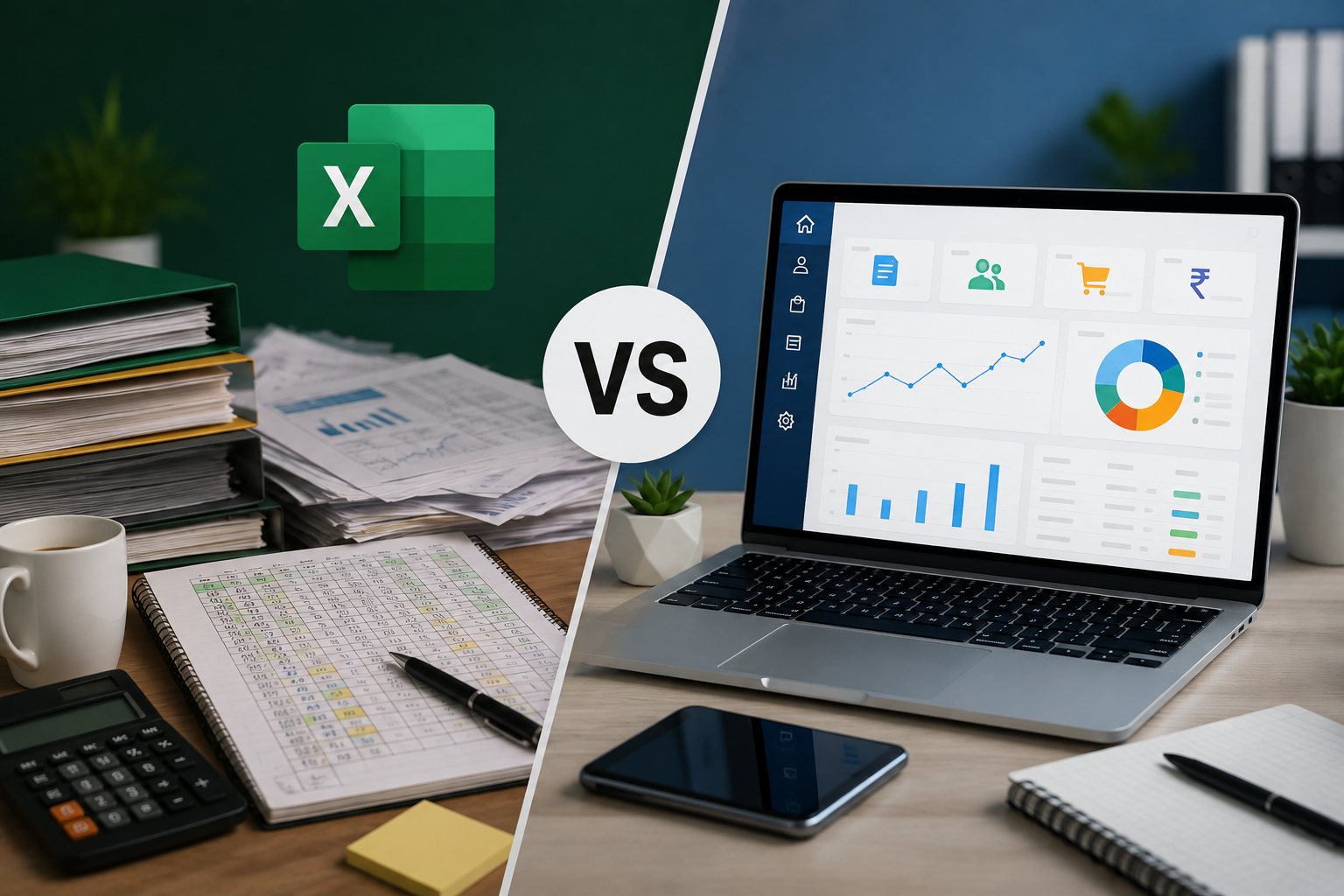
For a very small business with only a few transactions, manual billing may still be manageable.
However, as the number of customers, products, invoices, and payments increases, manual processes can become time-consuming and difficult to maintain.
Billing software can help small businesses:
-
Save time on repetitive billing tasks
-
Improve invoice accuracy
-
Organize customer information
-
Track inventory
-
Monitor payments
-
Generate useful reports
-
Protect important business data
The right software can therefore become a useful tool for managing everyday business operations.
Conclusion
Billing is one of the most important routine activities in any business. For small businesses, spending too much time on manual invoicing, calculations, inventory records, and payment tracking can take attention away from other important tasks.
Billing software provides a more organized and efficient way to manage these activities.
From faster invoice creation and improved accuracy to inventory management, payment tracking, business reporting, and data security, the right billing system can help small businesses manage their daily operations more effectively.
As your business grows, moving from manual processes to a digital billing system can be an important step toward better organization and more efficient business management.