Table of Contents
- Billing Software vs Excel: Which Is Better for Your Business?
- What Is Excel-Based Billing?
- What Is Billing Software?
- Billing Software vs Excel: Key Differences
- 1. Invoice Creation
- 2. Accuracy and Calculations
- 3. Customer Management
- 4. Inventory Management
- 5. Payment Tracking
- 6. Reports and Analytics
- 7. Tax and Discount Management
- 8. Data Organization and Backup
- When Is Excel Better?
- When Should You Choose Billing Software?
- Billing Software vs Excel: Which One Should You Choose?
- Why Choose an All-in-One Billing System?
- Conclusion
Billing Software vs Excel: Which Is Better for Your Business?
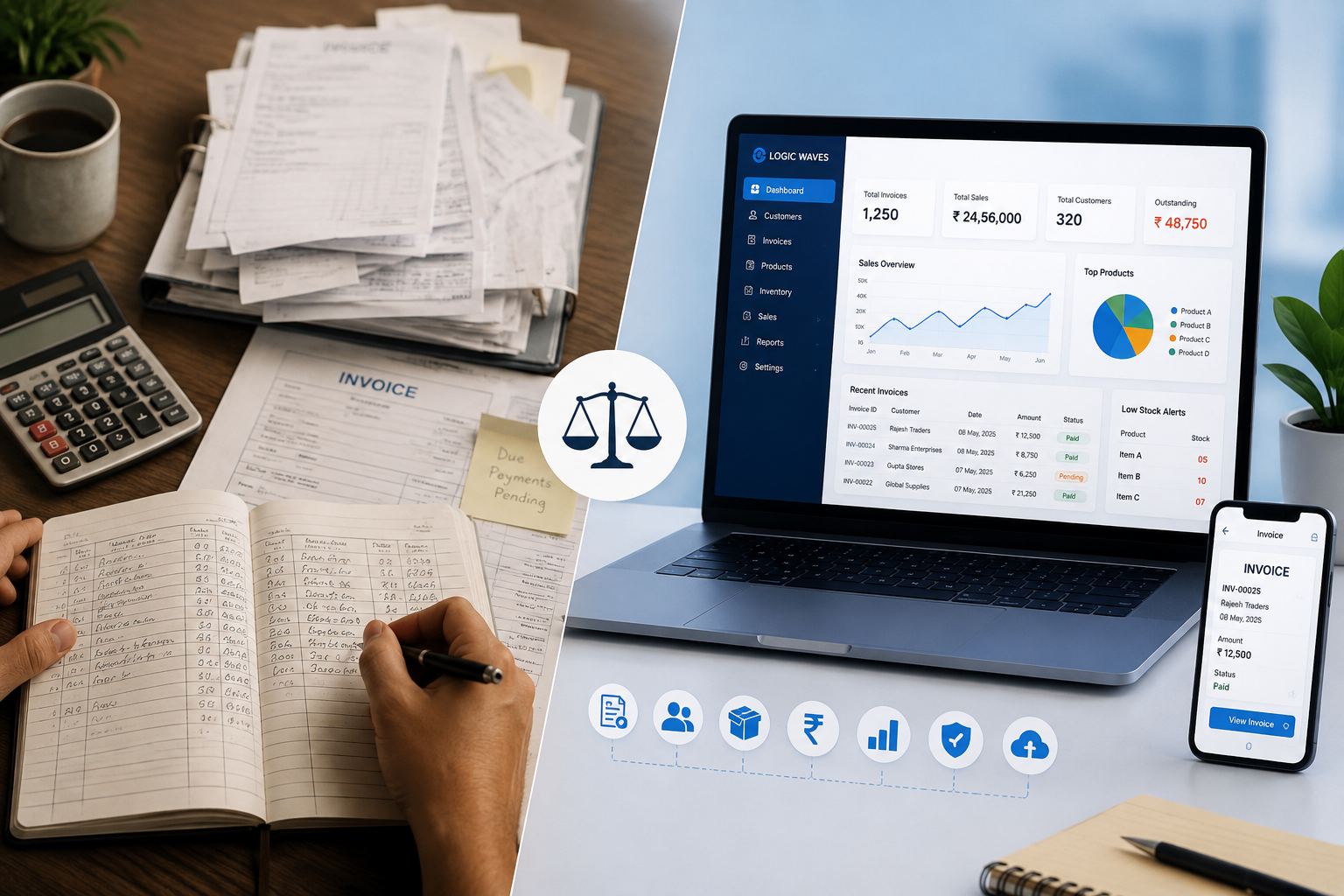
For many small businesses, Excel is one of the first tools used to manage sales, invoices, customers, products, and payments. It is flexible, familiar, and easy to start with. However, as a business grows, managing billing and business records through multiple Excel sheets can become time-consuming and difficult to maintain.
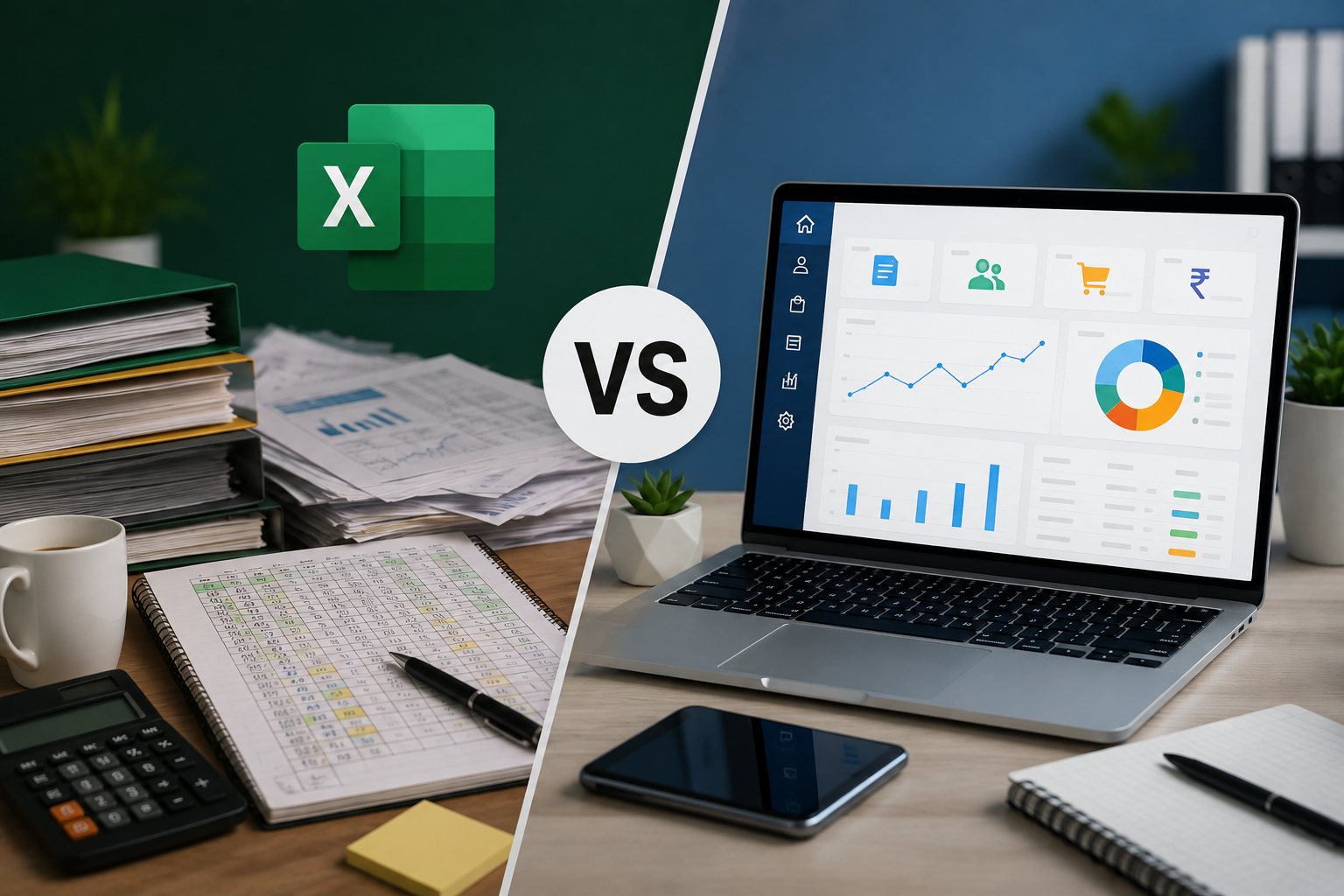
This raises an important question: Billing software vs Excel, which is better for your business?
The answer depends on the size of your business, the number of transactions you handle, and how much automation and organization you need.
Let's compare both options to understand which one can be more suitable for your business.
What Is Excel-Based Billing?
Excel-based billing involves using spreadsheets to create invoices, calculate totals, maintain customer information, track products, and record payments.
Businesses can create customized spreadsheets according to their requirements. Excel can be useful for simple billing operations, especially when transaction volumes are low.
However, as the number of invoices, customers, products, and transactions increases, maintaining multiple spreadsheets can become more challenging.
What Is Billing Software?
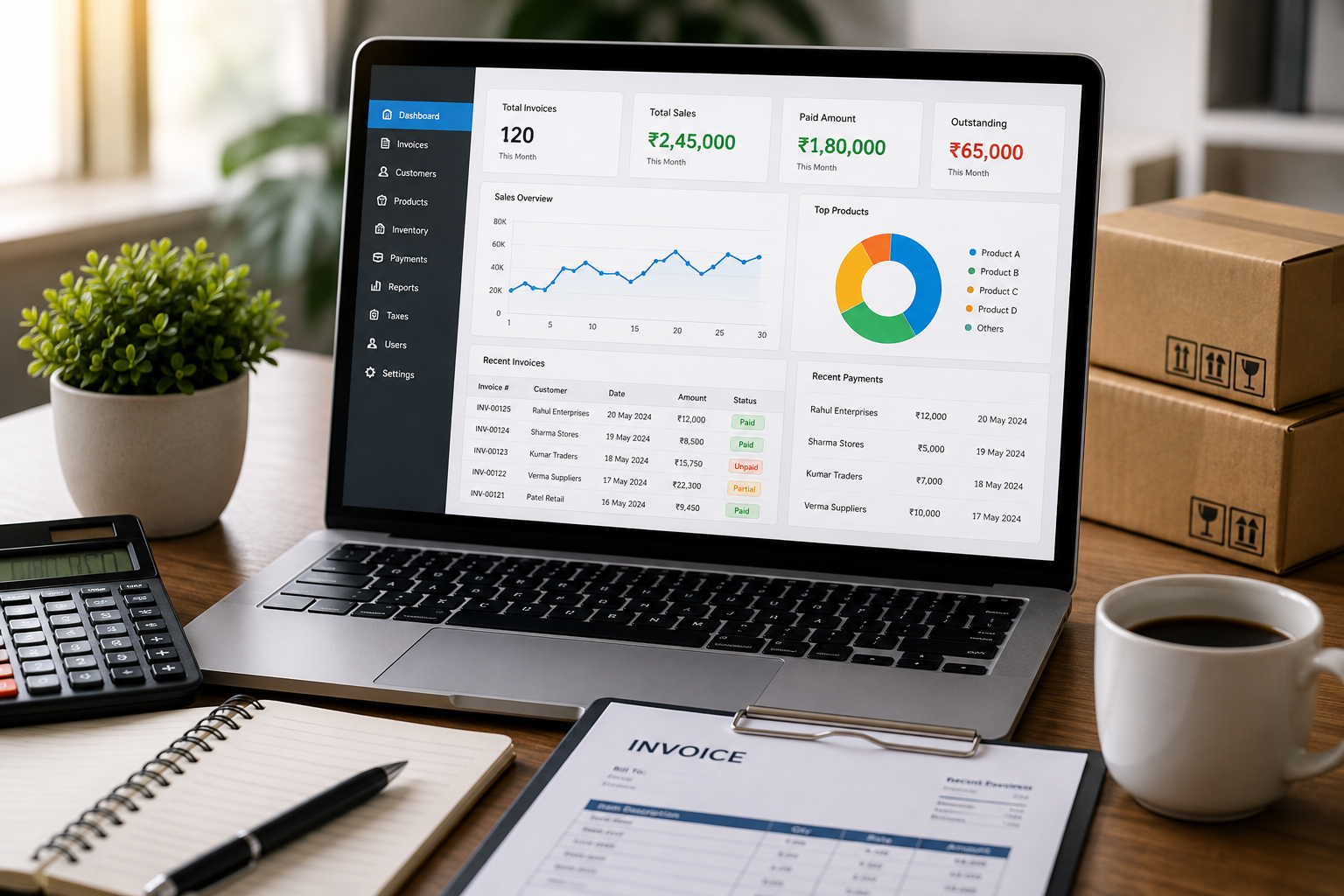
Billing software is a dedicated digital system designed to manage invoicing and related business activities.
A modern billing system can combine several functions, including:
-
Invoice management
-
Customer management
-
Inventory management
-
Payment tracking
-
Reports and analytics
-
Tax and discount management
-
Data backup and security
The Logic Waves Tech Billing System is designed around these functions, providing an all-in-one approach to managing business billing and related operations.
Billing Software vs Excel: Key Differences
| Feature | Excel | Billing Software |
|---|---|---|
| Invoice Creation | Requires spreadsheet templates | Dedicated invoice management |
| Calculations | Formula-based | Automated billing calculations |
| Customer Management | Separate sheets | Centralized customer records |
| Inventory | Requires manual updates | Integrated inventory management |
| Payment Tracking | Spreadsheet records | Dedicated payment tracking |
| Reports | Usually created using formulas | Built-in reports and analytics |
| Tax & Discounts | Manual setup and formulas | Dedicated management features |
| Data Backup | Requires separate backup practices | Can include backup features |
| Scalability | Can become difficult with large datasets | Designed for growing billing needs |
| Ease of Daily Billing | More manual steps | More streamlined workflow |
1. Invoice Creation
Excel can be used to create professional invoices with customized templates. However, users generally need to enter or select information manually and ensure that formulas are working correctly.
Billing software is specifically designed for invoice management. Customer and product information can be maintained within the system, making it easier to prepare invoices.
For businesses handling many transactions every day, a dedicated billing system can reduce repetitive work.
2. Accuracy and Calculations
Excel can perform calculations automatically when formulas are correctly configured. However, an incorrect formula, deleted cell reference, or manual data entry mistake can affect the final result.
Billing software is designed specifically around billing workflows and can automate many calculations involved in invoice preparation.
This can help reduce repetitive calculations and make the billing process more consistent.
3. Customer Management
Managing customer information in Excel usually means maintaining one or more spreadsheets.
As the customer database grows, finding specific records or connecting customer information with invoices and payments can become more difficult.
Billing software with customer management provides a centralized way to maintain customer details and related transaction information.
This can make it easier to access customer records when preparing invoices or reviewing previous transactions.
4. Inventory Management
Inventory management is one of the areas where a dedicated billing system can provide an advantage over basic spreadsheets.
In Excel, stock levels generally need to be updated using formulas or manual entries. A business with many products and frequent transactions may find this difficult to maintain consistently.
Billing software with integrated inventory management can connect product and stock information with billing activities.
The Logic Waves Tech Billing System includes inventory management as one of its key features.
5. Payment Tracking
Excel can be used to record customer payments, but businesses may need separate sheets or formulas to determine which invoices are paid and which amounts are outstanding.
Dedicated billing software provides payment tracking as part of the billing workflow.
This makes it easier to record payments, maintain payment history, and monitor outstanding amounts.
6. Reports and Analytics
Excel is powerful when it comes to creating customized reports. Users can create charts, formulas, pivot tables, and other reports based on their data.
However, preparing and maintaining these reports can require additional time and spreadsheet knowledge.
Billing software can provide reports and analytics based on the information already stored in the system.
The Logic Waves Tech brochure specifically highlights reports for sales, customers, products, taxes, and other business information.
7. Tax and Discount Management
Excel can be configured to calculate taxes and discounts using formulas. However, businesses need to create and maintain these formulas correctly.
Billing software with dedicated tax and discount management can make these activities more structured.
This can be particularly useful for businesses that regularly prepare invoices involving different products, customers, discounts, and applicable tax information.
8. Data Organization and Backup
Excel files can be stored digitally, but businesses need to manage file versions, backups, access, and storage themselves.
When multiple employees work with spreadsheets, maintaining the correct version of a file can also become difficult.
A billing system can provide a more centralized environment for maintaining billing and business records. Data backup and security features can provide additional support for protecting important information.
Data backup and security are included among the features highlighted in the Logic Waves Tech Billing System brochure.
When Is Excel Better?
Excel can still be a suitable option for certain businesses.
It may work well when:
-
The business handles a small number of transactions
-
There are only a few products
-
Customer records are limited
-
Inventory is simple
-
Only basic calculations are required
-
Customized spreadsheets are important
-
The business does not need an integrated billing system
For businesses with simple requirements, Excel can be an affordable and flexible starting point.
When Should You Choose Billing Software?
Billing software becomes more attractive when business operations become more complex.
You may want to consider billing software if you:
-
Create many invoices every day
-
Manage a large product catalog
-
Need regular inventory tracking
-
Have many customers
-
Need to monitor outstanding payments
-
Require regular sales reports
-
Have multiple employees involved in billing
-
Want billing and inventory in one system
-
Spend too much time maintaining spreadsheets
When these requirements increase, a dedicated billing system can help reduce the amount of manual work involved.
Billing Software vs Excel: Which One Should You Choose?
There is no single answer for every business.
Excel offers flexibility and can be useful for simple billing requirements. It is familiar to many users and can be customized for different types of calculations and records.
Billing software, on the other hand, is built specifically for business billing and can bring invoicing, customers, inventory, payments, reporting, tax and discount management, and data security into one system.
For a growing business that needs an organized and streamlined billing process, dedicated billing software can be a more practical long-term solution.
Why Choose an All-in-One Billing System?
Instead of maintaining separate Excel sheets for invoices, customers, products, inventory, payments, and reports, an all-in-one billing system can bring these activities together.
The Logic Waves Tech Billing System offers features including:
-
Invoice Management
-
Customer Management
-
Inventory Management
-
Payment Tracking
-
Reports & Analytics
-
Tax & Discount Management
-
Data Backup & Security
It is designed for different business categories, including retail shops, wholesalers and distributors, manufacturers, service providers, restaurants and cafés, pharmacies and clinics, schools and institutions, and more.
Conclusion
Excel remains a useful tool for businesses with simple billing and record-keeping requirements. However, managing billing entirely through spreadsheets can become increasingly difficult as the business grows.
Billing software provides a dedicated solution for managing invoices and related business operations in one place.
If your business needs better invoice management, inventory tracking, payment monitoring, reporting, tax and discount management, and organized business records, moving from Excel to billing software may be the right step.
Ultimately, the best choice depends on your business requirements. For simple operations, Excel may be enough. For growing businesses with increasing billing and management needs, dedicated billing software can provide greater organization and efficiency.