Table of Contents
- Manual Billing vs Billing Software: Which Is Better for Your Business?
- What Is Manual Billing?
- What Is Billing Software?
- Manual Billing vs Billing Software: Key Differences
- 1. Billing Speed
- 2. Accuracy of Billing
- 3. Customer Management
- 4. Inventory Management
- 5. Payment Tracking
- 6. Reports and Business Insights
- 7. Tax and Discount Management
- 8. Data Backup and Security
- When Is Manual Billing Still Suitable?
- When Should You Switch to Billing Software?
- Why Choose an All-in-One Billing System?
- Manual Billing vs Billing Software: The Final Verdict
Manual Billing vs Billing Software: Which Is Better for Your Business?
For many small businesses, billing starts with a simple process: write the customer's details, calculate the amount, add taxes or discounts, collect the payment, and record the transaction. When the number of customers and transactions is small, manual billing may seem convenient.
But as a business grows, managing invoices, customers, inventory, payments, and sales records manually can become increasingly difficult.
This is where billing software can make a significant difference.
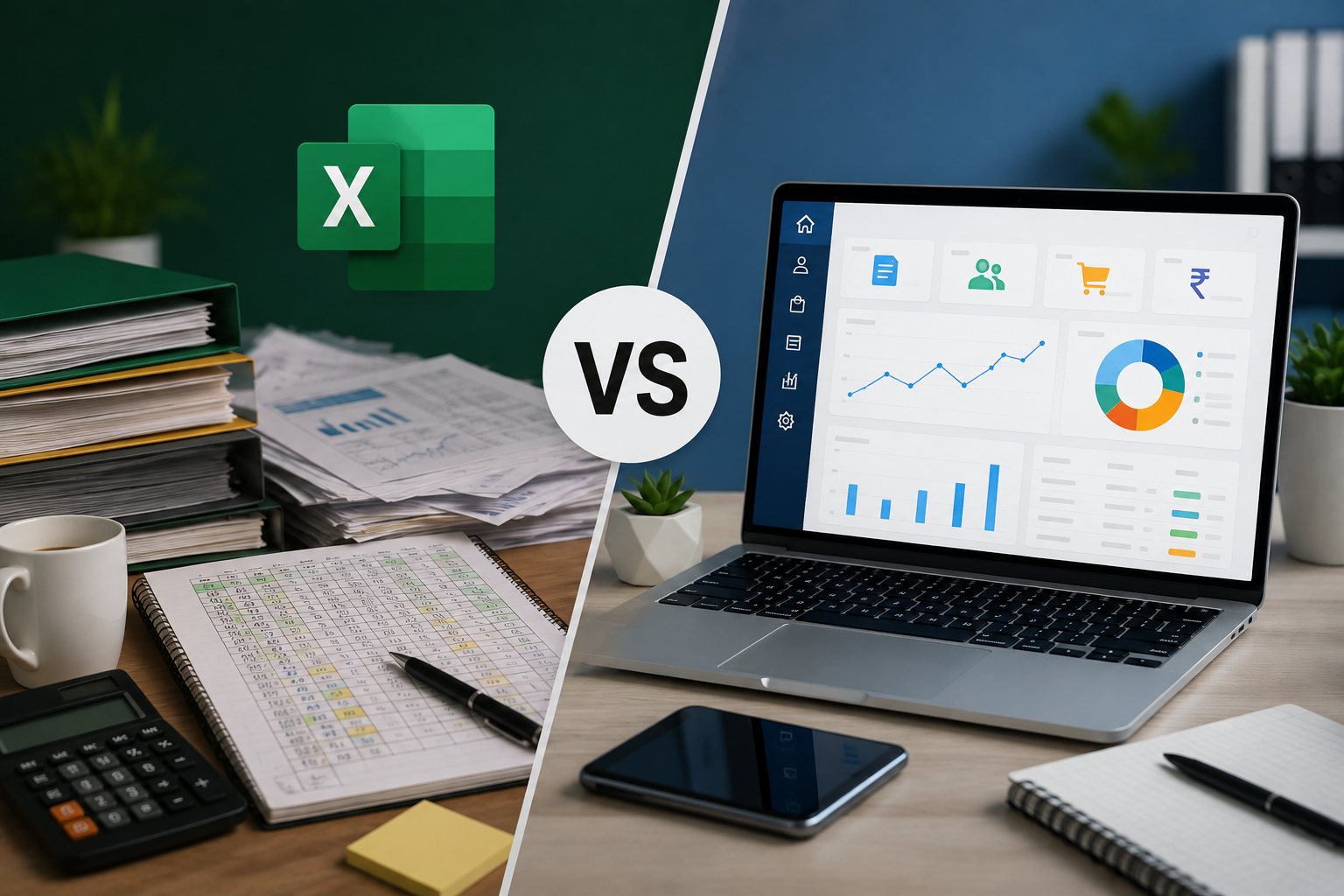
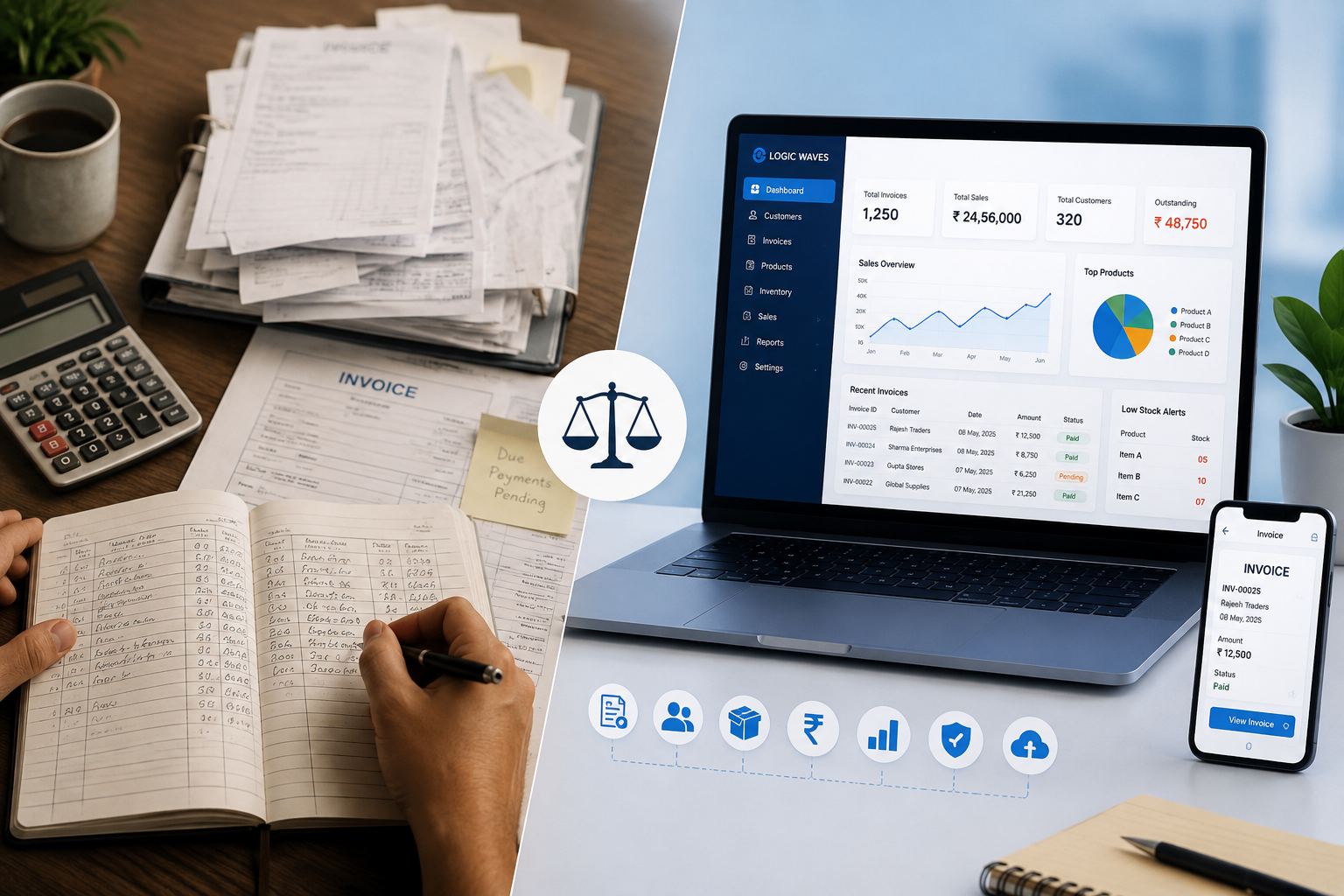
So, manual billing vs billing software: which is better for your business? Let's compare both methods and understand when it makes sense to move from traditional billing to a digital billing system.
What Is Manual Billing?
Manual billing is the traditional method of creating and maintaining bills using paper bill books, calculators, spreadsheets, or basic document templates.
In a manual system, business owners or employees generally have to:
-
Enter customer and product details manually
-
Calculate quantities and totals
-
Calculate taxes and discounts
-
Prepare invoices
-
Record payments
-
Maintain customer records
-
Update stock records
-
Prepare sales reports
-
Store previous invoices and transaction records
For a very small business with limited transactions, this process may be manageable. However, the workload increases as the number of products, customers, and daily transactions grows.
What Is Billing Software?
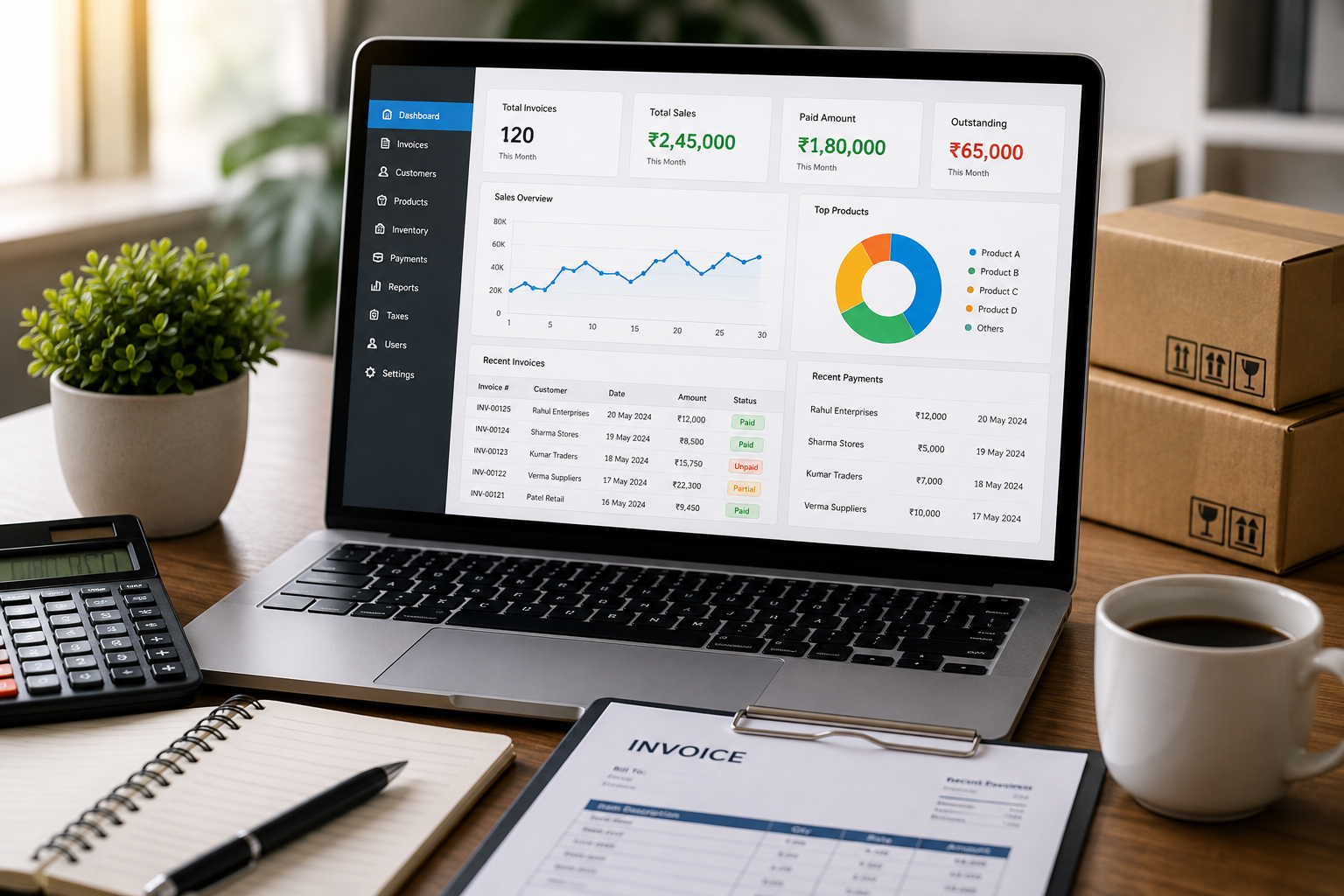
Billing software is a digital system designed to simplify and automate the billing process.
Instead of maintaining separate records for invoices, customers, payments, inventory, and sales, businesses can manage these activities through a centralized system.
A modern billing system can help businesses create invoices, manage customer information, track inventory, record payments, generate reports, manage taxes and discounts, and securely maintain business data.
For growing businesses, this can reduce repetitive work and make important business information easier to access.
Manual Billing vs Billing Software: Key Differences
| Feature | Manual Billing | Billing Software |
|---|---|---|
| Invoice Creation | Prepared manually | Digital invoice generation |
| Calculations | Manual calculations | Automated calculations |
| Customer Records | Paper files or spreadsheets | Centralized customer records |
| Inventory | Updated separately | Integrated inventory management |
| Payment Tracking | Manual records | Digital payment tracking |
| Sales Reports | Prepared manually | Reports generated from stored data |
| Tax & Discounts | Calculated manually | Easier to manage systematically |
| Data Security | Depends on physical/digital records | Backup and security features |
| Accessibility | Depends on where records are stored | Easier access to business information |
| Scalability | Difficult as transactions increase | Better suited for growing businesses |
1. Billing Speed
One of the biggest differences between manual billing and billing software is the time required to create an invoice.
With manual billing, employees need to enter product information, calculate the amount, apply discounts or taxes, and prepare the final bill.
Billing software can simplify many of these steps. Product and customer information can be maintained within the system, making invoice creation faster and reducing repetitive data entry.
This becomes particularly useful for retail shops, wholesalers, distributors, restaurants, service providers, and other businesses handling multiple transactions every day.
2. Accuracy of Billing
Manual calculations can lead to mistakes. An incorrect quantity, discount, tax calculation, or total amount can result in an inaccurate invoice.
Billing software reduces the need for repeated manual calculations by automating important parts of the billing process.
Better accuracy is especially important when a business handles a large number of invoices or has multiple employees involved in billing.
3. Customer Management
With manual billing, customer information may be spread across notebooks, invoice files, or spreadsheets.
Finding a customer's previous purchase or payment information can therefore take time.
A billing system with customer management allows businesses to maintain customer details and purchase-related information in one place.
This makes it easier to refer to customer records when required.
4. Inventory Management
Inventory is another major area where manual processes can become difficult.
When stock is maintained manually, employees may need to update stock records after sales and purchases. As the number of products increases, keeping these records accurate becomes more challenging.
Billing software with inventory management can help businesses maintain product and stock information alongside their billing operations.
This gives business owners better visibility into their products and helps them identify stock-related issues more efficiently.
5. Payment Tracking
Creating an invoice is only one part of the billing process. Businesses also need to know which payments have been received and which amounts are still outstanding.
With manual billing, payment records may need to be checked separately against invoices.
A billing system with payment tracking makes it easier to record payments, monitor outstanding amounts, and maintain payment history.
This can be particularly useful for businesses that regularly sell products or services on credit.
6. Reports and Business Insights
Business owners need more than invoices. They also need information that helps them understand how their business is performing.
With manual billing, preparing sales summaries and other reports can require collecting information from multiple records.
Billing software can organize transaction data and provide reports related to sales, customers, products, payments, taxes, and other business activities.
These reports can help business owners understand their operations and make more informed decisions.
7. Tax and Discount Management
Taxes and discounts can add complexity to the billing process, particularly when businesses handle many different products or transactions.
Manual billing requires employees to calculate and record these details correctly for each invoice.
A billing system can make tax and discount management more organized and reduce repetitive calculations.
Businesses should still ensure that their tax configuration and invoicing practices are appropriate for their specific requirements.
8. Data Backup and Security
Paper invoices can be damaged, lost, or misplaced. Digital files can also be lost if they are not backed up properly.
A modern billing system can provide data backup and security features that help businesses protect important billing and transaction information.
Having a structured digital record also makes it easier to retrieve information when it is needed.
When Is Manual Billing Still Suitable?
Manual billing is not necessarily wrong for every business.
It may still be suitable when:
-
The business has very few daily transactions
-
The number of products is limited
-
There are only a small number of customers
-
Inventory management is simple
-
The owner can easily maintain records manually
-
Detailed reporting is not required
For a very small operation, moving to software may not be an immediate priority.
However, the situation changes as the business grows.
When Should You Switch to Billing Software?
You may want to consider billing software if you are experiencing problems such as:
-
Spending too much time preparing invoices
-
Frequent billing or calculation mistakes
-
Difficulty tracking inventory
-
Trouble finding old customer records
-
Outstanding payments becoming difficult to monitor
-
Spending hours preparing sales reports
-
Managing multiple employees or billing users
-
Maintaining large numbers of paper invoices
-
Difficulty keeping business data organized
If several of these problems sound familiar, a digital billing system can help simplify daily operations.
Why Choose an All-in-One Billing System?
The biggest advantage of an all-in-one billing system is that businesses don't have to manage every activity separately.
Instead of maintaining one system for invoices, another for customers, another for inventory, and separate records for payments and reports, these functions can be managed together.
The Logic Waves Tech Billing System is designed around this approach, offering features including:
-
Invoice Management
-
Customer Management
-
Inventory Management
-
Payment Tracking
-
Reports & Analytics
-
Tax & Discount Management
-
Data Backup & Security
It is designed for different types of businesses, including retail shops, wholesalers and distributors, manufacturers, service providers, restaurants and cafés, pharmacies and clinics, schools and institutions, and more.
Manual Billing vs Billing Software: The Final Verdict
Manual billing can work when a business is small and transactions are limited. It requires little initial setup and may be familiar to business owners and employees.
However, as transaction volume, customers, products, and reporting requirements increase, manual billing can become time-consuming and difficult to manage.
Billing software offers a more organized approach by bringing invoicing, customer management, inventory, payments, reporting, taxes, and business data into a digital system.
For businesses looking to save time, reduce repetitive work, improve record management, and support future growth, billing software can be a more practical choice than relying entirely on manual billing.
The right solution ultimately depends on the size and requirements of your business. But if manual billing is taking more time to manage than your actual business operations, it may be time to consider making the switch.