Table of Contents
- From Scattered Data to One Dashboard: Improving Business Management
- What Does Scattered Business Data Mean?
- Why Scattered Data Creates Business Challenges
- The Role of a Centralized Dashboard
- Turning Data into Useful Information
- Faster Decision-Making
- Reducing Duplicate Data Entry
- Creating a Single Source of Truth
- Improving Departmental Collaboration
- Better Project Management
- Improving Employee Productivity
- Using Automation Alongside Centralization
- Dashboard Reporting for Management
- Data Security and Access Control
- Integration with Existing Business Systems
- Custom Dashboard vs. Generic Dashboard
- How to Move from Scattered Data to One Dashboard
- Step 1: Identify Data Sources
- Step 2: Find Duplicate Information
- Step 3: Identify Critical Business Metrics
- Step 4: Prioritize Integrations
- Step 5: Design the Dashboard
- Step 6: Add Automation
- Step 7: Review and Improve
- What Makes a Good Business Dashboard?
- The Long-Term Benefits of Centralization
- Conclusion
From Scattered Data to One Dashboard: Improving Business Management
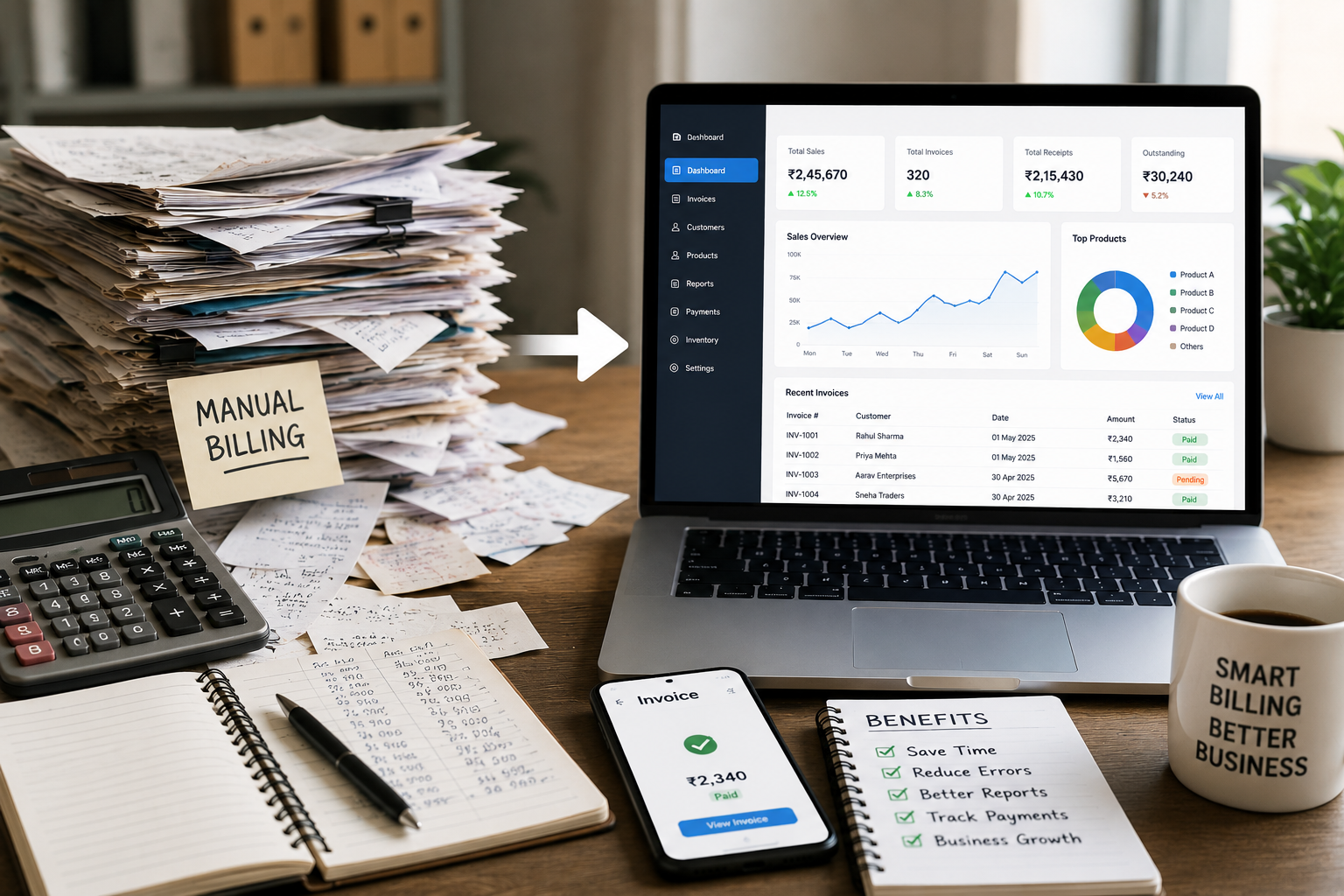
Modern businesses generate and manage large amounts of information every day. Customer details, sales records, project updates, employee information, website content, financial data, marketing reports, and operational records may all be stored in different systems.
While these tools can help individual departments perform their work, scattered information can make overall business management more difficult. Managers may need to check multiple applications, spreadsheets, emails, and databases before they can understand what is happening across the organization.
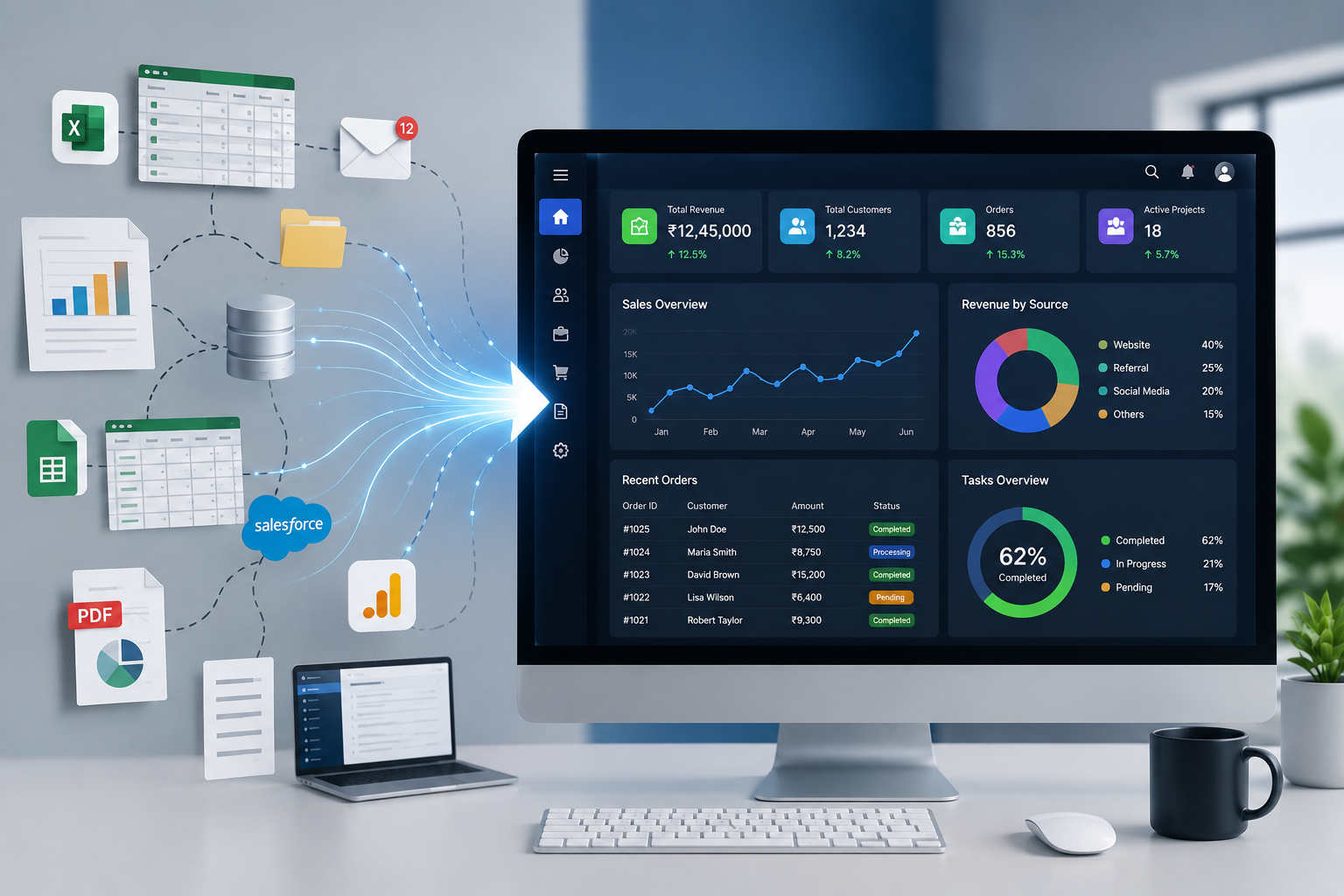
A centralized business dashboard can help solve this problem by bringing important information together in one accessible environment.
What Does Scattered Business Data Mean?
Scattered data refers to business information stored across multiple locations or systems without a unified way to view and manage it.
For example, a company might use:
-
Spreadsheets for employee information
-
A CRM for customer records
-
Separate software for accounting
-
Email for project communication
-
A website CMS for content
-
Another platform for marketing analytics
-
Different documents for internal reports
Each system may work independently, but management becomes more complicated when information needs to be compared across multiple sources.
Why Scattered Data Creates Business Challenges
The problem with scattered data is not simply the number of systems being used. The bigger issue is the difficulty of connecting information and obtaining a clear picture of business operations.
Employees and managers may spend valuable time searching for information instead of using it.
Common challenges include:
-
Duplicate data entry
-
Inconsistent records
-
Difficult reporting
-
Delayed decision-making
-
Limited visibility
-
Repetitive administrative work
-
Communication gaps
-
Difficulty tracking business performance
As a business grows, these challenges can become more noticeable because the amount of data and number of users increases.
The Role of a Centralized Dashboard
A centralized dashboard provides a common interface for accessing important business information.
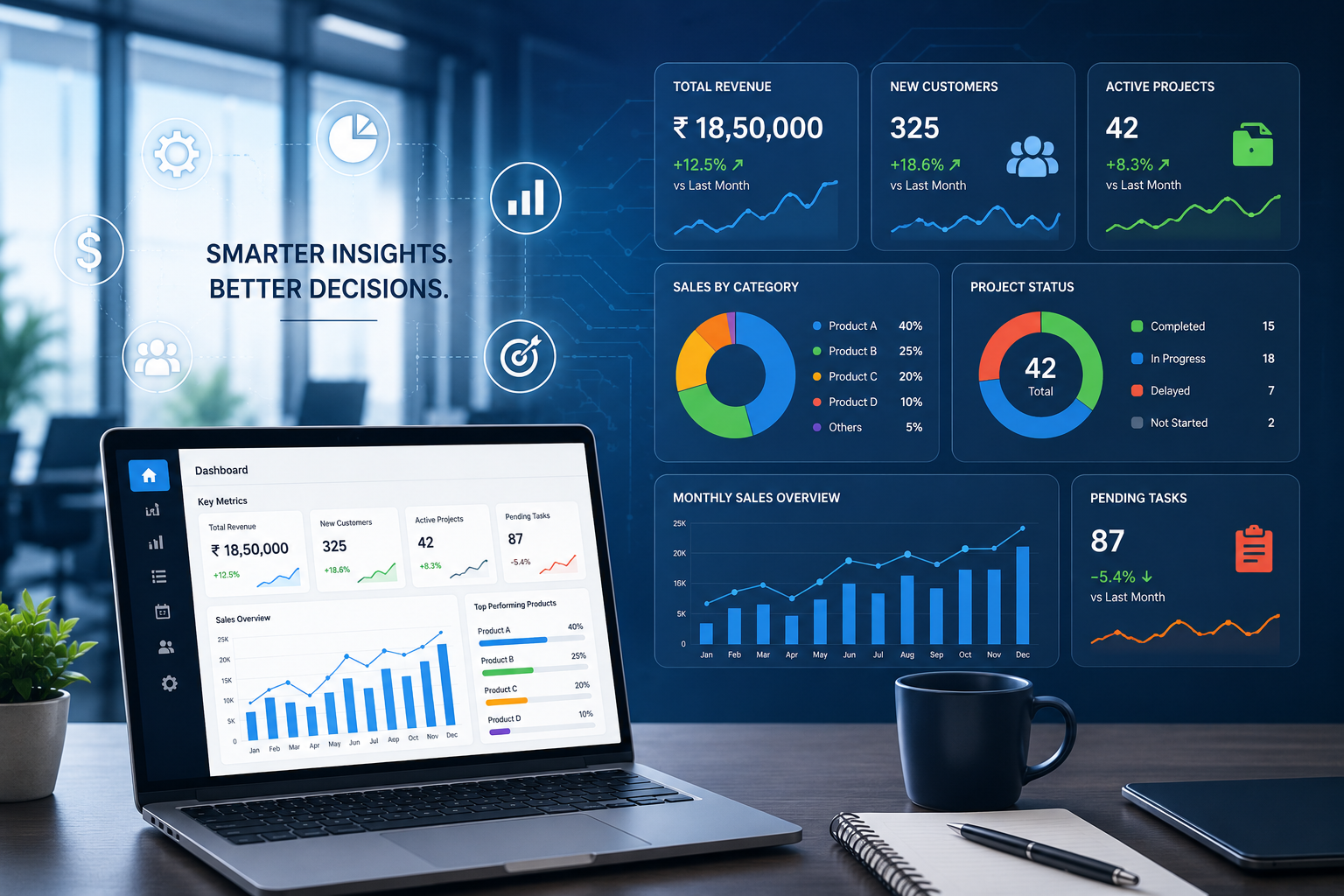
Instead of requiring managers to open several systems individually, a dashboard can display selected information through charts, tables, metrics, notifications, and status indicators.
The dashboard can become a starting point for daily management.
For example, a management dashboard might display:
-
Total customers
-
Active projects
-
Pending tasks
-
Sales performance
-
Employee activities
-
Website statistics
-
Open job positions
-
Financial indicators
-
Recent business activities
The exact information depends on the organization's requirements.
Turning Data into Useful Information
Simply collecting data does not automatically improve decision-making. Businesses need to present information in a way that people can understand and act upon.
A dashboard can transform raw data into useful visual information.
For example, instead of reviewing hundreds of individual sales records, a manager could see:
Monthly Sales: ₹12,50,000
Active Customers: 420
Pending Orders: 86
Completed Projects: 34
New Leads: 128
This type of summary allows management to understand the current situation quickly.
Faster Decision-Making
Business decisions often depend on timely information.
When managers have to collect information from multiple departments before making a decision, the process can take longer. A centralized dashboard can provide relevant information in a single location.
For example, if a manager wants to understand why a project is delayed, the dashboard could show project progress, pending tasks, assigned employees, deadlines, and recent updates.
This does not replace management judgment. Instead, it provides the information required to make that judgment more efficiently.
Reducing Duplicate Data Entry
One of the common problems associated with multiple systems is repeated data entry.
An employee may enter the same customer information into a spreadsheet, CRM, accounting application, and internal database.
This takes time and increases the possibility of mistakes.
With appropriate integrations, a centralized system can reduce unnecessary duplication by allowing information to move between connected applications.
For example, customer information entered into one system could potentially be synchronized with another system through an API or database integration.
Creating a Single Source of Truth
A centralized dashboard can help businesses establish a reliable source of operational information.
Instead of different departments maintaining separate versions of the same information, teams can work with shared records where appropriate.
This can improve consistency and make it easier to identify the latest status of important business activities.
A single source of truth is particularly valuable for organizations where several departments depend on the same information.
Improving Departmental Collaboration
Business processes often cross departmental boundaries.
For example, a new customer may involve:
Marketing → Sales → Operations → Finance → Customer Support
If each department maintains isolated information, transferring updates between teams can become difficult.
A centralized dashboard can provide authorized users with access to relevant information throughout the workflow.
This improves visibility and helps employees understand what has already happened and what needs to happen next.
Better Project Management
Projects generate large amounts of information, including deadlines, tasks, employees, documents, budgets, and progress updates.
A dashboard can bring these details together into a project overview.
Managers can use it to monitor:
-
Project status
-
Task completion
-
Deadlines
-
Assigned team members
-
Pending activities
-
Completed work
-
Project priorities
This can make it easier to identify projects that require immediate attention.
Improving Employee Productivity
Employees often lose time performing small administrative tasks such as searching for information, preparing reports, checking multiple systems, or requesting updates from other departments.
A centralized dashboard can reduce some of this work.
Employees can access relevant information directly, while managers can monitor progress without requesting manual status updates for every task.
The result can be a more organized workflow where employees spend more time on productive activities.
Using Automation Alongside Centralization
Centralization and automation can work together.
Once business information is connected, repetitive workflows can potentially be automated.
Examples include:
-
Sending notifications when tasks are assigned
-
Creating reminders for upcoming deadlines
-
Generating recurring reports
-
Updating records after an approval
-
Sending emails based on specific events
-
Synchronizing information between systems
Automation should be applied carefully. Businesses should first understand their processes and then automate tasks that are repetitive, predictable, and suitable for automation.
Dashboard Reporting for Management
A centralized dashboard can also simplify business reporting.
Instead of manually preparing reports from different spreadsheets and applications, organizations can create dashboards that present frequently required information in a structured format.
Reports may include:
-
Daily operational summaries
-
Monthly performance
-
Department-wise activities
-
Sales reports
-
Project reports
-
Employee performance indicators
-
Website activity
-
Customer statistics
Automated reporting can reduce preparation time and help management review information more consistently.
Data Security and Access Control
Centralizing business information also makes security an important consideration.
Not every employee needs access to every type of data.
A well-designed dashboard should provide appropriate permissions based on user roles.
For example:
Administrator: Full system access
Manager: Department and management reports
Employee: Assigned tasks and relevant records
Content Manager: Website and content-related sections
This approach helps protect sensitive information while allowing employees to access the tools they need.
Other security measures can include secure authentication, encrypted connections, password protection, database security, backups, and activity logs.
Integration with Existing Business Systems
Moving everything into one completely new platform is not always necessary.
A centralized dashboard can often work as an integration layer that brings information from existing systems into one management interface.
Depending on the organization, integrations may include:
-
CRM systems
-
Accounting software
-
Payment gateways
-
HR applications
-
Email platforms
-
Marketing tools
-
Databases
-
Inventory systems
-
Third-party APIs
This approach can allow businesses to continue using specialized tools while giving management a more unified view.
Custom Dashboard vs. Generic Dashboard
Every business has different processes and reporting requirements.
A generic dashboard may provide useful standard features, but some organizations need functionality specific to their industry or workflow.
A custom dashboard can be designed around:
-
Existing databases
-
Business processes
-
Department structures
-
User roles
-
Reporting requirements
-
APIs
-
Internal workflows
-
Company-specific KPIs
For businesses with unique requirements, customization can make the system more practical and easier for employees to use.
How to Move from Scattered Data to One Dashboard
Businesses do not need to centralize everything at once.
A practical approach is to begin with the most important information and processes.
Step 1: Identify Data Sources
Create a list of spreadsheets, databases, applications, documents, and other systems currently used by the organization.
Step 2: Find Duplicate Information
Identify information that is being entered or maintained in multiple places.
Step 3: Identify Critical Business Metrics
Determine which information management needs to monitor regularly.
Step 4: Prioritize Integrations
Start with systems that have the greatest impact on daily operations.
Step 5: Design the Dashboard
Create a simple interface that presents the most important information clearly.
Step 6: Add Automation
Once the workflow is stable, automate repetitive processes where appropriate.
Step 7: Review and Improve
Collect feedback from users and continuously improve the dashboard based on actual business requirements.
What Makes a Good Business Dashboard?
A successful dashboard should not simply display a large amount of information.
It should focus on clarity and usefulness.
Important characteristics include:
-
Simple navigation
-
Relevant information
-
Clear visualizations
-
Fast loading
-
Responsive design
-
Role-based access
-
Search and filtering
-
Accurate data
-
Useful notifications
-
Easy reporting
The objective is to help users understand important information quickly.
The Long-Term Benefits of Centralization
Moving from scattered information to a centralized dashboard can provide benefits beyond daily convenience.
Over time, businesses can gain:
-
Better operational visibility
-
Improved data consistency
-
Faster reporting
-
Reduced manual work
-
Better collaboration
-
More efficient workflows
-
Improved accountability
-
Easier business monitoring
-
Greater scalability
These improvements become particularly valuable as organizations expand and their operational data increases.
Conclusion
Scattered data can make business management unnecessarily complicated. When information is distributed across spreadsheets, applications, databases, and communication channels, employees and managers may spend too much time finding and organizing information.
A centralized business dashboard provides a practical way to bring important information together. By combining data, reporting, workflows, permissions, integrations, and automation, businesses can create a more organized digital environment.
The goal is not simply to put every piece of information on one screen. The real objective is to make important business information easier to access, understand, and act upon.
For growing businesses, moving from scattered data toward a centralized dashboard can be an important step toward improving efficiency, visibility, collaboration, and long-term digital management.