Table of Contents
- How Business Software Can Improve Customer Follow-Up
- What Is Customer Follow-Up?
- Why Manual Follow-Up Becomes Difficult
- 1. Centralize Customer Information
- 2. Automated Follow-Up Reminders
- 3. Prevent Leads From Being Forgotten
- 4. Track Every Customer Interaction
- 5. Automate Routine Messages
- 6. Improve Response Time
- 7. Prioritize Important Customers
- High Priority
- Medium Priority
- Low Priority
- 8. Improve Sales Team Accountability
- 9. Make Follow-Up More Personalized
- 10. Support Repeat Customers
- 11. Improve Customer Service Follow-Up
- 12. Manage Follow-Up Across Multiple Branches
- 13. Integrate Follow-Up With Other Business Systems
- 14. Track Follow-Up Performance
- 15. Reduce Dependence on Spreadsheets
- How an Automated Follow-Up Process Can Work
- Step 1: Lead Arrives
- Step 2: Lead Is Created
- Step 3: Lead Is Assigned
- Step 4: First Contact
- Step 5: Follow-Up Is Scheduled
- Step 6: Reminder Is Sent
- Step 7: Customer Responds
- Step 8: Next Action
- Step 9: Conversion
- Business Software vs Manual Follow-Up
- What Features Should a Customer Follow-Up System Include?
- Customer Management
- Lead Management
- Follow-Up Reminders
- Communication History
- Sales Pipeline
- Automated Workflows
- Reports and Dashboards
- Role-Based Access
- Mobile or Cloud Access
- Integrations
- How Custom Software Can Improve Follow-Up Further
- Final Thoughts
How Business Software Can Improve Customer Follow-Up
Customer follow-up is one of the most important activities for businesses that depend on leads, sales, repeat purchases, appointments, or ongoing customer relationships. A potential customer may show interest in a product or service today but may not be ready to make a decision immediately.
Without a proper follow-up process, businesses can easily lose track of these opportunities.
Sales teams may rely on spreadsheets, notebooks, phone reminders, emails, or messaging applications to remember who needs to be contacted. As the number of customers increases, managing these activities manually becomes difficult.
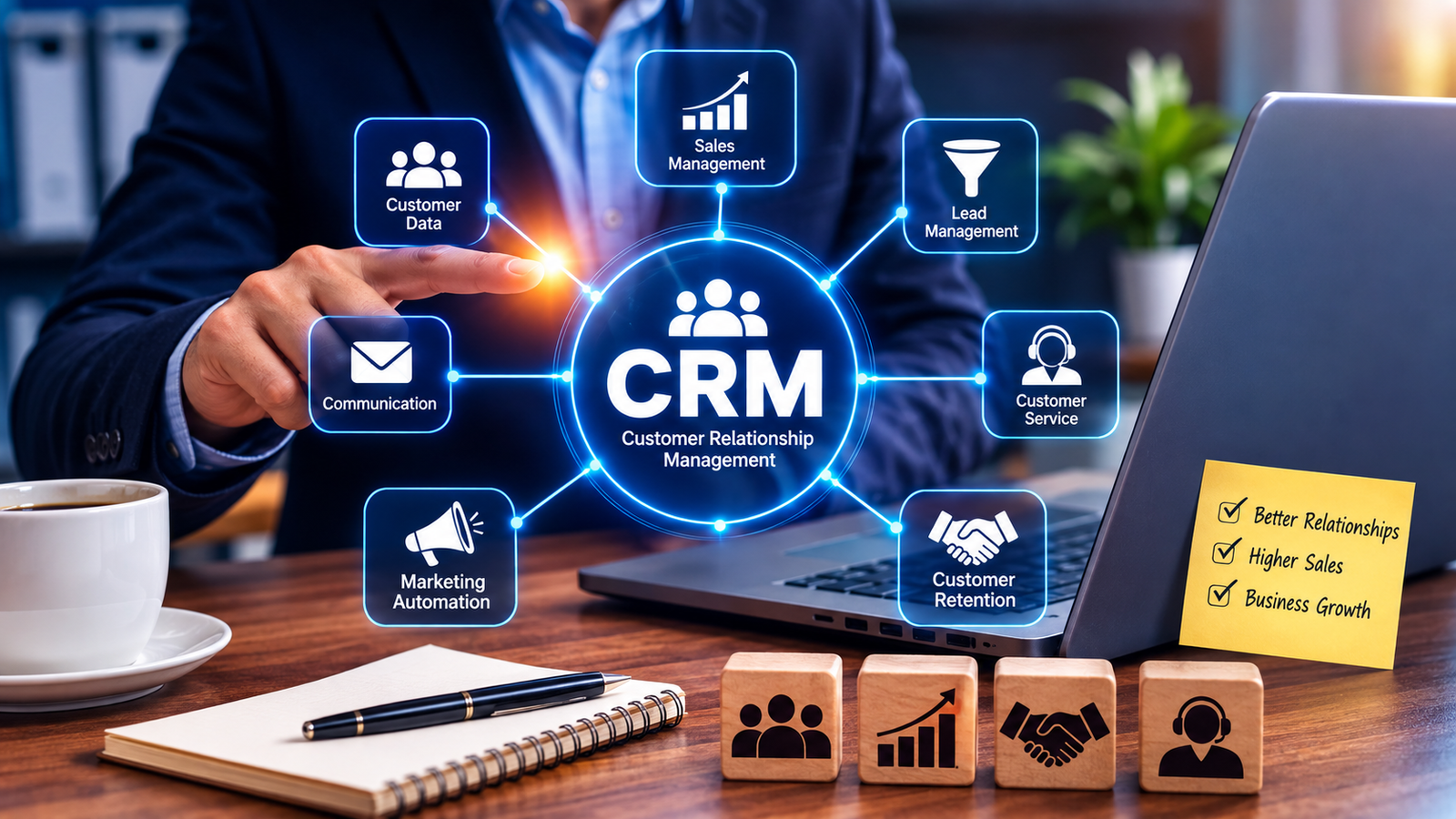
Business software, particularly CRM and customer management systems, can make follow-up more organized by keeping customer information, communication history, tasks, reminders, and sales activities in one place. CRM platforms are designed to centralize customer interactions and can automate repetitive follow-up activities.
What Is Customer Follow-Up?
Customer follow-up refers to communication with a customer or prospect after an initial interaction.
It may include:
-
Calling a new lead
-
Sending a quotation
-
Checking whether a customer received an offer
-
Following up after a product demonstration
-
Confirming an appointment
-
Asking about a purchase decision
-
Checking customer satisfaction
-
Following up on an unresolved support issue
-
Contacting existing customers about repeat purchases
Effective follow-up is not simply about contacting customers frequently. It is about contacting the right customer at an appropriate time with relevant information.
Business software can help organize this process.
Why Manual Follow-Up Becomes Difficult
A small business may initially manage customer follow-ups using a simple spreadsheet.
For example:
| Customer | Contact | Last Contact | Next Follow-Up |
|---|---|---|---|
| Rahul | 98765XXXXX | Monday | Wednesday |
| Priya | 98764XXXXX | Tuesday | Friday |
| Amit | 98763XXXXX | Monday | Thursday |
This may work when there are only a few customers.
However, when a business has hundreds or thousands of leads, manually maintaining this information becomes increasingly difficult.
Common problems include:
-
Missed follow-up dates
-
Duplicate customer records
-
Lost contact information
-
No clear ownership of leads
-
Inconsistent communication
-
Employees forgetting previous conversations
-
Difficulty identifying inactive leads
-
Limited management visibility
A CRM can address many of these problems by creating a centralized customer record and making follow-up tasks easier to track.
1. Centralize Customer Information
One of the biggest advantages of business software is centralized customer data.
Instead of searching through different spreadsheets, emails, documents, and messaging applications, employees can access customer information from one system.
A customer profile may contain:
-
Name
-
Phone number
-
Email address
-
Company
-
Lead source
-
Previous conversations
-
Purchase history
-
Quotations
-
Follow-up dates
-
Assigned salesperson
-
Customer preferences
-
Support history
This gives employees better context before contacting the customer.
A centralized CRM can provide a shared view of customer information across sales, marketing, and service teams.
2. Automated Follow-Up Reminders
One of the simplest ways software improves follow-up is through reminders.
For example:
New Lead Received
↓
First Call: Today
↓
Second Follow-Up: After 2 Days
↓
Quotation Follow-Up: After 5 Days
↓
Final Follow-Up: After 10 Days
Instead of relying entirely on memory, the system can automatically create tasks and reminders.
This helps sales employees maintain a consistent follow-up schedule.
CRM platforms commonly support automated task creation and reminders based on customer activity, deal stages, or time delays.
3. Prevent Leads From Being Forgotten
A lead can be lost simply because nobody follows up at the right time.
For example, imagine a company receives 50 new inquiries in one day.
Without a structured system, some leads may receive immediate attention while others remain untouched.
Business software can assign each lead to a specific employee and track its status.
For example:
New Lead → Assigned → Contacted → Interested → Quotation Sent → Follow-Up → Converted
Management can quickly identify leads that have remained inactive.
This makes the sales process more organized.
4. Track Every Customer Interaction
A good customer management system can maintain a history of interactions.
For example:
10 September: Customer submitted inquiry
11 September: Salesperson called
12 September: Product information sent
15 September: Customer requested quotation
16 September: Quotation sent
19 September: Follow-up scheduled
When another employee needs to contact the customer, they can review the previous interactions before making the call.
This reduces repetitive questions and helps create more consistent communication.
CRM systems are specifically designed to track customer interactions across activities such as sales calls, service interactions, and marketing communication.
5. Automate Routine Messages
Some follow-up messages are repetitive.
For example:
-
Thank-you messages
-
Appointment reminders
-
Quotation follow-ups
-
Demo reminders
-
Renewal reminders
-
Service notifications
-
Payment reminders
Business software can automate appropriate communications based on predefined rules.
For example:
Customer submits inquiry
→ Automatic acknowledgement
Salesperson sends quotation
→ Follow-up task created
Customer books appointment
→ Reminder scheduled
Automation can reduce repetitive administrative work while allowing employees to focus on more important customer conversations.
6. Improve Response Time
Customers generally expect businesses to respond within a reasonable timeframe.
A delayed response can cause a potential customer to lose interest or contact another provider.
Business software can help teams identify new inquiries quickly.
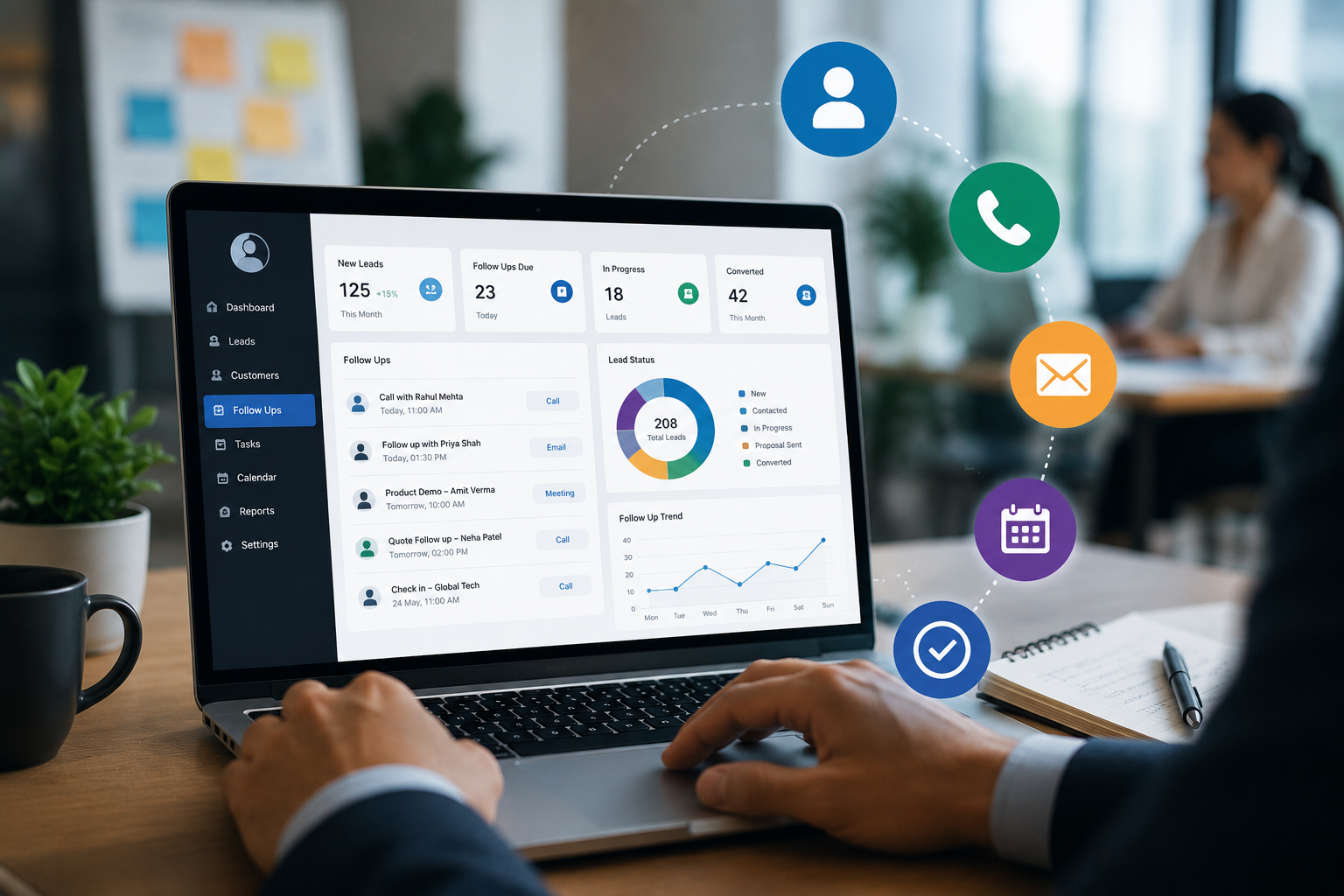
A dashboard might show:
New Leads: 18
Follow-Ups Due Today: 12
Overdue Follow-Ups: 4
Hot Leads: 7
This gives sales teams a clear picture of what needs attention.
Faster access to customer information and automated task management can help teams spend less time on administrative work and more time interacting with prospects and customers.
7. Prioritize Important Customers
Not every customer requires the same type of follow-up.
Business software can help categorize customers based on factors such as:
-
Purchase value
-
Lead status
-
Customer activity
-
Product interest
-
Previous purchases
-
Engagement
-
Follow-up stage
For example:
High Priority
Customer requested quotation and is ready to purchase.
Medium Priority
Customer is interested but still comparing options.
Low Priority
Customer has not responded after multiple attempts.
This allows employees to allocate their time more effectively.
8. Improve Sales Team Accountability
In a manual system, it can be difficult for managers to determine whether follow-ups are actually being completed.
A digital system can show:
-
Leads assigned to each salesperson
-
Calls completed
-
Follow-ups pending
-
Follow-ups overdue
-
Quotations sent
-
Deals converted
-
Customers contacted
Managers can use these insights to identify workload problems and improve team coordination.
Instead of asking:
"Did you follow up with this customer?"
the manager can review the activity history directly.
9. Make Follow-Up More Personalized
Automation does not have to mean sending the same message to everyone.
When customer data is properly organized, employees can use relevant information during follow-up.
For example:
Instead of:
"Hello, are you still interested?"
a salesperson could know that the customer previously asked about a specific product, requested a particular quotation, or had a question that remained unanswered.
This creates a more relevant conversation.
CRM systems can combine customer history with automated workflows to support more personalized outreach.
10. Support Repeat Customers
Follow-up should not stop after a customer makes a purchase.
Existing customers may need:
-
Product support
-
Service reminders
-
Maintenance reminders
-
Renewal notifications
-
New product information
-
Cross-selling opportunities
-
Feedback requests
-
Loyalty communication
For example, a service business could create a reminder for a customer whose annual maintenance is due.
This turns follow-up into an ongoing customer relationship process rather than a one-time sales activity.
11. Improve Customer Service Follow-Up
Customer follow-up is also important after a support request.
For example:
Customer reports issue
↓
Support ticket created
↓
Employee assigned
↓
Issue investigated
↓
Customer contacted
↓
Issue resolved
↓
Customer follow-up
A digital system can help track each stage.
This reduces the risk of support requests being forgotten and gives employees access to previous communication.
CRM systems can also route service cases and provide customer history to help service teams respond more effectively.
12. Manage Follow-Up Across Multiple Branches
Multi-branch businesses often face additional challenges.
Imagine a company with five branches and a centralized sales team.
Without a shared system, one branch may not know that another branch has already contacted a customer.
A centralized business application can provide branch-wise access while maintaining a common customer database.
For example:
Customer Inquiry
→ Surat Branch
→ Assigned Salesperson
→ Follow-Up
→ Quotation
→ Conversion
Management can also monitor follow-up performance across branches.
13. Integrate Follow-Up With Other Business Systems
Customer follow-up becomes even more useful when CRM functionality is connected to other business applications.
For example:
Website Inquiry
↓
CRM
↓
Salesperson Assignment
↓
Follow-Up Reminder
↓
Quotation
↓
Order
↓
Invoice
↓
Customer Support
This reduces the need to manually transfer information between separate systems.
CRM platforms can integrate with other business applications and communication tools to create a more connected customer workflow.
14. Track Follow-Up Performance
Software can provide reports that help businesses understand how their follow-up process is performing.
Useful metrics may include:
-
New leads
-
Contacted leads
-
Pending follow-ups
-
Overdue follow-ups
-
Number of calls
-
Quotations sent
-
Conversion rate
-
Average response time
-
Salesperson performance
-
Customer retention
For example:
| Metric | Result |
|---|---|
| New Leads | 250 |
| Contacted | 220 |
| Follow-Ups Pending | 35 |
| Quotations Sent | 120 |
| Converted Customers | 42 |
These reports can help management identify where improvements are needed.
CRM platforms commonly provide dashboards and analytics for customer and sales activity.
15. Reduce Dependence on Spreadsheets
Spreadsheets can be useful for many business tasks, but they are not always ideal for managing large-scale customer follow-up.
A dedicated system can provide:
-
User accounts
-
Role-based access
-
Customer history
-
Automated reminders
-
Lead assignment
-
Follow-up schedules
-
Notifications
-
Reports
-
Search
-
Activity tracking
Instead of maintaining multiple files, employees can work from a centralized platform.
How an Automated Follow-Up Process Can Work
A simple automated workflow could look like this:
Step 1: Lead Arrives
A customer submits an inquiry through the website.
Step 2: Lead Is Created
The software automatically creates a customer record.
Step 3: Lead Is Assigned
The system assigns the lead to the appropriate salesperson.
Step 4: First Contact
The salesperson calls the customer.
Step 5: Follow-Up Is Scheduled
The system creates the next follow-up task.
Step 6: Reminder Is Sent
The salesperson receives a notification when the task becomes due.
Step 7: Customer Responds
The salesperson records the conversation and updates the lead status.
Step 8: Next Action
The system schedules the next step based on the current status.
Step 9: Conversion
If the customer purchases, the lead can be converted into a customer record.
This creates a structured process from the first inquiry through the customer relationship.
Business Software vs Manual Follow-Up
| Feature | Manual Follow-Up | Business Software |
|---|---|---|
| Customer records | Scattered | Centralized |
| Reminders | Manual | Automated |
| Lead assignment | Manual | Rule-based |
| Interaction history | Difficult to track | Centralized |
| Follow-up status | Limited visibility | Real-time |
| Reports | Manual | Automated |
| Team accountability | Difficult | Easier |
| Customer segmentation | Limited | Configurable |
| Notifications | Manual | Automated |
| Multi-branch management | Difficult | Centralized |
| Integration | Limited | Possible |
| Scalability | Difficult | Better suited |
What Features Should a Customer Follow-Up System Include?
Businesses considering customer management software should look for features such as:
Customer Management
Centralized customer profiles and interaction history.
Lead Management
Capture, assign, track, and update leads.
Follow-Up Reminders
Automatic tasks and notifications.
Communication History
Records of calls, emails, meetings, and notes.
Sales Pipeline
Track leads from inquiry to conversion.
Automated Workflows
Trigger tasks and communications based on predefined events.
Reports and Dashboards
Monitor sales and follow-up performance.
Role-Based Access
Give employees appropriate access to customer information.
Mobile or Cloud Access
Allow authorized employees to access information when working remotely.
Integrations
Connect the CRM with websites, email, calendars, accounting, ERP, or other business systems where appropriate.
How Custom Software Can Improve Follow-Up Further
Every business has a different customer journey.
A company selling products may need:
Lead → Product Inquiry → Quotation → Follow-Up → Order
A service company may need:
Inquiry → Consultation → Appointment → Service → Feedback → Renewal
A custom business management system can be designed around the organization's actual process.
It can combine:
-
CRM
-
Lead management
-
Follow-up
-
Sales
-
Billing
-
Inventory
-
Customer support
-
Reports
-
Notifications
This can provide a more connected workflow than managing each activity separately.
Final Thoughts
Customer follow-up is not simply about making more phone calls. It is about maintaining consistent communication, remembering important customer interactions, and ensuring that opportunities do not disappear because someone forgot to follow up.
Business software can help by centralizing customer information, creating reminders, automating routine tasks, tracking interactions, assigning leads, monitoring performance, and providing managers with better visibility.
For growing businesses, a well-designed CRM or custom business management system can turn customer follow-up from a largely manual activity into a structured and measurable process.
The goal is simple: make sure every important customer receives the right follow-up at the right time, while giving your team the information they need to have better conversations.