Table of Contents
- How Mobile-Friendly Business Software Improves Productivity
- What Is Mobile-Friendly Business Software?
- 1. Employees Can Work From Anywhere
- 2. Faster Access to Business Information
- 3. Reduces Unnecessary Office Work
- 4. Improves Communication Between Teams
- 5. Helps Managers Make Faster Decisions
- 6. Makes Field Employees More Productive
- 7. Speeds Up Approvals and Business Processes
- 8. Improves Task Management
- 9. Supports Real-Time Updates
- 10. Reduces Duplicate Data Entry
- 11. Helps Businesses Serve Customers Faster
- 12. Makes Business Software More Flexible
- Mobile-Friendly Software vs Traditional Desktop-Only Software
- What Should Businesses Look for in Mobile-Friendly Software?
- Responsive Design
- Simple Navigation
- Fast Performance
- Secure Login
- Notifications
- Real-Time Data
- Offline Capability
- Role-Based Access
- How Businesses Can Start Using Mobile-Friendly Software
- Mobile-Friendly Software Is About More Than Convenience
- Final Thoughts
How Mobile-Friendly Business Software Improves Productivity
In today's business environment, employees are not always working from a desk. Sales teams may be visiting customers, managers may be traveling, field employees may be working at different locations, and business owners may need to make decisions while away from the office.
This is where mobile-friendly business software can make a significant difference.
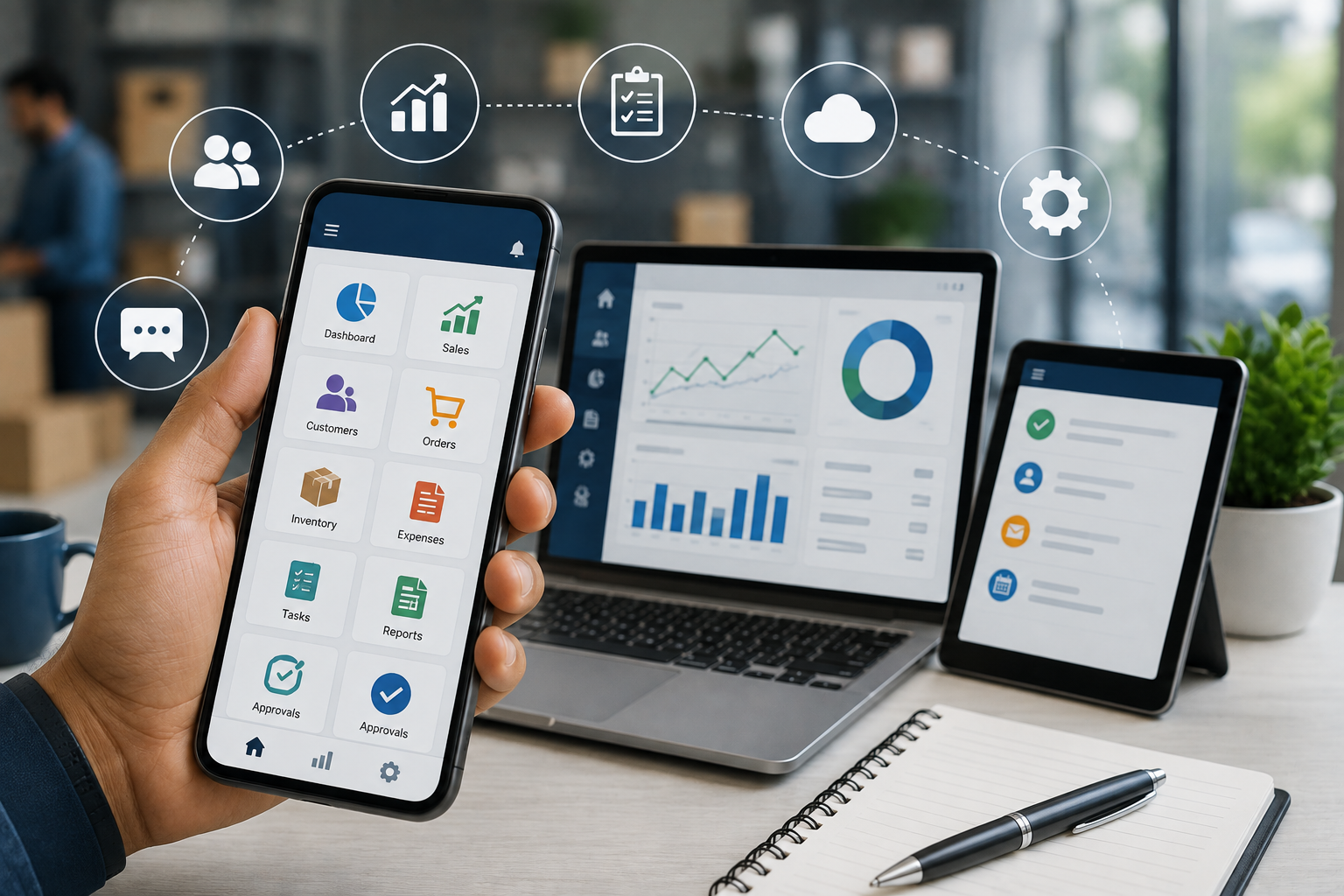
Mobile-friendly software allows employees and managers to access important business information, complete tasks, communicate with teams, and monitor operations using smartphones or tablets. Modern business platforms increasingly provide mobile access to documents, communication, customer information, tasks, reports, and other business data.
What Is Mobile-Friendly Business Software?
Mobile-friendly business software is a business application designed to work effectively on smartphones and tablets as well as desktop computers.
Instead of requiring employees to return to their computers for every task, mobile-friendly software gives them access to important features wherever they are.
For example, a mobile business system may allow employees to:
- Check customer information
- Update sales records
- View inventory
- Approve requests
- Check attendance
- Submit expenses
- Manage tasks
- Respond to messages
- View reports
- Create or update records
- Track field activities
The goal is simple: make business information and essential workflows available when employees need them.
1. Employees Can Work From Anywhere
One of the biggest advantages of mobile-friendly software is flexibility.
Employees do not always work from a fixed location. Sales representatives, technicians, delivery teams, managers, healthcare workers, and other field employees may spend much of their working day away from the office.
With mobile access, employees can complete important tasks without waiting until they return to their desks.
For example, a salesperson visiting a customer can immediately check previous orders, update customer information, record a new requirement, or follow up on an opportunity.
This reduces delays and helps employees keep business information updated throughout the day.
2. Faster Access to Business Information
Employees often lose time searching for information or contacting another department for basic details.
Mobile-friendly software can put important information in one place.
Depending on the system, employees may be able to access:
- Customer records
- Product information
- Inventory levels
- Employee details
- Sales information
- Tasks and appointments
- Invoices
- Payment status
- Business reports
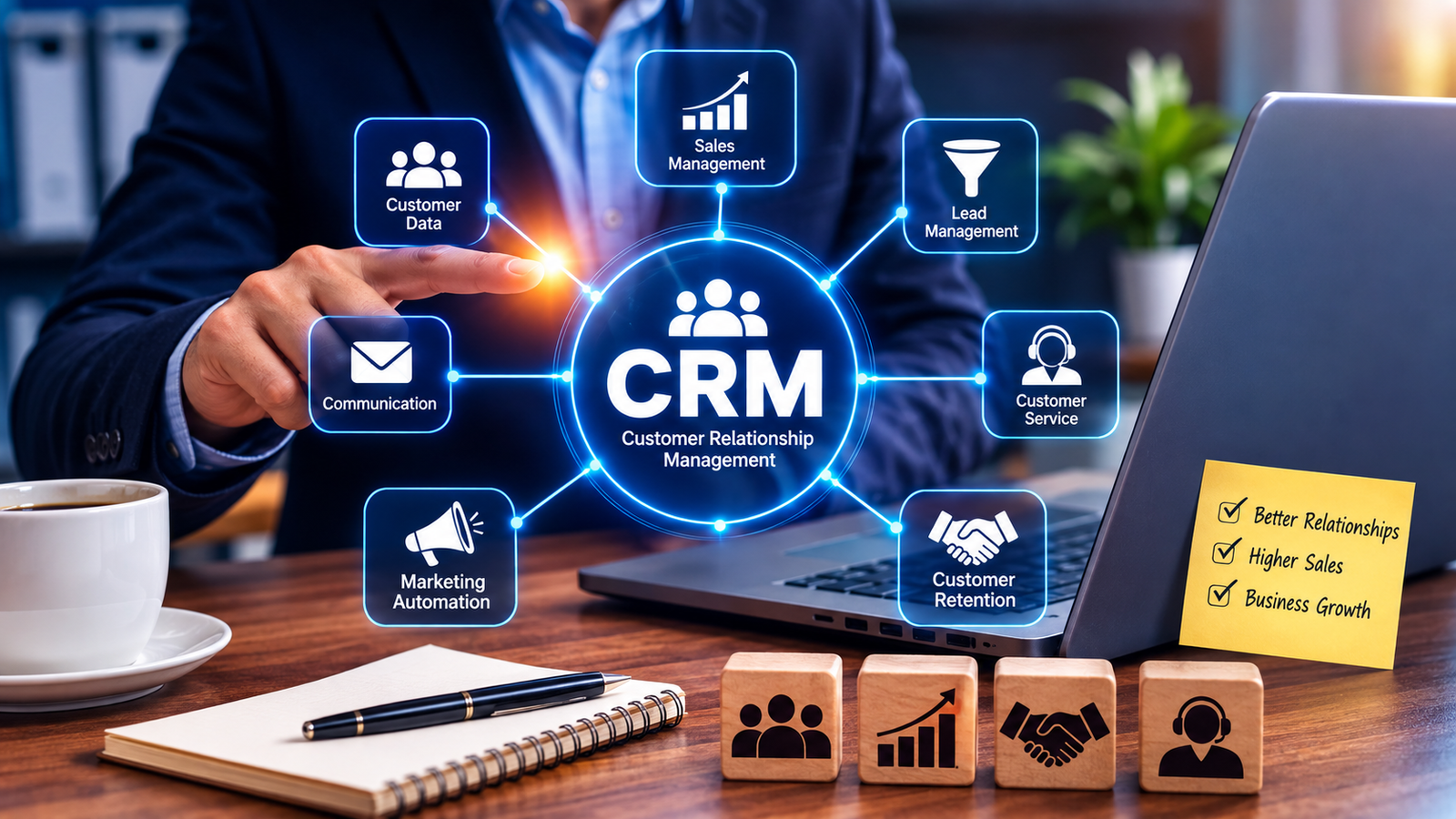
For example, a mobile CRM can provide real-time access to customer and business data, allowing sales teams to work with current information while they are away from the office.
When information is available quickly, employees can spend less time searching and more time completing productive work.
3. Reduces Unnecessary Office Work
Many business processes still involve writing information down and entering it into software later.
This can create unnecessary work.
For example:
Traditional process:
Customer visit → Write notes → Return to office → Open computer → Enter information → Update system
Mobile process:
Customer visit → Open mobile software → Enter information → Save
The second process is much simpler.
Employees can update records immediately instead of maintaining notes that have to be entered later.
This can also reduce the risk of forgetting important information.
4. Improves Communication Between Teams
Mobile-friendly business software can also improve communication.
Employees can receive notifications, check tasks, communicate with colleagues, and access shared information without being physically present in the office.
Business productivity platforms such as Microsoft 365 provide mobile access to tools including Outlook, Teams, OneDrive, Word, Excel, and PowerPoint.
This allows teams to stay connected while working from different locations.
For example, a manager can assign a task to a field employee, the employee can receive it on a smartphone, complete the task, and update its status immediately.
5. Helps Managers Make Faster Decisions
Managers often need current information to make decisions.
If business data is only available on office computers, managers may have to wait before they can review important information.
Mobile-friendly software can provide access to dashboards, reports, notifications, and business records from smartphones or tablets.
For example, a manager could check:
- Today's sales
- Pending payments
- Inventory levels
- Employee attendance
- Open customer requests
- Pending approvals
- Task completion
- Department performance
This makes it easier to respond to business situations quickly.
6. Makes Field Employees More Productive
Mobile software is particularly useful for businesses with employees working outside the office.
Field employees may need to access customer information, schedules, work orders, locations, inventory, or service details while working.
Mobile workforce management software can combine functions such as scheduling, timekeeping, communication, reporting, and access to customer and work-order information on mobile devices.
Instead of calling the office repeatedly, employees can access the information they need directly.
This can reduce downtime and improve coordination between field teams and office staff.
7. Speeds Up Approvals and Business Processes
Some business activities require managers to approve requests.
Examples include:
- Leave requests
- Purchase requests
- Expenses
- Discounts
- Sales orders
- Payments
- Work requests
- Stock transfers
If approvals require managers to be physically present at a computer, processes can be delayed.
Mobile access allows authorized managers to review and approve requests from their phones.
This can help businesses keep workflows moving even when managers are traveling or working remotely.
8. Improves Task Management
Mobile-friendly software can make it easier for employees to manage their daily responsibilities.
Employees can view assigned tasks, update progress, check deadlines, and mark completed activities.
Instead of maintaining separate notebooks, spreadsheets, messages, and reminders, employees can manage tasks through a centralized system.
This gives employees a clearer picture of what needs to be completed and what has already been done.
9. Supports Real-Time Updates
One major benefit of mobile software is the ability to update business information immediately.
For example, after completing a customer visit, a sales representative can update the customer record immediately.
After delivering an order, a delivery employee can update the delivery status.
After completing a service call, a technician can update the work order.
These updates can then become available to other authorized users.
This creates a more current view of business operations.
10. Reduces Duplicate Data Entry
Manual data entry can consume significant employee time.
Mobile-friendly systems can allow employees to enter information at the point where the activity happens.
For example:
Without mobile software:
Field employee collects information → Sends details to office → Office employee enters information → Records are updated
With mobile software:
Field employee enters information → System updates the record
Reducing unnecessary data entry can save time and help maintain more consistent business records.
11. Helps Businesses Serve Customers Faster
Customers often expect quick responses.
A mobile-friendly system can help employees access customer information without returning to the office or contacting another department.
For example, a customer service representative can quickly check an order status, while a salesperson can view previous purchases during a customer meeting.
Faster access to information can lead to faster responses and a smoother customer experience.
12. Makes Business Software More Flexible
Mobile-friendly software gives businesses more flexibility in how employees work.
Employees can work from:
- Office locations
- Customer sites
- Warehouses
- Construction sites
- Retail stores
- Hospitals and clinics
- Remote locations
- Business events
- While traveling
This is especially useful for businesses that have distributed or mobile teams.
However, mobile access should be combined with appropriate security controls. Microsoft, for example, recommends mobile device management and application controls to help protect corporate information accessed from mobile devices.
Mobile-Friendly Software vs Traditional Desktop-Only Software
| Feature | Desktop-Only Software | Mobile-Friendly Software |
|---|---|---|
| Access from smartphone | Limited | Yes |
| Field employee access | Difficult | Easy |
| Quick updates | Often delayed | Immediate |
| Remote work | Less flexible | More flexible |
| Task updates | May require computer | Can be done on mobile |
| Approvals | Often office-dependent | Can be completed remotely |
| Customer information | Usually desktop-based | Available on mobile |
| Real-time communication | Limited | Easier |
| Business monitoring | Often requires desktop | Can be available anywhere |
What Should Businesses Look for in Mobile-Friendly Software?
Choosing mobile-friendly software is not simply about whether a website opens on a smartphone.
A good mobile business system should provide a practical user experience.
Important features include:
Responsive Design
The interface should automatically adapt to different screen sizes.
Simple Navigation
Employees should be able to find important functions quickly.
Fast Performance
Mobile users should not have to wait unnecessarily for pages or records to load.
Secure Login
Business information should be protected using appropriate authentication and security controls.
Notifications
Important tasks, approvals, messages, and updates should be easy to identify.
Real-Time Data
Where appropriate, users should be able to access current business information.
Offline Capability
For some field operations, offline functionality can be useful when internet connectivity is unreliable. Salesforce, for example, provides mobile capabilities designed to support work in environments with limited connectivity.
Role-Based Access
Employees should only have access to the information and functions they are authorized to use.
How Businesses Can Start Using Mobile-Friendly Software
Businesses do not necessarily need to make every process mobile-enabled immediately.
A better approach is to identify activities where mobile access could provide the greatest benefit.
Start by asking:
- Which employees spend the most time away from their desks?
- Which tasks are frequently delayed because they require a computer?
- Which information do employees regularly need while traveling?
- Which approvals are slowing down business processes?
- Which activities involve duplicate data entry?
- Which departments need faster access to real-time information?
Once these areas are identified, businesses can prioritize mobile functionality where it can have the greatest impact.
Mobile-Friendly Software Is About More Than Convenience
Mobile access should not be viewed simply as an additional feature.
When properly designed, mobile-friendly business software can change how employees interact with business systems.
Employees can capture information where work happens, managers can review information when they need it, and teams can stay connected across different locations.
The result can be a more flexible and responsive workflow.
Final Thoughts
Mobile-friendly business software can improve productivity by giving employees access to important tools and information wherever they work.
It can reduce unnecessary office dependency, speed up communication, simplify task management, reduce duplicate data entry, improve field operations, and help managers make faster decisions.
As businesses increasingly operate across offices, customer locations, warehouses, and remote environments, mobile accessibility is becoming an important consideration when selecting or developing business software.
The most effective solution is not necessarily the one with the most features. It is the one that makes important business tasks simple, secure, and accessible when employees need them.