Table of Contents
- The Role of Software Automation in Reducing Administrative Work
- What Is Software Automation?
- 1. Reduces Repetitive Data Entry
- 2. Automates Document Creation
- 3. Makes Approvals Faster
- 4. Automates Routine Emails and Notifications
- 5. Simplifies Employee Administration
- 6. Reduces Manual Invoice Processing
- 7. Makes Reporting Easier
- 8. Reduces Human Errors
- 9. Connects Different Business Departments
- 10. Helps Employees Focus on Higher-Value Work
- 11. Improves Workflow Consistency
- 12. Makes Administrative Work More Scalable
- Common Administrative Tasks That Can Be Automated
- Software Automation vs Manual Administration
- Which Administrative Tasks Should Businesses Automate?
- How Businesses Can Start With Automation
- Step 1: Identify Time-Consuming Tasks
- Step 2: Document the Existing Process
- Step 3: Remove Unnecessary Steps
- Step 4: Select the Right Software
- Step 5: Start Small
- Step 6: Monitor Performance
- Step 7: Expand Gradually
- Automation Does Not Mean Removing People
- The Importance of Security and Control
- Final Thoughts
The Role of Software Automation in Reducing Administrative Work
Administrative work is necessary for every business, but a large portion of it can become repetitive and time-consuming. Employees may spend hours entering data, preparing documents, sending emails, processing invoices, managing approvals, updating records, scheduling activities, and preparing reports.
While these tasks are important, they do not always require continuous manual effort.
This is where software automation can make a major difference. Business process automation uses software to automate repetitive and structured business processes, helping organizations improve efficiency, reduce errors, standardize workflows, and give employees more time for higher-value activities.
What Is Software Automation?
Software automation is the use of technology to perform tasks or workflows with limited human intervention.
Instead of requiring an employee to manually complete every step, software can perform predefined actions automatically.
For example:
Manual process:
Employee receives request → Checks information → Enters data → Sends email → Updates record → Creates report
Automated process:
Request received → System validates information → Updates record → Sends notification → Updates workflow
The exact level of automation depends on the business process and software being used.
Automation can range from a simple automatic email or notification to complex workflows that connect multiple business systems.
1. Reduces Repetitive Data Entry
Data entry is one of the most common administrative activities in businesses.
Employees may need to enter the same information into multiple spreadsheets, forms, systems, or databases.
This takes time and can introduce errors.
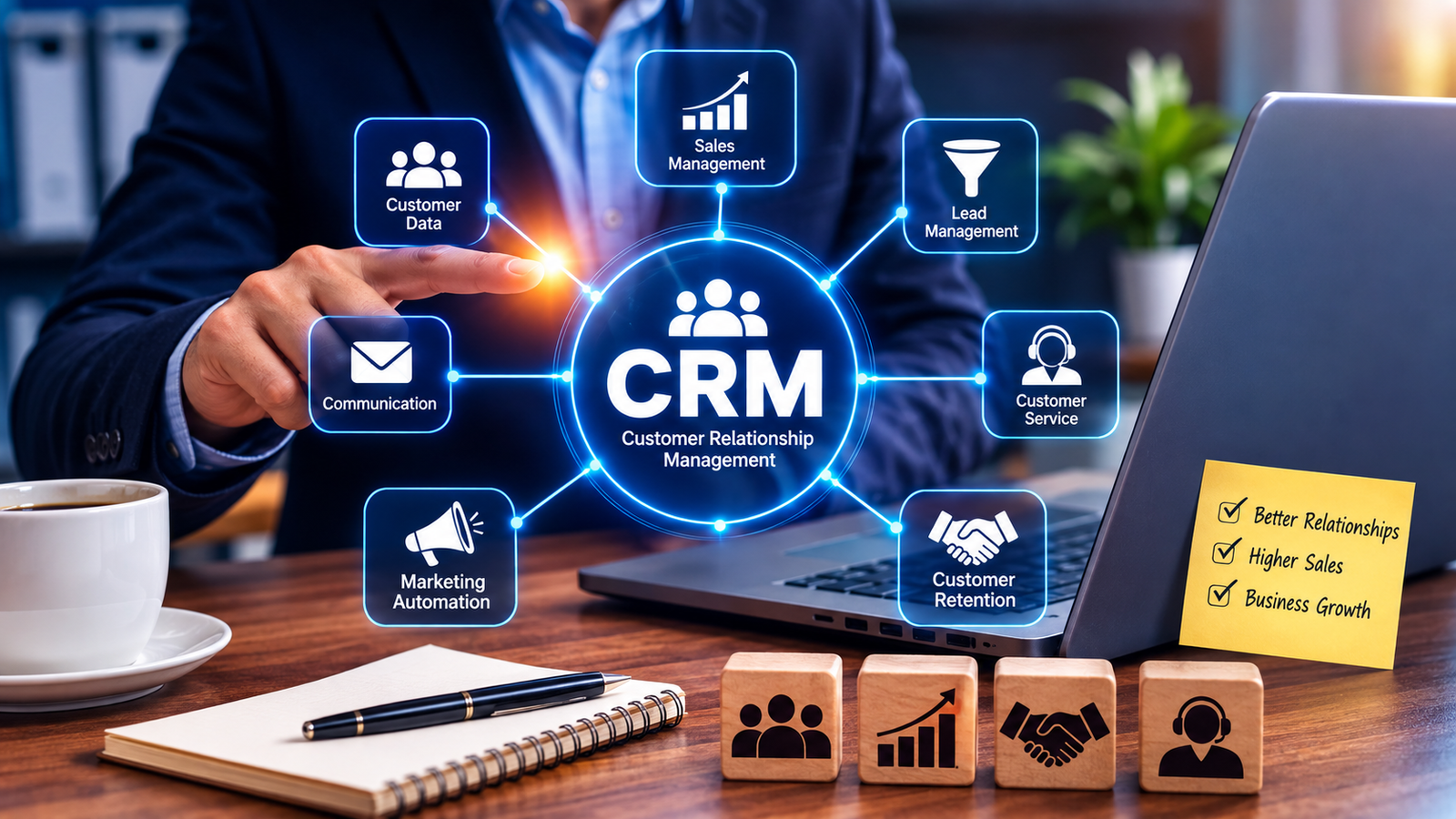
Software automation can transfer information between connected systems automatically. For example, customer information entered into a CRM system could be used by another connected system without requiring an employee to enter it again.
This reduces duplicate work and allows employees to spend more time on tasks that require human attention.
2. Automates Document Creation
Businesses regularly create documents such as:
- Invoices
- Purchase orders
- Salary statements
- Attendance reports
- Sales reports
- Customer quotations
- Delivery documents
- Employee letters
- Payment receipts
Creating each document manually can take considerable time.
Automated software can generate documents using information already stored in the system.
For example, when a sale is completed, the system can automatically generate an invoice using the customer and transaction information.
This makes document processing faster and more consistent.
3. Makes Approvals Faster
Administrative processes often involve approvals.
Examples include:
- Leave requests
- Purchase requests
- Expense claims
- Discounts
- Purchase orders
- Payment requests
- Employee onboarding
- Stock transfers
When these processes depend on emails or paper forms, requests can remain pending.
Workflow automation can route requests to the appropriate person automatically and notify them when action is required. Systems can also use predefined rules for certain approval workflows.
This can reduce unnecessary waiting and keep business processes moving.
4. Automates Routine Emails and Notifications
Employees often spend time sending repetitive messages.
Examples include:
- Payment reminders
- Appointment confirmations
- Leave notifications
- Task reminders
- Order confirmations
- Invoice notifications
- Employee onboarding messages
- Follow-up emails
Software can automatically send these messages when predefined conditions are met.
For example:
Invoice created → Email invoice to customer
Payment overdue → Send payment reminder
Leave approved → Notify employee
This reduces administrative workload while keeping communication consistent.
5. Simplifies Employee Administration
HR departments often manage large amounts of employee information.
Administrative activities can include:
- Employee onboarding
- Attendance tracking
- Leave management
- Payroll information
- Document collection
- Employee notifications
- Access requests
- Employee records
Many of these activities follow predictable workflows and can therefore be partially or fully automated.
For example, when a new employee is added to an HR system, the software could trigger document collection, create tasks for HR staff, send welcome information, and initiate access-related processes.
IBM identifies employee onboarding as one example where business process automation can reduce administrative workload.
6. Reduces Manual Invoice Processing
Finance teams often handle large numbers of invoices and payment records.
Manual invoice processing can involve:
- Receiving the invoice
- Entering invoice details
- Checking information
- Sending it for approval
- Updating payment records
- Sending reminders
- Preparing reports
Automation can connect several of these steps into a single workflow.
For example:
Invoice received → Information captured → Approval requested → Payment status updated → Records stored
This reduces repetitive administrative work and provides better visibility into the process.
7. Makes Reporting Easier
Preparing reports manually can be another major administrative burden.
Employees may have to collect information from multiple spreadsheets, calculate figures, organize data, and create reports.
Automated reporting can pull information directly from business systems and generate reports according to predefined rules.
Examples include:
- Daily sales reports
- Monthly expense reports
- Employee attendance reports
- Inventory reports
- Outstanding payment reports
- Department performance reports
This can help managers receive information faster without requiring employees to prepare every report manually.
8. Reduces Human Errors
Manual repetitive tasks are not only time-consuming. They can also result in mistakes.
An employee entering hundreds of records may accidentally enter an incorrect number, duplicate information, miss a field, or update the wrong record.
Automation can reduce errors in processes that follow clear, repeatable rules.
IBM notes that business process automation can reduce human error and improve process standardization.
However, automation should still include appropriate validation, monitoring, and human review where judgment is required.
9. Connects Different Business Departments
Administrative work often becomes complicated because departments use separate systems.
For example:
Sales → Accounts → Inventory → Management
A sales transaction may affect inventory, billing, customer records, and reporting.
If employees have to manually transfer information between systems, additional work is created.
Integrated business software can allow information to flow between systems automatically.
This can reduce repetitive data entry and create a more connected workflow across departments.
10. Helps Employees Focus on Higher-Value Work
One of the biggest benefits of automation is not simply saving time. It is allowing employees to use their time more effectively.
Instead of spending hours on repetitive administrative work, employees can focus on activities such as:
- Customer service
- Problem solving
- Business analysis
- Planning
- Sales
- Relationship management
- Process improvement
- Strategic decision-making
Task automation is specifically intended to reduce mundane work and free employees for higher-value activities.
11. Improves Workflow Consistency
When a process is completed manually, different employees may perform it differently.
One employee may send a notification immediately, while another may forget. One person may maintain records in one format, while another uses a different format.
Automation can establish a standard workflow.
For example:
New customer created → Welcome email → Sales task created → Follow-up reminder → Customer record updated
Every customer can go through the same basic process.
This creates greater consistency and makes workflows easier to monitor.
12. Makes Administrative Work More Scalable
Administrative workload often increases as a business grows.
More customers can mean more invoices.
More employees can mean more HR records.
More products can mean more inventory transactions.
More sales can mean more reports.
If every additional activity requires additional manual work, administrative costs can increase quickly.
Automation allows businesses to handle higher volumes without simply adding more repetitive manual processes.
This is one reason automation can support business scalability.
Common Administrative Tasks That Can Be Automated
| Administrative Task | Possible Automation |
|---|---|
| Data entry | Automatic data transfer |
| Invoice creation | Automatic invoice generation |
| Payment reminders | Scheduled notifications |
| Leave requests | Automated approval workflow |
| Employee onboarding | Automated onboarding tasks |
| Report generation | Scheduled reports |
| Document creation | Template-based generation |
| Task assignment | Automatic task creation |
| Customer follow-ups | Scheduled reminders |
| Approvals | Rule-based workflow routing |
| Inventory alerts | Automatic notifications |
| Email notifications | Trigger-based emails |
Software Automation vs Manual Administration
| Area | Manual Process | Automated Process |
|---|---|---|
| Data Entry | Employees enter information | Information can flow automatically |
| Notifications | Sent manually | Triggered automatically |
| Approvals | Email or paper based | Workflow based |
| Reports | Manually prepared | Automatically generated |
| Documents | Created individually | Generated from templates |
| Follow-ups | Employee reminders | Scheduled reminders |
| Record Updates | Manual | System-driven |
| Process Tracking | Difficult | Centralized visibility |
| Scalability | More manual workload | Easier to handle higher volume |
Which Administrative Tasks Should Businesses Automate?
Not every task needs automation.
Businesses should first identify processes that are:
- Repetitive
- Rules-based
- High-volume
- Time-consuming
- Prone to manual errors
- Performed frequently
- Dependent on multiple people
- Easy to standardize
Microsoft recommends prioritizing repetitive and error-prone tasks when identifying automation opportunities.
Tasks that require complex judgment, creativity, negotiation, or sensitive decision-making may still need significant human involvement.
How Businesses Can Start With Automation
Businesses do not need to automate everything at once.
A practical approach is to start with one administrative process.
Step 1: Identify Time-Consuming Tasks
Find activities that employees perform repeatedly.
Step 2: Document the Existing Process
Understand every step before automating it.
Step 3: Remove Unnecessary Steps
Automation should not simply make an inefficient process run faster.
First simplify the workflow where possible.
Step 4: Select the Right Software
Choose software that supports the required workflow, integrations, security, and reporting.
Step 5: Start Small
Automate one process and measure the results.
Step 6: Monitor Performance
Track measures such as processing time, errors, employee workload, and completion rates.
Step 7: Expand Gradually
Once the first automation works successfully, similar processes can be considered.
IBM also recommends starting with suitable processes and involving relevant stakeholders before expanding automation across an organization.
Automation Does Not Mean Removing People
A common misunderstanding is that automation means replacing employees.
In many administrative processes, the better goal is to remove repetitive work rather than remove human involvement.
Software can handle predictable activities while employees remain responsible for decisions that require judgment.
For example:
Software: Collects information and prepares an approval request.
Manager: Reviews the request and makes the decision.
This combination can create a more efficient workflow while keeping human oversight where it matters.
The Importance of Security and Control
As businesses automate more processes, they also need to consider security.
Automated systems may handle sensitive information such as:
- Employee records
- Customer information
- Financial data
- Payment information
- Business documents
- Internal reports
Businesses should therefore consider user permissions, authentication, monitoring, data protection, and appropriate approval controls when implementing automation.
Automation should make processes more efficient without compromising business security.
Final Thoughts
Software automation can play an important role in reducing administrative work and improving business productivity.
By automating repetitive data entry, document creation, notifications, approvals, reporting, invoice processing, employee administration, and other routine workflows, businesses can reduce manual effort and improve process consistency.
The real value of automation is not simply doing tasks faster. It is allowing employees to spend less time on repetitive administration and more time on work that requires human judgment, communication, creativity, and problem-solving.
Businesses that identify the right processes, simplify them, and then automate them can create more efficient workflows while making it easier to handle future growth.