Table of Contents
- When Should a Business Upgrade Its Old Software System?
- What Is an Old or Legacy Software System?
- 1. The Software Has Become Slow
- 2. Your Software Is No Longer Receiving Updates
- 3. Employees Depend on Spreadsheets to Work Around the System
- 4. The Software Cannot Integrate With Modern Tools
- 5. Your Business Has Outgrown the Software
- 6. Adding New Features Has Become Extremely Difficult
- 7. Security Has Become a Concern
- 8. Reporting Requires Too Much Manual Work
- 9. Employees Find the Software Difficult to Use
- 10. The Business Depends on One Developer or Vendor
- 11. Maintenance Costs Keep Increasing
- 12. Customers Are Experiencing the Limitations
- When Should You Upgrade Instead of Completely Replacing the System?
- 1. Rehosting
- 2. Replatforming
- 3. Refactoring
- 4. Rearchitecting
- 5. Rebuilding or Replacing
- How to Decide if Your Business Is Ready for an Upgrade
- How to Upgrade an Old Business System Without Disrupting Operations
- Step 1: Audit the Existing System
- Step 2: Identify the Biggest Problems
- Step 3: Define the New Requirements
- Step 4: Choose a Modernization Strategy
- Step 5: Protect and Validate Data
- Step 6: Test Before Deployment
- Step 7: Implement in Phases
- Step 8: Train Employees
- Step 9: Monitor the New System
- The Cost of Waiting Too Long
- Final Thoughts
When Should a Business Upgrade Its Old Software System?
Many businesses continue using the same software for years because it is familiar, employees already know how to use it, and replacing it seems expensive or complicated. If the system still performs basic tasks, management may feel there is no urgent reason to change it.
However, software can become outdated long before it completely stops working.
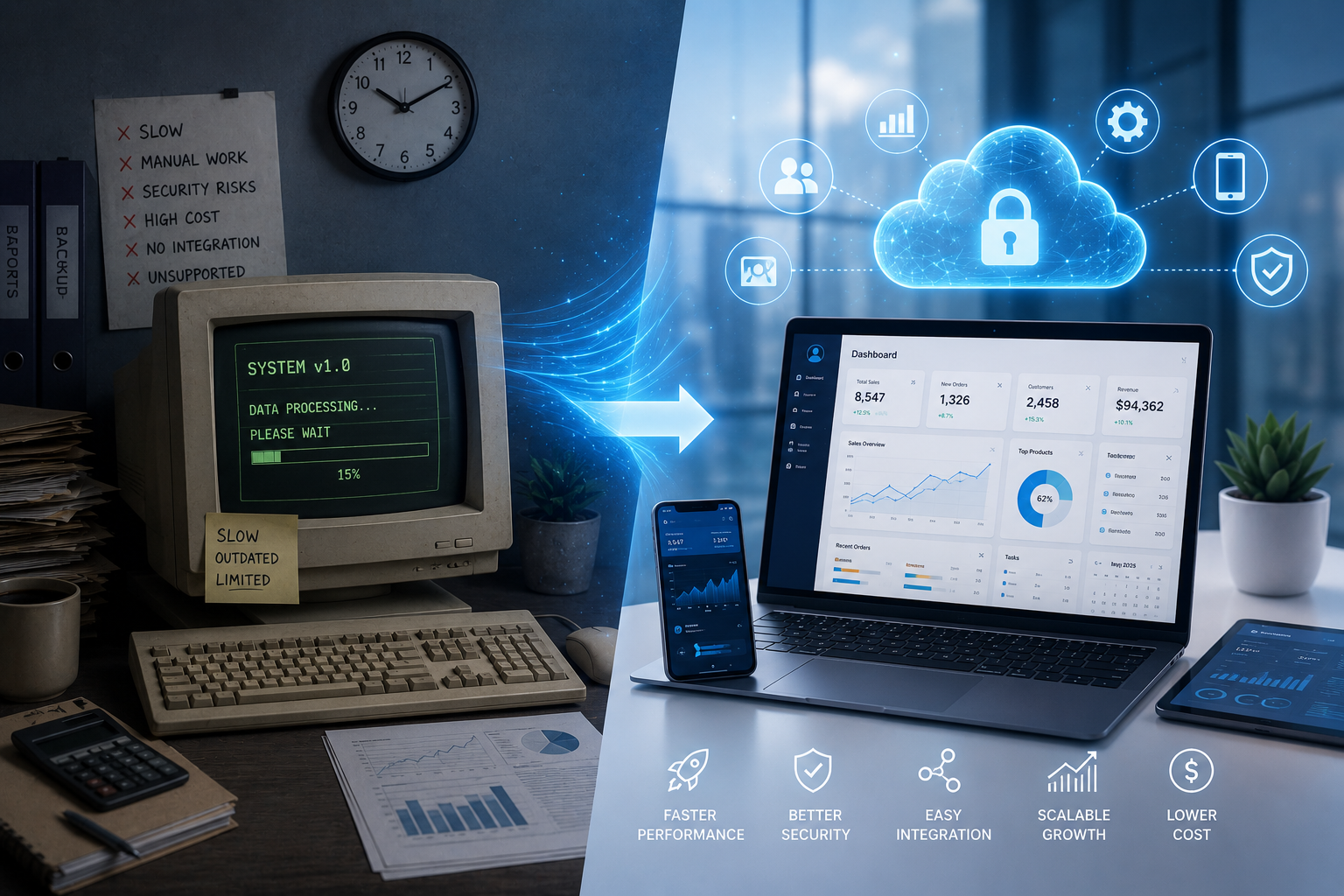
An old business system may gradually become slower, harder to maintain, difficult to integrate with newer tools, less secure, and unable to support changing business requirements. IBM notes that legacy applications can create challenges around performance, scalability, security, maintenance, and adaptability.
The important question is not simply "How old is the software?" The better question is:
"Is the software still supporting the way our business needs to operate?"
What Is an Old or Legacy Software System?
A legacy software system is generally an older application or technology that a business continues to depend on even though newer technologies or approaches are available.
A system does not become problematic simply because it is old. Some older applications can continue working effectively for many years. The concern begins when the software can no longer meet business, security, integration, performance, or user requirements.
For example, an old business application may still allow employees to create invoices, but it might not support:
- Cloud access
- Mobile devices
- Modern APIs
- Automated workflows
- Real-time reporting
- Online payments
- Integration with CRM systems
- Modern security controls
- Multi-branch operations
- New business processes
When these limitations start affecting daily operations, upgrading becomes worth serious consideration.
1. The Software Has Become Slow
One of the easiest warning signs is poor performance.
If employees regularly wait for pages to load, reports to generate, transactions to process, or applications to start, the software may be affecting productivity.
A few seconds may not seem significant. But when hundreds of employees perform the same actions throughout the day, small delays can accumulate into substantial lost time.
Frequent crashes, freezing, slow database queries, and long report-generation times are also signs that the existing system may need technical improvement.
Legacy applications are commonly associated with inefficient performance and slow response times.
2. Your Software Is No Longer Receiving Updates
Software needs regular maintenance and security updates.
If the vendor has stopped supporting your software version, discontinued security patches, or announced end-of-life, it should be treated as a serious warning.
Unsupported software can become increasingly difficult to secure and maintain.
The National Institute of Standards and Technology (NIST) recommends systematic patch management because updates and patches help reduce security and operational risks.
Businesses should therefore regularly ask:
- Is our software still supported?
- Are security updates available?
- Is the operating system compatible?
- Are database versions supported?
- Are third-party integrations still maintained?
- Can technical support still be obtained?
If the answer to several of these questions is no, modernization may be necessary.
3. Employees Depend on Spreadsheets to Work Around the System
This is one of the strongest practical indicators.
If employees frequently export data from your software into Excel or Google Sheets because the existing system cannot perform necessary tasks, the software may no longer match business requirements.
For example:
Sales data is stored in the ERP, inventory is maintained in Excel, customer information is kept in another application, and management reports are manually prepared every week.
The business technically has software, but employees are still doing significant manual work around it.
This creates duplicate data, additional effort, inconsistent information, and greater opportunities for human error.
4. The Software Cannot Integrate With Modern Tools
Businesses rarely operate with a single application anymore.
A company may need its business software to communicate with:
- Payment gateways
- CRM systems
- Accounting software
- E-commerce platforms
- WhatsApp or communication platforms
- Email systems
- HR software
- Inventory systems
- Mobile applications
- Business intelligence tools
- APIs and third-party services
If your old software cannot connect with important systems, employees may have to manually transfer information between platforms.
Modernization can involve APIs, replatforming, refactoring, rearchitecting, or replacement depending on the condition and requirements of the existing system.
5. Your Business Has Outgrown the Software
A system that worked perfectly for a small company may not work well after significant growth.
For example, a business may have started with:
- 5 employees
- 1 branch
- 500 customers
- 1 warehouse
Several years later, it may have:
- 100 employees
- 10 branches
- Thousands of customers
- Multiple warehouses
- Large transaction volumes
The original software may not have been designed for this scale.
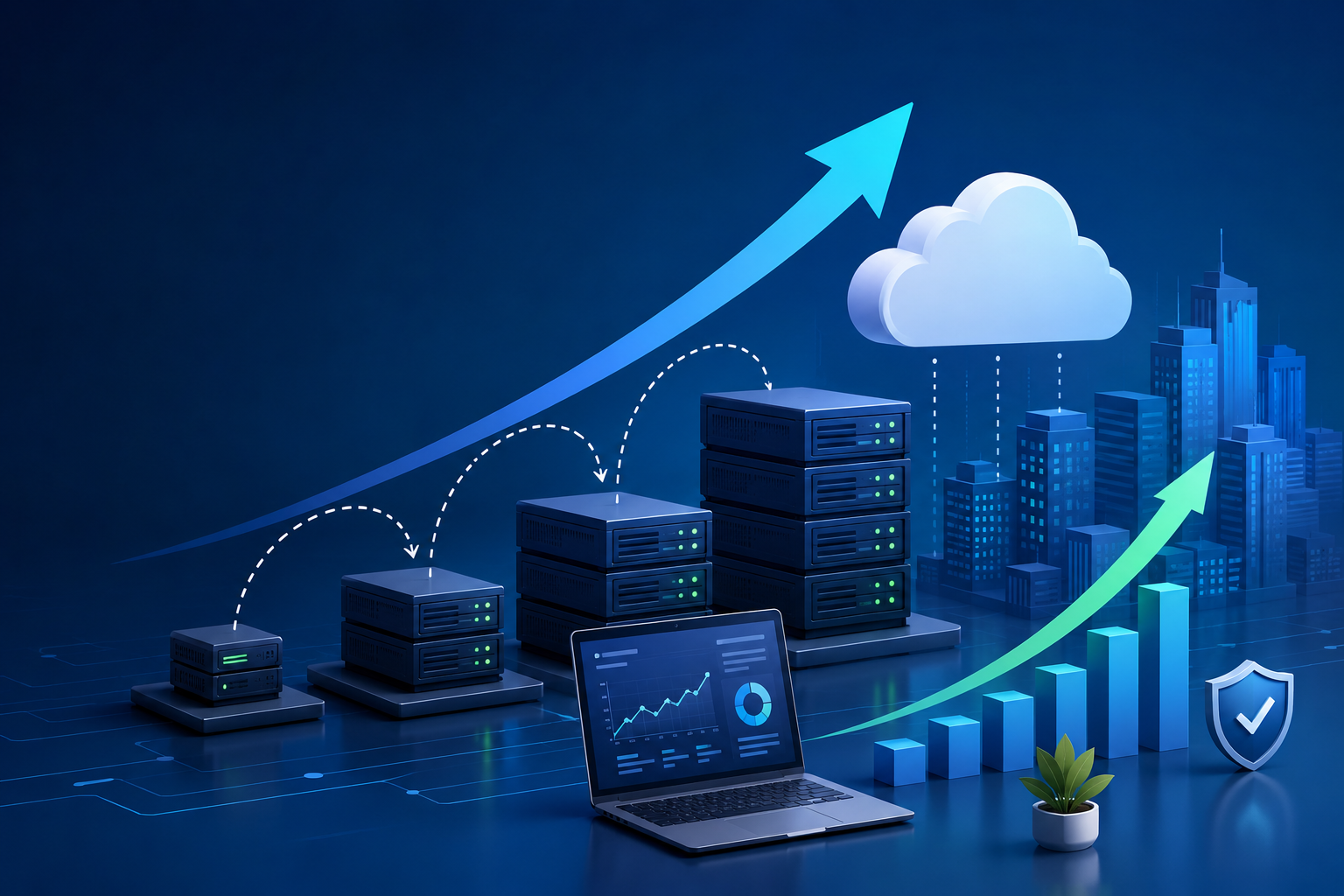
If performance, user management, reporting, database capacity, or branch management becomes difficult as the business grows, it may be time to upgrade.
6. Adding New Features Has Become Extremely Difficult
Businesses change.
New departments are created, new services are introduced, and customer expectations evolve.
Your software should be able to evolve with those changes.
If every small modification requires extensive development work, creates unexpected problems, or takes weeks to implement, the application's architecture may have become difficult to maintain.
This can happen when years of modifications have created technical debt and tightly connected code.
Instead of adding a simple feature, developers may have to modify several unrelated parts of the application.
That increases development time and the risk of introducing new bugs.
7. Security Has Become a Concern
Security should never be treated as an optional feature of business software.
Older systems may depend on outdated frameworks, libraries, operating systems, authentication methods, or unsupported components.
Warning signs include:
- No regular security updates
- Outdated libraries
- Weak authentication
- Poor access controls
- Unsupported operating systems
- Unencrypted sensitive information
- Shared administrator accounts
- No proper activity logs
- Difficulty implementing modern security controls
If your business software handles customer information, financial data, employee information, or other sensitive records, security should be a major factor in deciding whether modernization is necessary.
8. Reporting Requires Too Much Manual Work
Business software should make information easier to understand.
If managers regularly need employees to manually combine data from different sources to prepare basic reports, the system may no longer be meeting the organization's reporting needs.
For example:
Old process:
Sales data → Excel → Manual calculations → Branch reports → Management report
Modern process:
Business software → Centralized data → Automated calculations → Dashboard → Management report
Better reporting can help management identify trends, monitor performance, and make decisions faster.
9. Employees Find the Software Difficult to Use
Technology should help employees complete their work, not constantly frustrate them.
Common usability problems include:
- Too many screens
- Confusing navigation
- Repetitive data entry
- Poor search functionality
- No mobile support
- Difficult reporting
- Slow interfaces
- Unclear error messages
- Excessive manual steps
Even if the underlying technology works, poor user experience can reduce productivity and increase training requirements.
Modernization can improve both application performance and user experience.
10. The Business Depends on One Developer or Vendor
Another important warning sign is when only one person understands how the system works.
For example, imagine your company has an old application and only one developer knows:
- How the database works
- How to deploy updates
- Where important business rules are stored
- How integrations work
- How to fix production problems
If that person leaves, the organization may struggle to maintain the system.
Poor documentation and outdated technology can make legacy systems increasingly difficult to manage and modify.
11. Maintenance Costs Keep Increasing
Old software does not necessarily cost less.
In some cases, maintenance becomes more expensive as systems age.
Businesses may have to pay for:
- Specialized developers
- Old infrastructure
- Custom workarounds
- Manual processes
- Bug fixing
- Security remediation
- Integration problems
- Hardware replacement
- Database maintenance
At some point, continuously maintaining the old system may become less economical than upgrading it.
The right comparison is therefore not simply:
Cost of old software vs. cost of new software
Instead, consider:
Total cost of maintaining the old system vs. total cost and business value of modernization.
12. Customers Are Experiencing the Limitations
Sometimes the first people to notice outdated software are customers.
For example, customers may experience:
- Slow responses
- Delayed orders
- Incorrect information
- Limited online services
- Slow billing
- Delayed support
- Lack of digital communication
- Poor mobile experience
If internal software limitations are directly affecting customer experience, modernization becomes a business priority rather than simply an IT improvement.
When Should You Upgrade Instead of Completely Replacing the System?
Not every old application needs to be thrown away.
Depending on the condition of the system, businesses can consider several approaches.
1. Rehosting
Move the application to a newer infrastructure environment with minimal changes.
2. Replatforming
Move the application to a newer platform while making the changes required for compatibility.
3. Refactoring
Improve the existing code structure while preserving the application's core functionality.
4. Rearchitecting
Redesign the application's architecture to address deeper technical limitations.
5. Rebuilding or Replacing
Create a new system or replace the existing application when the old system is too difficult or costly to modernize.
IBM identifies these as common application modernization approaches, with the appropriate option depending on business objectives, technical condition, cost, and risk.
How to Decide if Your Business Is Ready for an Upgrade
Before starting a major software project, conduct a structured assessment.
Evaluate:
| Area | Questions to Ask |
|---|---|
| Performance | Is the system fast enough? |
| Security | Is it regularly patched and supported? |
| Scalability | Can it handle future growth? |
| Integration | Can it connect with modern applications? |
| User Experience | Can employees use it efficiently? |
| Reporting | Can management access useful information quickly? |
| Maintenance | Is it becoming difficult or expensive to maintain? |
| Features | Does it support current business requirements? |
| Data | Is business information centralized and reliable? |
| Cost | Is maintaining the old system still financially sensible? |
This assessment can help management determine whether the problem requires a small upgrade, modernization of selected components, or complete replacement.
How to Upgrade an Old Business System Without Disrupting Operations
Replacing business software should not be treated as a simple installation project.
A better approach is to plan the transition carefully.
Step 1: Audit the Existing System
Document the current software, databases, integrations, users, workflows, and business rules.
Step 2: Identify the Biggest Problems
Determine which problems are affecting productivity, security, customers, or revenue.
Step 3: Define the New Requirements
Decide what the business actually needs from the upgraded system.
Step 4: Choose a Modernization Strategy
Determine whether rehosting, replatforming, refactoring, rearchitecting, or replacement makes the most sense.
Step 5: Protect and Validate Data
Plan data migration carefully and verify that important information remains accurate.
Step 6: Test Before Deployment
Test critical workflows, integrations, permissions, reports, and business processes.
Step 7: Implement in Phases
For large systems, a phased implementation can reduce operational risk and make problems easier to manage.
Step 8: Train Employees
Even a technically excellent system can fail if employees do not understand how to use it.
Step 9: Monitor the New System
After deployment, monitor performance, security, errors, user feedback, and business results.
IBM similarly recommends assessment, planning, implementation, testing, and monitoring as key stages of application modernization.
The Cost of Waiting Too Long
Many businesses postpone modernization because the existing software still works.
But "working" does not always mean "effective."
An old system can continue operating while gradually creating:
- Higher maintenance costs
- Lower employee productivity
- Security risks
- Manual work
- Integration limitations
- Poor customer experiences
- Reporting delays
- Technical debt
- Difficulty hiring developers
- Barriers to business growth
The longer these problems continue, the more difficult modernization may become.
That is why businesses should evaluate their software before a major failure forces them to act.
Final Thoughts
There is no universal age at which business software automatically needs to be replaced.
A five-year-old application may need modernization if it is insecure, difficult to maintain, slow, or unable to support current business requirements. Meanwhile, an older system may continue to provide value if it remains secure, supported, reliable, and adaptable.
The strongest reason to upgrade is therefore not the age of the software itself. It is the gap between what the business needs and what the software can deliver.
If employees are constantly creating workarounds, integrations are becoming difficult, maintenance costs are increasing, security updates are unavailable, reporting is too manual, or the system is preventing business growth, it may be time to consider modernization.
A carefully planned software upgrade can help businesses improve efficiency, strengthen security, support growth, and build a technology foundation that is easier to maintain in the future.