Table of Contents
- Why Businesses Should Integrate Their Website With Internal Software
- What Does Website Integration With Internal Software Mean?
- 1. Eliminates Duplicate Data Entry
- Without integration:
- With integration:
- 2. Helps Businesses Respond to Leads Faster
- 3. Keeps Customer Information Updated
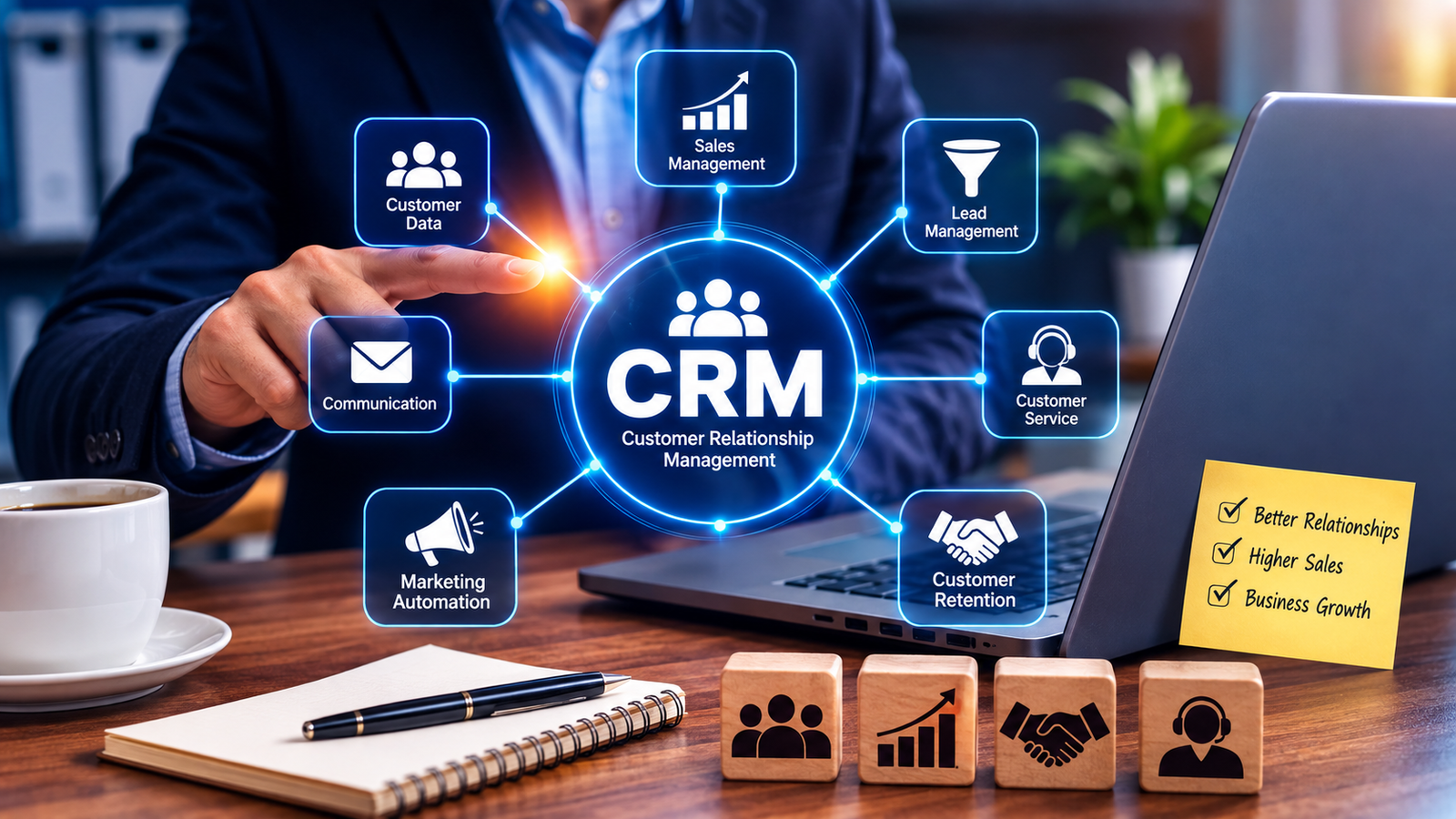
- 4. Connects the Website With CRM Software
- 5. Connects Website Orders With Inventory
- 6. Makes Billing and Accounting More Efficient
- 7. Automates Customer Notifications
- 8. Improves Customer Service
- 9. Reduces Errors
- 10. Creates a Connected Business Workflow
- 11. Helps Management Access Better Information
- 12. Supports Business Automation
- Lead Automation
- Order Automation
- Appointment Automation
- Support Automation
- Payment Automation
- 13. Makes the Website More Useful for Employees
- Website Integration vs Separate Systems
- Which Businesses Can Benefit From Website Integration?
- E-Commerce Businesses
- Service Businesses
- Educational Institutions
- Healthcare Businesses
- Real Estate Businesses
- Restaurants
- Professional Services
- Common Ways to Integrate a Website
- API Integration
- Webhooks
- Prebuilt Connectors
- Middleware or Integration Platforms
- Custom Integration
- Security Should Be a Priority
- How to Start Integrating Your Website
- Step 1: Identify Repetitive Processes
- Step 2: Identify the Systems Involved
- Step 3: Define the Data Flow
- Step 4: Choose the Integration Method
- Step 5: Add Validation and Security
- Step 6: Test Before Launch
- Step 7: Monitor the Integration
- The Website Should Be Part of the Business System
- Final Thoughts
Why Businesses Should Integrate Their Website With Internal Software
A business website is often the first place where customers interact with a company. Customers may submit inquiries, request quotations, place orders, make payments, book appointments, download documents, or create accounts through the website.
But what happens to that information after it is submitted?
If website data has to be manually transferred into a CRM, ERP, accounting system, inventory system, or internal database, employees spend valuable time moving information from one system to another.
Website integration with internal software can eliminate much of this repetitive work.
When a website is connected with internal business systems, information can move automatically between platforms. This can reduce duplicate data entry, improve data accuracy, speed up workflows, and give employees better visibility into customer and operational information.
What Does Website Integration With Internal Software Mean?
Website integration means connecting a company's website with its internal business applications so that information can be exchanged automatically.
Depending on the business, a website might be connected with:
- CRM software
- ERP software
- Accounting software
- Inventory management systems
- Billing software
- HR systems
- Customer support software
- Appointment systems
- Payment systems
- Marketing automation platforms
- Internal databases
- Reporting and analytics systems
For example, when a visitor submits a contact form, the information could automatically create a new lead in the company's CRM instead of requiring an employee to copy the information manually.
Modern integrations commonly use APIs, middleware, integration platforms, or prebuilt connectors to synchronize data and workflows.
1. Eliminates Duplicate Data Entry
One of the biggest reasons to integrate a website with internal software is to reduce manual data entry.
Consider a simple inquiry form.
Without integration:
Customer submits form → Employee receives email → Employee copies details → Opens CRM → Creates lead → Enters customer information
With integration:
Customer submits form → Lead automatically created in CRM
The second process requires much less manual effort.
Website and CRM integration can automatically transfer customer information into internal systems, reducing redundant data entry and saving employee time.
2. Helps Businesses Respond to Leads Faster
Website inquiries can become potential sales opportunities.
However, a lead may lose interest if nobody responds quickly.
When website forms are connected directly to a CRM or sales system, new inquiries can automatically enter the sales workflow.
For example:
Website inquiry → CRM lead → Sales notification → Follow-up task → Sales activity
The sales team can receive the information without waiting for an administrator to manually enter it.
This can make lead management more organized and reduce the possibility of inquiries being overlooked.
3. Keeps Customer Information Updated
Customer information may exist in multiple places.
For example:
- Website
- CRM
- Billing software
- ERP
- Customer support system
- E-commerce platform
If these systems operate separately, information can become inconsistent.
A customer may update their phone number on one platform while another system still contains the old information.
Integration allows information to be synchronized between connected systems.
This creates a more consistent view of customer information and can improve data accuracy.
4. Connects the Website With CRM Software
CRM integration is one of the most common website integrations.
A website can send information such as:
- Name
- Phone number
- Company
- Inquiry details
- Product interest
- Previous interactions
- Form submissions
directly into a CRM.
The CRM can then be used to manage the lead through the sales process.
For example:
Website → New Lead → Assigned Salesperson → Follow-up → Quotation → Customer
This gives sales teams better visibility into customer interactions.
5. Connects Website Orders With Inventory
For businesses that sell products online, website integration with inventory software can be especially useful.
When a customer places an order, the system may need to update:
- Product availability
- Inventory quantity
- Order status
- Customer information
- Payment status
- Delivery information
Connecting the website with an inventory or ERP system can help synchronize product and order information.
For example, Shopify documents integrations with ERP and CRM systems that can synchronize customer data, orders, inventory, product catalogs, and pricing information.
6. Makes Billing and Accounting More Efficient
Website transactions often generate financial information.
For example, a customer may:
- Place an order
- Make a payment
- Receive an invoice
- Receive an order confirmation
- Wait for delivery
If the website is connected to billing or accounting software, transaction information can move automatically between systems.
This can reduce the need for employees to manually enter sales and payment information.
It can also help accounting teams access more current transaction records.
7. Automates Customer Notifications
Website integration can trigger automatic notifications.
For example:
New inquiry → Confirmation email
New order → Order confirmation
Payment successful → Payment receipt
Order shipped → Shipping notification
Appointment booked → Appointment confirmation
Support request created → Ticket confirmation
These automated workflows can reduce administrative work while keeping customers informed.
8. Improves Customer Service
Customer service teams need accurate information to answer questions.
If customer information is spread across disconnected systems, employees may have to search multiple platforms before responding.
An integrated environment can bring relevant information together.
For example, a support employee could potentially see:
- Customer profile
- Previous orders
- Payment history
- Support tickets
- Website interactions
- Current order status
This can help employees respond more quickly and with better context.
Integrated systems can provide a shared source of customer information across sales, service, marketing, and other teams.
9. Reduces Errors
Manual data transfer creates opportunities for mistakes.
An employee might:
- Enter the wrong phone number
- Miss a lead
- Enter an incorrect amount
- Duplicate a customer
- Forget to update inventory
- Enter an incorrect order number
Automation can reduce many of these errors by transferring information directly between systems.
However, integration should still include validation and appropriate controls to make sure incorrect information does not move through the system.
10. Creates a Connected Business Workflow
A website should not always operate as a separate digital brochure.
For many businesses, it can become part of the operational workflow.
Consider a service business:
Website
Customer submits service request
↓
CRM
Lead is automatically created
↓
Internal System
Employee is assigned
↓
Scheduling
Appointment is created
↓
Billing
Invoice is generated
↓
Customer
Receives confirmation
A connected workflow can reduce manual coordination between departments.
11. Helps Management Access Better Information
Integrated systems can provide management with more complete information.
For example, management may want to know:
- How many leads came through the website?
- Which products are selling?
- How many orders are pending?
- How much revenue came from online sales?
- Which customers have outstanding payments?
- Which services receive the most inquiries?
- How quickly are leads being followed up?
When website data flows into internal systems, this information can be incorporated into dashboards and reports.
Integration can therefore support better analysis and decision-making by creating a more unified view of business data.
12. Supports Business Automation
Website integration becomes even more valuable when combined with automation.
For example:
Lead Automation
Website form → CRM → Salesperson notification → Follow-up task
Order Automation
Website order → Inventory update → Invoice → Delivery workflow
Appointment Automation
Website booking → Calendar → Confirmation → Reminder
Support Automation
Website support form → Ticket → Assignment → Notification
Payment Automation
Payment completed → Billing record → Receipt → Customer notification
These workflows can operate automatically based on predefined rules.
13. Makes the Website More Useful for Employees
A well-integrated website can reduce the gap between customers and internal teams.
Instead of the website simply displaying information, it can become an entry point into the company's operational systems.
For example, customers might use the website to:
- Submit inquiries
- Track orders
- Book appointments
- Request services
- Make payments
- Download invoices
- Update information
- Submit support requests
The resulting information can then flow into internal systems for employees to process.
Website Integration vs Separate Systems
| Area | Separate Systems | Integrated Systems |
|---|---|---|
| Lead collection | Manual transfer | Automatic transfer |
| Customer data | Stored separately | Can be synchronized |
| Order processing | Multiple entries | Connected workflow |
| Inventory | May require manual updates | Can update automatically |
| Billing | Separate data entry | Can be connected |
| Notifications | Often manual | Can be automated |
| Reporting | Multiple data sources | More unified information |
| Customer service | Information scattered | Better customer context |
| Employee workload | Higher | Lower |
| Data accuracy | More manual errors | Less duplicate entry |
Which Businesses Can Benefit From Website Integration?
Website integration can be useful for many types of businesses.
E-Commerce Businesses
Connect websites with inventory, ERP, billing, shipping, and CRM systems.
Service Businesses
Connect inquiry forms, appointment systems, CRM, billing, and internal workflows.
Educational Institutions
Connect admission forms with student management or ERP systems.
Healthcare Businesses
Connect appointment forms with patient management and billing systems where appropriate.
Real Estate Businesses
Connect property inquiry forms with CRM and lead management systems.
Restaurants
Connect online ordering and booking systems with internal order and billing workflows.
Professional Services
Connect website inquiries with CRM, project management, billing, and customer records.
Common Ways to Integrate a Website
There are several approaches businesses can use.
API Integration
An API allows different applications to communicate and exchange data.
This is useful when a business has custom software or specific integration requirements.
Webhooks
Webhooks can notify another system when a particular event occurs.
For example:
New order created → Website sends event → Internal system receives order
Prebuilt Connectors
Some platforms provide ready-made connectors that reduce the amount of custom development required.
Middleware or Integration Platforms
An integration platform can act as a bridge between multiple applications.
Custom Integration
Businesses with unique requirements may develop custom connections between their website and internal software. Custom solutions can provide a close fit, but they also require ongoing maintenance when connected systems change.
Security Should Be a Priority
Website integration also introduces security considerations.
A website connected to internal software creates a communication path between systems, so businesses should carefully control what information can be accessed or modified.
Important considerations include:
- Secure APIs
- Authentication
- Authorization
- Role-based access
- Data validation
- Encryption
- Logging
- Rate limiting
- Error handling
- Regular security testing
Businesses should avoid exposing unnecessary internal functionality through the website.
The integration should provide only the access required for the intended workflow.
How to Start Integrating Your Website
Businesses do not need to connect every system at once.
A practical approach is to start with the process that creates the most manual work.
Step 1: Identify Repetitive Processes
Look for tasks where employees regularly copy information from the website into internal software.
Step 2: Identify the Systems Involved
Determine whether the process involves CRM, ERP, accounting, inventory, billing, or another application.
Step 3: Define the Data Flow
Decide exactly what information needs to move between systems.
Step 4: Choose the Integration Method
Determine whether an API, webhook, connector, middleware, or custom integration is appropriate.
Step 5: Add Validation and Security
Make sure only the necessary information can be transferred and processed.
Step 6: Test Before Launch
Test successful transactions as well as failed submissions, duplicate records, missing information, and unexpected inputs.
Step 7: Monitor the Integration
After launch, monitor errors, performance, data synchronization, and security.
The Website Should Be Part of the Business System
A website and internal software do not have to operate as completely separate systems.
When they are properly connected, the website can become part of the overall business workflow.
Customer actions can trigger internal processes. Internal information can support customer-facing services. Data can move between systems without unnecessary manual intervention.
This creates a more connected digital environment where teams can work with shared and more current information.
Final Thoughts
Integrating a website with internal software can help businesses reduce manual work, improve data accuracy, speed up workflows, and create better customer experiences.
Instead of treating the website as an isolated online presence, businesses can connect it with CRM, ERP, accounting, inventory, billing, support, scheduling, and other internal systems.
The result can be a smoother flow of information from the customer to the business and between different departments.
The best integration strategy is not about connecting every system simply because it is possible. It is about identifying the processes where integration can remove repetitive work, improve visibility, and create measurable value.
For growing businesses, a connected website can become more than a marketing channel. It can become an important part of the business's day-to-day operations.