Table of Contents
- Why Software Maintenance Is Important After Development
- What Is Software Maintenance?
- Why Doesn't Software Stay the Same After Development?
- 1. Fixing Bugs and Software Errors
- 2. Improving Software Security
- 3. Maintaining Software Performance
- 4. Adding New Features
- 5. Adapting to Technology Changes
- 6. Keeping Third-Party Integrations Working
- 7. Improving User Experience
- 8. Reducing Technical Debt
- 9. Supporting Business Growth
- 10. Maintaining Data and Database Performance
- 11. Regression Testing Is Important
- 12. Documentation Should Be Updated
- 13. Software Maintenance Can Reduce Long-Term Costs
- Types of Software Maintenance
- Corrective Maintenance
- Adaptive Maintenance
- Perfective Maintenance
- Preventive Maintenance
- Software Development vs Software Maintenance
- What Should a Software Maintenance Plan Include?
- 1. Regular Updates
- 2. Security Reviews
- 3. Performance Monitoring
- 4. Backup and Recovery Planning
- 5. Bug Tracking
- 6. Change Management
- 7. Testing
- 8. Documentation
- 9. User Feedback
- 10. Planned Improvements
- When Should Businesses Consider Software Maintenance?
- Why Maintenance Is Especially Important for Business Software
- Final Thoughts
Why Software Maintenance Is Important After Development
Developing software is only the beginning of its lifecycle. Once an application is launched and users start working with it, new requirements, technical changes, security concerns, performance issues, and unexpected bugs can appear.
This is why software maintenance is an important part of long-term software management.
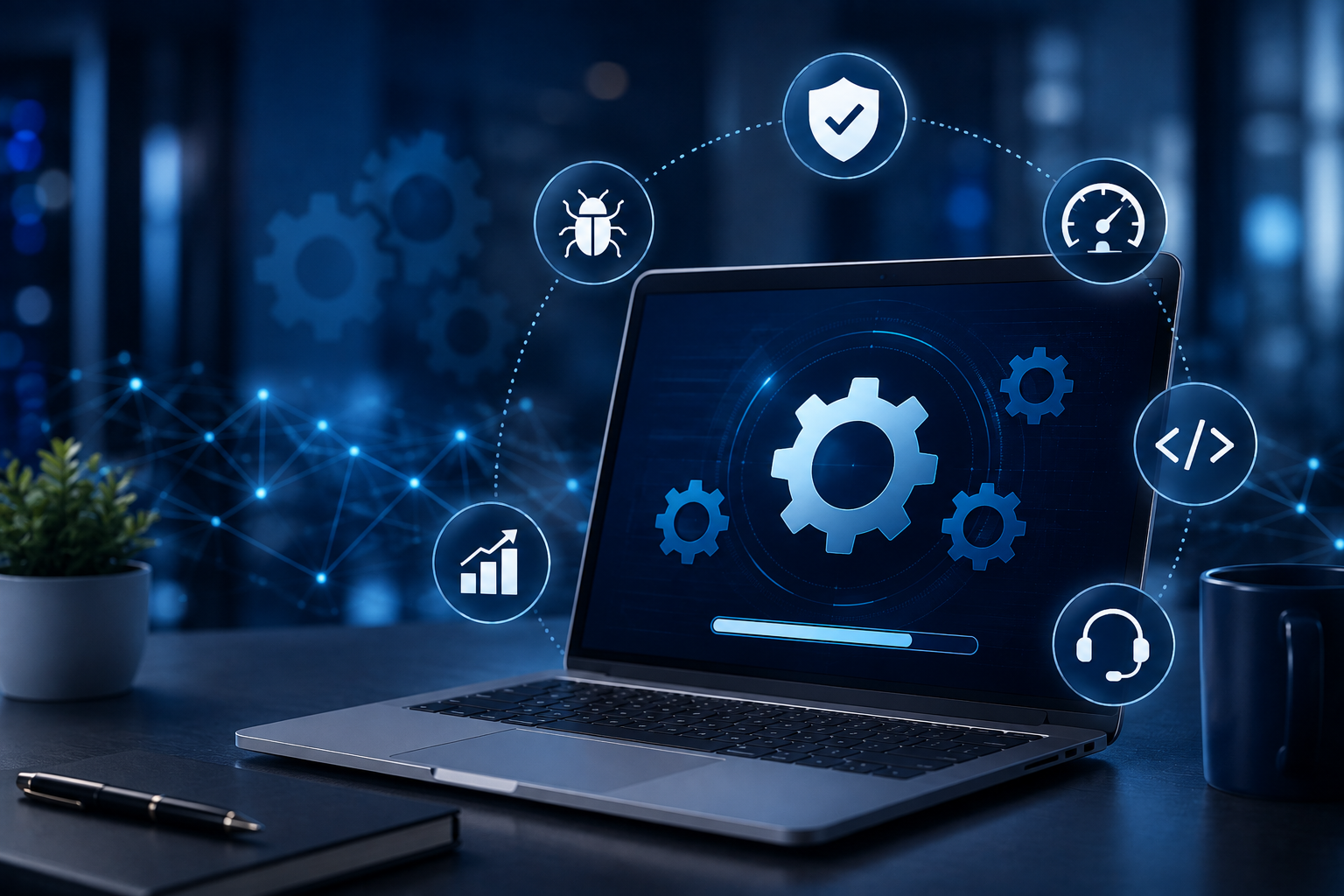
Software maintenance refers to modifying software after delivery to correct faults, improve performance, adapt to changes in its environment, or introduce improvements. It is recognized as an ongoing part of the software lifecycle rather than something that ends when development is completed.
For businesses that depend on software for billing, accounting, inventory, HR, CRM, ERP, reporting, or daily operations, regular maintenance helps keep systems reliable and useful over time.
What Is Software Maintenance?
Software maintenance is the process of making changes to an existing software application after it has been deployed.
These changes may include:
-
Fixing bugs
-
Improving application performance
-
Updating security protections
-
Adding new features
-
Updating integrations
-
Supporting new operating systems or databases
-
Improving user experience
-
Optimizing existing code
-
Updating documentation
-
Adapting software to changing business requirements
Importantly, maintenance does not necessarily mean something is broken. Businesses may also maintain software to improve an application or prepare it for future requirements.
NIST describes maintenance as activities performed to keep software operational and responsive to users after it has entered production.
Why Doesn't Software Stay the Same After Development?
Technology and business requirements continuously change.
For example, a business application may initially work perfectly, but over time:
-
The company may open new branches.
-
Employees may request new features.
-
Customers may expect mobile access.
-
A third-party API may change.
-
The database may become larger.
-
Security threats may evolve.
-
Operating systems may receive major updates.
-
New reporting requirements may emerge.
A software system that is never updated can gradually become harder to operate and modify.
This is why maintenance should be considered during the original software planning process. The current ISO/IEC/IEEE maintenance standard specifically emphasizes planning for maintenance during software development as well as after deployment.
1. Fixing Bugs and Software Errors
Even well-tested applications can contain bugs.
Some problems may only become visible when the software is used in real-world situations with different devices, data combinations, users, or workflows.
For example:
A billing system may work correctly for normal invoices but produce an incorrect calculation under an unusual discount condition.
Software maintenance allows developers to investigate the problem, correct the underlying issue, test the change, and release an updated version.
Regular corrective maintenance helps prevent small problems from becoming larger operational issues.
2. Improving Software Security
Security requirements do not remain static.
New vulnerabilities can be discovered in application dependencies, frameworks, libraries, operating systems, or integrations. Businesses may also change their security requirements as their systems become more important.
Maintenance can include:
-
Updating software dependencies
-
Applying security patches
-
Improving authentication
-
Strengthening access controls
-
Fixing security vulnerabilities
-
Reviewing API security
-
Updating encryption-related components
-
Removing outdated libraries
Security maintenance is particularly important for systems handling customer information, financial data, employee records, or other sensitive business information.
3. Maintaining Software Performance
Software performance can change as usage increases.
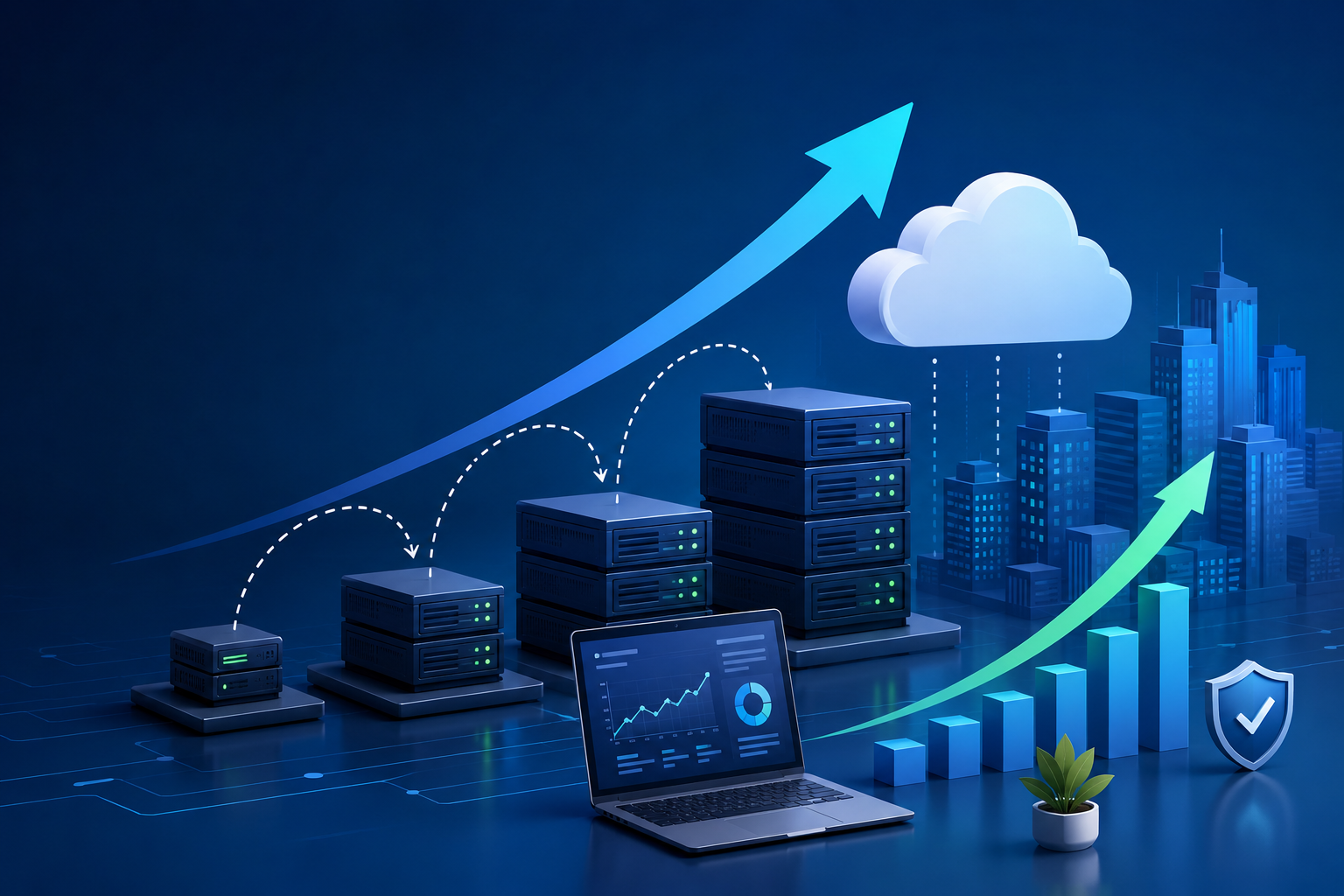
An application that performs well with 100 users may behave differently when the organization grows to 1,000 users and its database contains years of information.
Performance maintenance may involve:
-
Database optimization
-
Query optimization
-
Code optimization
-
Caching improvements
-
Reducing unnecessary processing
-
Improving API response times
-
Optimizing large reports
-
Improving server-side processing
Performance maintenance helps ensure that software continues to support business operations as usage grows.
4. Adding New Features
Businesses rarely remain exactly the same after software is developed.
A company may later need:
-
New reports
-
New payment methods
-
Additional user roles
-
Mobile functionality
-
New dashboards
-
Branch management
-
New integrations
-
Automated notifications
-
Additional approval workflows
These improvements fall under the broader category of software evolution and enhancement.
Instead of replacing the entire application, developers can often extend the existing system when its architecture allows it.
5. Adapting to Technology Changes
Software often depends on other technologies.
For example, an application may rely on:
-
PHP
-
JavaScript
-
MySQL
-
APIs
-
Cloud infrastructure
-
Operating systems
-
Payment gateways
-
Email services
-
Third-party libraries
When these technologies change, the application may need corresponding updates.
This type of maintenance is commonly described as adaptive maintenance, where software is modified to remain compatible with changes in its operating environment.
6. Keeping Third-Party Integrations Working
Modern business applications rarely operate completely independently.
They may connect with:
Payment Gateway → ERP → Accounting Software → Email Service → SMS API → CRM
If one of these external services changes its API, authentication method, response format, or technical requirements, the application may need to be updated.
Without maintenance, an integration that worked for years can eventually stop functioning.
Regular monitoring and maintenance can help businesses respond to these changes before they significantly disrupt operations.
7. Improving User Experience
User expectations change over time.
A system designed several years ago may still technically work, but users may find it difficult or inefficient compared with newer applications.
Maintenance can improve:
-
Navigation
-
Forms
-
Dashboards
-
Mobile responsiveness
-
Search
-
Reporting
-
Notifications
-
Accessibility
-
Page loading
-
User workflows
Small usability improvements can make a significant difference when employees use the software every day.
8. Reducing Technical Debt
Technical debt can accumulate when software is developed quickly and temporary solutions remain in the codebase for a long time.
Examples include:
-
Duplicate code
-
Outdated libraries
-
Complex functions
-
Poor database structures
-
Unused code
-
Weak documentation
-
Difficult-to-maintain modules
Maintenance provides an opportunity to gradually clean up these problems.
Refactoring can improve the internal structure of software without changing its intended external behavior.
This can make future development easier and reduce the difficulty of implementing new requirements.
9. Supporting Business Growth
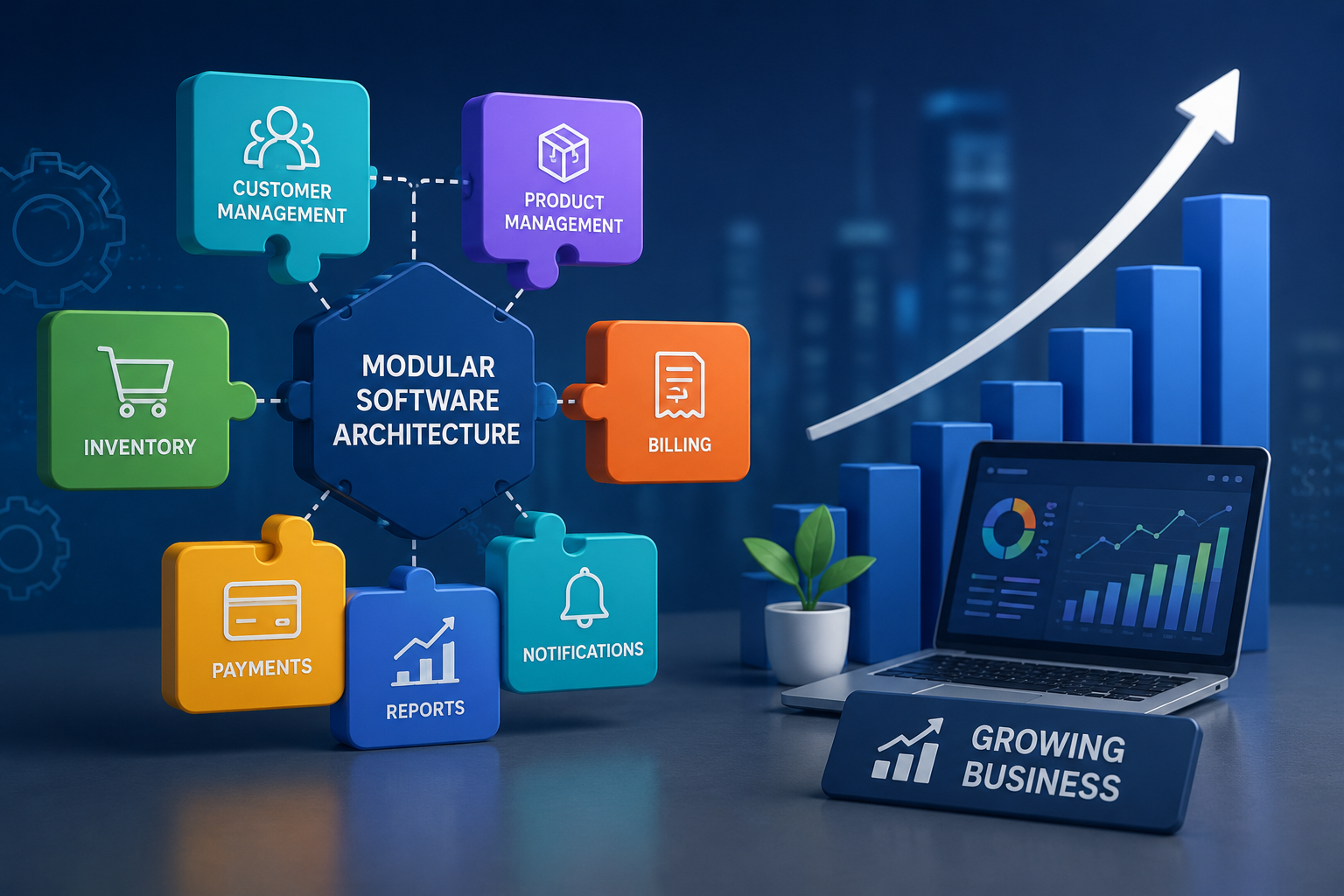
A software application should ideally grow with the business.
Consider a company that starts with one branch.
Its original system may only need:
Products → Customers → Billing → Reports
After expansion, the business may need:
Branches → Employees → Inventory → Purchasing → Billing → Accounting → CRM → Reporting
Without continuous maintenance and enhancement, the original system may become difficult to adapt.
Regular maintenance allows the software to evolve alongside business operations.
10. Maintaining Data and Database Performance
Business applications often accumulate large amounts of data.
Over time, databases may contain:
-
Thousands of customers
-
Millions of transactions
-
Years of invoices
-
Employee records
-
Inventory movements
-
Historical reports
Maintenance can include database optimization, indexing improvements, archiving strategies, and changes to inefficient queries.
A healthy database can help applications remain responsive as data volumes increase.
11. Regression Testing Is Important
One software change can unintentionally affect another part of the application.
For example, a developer changes the billing calculation and unintentionally affects an accounting report.
This is why maintenance should include appropriate testing after modifications.
Regression testing checks that existing functionality continues to work after changes are introduced. NIST guidance notes that maintenance commonly relies on existing test data and regression testing to assess the impact of modifications.
A typical maintenance cycle can look like:
Issue Identified → Analysis → Development → Testing → Regression Testing → Deployment → Monitoring
This structured approach reduces the risk of introducing new problems while fixing existing ones.
12. Documentation Should Be Updated
Software maintenance is easier when developers understand how the system works.
Documentation can include:
-
System architecture
-
Database structure
-
API documentation
-
Installation instructions
-
Configuration details
-
Business rules
-
User roles
-
Deployment procedures
-
Maintenance history
If documentation is ignored for years, even a relatively simple application can become difficult for a new developer to understand.
Keeping documentation updated is therefore part of maintaining a healthy software system.
13. Software Maintenance Can Reduce Long-Term Costs
Some businesses try to avoid maintenance because they see it as an additional expense.
However, delaying necessary maintenance can create larger problems later.
For example:
Small database issue → Performance problem → Application downtime → Business disruption
Similarly:
Outdated dependency → Security vulnerability → Emergency fix → Potential operational impact
Regular maintenance allows organizations to address issues incrementally instead of waiting for major failures.
Software maintenance is also a substantial part of the overall software lifecycle. IEEE notes that maintenance can represent a large share of software costs over a system's operational life.
Types of Software Maintenance
Software maintenance is commonly divided into several categories.
Corrective Maintenance
Fixes errors, bugs, and defects discovered after deployment.
Example: Fixing an incorrect tax calculation.
Adaptive Maintenance
Updates software to work with changes in its environment.
Example: Updating an application after a database or third-party API changes.
Perfective Maintenance
Improves existing functionality or adds enhancements based on user and business requirements.
Example: Adding a new dashboard or improving a reporting module.
Preventive Maintenance
Addresses underlying technical issues before they cause future problems.
Example: Refactoring complicated code or improving automated tests.
These categories reflect established software-maintenance practices and standards.
Software Development vs Software Maintenance
| Software Development | Software Maintenance |
|---|---|
| Creates a new application | Improves an existing application |
| Focuses on initial requirements | Responds to changing requirements |
| Builds initial architecture | Evolves existing architecture |
| Creates initial features | Adds or improves features |
| Initial testing | Regression and ongoing testing |
| Initial deployment | Continuous releases and updates |
| Establishes documentation | Keeps documentation current |
Both activities are important.
Development creates the foundation, while maintenance helps that foundation remain useful over time.
What Should a Software Maintenance Plan Include?
A structured maintenance plan can include:
1. Regular Updates
Keep frameworks, libraries, dependencies, and supporting technologies current where appropriate.
2. Security Reviews
Regularly review vulnerabilities, authentication, permissions, and security controls.
3. Performance Monitoring
Monitor application performance, database health, and server resources.
4. Backup and Recovery Planning
Maintain reliable backup and recovery procedures appropriate to the system.
5. Bug Tracking
Record, prioritize, and resolve software issues systematically.
6. Change Management
Evaluate the potential impact of significant changes before implementation.
7. Testing
Maintain automated and manual tests appropriate to the application.
8. Documentation
Keep technical and operational documentation updated.
9. User Feedback
Collect feedback from people who use the software regularly.
10. Planned Improvements
Maintain a roadmap for enhancements instead of implementing every change reactively.
When Should Businesses Consider Software Maintenance?
Maintenance should not only happen when something breaks.
A better approach is to combine:
Preventive Maintenance + Corrective Maintenance + Security Updates + Performance Improvements + Feature Enhancements
Businesses should consider maintenance when:
-
Users report recurring problems.
-
Application performance decreases.
-
Security updates become available.
-
Third-party integrations change.
-
Business processes change.
-
New features are required.
-
The database grows significantly.
-
The software becomes difficult to modify.
-
Technology dependencies become outdated.
-
The organization expands into new locations or markets.
Why Maintenance Is Especially Important for Business Software
Business software is often connected to critical daily operations.
For example, an ERP system may manage:
Employees → Attendance → Payroll → Inventory → Sales → Purchasing → Accounting → Reports
If one important component stops working, multiple departments can be affected.
This makes ongoing maintenance particularly important for ERP, CRM, billing, inventory, healthcare, education, finance, and other operational systems.
Final Thoughts
Software development does not end when an application is launched.
The real-life use of software creates new requirements, new data, new technical challenges, and new opportunities for improvement. Continuous maintenance helps businesses keep their applications secure, reliable, compatible, efficient, and aligned with changing needs.
A well-maintained software system can evolve with the organization instead of becoming an obstacle to growth.
For businesses investing in custom software, maintenance should therefore be considered part of the overall software lifecycle from the beginning, not an optional service added only after problems appear.