Table of Contents
- How Billing Software Can Improve Customer Checkout Experience
- What Is Customer Checkout Experience?
- Why Checkout Speed Matters
- 1. Faster Product Selection
- 2. Fewer Billing Errors
- 3. Easier Discount Management
- 4. Convenient Payment Processing
- 5. Faster Invoice Generation
- 6. Better Transparency for Customers
- 7. Reduced Waiting Time During Busy Hours
- 8. Easier Returns and Purchase Verification
- 9. Better Customer Service at the Billing Counter
- 10. A More Professional Brand Experience
- Billing Software Can Connect Checkout With the Rest of the Business
- How Businesses Can Improve Their Checkout Process
- Keep Product Information Updated
- Train Employees
- Use Barcode Scanning Where Appropriate
- Keep the Checkout Interface Simple
- Provide Digital Invoices
- Review Checkout Performance
- What Businesses Should Look for in Billing Software
- The Future of Customer Checkout
- Conclusion
How Billing Software Can Improve Customer Checkout Experience
In today’s competitive business environment, customers expect more than quality products and good service. They also expect the buying process to be quick, accurate, convenient, and hassle-free.
The checkout counter is often the final interaction a customer has with a business. Even if the shopping experience has been excellent, a slow or complicated billing process can leave a negative impression. Long queues, incorrect invoices, manual calculations, payment delays, and difficulty finding products can all create unnecessary friction.
This is where modern billing software can make a significant difference.
A well-designed billing system can streamline the checkout process, help employees work more efficiently, reduce manual errors, and provide customers with a smoother purchasing experience. Research on retail customer experience also highlights the importance of point-of-sale and checkout interactions in shaping customers' overall perception of a brand.
What Is Customer Checkout Experience?
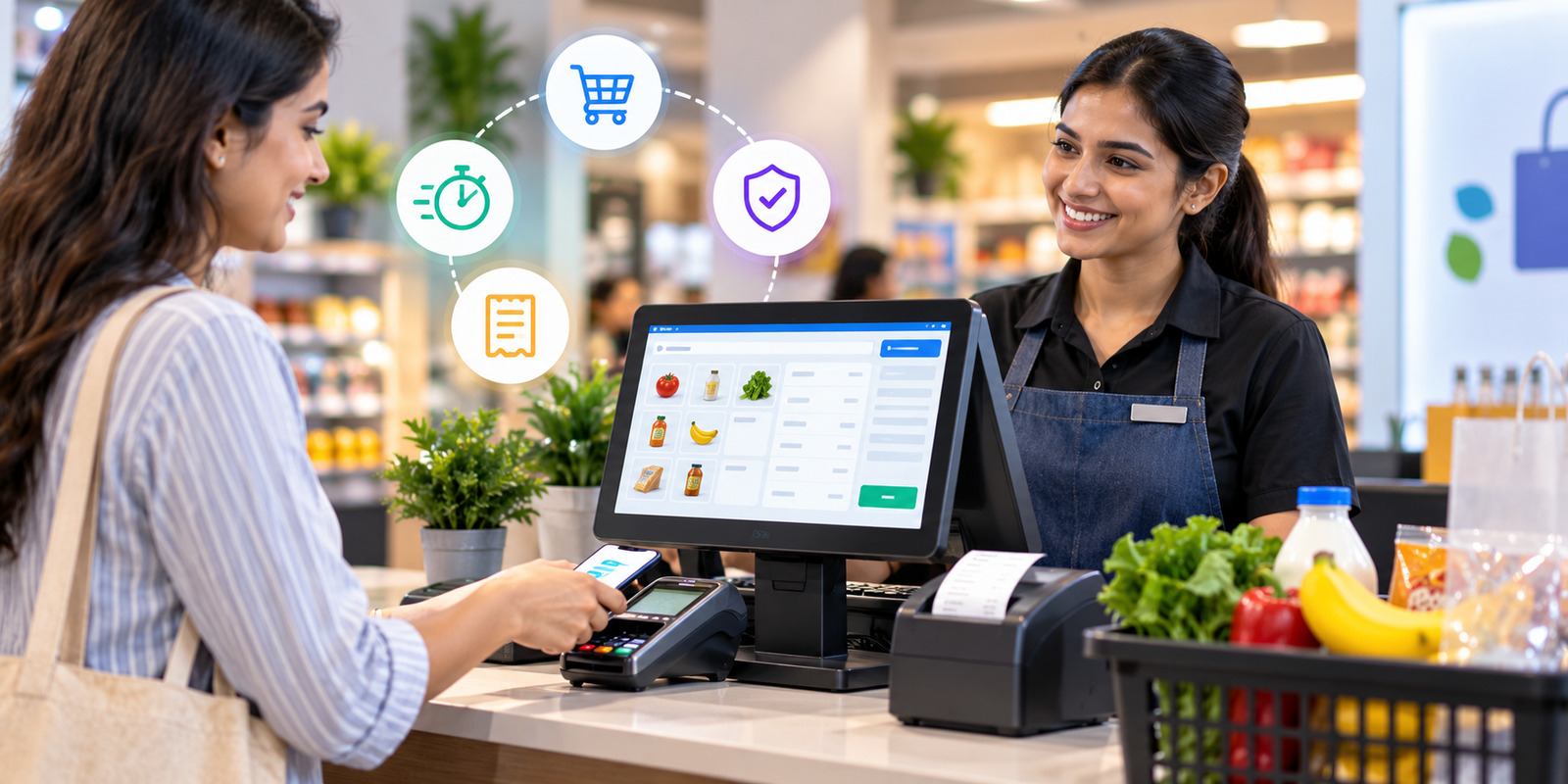
Customer checkout experience refers to everything that happens when a customer is ready to complete a purchase.
It can include:
-
Product scanning or selection
-
Price calculation
-
Discounts and offers
-
Tax calculation
-
Invoice generation
-
Payment processing
-
Receipt delivery
-
Return or exchange information
-
Post-purchase communication
A good checkout experience should be fast, accurate, transparent, and convenient.
Customers generally do not want to spend unnecessary time waiting at a billing counter. Modern POS and billing solutions are increasingly designed around reducing friction during this final stage of the purchasing journey.
Why Checkout Speed Matters
One of the most noticeable problems in traditional billing environments is slow checkout.
Employees may need to manually search for products, calculate totals, apply discounts, prepare invoices, and update records. When customer traffic increases, these small delays can create long queues.
Billing software can automate many of these tasks.
For example, instead of manually entering every product, employees can search for products quickly or use barcode scanning where supported. The system can automatically calculate quantities, prices, taxes, and applicable discounts.
This can help employees process transactions more efficiently and allow businesses to serve more customers during busy periods.
A faster checkout does not simply save employee time. It can also make customers feel that the business is organized and professional.
1. Faster Product Selection
Manual product entry can slow down the billing process, especially when a business has hundreds or thousands of products.
Modern billing systems can provide quick product search and barcode-based product selection.
An employee can scan or search for an item and immediately add it to the invoice.
This can reduce:
-
Manual typing
-
Product-search time
-
Incorrect product selection
-
Repeated data entry
-
Checkout delays
For supermarkets, retail stores, pharmacies, wholesalers, and other businesses with large product catalogs, faster product selection can have a noticeable impact on the checkout process.
2. Fewer Billing Errors
Customers expect the amount on their bill to be correct.
Manual calculations and data entry can sometimes result in incorrect quantities, prices, discounts, or taxes. Even a small billing mistake can require additional time to correct and may reduce customer confidence.
Billing software can automatically calculate the invoice based on the information stored in the system.
For example, when an employee selects a product, the system can retrieve its configured price and calculate the total based on quantity.
This reduces the amount of manual calculation required at the billing counter.
Accurate invoices can therefore contribute to a more reliable and professional checkout experience.
3. Easier Discount Management
Discounts and promotional offers are common in retail and other businesses.
However, manually calculating discounts can slow down checkout and create inconsistencies.
A billing system can be configured to handle applicable discounts according to the business rules.
This allows employees to process promotional pricing without performing repeated calculations manually.
For customers, this means they can receive a clear breakdown of:
-
Product price
-
Discount
-
Applicable taxes
-
Final payable amount
Clear billing improves transparency and helps customers understand exactly what they are paying for.
4. Convenient Payment Processing
The payment stage is another important part of checkout.
Customers may prefer different payment methods depending on the situation. A modern checkout setup can support the payment methods appropriate for the business and its customers.
Billing software can help employees record the selected payment method and update the transaction accordingly.
When billing and payment information are handled within an organized system, employees spend less time switching between different processes.
The broader retail payments industry also emphasizes that checkout performance involves more than speed. Payment choice, security, transaction reliability, and convenience are important parts of the overall experience.
5. Faster Invoice Generation
Creating invoices manually can take several minutes, particularly when employees have to calculate totals and enter customer information themselves.
Billing software can generate an invoice based on the transaction details already entered into the system.
This can make the final stage of checkout much quicker.
Businesses can also provide customers with digital copies of invoices where supported. For example, Logic Waves Tech's billing solution includes WhatsApp invoice sharing as one of its features, allowing businesses to share invoices digitally with customers.
Digital invoices can also make it easier for customers to retain their purchase records.
6. Better Transparency for Customers
Customers appreciate knowing exactly what they are being charged.
A professional invoice can clearly display information such as:
-
Purchased products or services
-
Quantity
-
Price
-
Discounts
-
Taxes
-
Total amount
-
Payment status
This creates greater transparency during the transaction.
Instead of receiving a handwritten or unclear bill, customers can receive a structured invoice that provides a complete summary of their purchase.
This can be particularly useful for businesses that handle GST invoices and regular customer transactions.
7. Reduced Waiting Time During Busy Hours
Checkout problems become more visible during peak business hours.
A store may operate smoothly when there are only a few customers, but slow billing can quickly become a problem when multiple customers arrive at the same time.
Billing software can help employees process transactions more systematically.
Faster product selection, automated calculations, quick invoice generation, and organized payment recording can collectively reduce unnecessary delays.
This is particularly valuable for:
-
Supermarkets
-
Grocery stores
-
Retail shops
-
Pharmacies
-
Restaurants
-
Cafés
-
Wholesalers
-
Busy service businesses
Reducing checkout friction can help businesses maintain better customer flow during high-demand periods.
8. Easier Returns and Purchase Verification
The customer experience does not necessarily end when the invoice is generated.
Returns and exchanges are also important parts of the post-purchase experience.
When transaction records are digitally stored, employees can more easily locate previous purchases and verify transaction information.
Instead of searching through physical bills or manually maintained records, staff can use the billing system to locate relevant transaction details.
This can make return and exchange processes more organized and reduce unnecessary customer waiting.
9. Better Customer Service at the Billing Counter
Billing employees often interact directly with customers.
If employees spend most of their time performing repetitive calculations or searching for product information, they have less time to communicate with customers.
A well-organized billing system can reduce repetitive administrative work.
This allows employees to focus more on:
-
Answering customer questions
-
Explaining offers
-
Confirming products
-
Handling special requests
-
Resolving billing concerns
Technology should not replace good customer service. Instead, it should help employees spend less time on repetitive tasks and more time helping customers.
10. A More Professional Brand Experience
The checkout process contributes to how customers perceive a business.
A clean invoice, quick transaction, organized payment process, and efficient staff interaction can make a business appear more professional.
This matters especially for small and growing businesses competing with larger brands.
Customers may not know which billing software a business uses, but they experience the results of that system through the checkout process.
A smooth transaction can reinforce the impression that the business is reliable, organized, and customer-focused.
Billing Software Can Connect Checkout With the Rest of the Business
One major advantage of modern billing software is that checkout does not have to operate as an isolated process.
A billing transaction can be connected with other business operations such as inventory, customer records, payments, and reporting.
For example:
Customer purchases product → Product is added to invoice → Total is calculated → Payment is recorded → Invoice is generated → Transaction is stored
This connected approach reduces the need for employees to enter the same information into multiple systems.
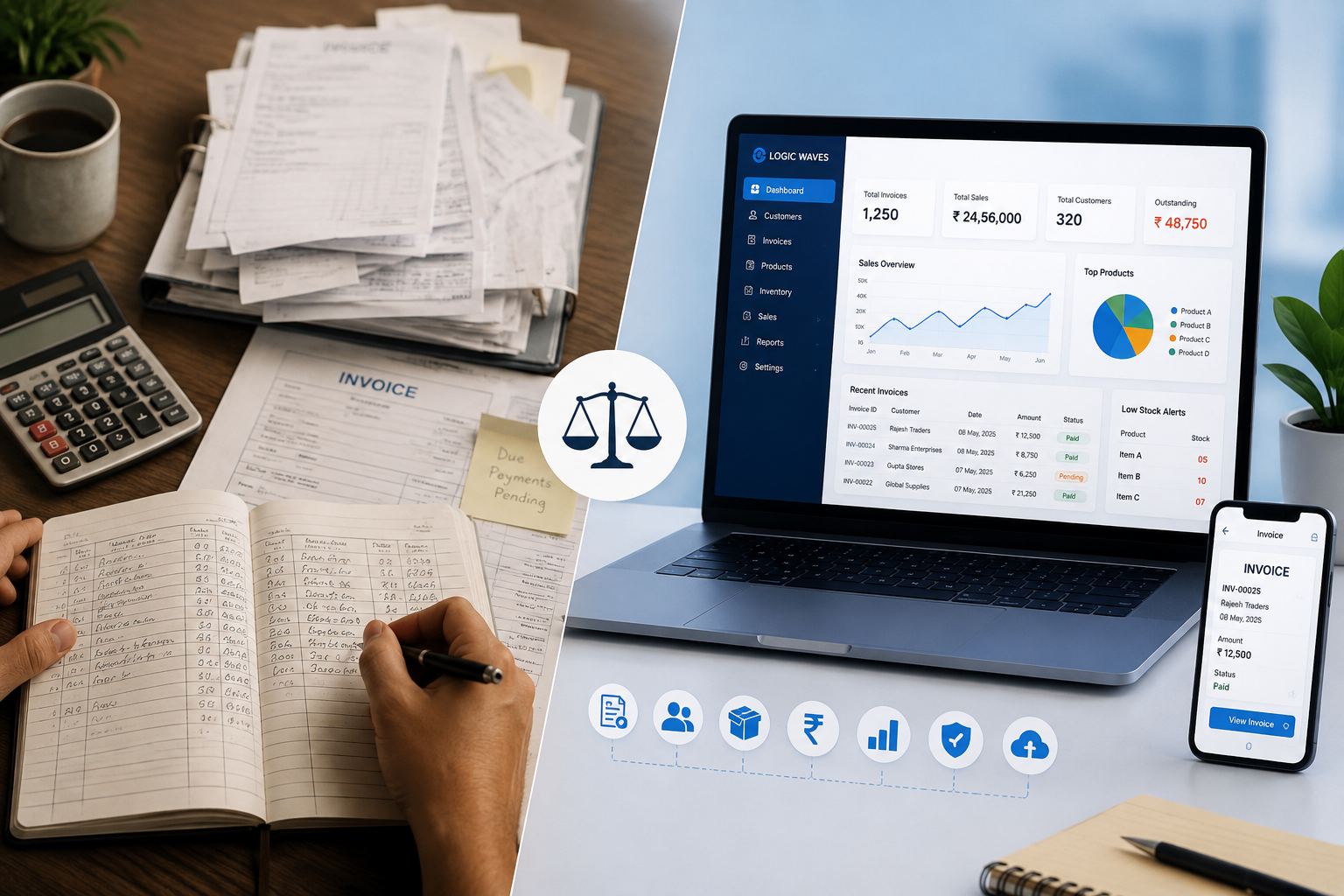
Logic Waves Tech's billing platform, for example, combines billing with inventory management, payment tracking, customer-related operations, reports, analytics, and cloud backup.
How Businesses Can Improve Their Checkout Process
Simply installing billing software is not enough. Businesses should also configure and use the system properly.
Here are some practical steps:
Keep Product Information Updated
Ensure product names, prices, codes, and other relevant information are accurate.
Train Employees
Employees should understand the billing workflow so they can use the system confidently during busy periods.
Use Barcode Scanning Where Appropriate
For businesses with large product catalogs, barcode-based selection can reduce manual product entry.
Keep the Checkout Interface Simple
Employees should be able to find products and complete transactions without navigating through unnecessary screens.
Provide Digital Invoices
Where appropriate, give customers convenient access to digital copies of their invoices.
Review Checkout Performance
Businesses can analyze transaction data to identify common delays and operational problems.
What Businesses Should Look for in Billing Software
When choosing billing software, businesses should look beyond basic invoice generation.
Important considerations include:
-
Easy-to-use billing interface
-
Fast product search
-
Barcode support where required
-
GST invoice capabilities
-
Multiple payment options
-
Customer records
-
Digital invoice sharing
-
Inventory integration
-
Sales reporting
-
Secure data storage
-
User access controls
-
Scalability
-
Reliable support
The right features will depend on the type and size of the business.
A grocery store may prioritize barcode billing and high-volume checkout, while a service business may need customer records, service invoices, and payment tracking.
The Future of Customer Checkout
Customer expectations around convenience continue to evolve.
Businesses are increasingly looking for ways to make transactions faster while maintaining accuracy, security, and a personal customer experience.
Modern checkout technology is moving toward more connected systems where billing, payments, inventory, customer information, and business analytics work together.
For businesses, this means the billing counter is no longer simply a place where an invoice is printed. It can become an important part of the overall customer experience and business management system.
Conclusion
A customer's final interaction with a business can strongly influence their overall impression of the brand.
Slow billing, long queues, manual calculations, unclear invoices, and payment delays can create unnecessary friction. On the other hand, a well-designed billing system can help businesses create a faster, more accurate, transparent, and convenient checkout experience.
From quick product selection and automated calculations to digital invoices and organized transaction records, billing software can simplify the checkout process for both employees and customers.
For businesses looking to modernize their operations, investing in the right billing technology is not only about improving internal efficiency. It is also about creating a better experience for the people who matter most: the customers.
Businesses looking for a customized billing solution can explore the Billing System services from Logic Waves Tech, which are designed to combine billing, inventory, payments, customer management, and business reporting in one platform.